
How the Experience Works
Step 1: Choose What You Want to Paint
When you enter the experience, you have 4 major industrial categories to choose from:
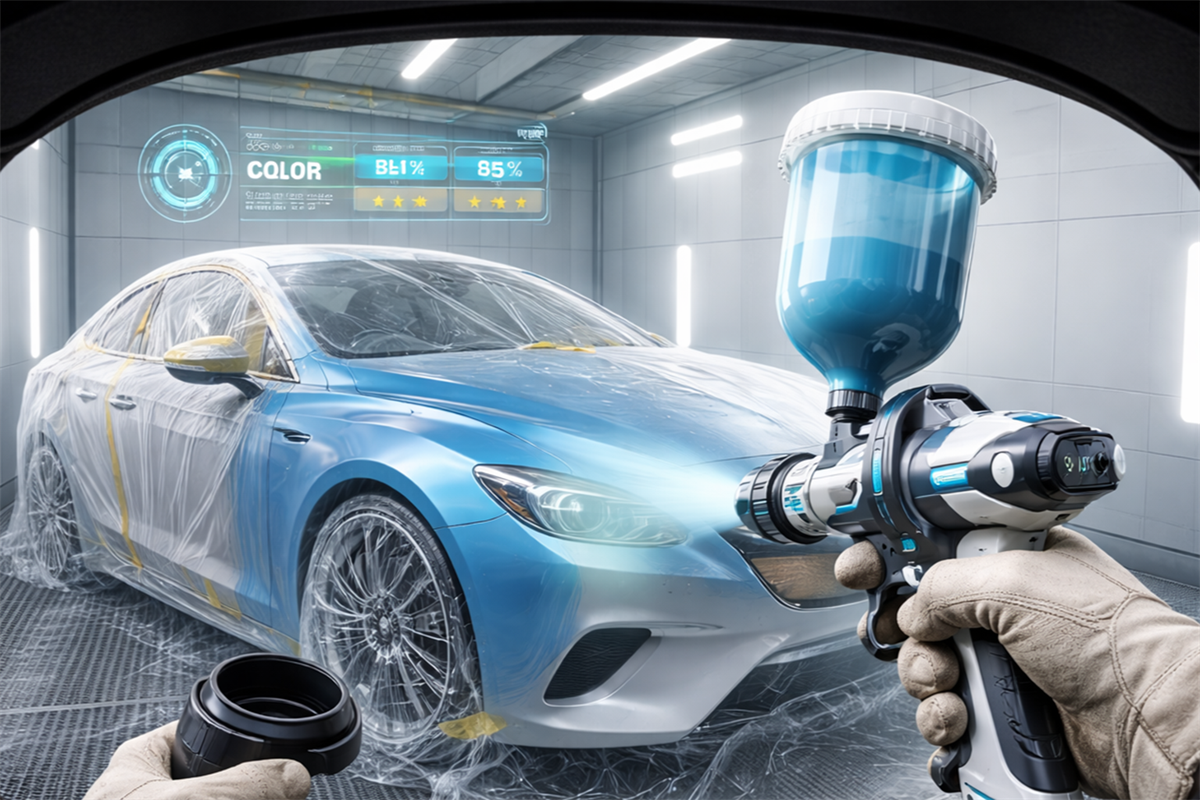
Automotive
Multiple car parts: doors, fenders, hoods, bumpers, mirrors, roof, trunk, and more.
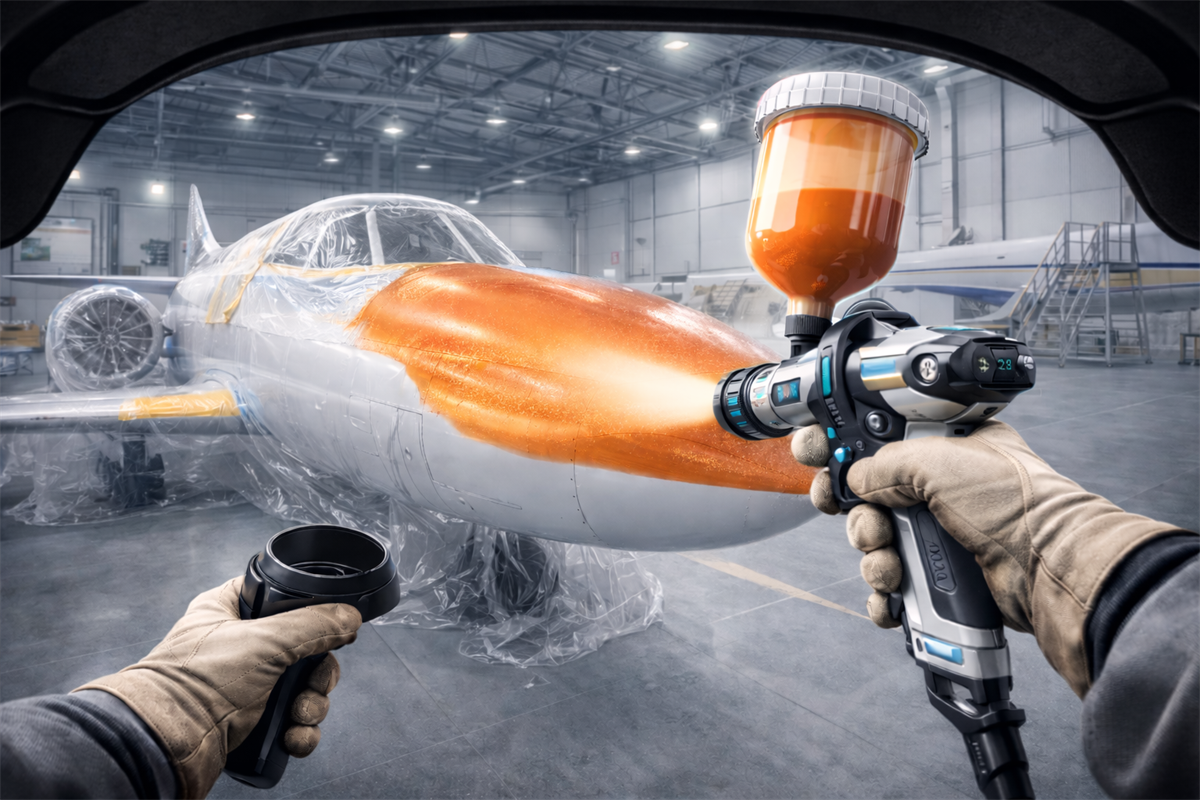
Aircraft
Airplane parts and exterior surfaces-specialized training for the aviation sector.
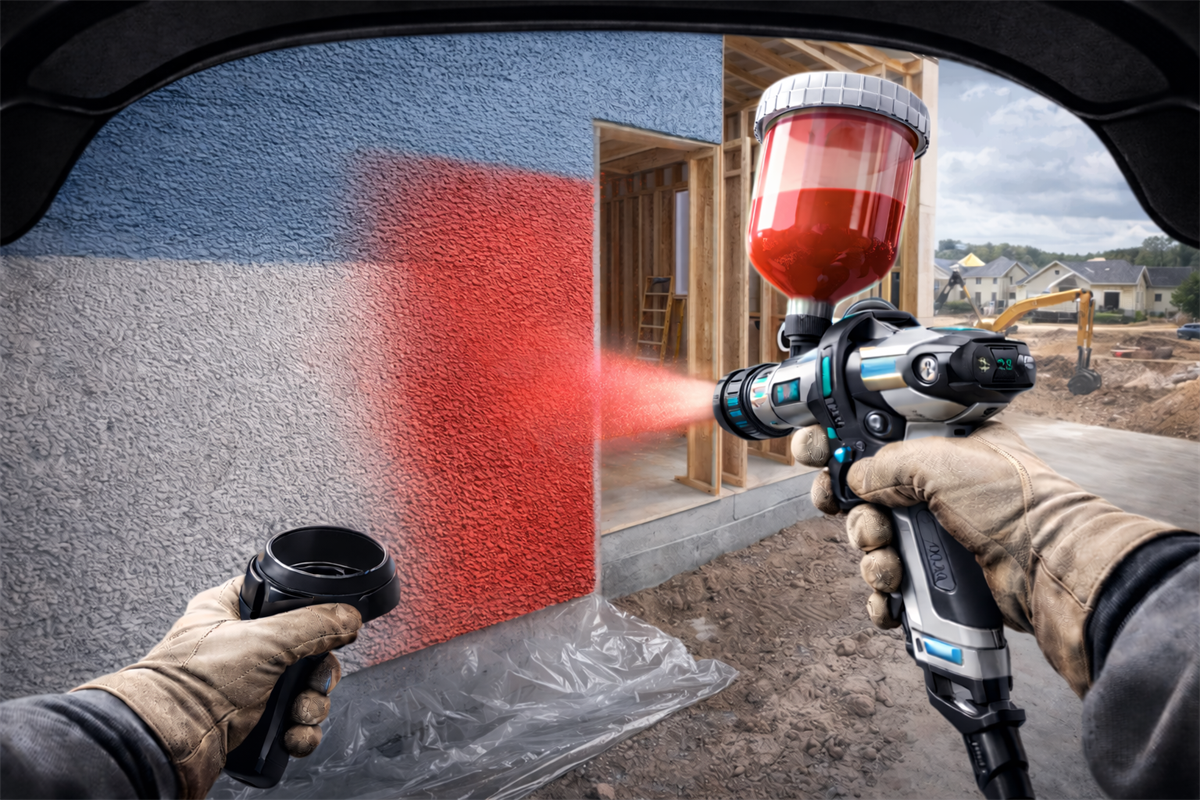
Construction
Building materials and engineering surfaces-for industrial coating applications.
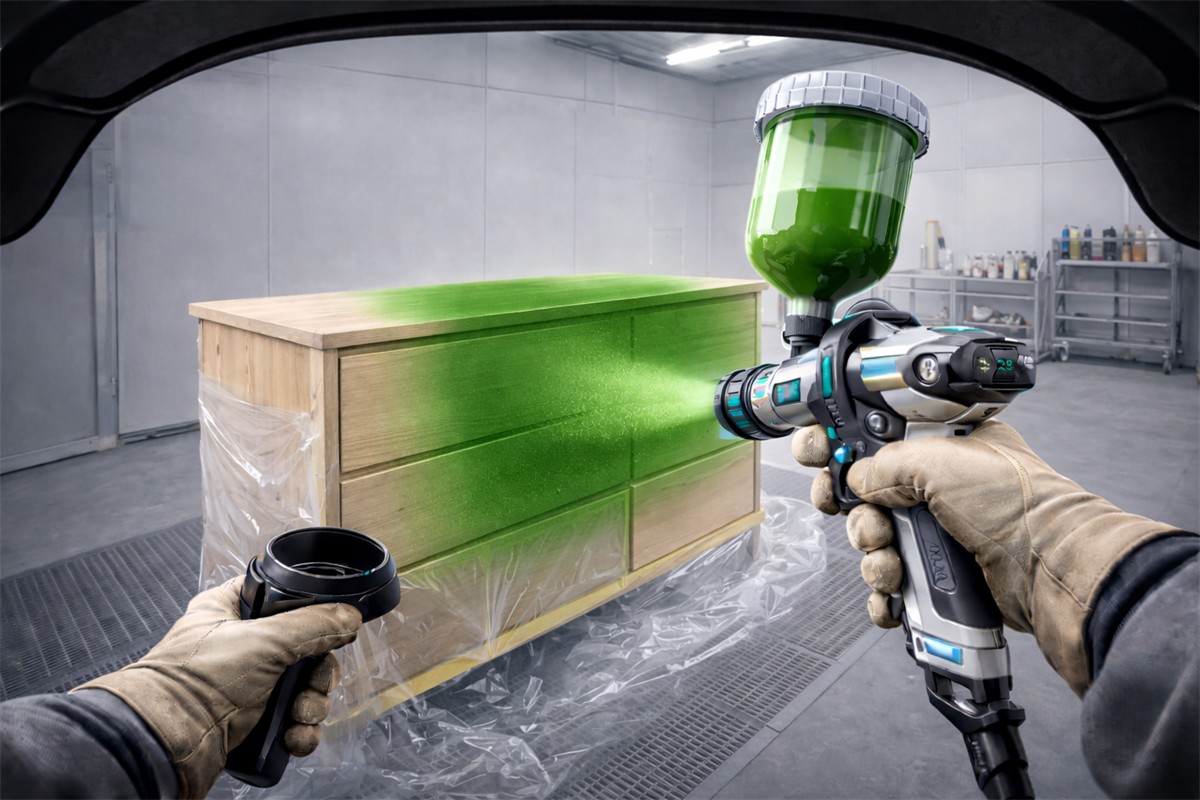
Furniture
Various furniture pieces-for detailed finishes and precision work.
Step 2: Start the Painting Process with 3 Stages
Every professional paint job consists of 3 sequential coats.
Stage 1: Primer
The foundational layer that prepares the surface and ensures proper paint adhesion. You must achieve even coverage without leaving bare spots.
What Gets Measured:
- Surface coverage completeness
- Avoiding excess paint buildup
- Maintaining correct spray distance
Stage 2: Base Coat
Choose the part you want to paint, then select your desired color from an available palette. The colored layer defines the final appearance.
What Gets Measured:
- Quality of application and color uniformity
- No clumping or paint runs
- Consistent layer thickness
Stage 3: Clear Coat
The final transparent protective layer that shields the paint and provides gloss and protection from environmental factors.
What Gets Measured:
- Even distribution of the protective layer
- Achievement of desired gloss finish
- Prevention of bubbles or surface defects
VR Spray Painting Training in Action
See how immersive virtual reality turns professional spray painting practice into a safe, realistic, and measurable training experience.
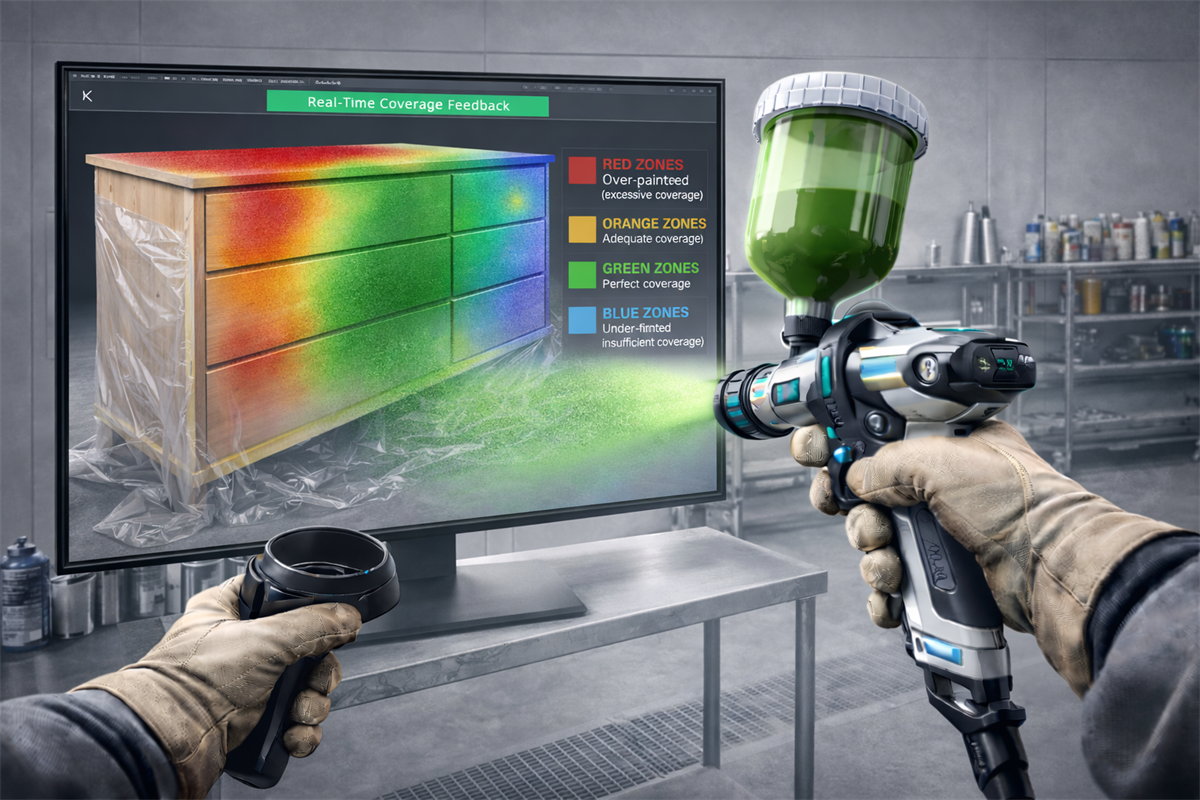
You also receive audio alerts and visual signals to correct your distance, angle, and speed in real time-just like having an expert instructor by your side.
Real-Time Heatmap Feedback System
While you work on each layer, an intelligent heatmap system displays on your screen.
Red Zones
Over-painted (excessive coverage).
Orange Zones
Adequate coverage.
Green Zones
Perfect coverage.
Blue Zones
Under-painted (insufficient coverage).
Grading and Results System
Upon completing all 3 stages, the system provides you with a comprehensive grade and sends it to the teacher on the private system.
Coverage Grade
Percentage of correctly painted surface area.
Paint Usage
Was the right amount used, or was there waste?
Time Efficiency
How your speed compares to professional standards.
Average Speed, Distance & Angle
Precise technical data about your technique.
Key Features Summary
Realistic Virtual Reality
Immersive experience with an integrated real spray gun.
Instant Feedback
Real-time results for every training session.
Smart Heatmap System
Heatmaps and audio alerts for immediate guidance.
Measurable Progress
Track your improvement from session to session.
4 Professional Sectors
Specialized training for your specific industry.
3-Stage Painting Process
Learn the complete workflow from primer to clear coat.
Frequently Asked Questions About VR Spray Painting Training VR Simulation Training
Get A Special Offer For You
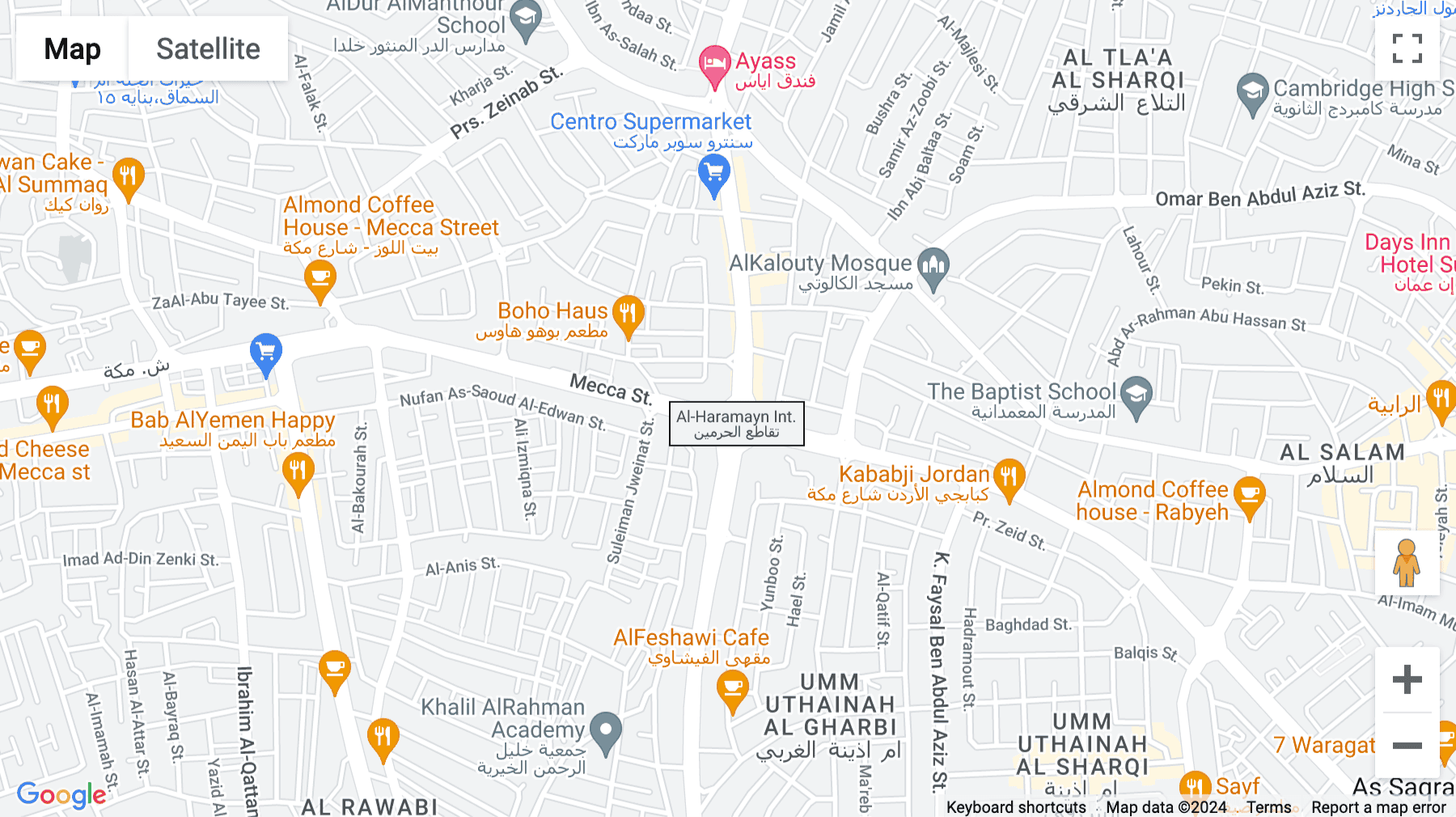
- Amman -Mecca Street Building No. 226 – First Floor
- (+962) 7‑7662 ‑3912
-
Sun - Wed: 8:00 am - 17:00 pm
Thur: 8:00 am - 16:00 pm - [email protected]
We welcome your questions, do not hesitate to contact us
- Create virtual reality and augmented reality experiences at the best prices
- Equipping engineering laboratories with the best equipment
- Virtual tours with 360° technology and also feature that you can see them through just one link
- Create virtual reality and augmented reality experiences at the best prices
- Equipping engineering laboratories with the best equipment
-
Virtual tours with 360° technology and also feature that you can see
them through just one link
Client & Visitor Reviews
Share your experience, feedback, or opinion about this page content.
Write a Review
Latest Reviews