
PLC Controllers — PLC Studio
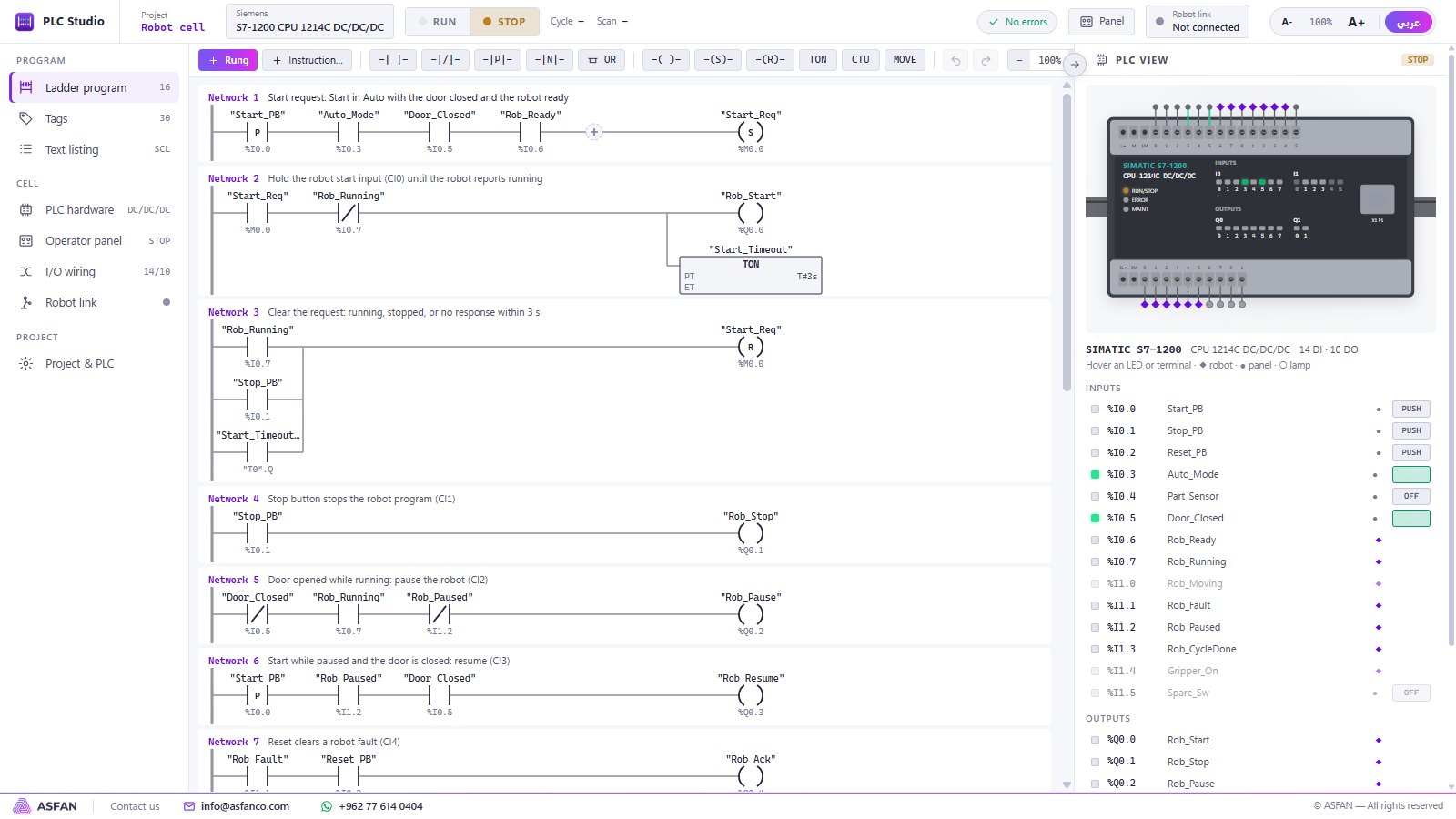
A software PLC for teaching and testing ladder logic. Choose the brand and CPU, write rungs in that brand's own notation and addresses, press RUN and watch the power flow, the LEDs and the operator panel respond live — and drive a real robot cell through its I/O.
Five world brands, fourteen CPUs
Siemens
CPU models
SIMATIC S7-1200 (CPU 1214C, 1215C) · S7-1500 (CPU 1511-1 PN)
Notation
TIA Portal · LADSchneider Electric
CPU models
Modicon M221 (TM221CE24T, TM221CE40T) · M241 (TM241CE40T)
Notation
EcoStruxure Machine Expert – BasicMitsubishi Electric
CPU models
MELSEC iQ-F FX5U-32MT/ES, FX5U-64MT/ES, FX5UC-32MT/D
Notation
GX Works3 · LadderRockwell (Allen-Bradley)
CPU models
MicroLogix 1100 (1763-L16BBB) · 1400 (1766-L32BXB)
Notation
RSLogix 500 · LadderOmron
CPU models
SYSMAC CP1L-EM40DT-D · CP2E-N30DT-D, CP2E-N40DT-D
Notation
CX-Programmer · LadderBrand names identify the notation and CPU models that are modelled. PLC Studio is ASFAN software, not vendor software.
What is inside
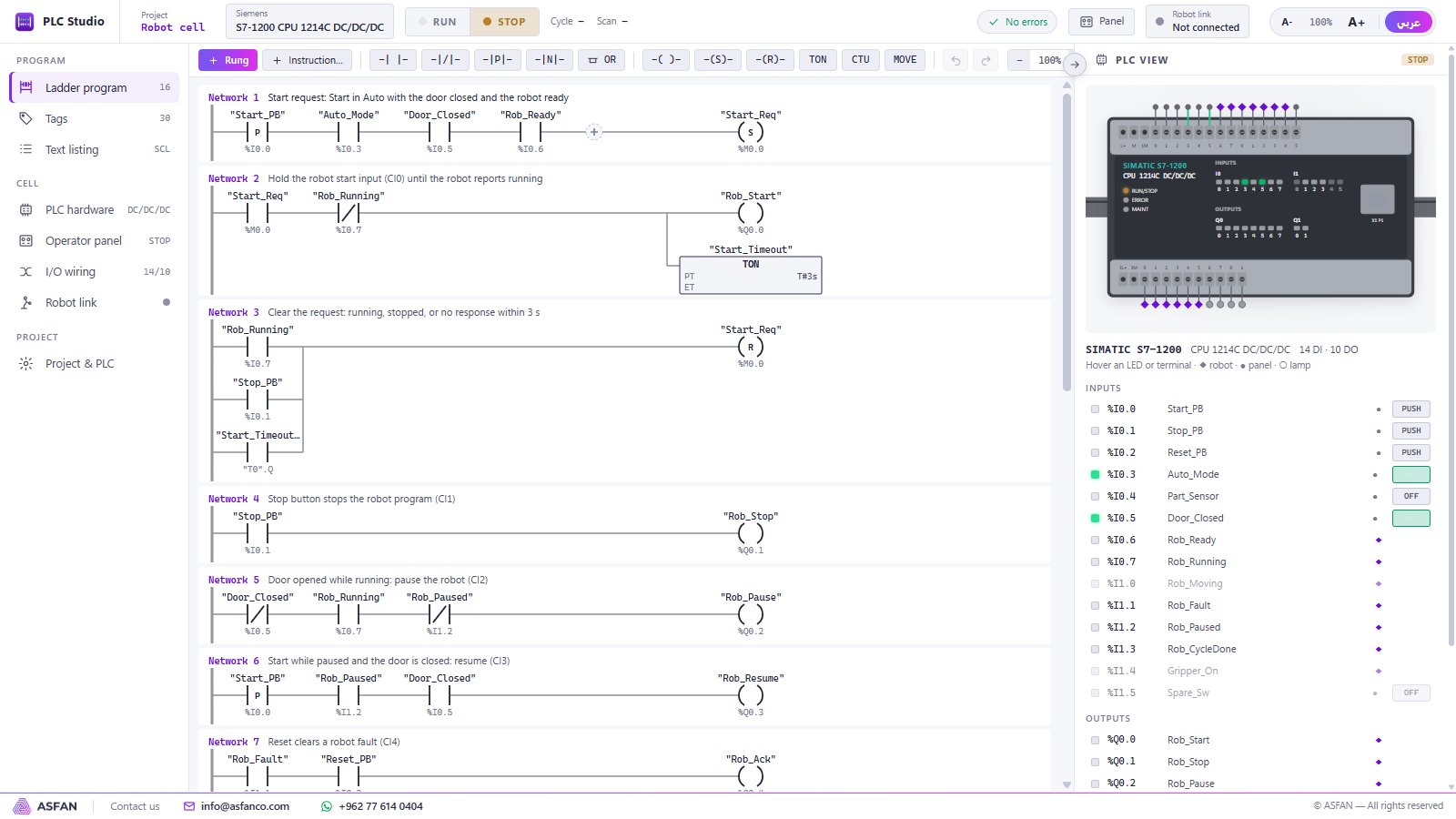
Ladder editor
Networks with comments, contacts, parallel branches and coils, inserted from a toolbar or the instruction picker, with full keyboard shortcuts.
Instruction set
NO/NC and edge contacts, one-shot, compare (EQU…LEQ), output, set and reset coils, TON / TOF / TP / retentive timers, CTU / CTD counters, MOVE and ADD / SUB / MUL / DIV.
Brand-true addresses
%I0.0 on Siemens and Schneider, X0 / Y0 on Mitsubishi, I:0/0 on Rockwell, 0.00 on Omron — plus symbolic tag names.
PLC hardware view
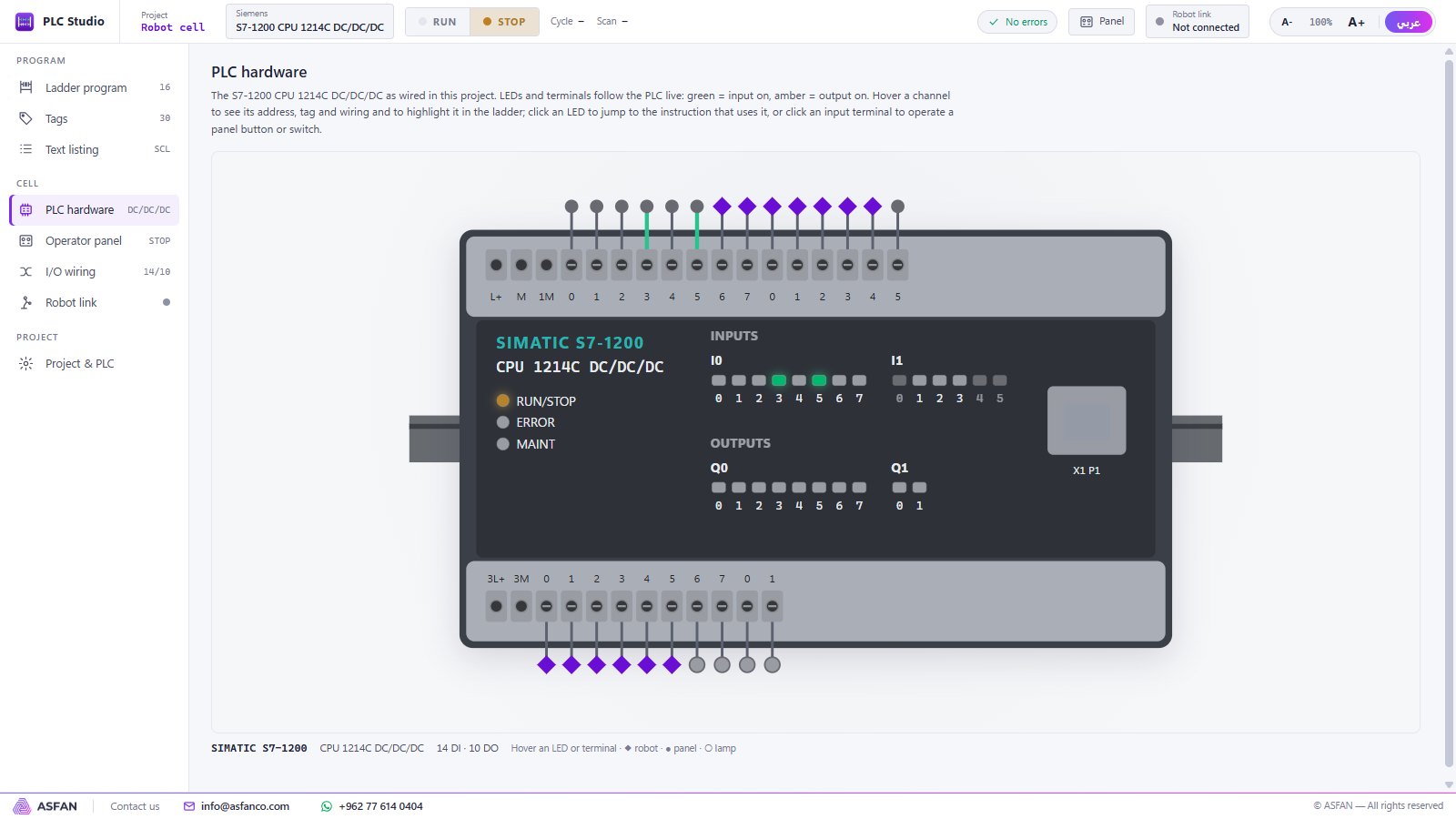
A drawing of the chosen CPU whose input and output LEDs follow the program live; click an LED to jump to the instruction that uses it.
Operator panel & wiring
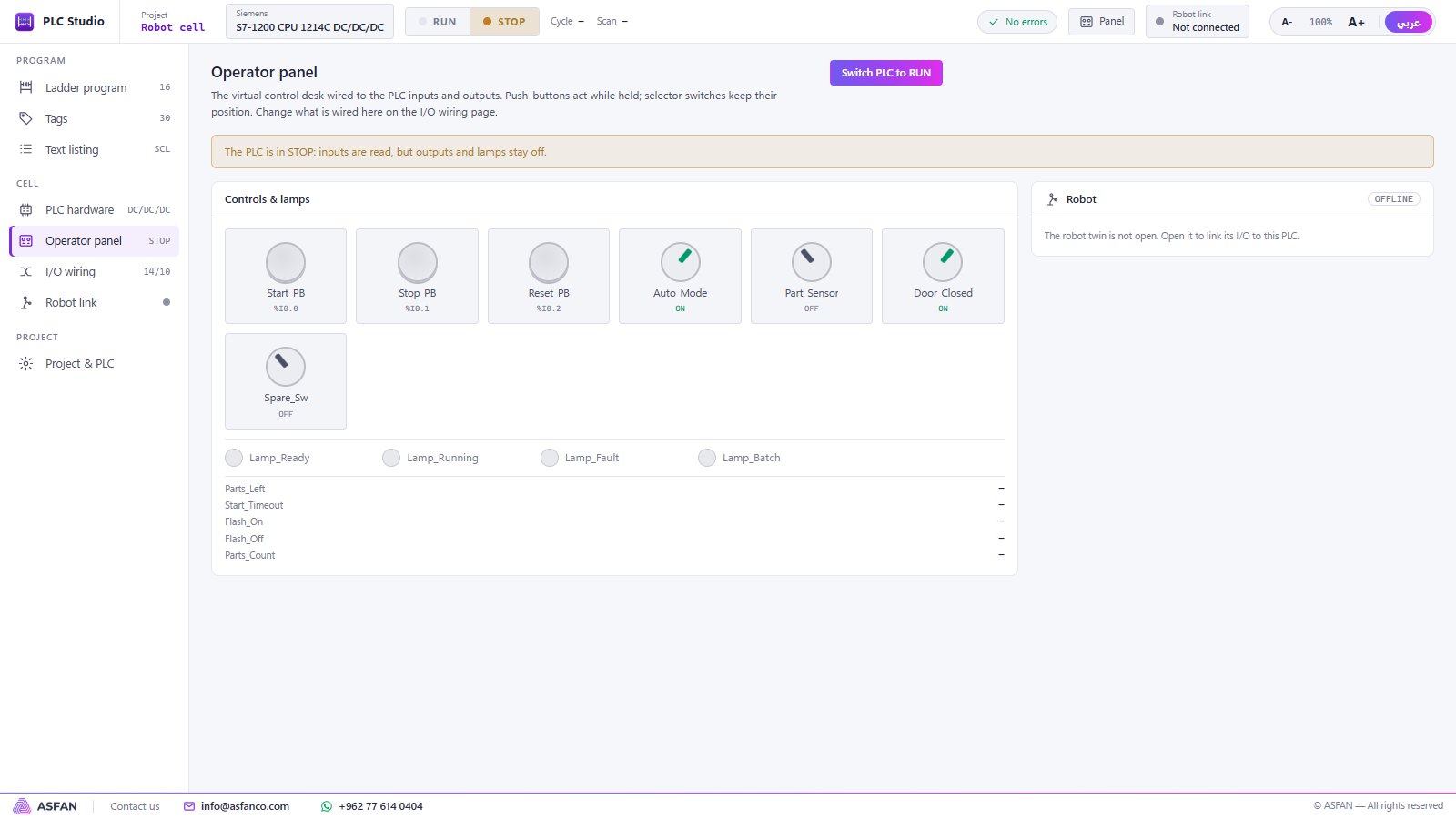
Push-buttons, selector switches and lamps wired to PLC channels, and an I/O wiring page that connects them and the robot signals.
Run, test, export
RUN / STOP with scan statistics, error check, a read-only instruction listing for reviews, and project files to move work between PCs.
Change the brand, keep the program
Open any project and choose Change brand / CPU…: the ladder program is kept and shown in the new brand's notation and addresses — ideal for comparing Siemens, Rockwell and Mitsubishi side by side in class.
Robot + PLC tutorial
- Create a project from the Robot-cell demo (any brand).
- Open the robot twin — it links automatically (LINKED).
- In the twin, load the example PLC cell (I/O handshake).
- Switch the PLC to RUN, turn Auto_Mode on and press Start_PB.
- Switch Part_Sensor on: the robot runs its cycle and the PLC counts finished parts; the batch lamp lights after five.
- Try Stop_PB, opening the door (pause), Start_PB (resume) and Reset_PB.
A closer look
Real screens from version 0.3.1. Click a screenshot to enlarge it.
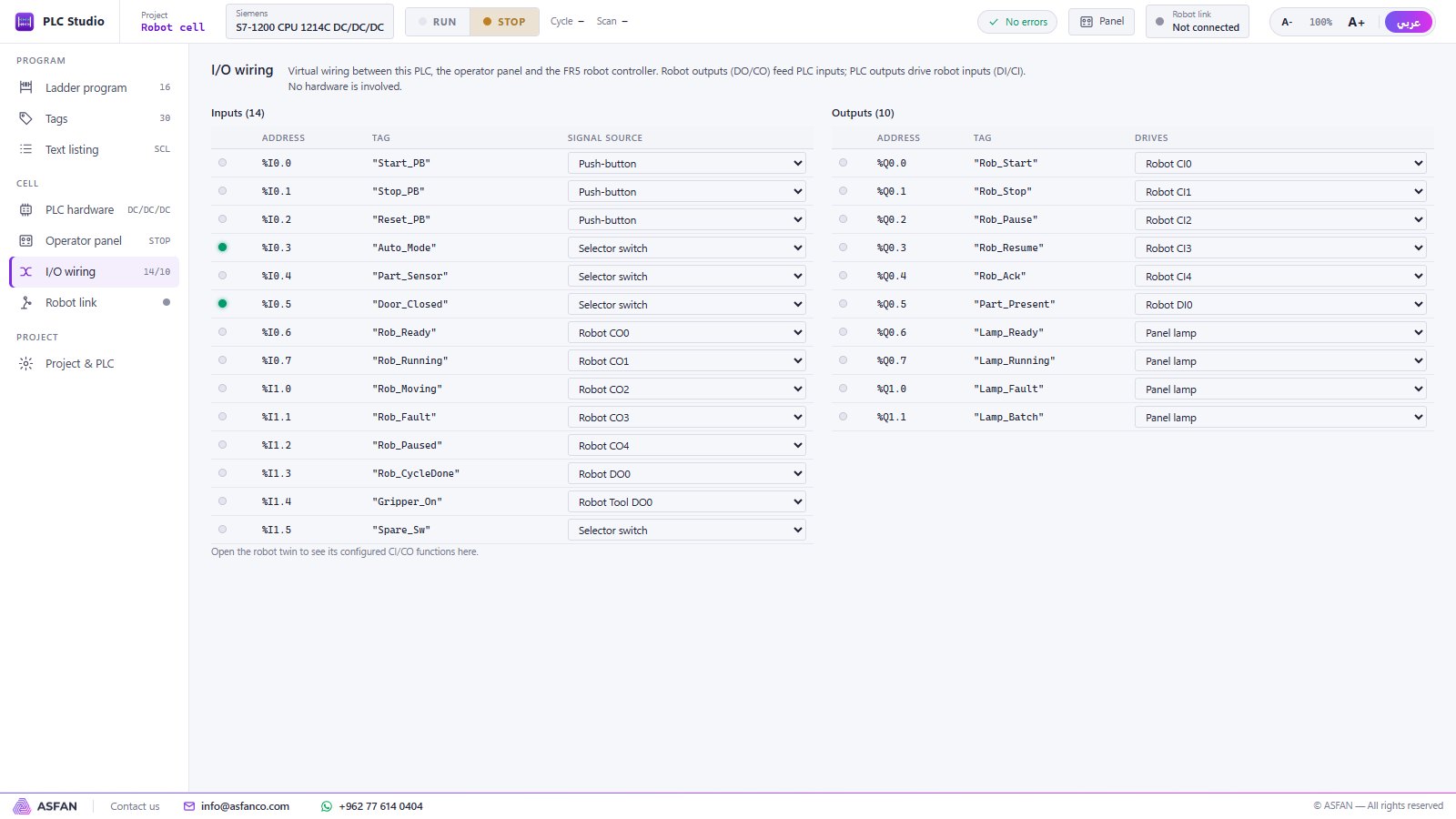
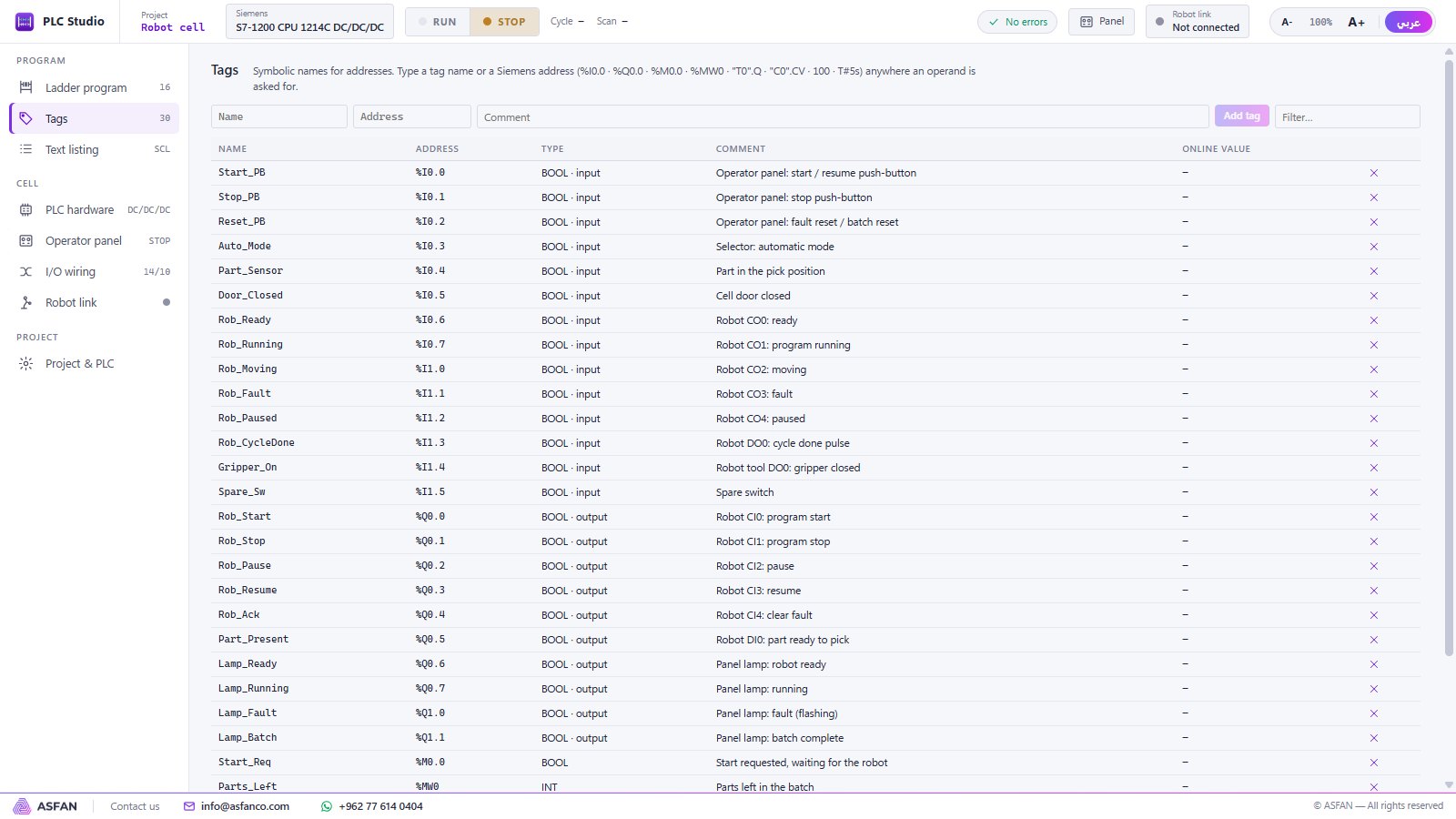
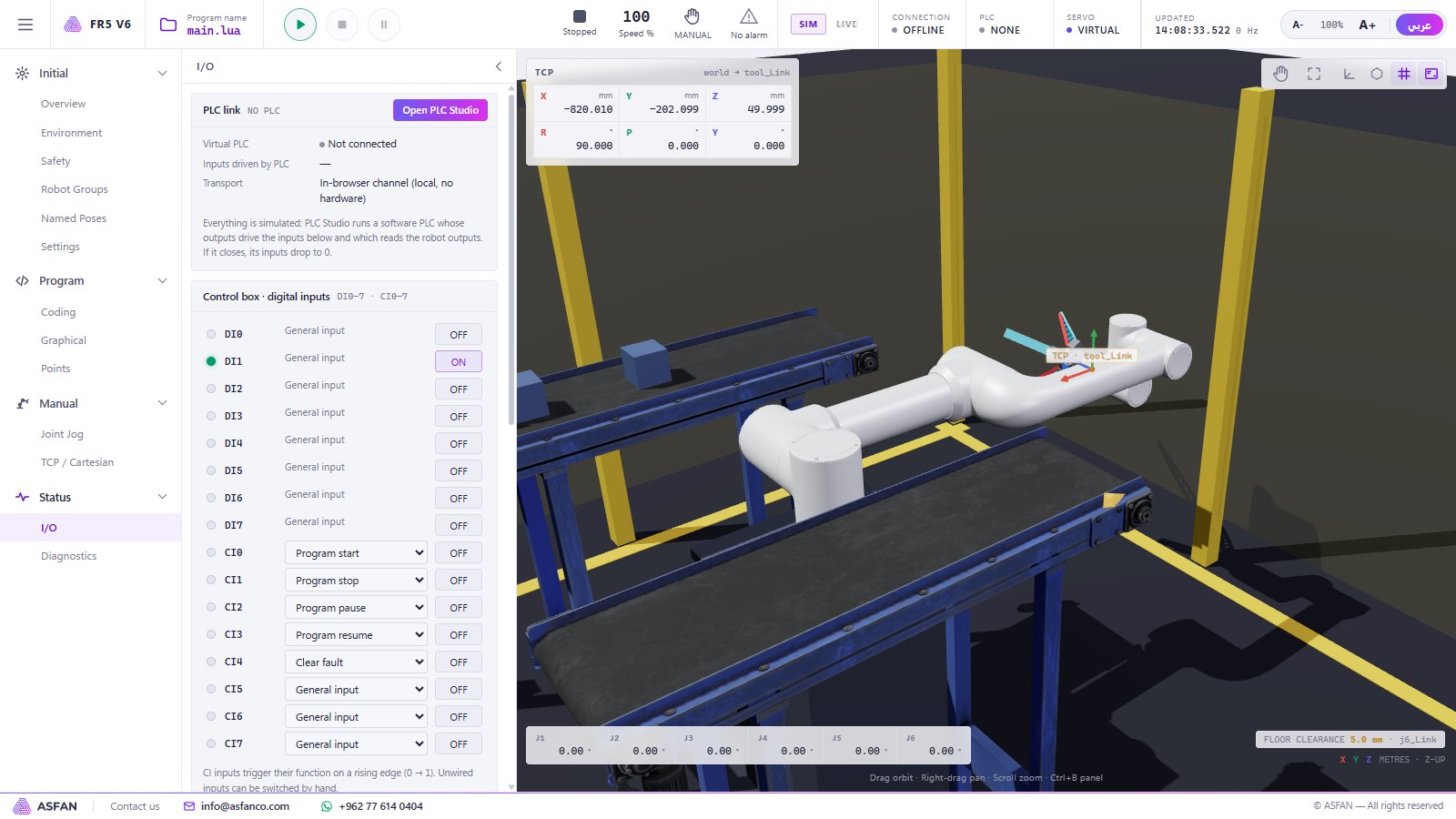
Works with the robot
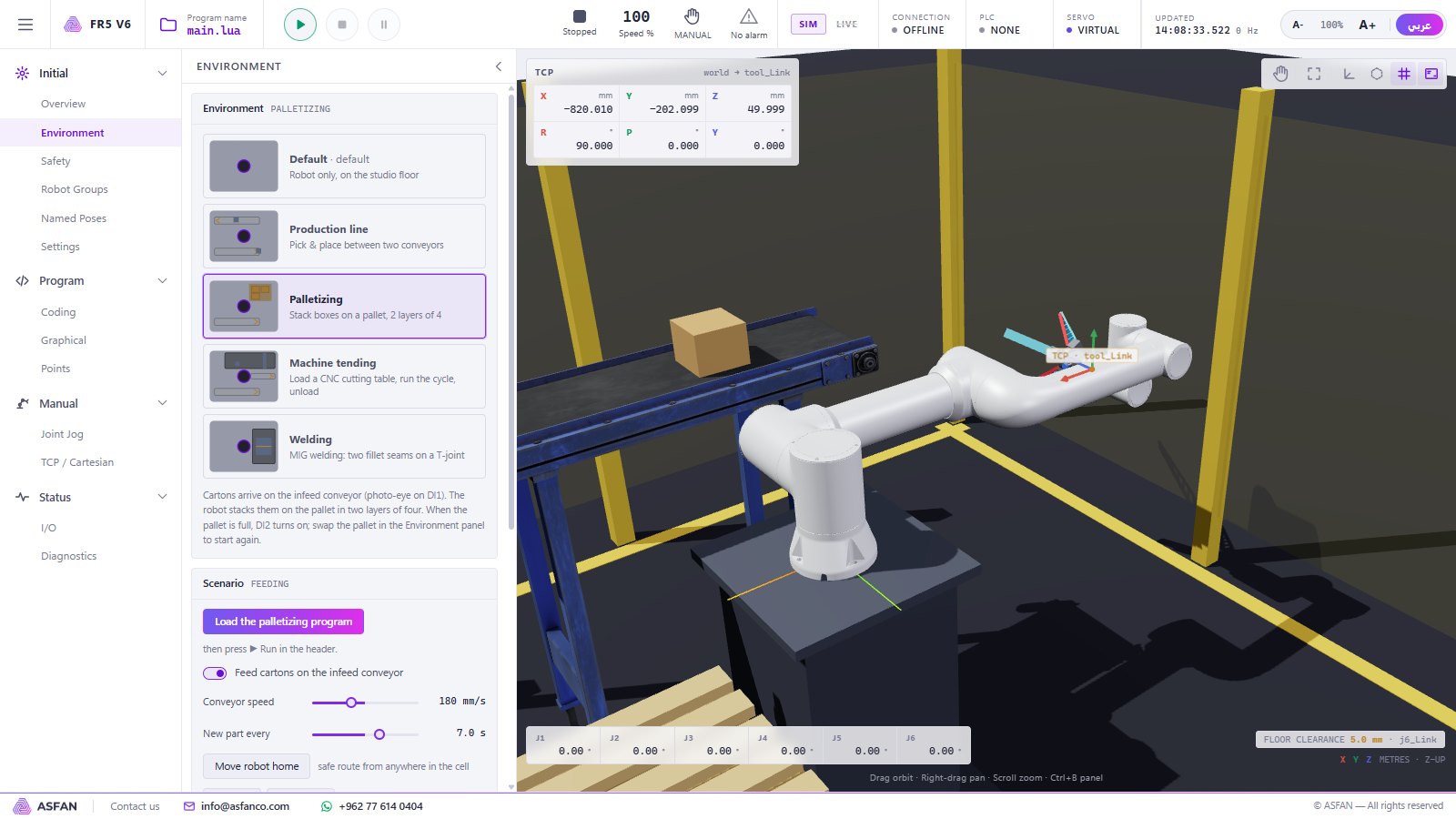
Add the Robotic section and your ladder logic drives a six-axis robot in palletizing, welding, machine tending and conveyor cells.
Industrial license — Monthly or Annual
Not sure yet? Install the 14-day trial first — no key, no payment, no account.
Industrial
PLC Controllers: five brands, ladder editor, operator panel, I/O wiring.
Contact us
for current pricing · Monthly or Annual
Request Industrial License- Monthly — renewed every month, ideal for a semester or pilot
- Annual — one payment for 12 months
- Free automatic updates while the license is active
- Reminder 7 days before the license ends
- Multi-PC pricing for labs and classrooms
User manual
User manual
Full user manual — 21 pages covering both simulators, every page, the Lua commands, the PLC instructions and a robot + PLC tutorial.
Common questions
Put a complete automation cell in your lab
Install the 14-day trial today, or talk to our team about a Robotic, Industrial or Complete license for your university, training centre or company.