VR training for Meta Quest
Graphic Design Training in VR – Learned on a Real Job
Students take a brand from the client’s brief to the printed sign on a shop front — and see for themselves what works and what does not.
- Meta Quest 3 and 3S
- Arabic and English
- Hands or controllers
Graphic Design Training in VR – Brochure
Everything a design lesson needs, in one headset
Designed and built by ASFAN in Amman, the course turns design theory into a real job: a real client, real products, real print machines and a real street where the finished work is judged.
Arabic first, English too
The whole experience, with voice-over, in Arabic (right-to-left) and English. The language can be changed at any time.
No computer, no cables
Runs on the headset itself — Meta Quest 3 and 3S — with hands or controllers.
A report for the teacher
Score, attempts, time and mistakes for each student, kept on the headset and opened from the lobby.
Fits a lesson
The Design Lab, the Print Room and the street check can each be run alone in 10–15 minutes.
A guided first step
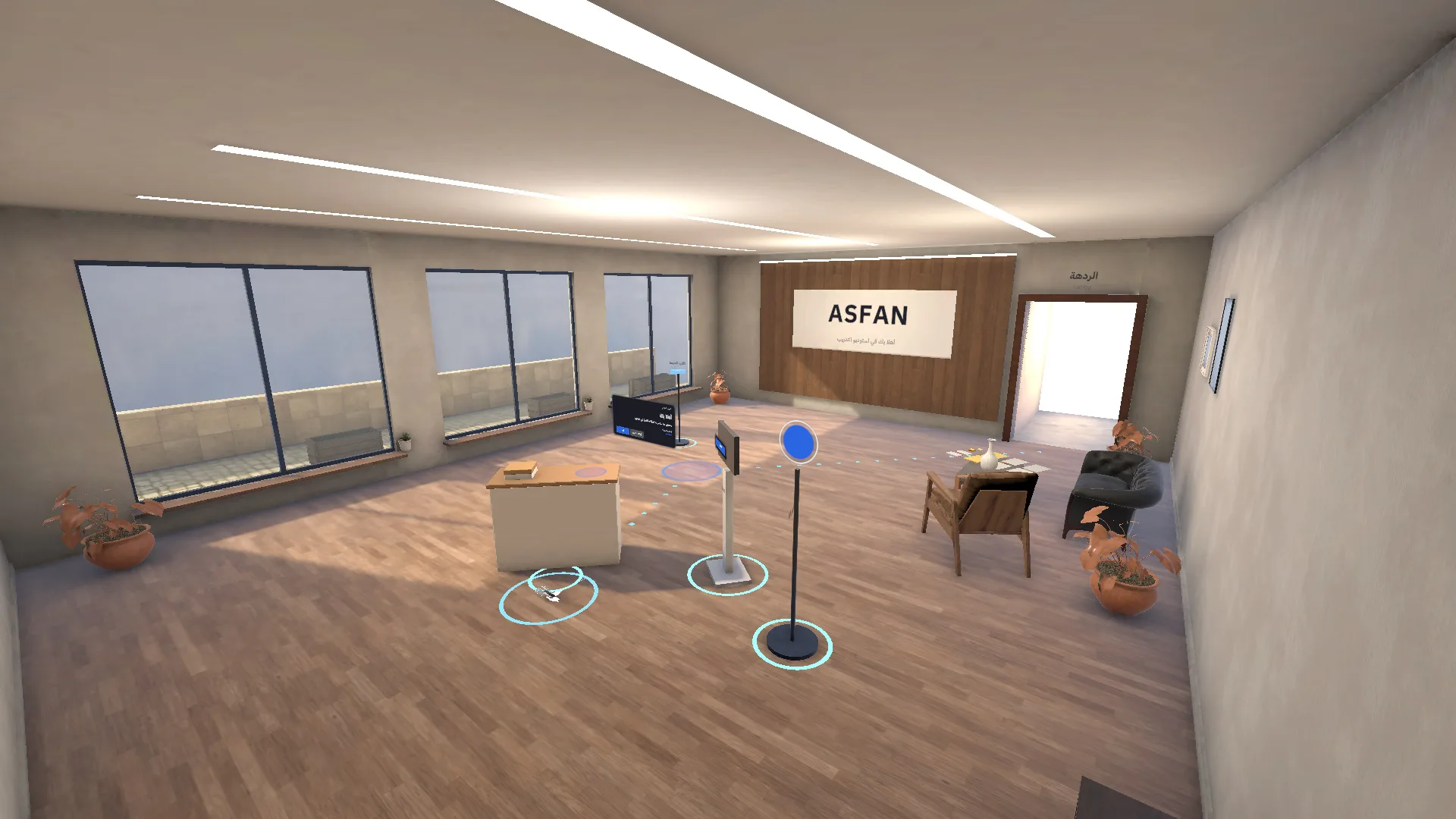
A short tutorial in a training studio teaches looking, pointing, pressing, grabbing and moving before the work starts.
Something to take away
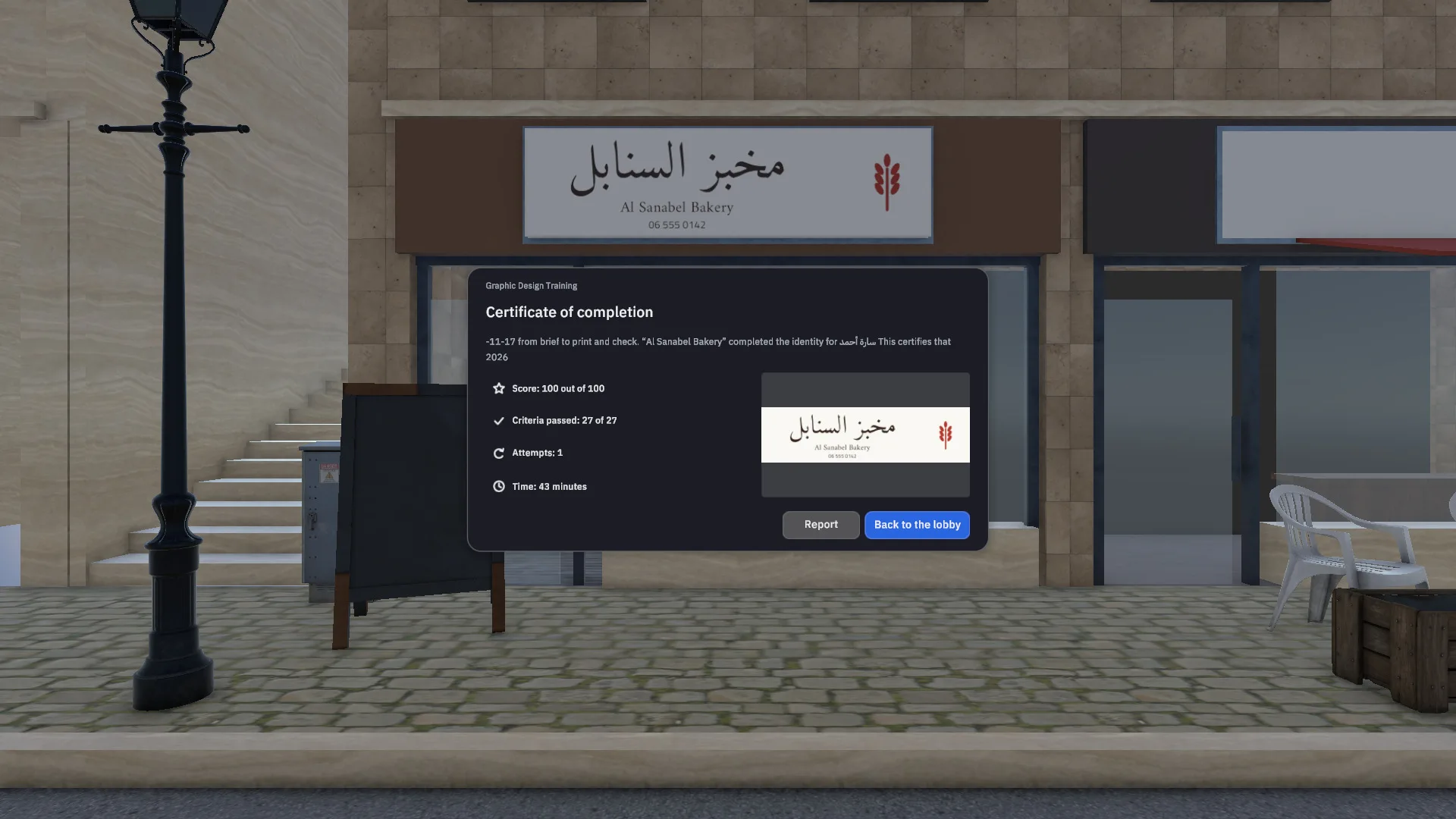
A certificate with the final score, and a gallery of the student’s finished work.
One project, from the brief to the street
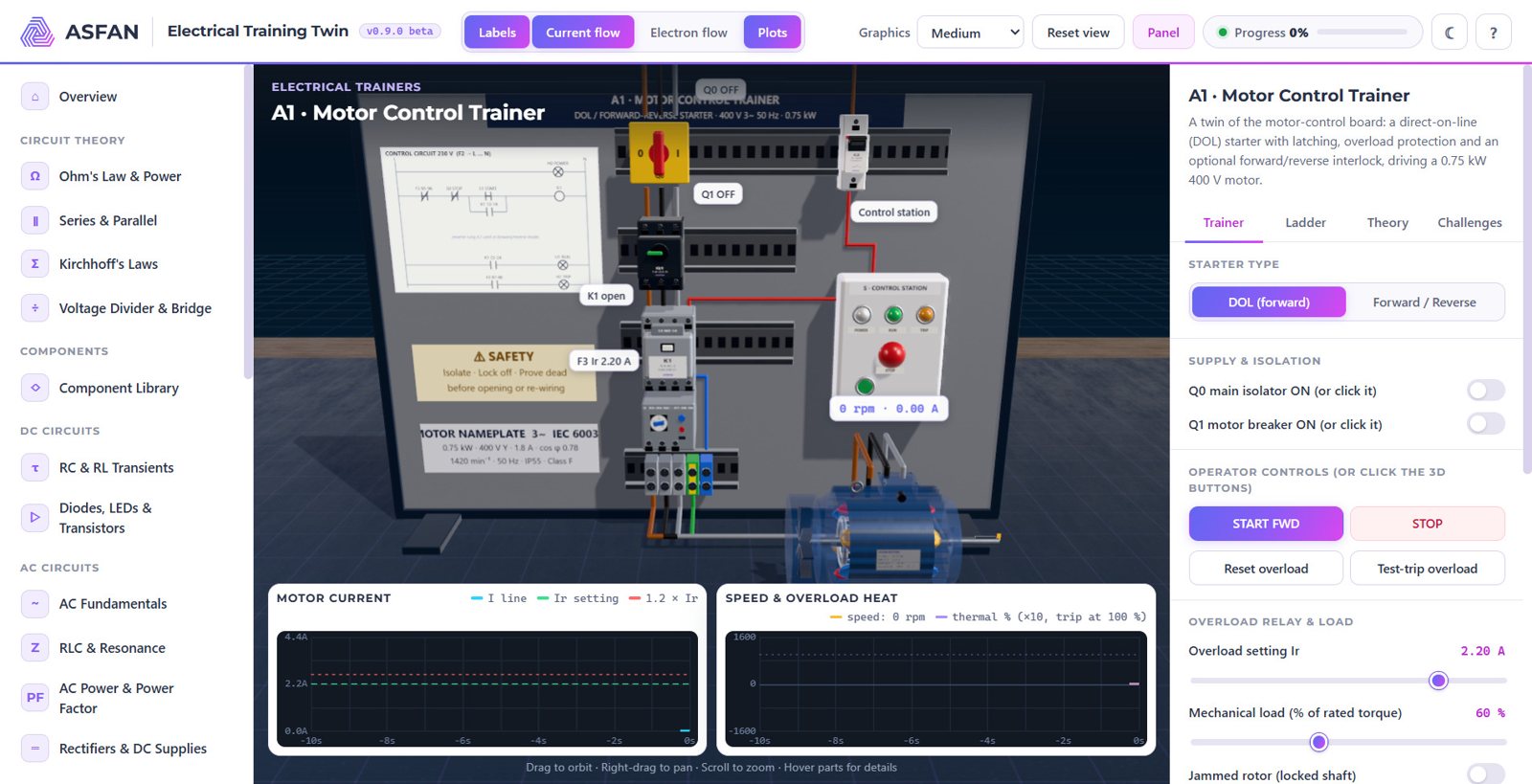
1. Choose a client
Eight doors, eight businesses — a bakery, a café, a pharmacy, a fashion shop and more.
2. Take the brief
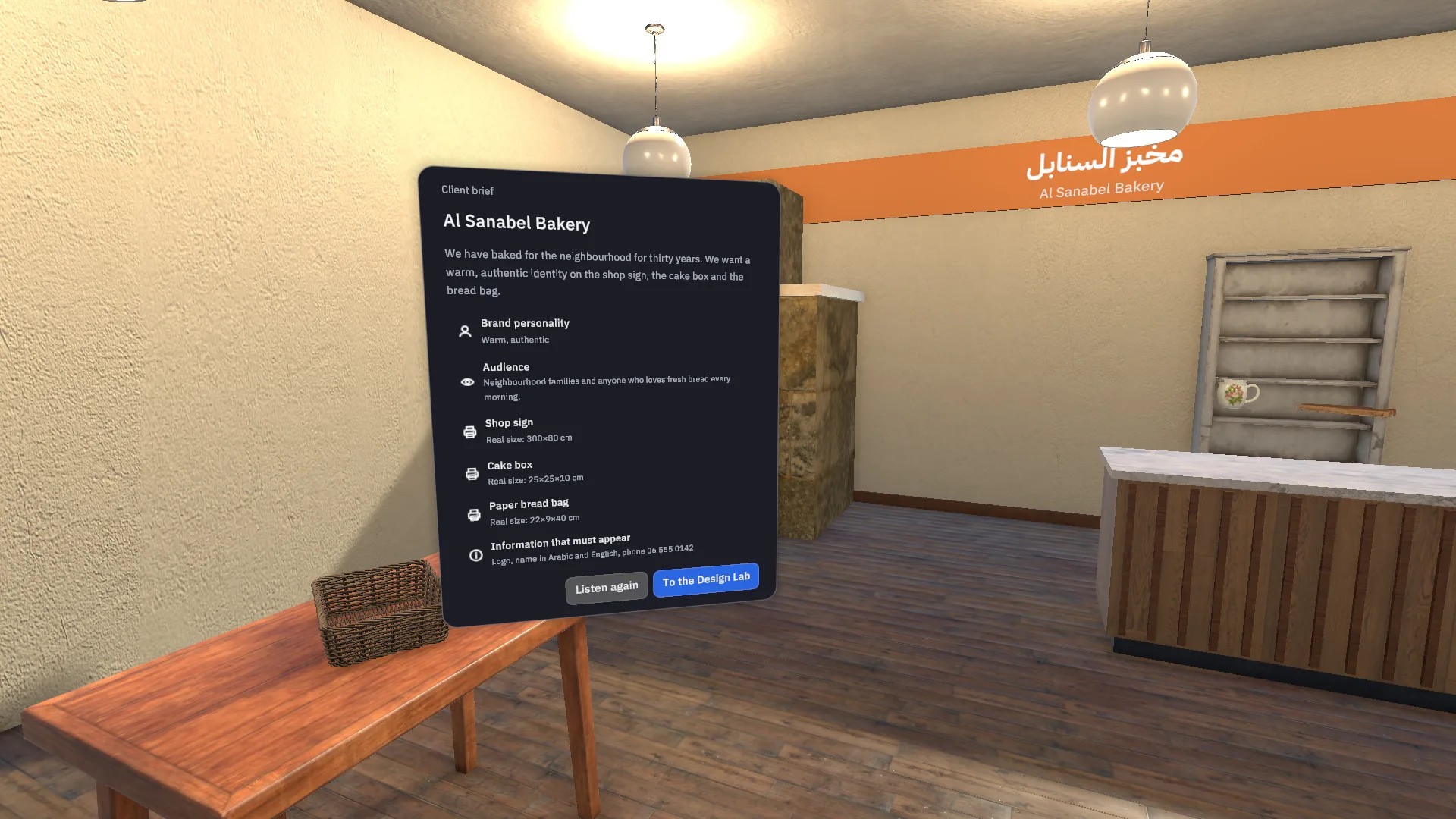
In the client’s shop the student hears what is needed: the products, their real sizes and the information that must appear.
3. Design in the lab
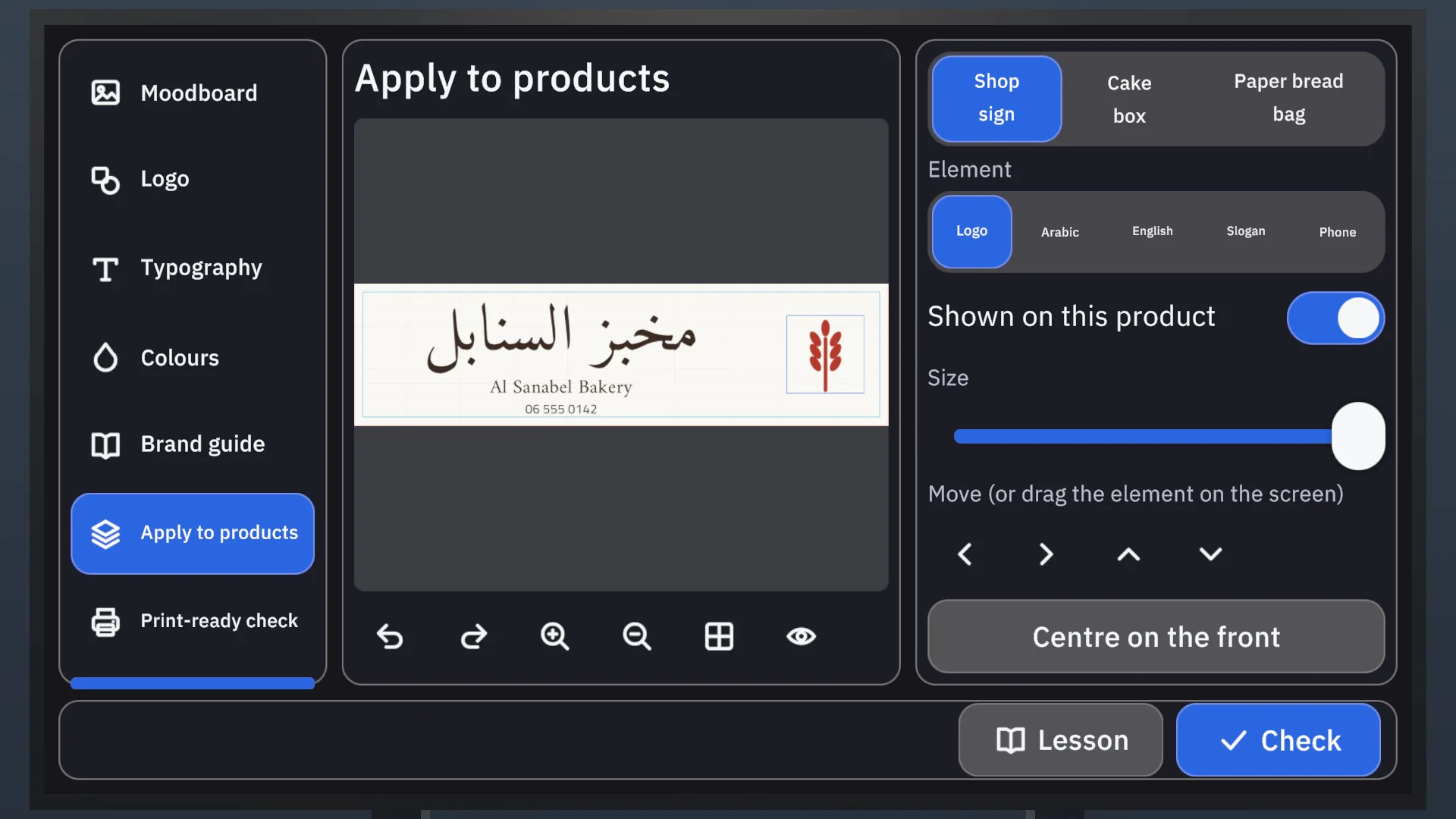
Seven guided steps: mood board, logo, typefaces, colours, layout on each product’s real template and a print-ready file.
4. Print it
Four machines — large format, digital press and cutter, bag printer, cup line. Choose the stock, load it and run the job.
5. Check it on the street
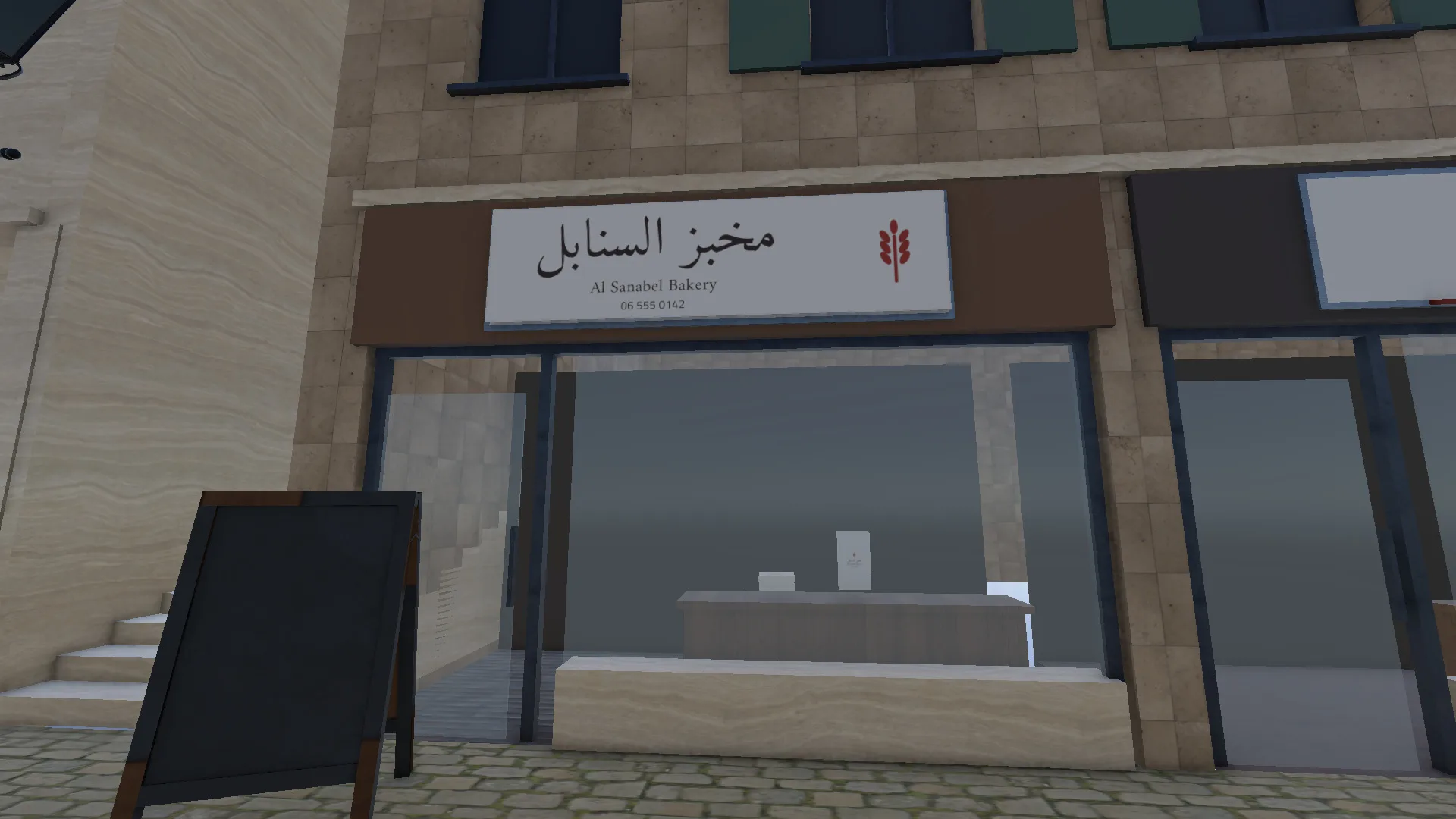
The work goes up on the shop in an Amman street: measured, compared for colour and viewed up close, from 30 metres and at night.
6. Get the score
A clear report against nine criteria, a second try where needed, then a certificate and a gallery of finished work.
Mistakes they can see, not just read about
The design tool works on the product’s real template: safe area, bleed, folds and glue areas are all visible while the student works.
- A wrong file prints wrong: low resolution, missing bleed or RGB shows as pixels, white edges and dull colour
- Each product is checked against nine rules and failures are marked on the design
- One press takes the student back to the lab to fix it
- A short lesson opens each of the seven design steps
See the work where the customer will see it
The printed sign goes up on the client’s shop front in a virtual Amman street, where it is measured, compared for colour and judged as a passer-by would.
- Viewed up close, from 30 metres and at night
- Colour compared with the design
- Contrast and reading from a distance checked
- Result feeds the final score out of 100
The same rules for every student and every client
From the brief to the certificate
A look at the places every student works through.
Technical details
- Headset
- Meta Quest 3 or Meta Quest 3S
- Controls
- Hands or controllers
- Computer
- Not needed — runs on the headset
- Languages
- Arabic (right-to-left) and English, with voice-over
- Lesson length
- Each station 10–15 minutes; full project in several lessons
- Made by
- Designed and built by ASFAN, Amman
Frequently asked questions
Which headsets are supported?
Is it available in Arabic?
How are students scored?
Can it fit into a single lesson?
Bring a real design job into your classroom
Book a free demo on Meta Quest and see the full project, from the brief to the street, with our team.