
BIM Architect VR
An architectural design program for 2D, 3D and virtual reality. Draw the plan in 2D, the building appears in 3D as you draw, and you walk through it at real scale in a Meta Quest headset. The same project file opens on the computer and in the headset.
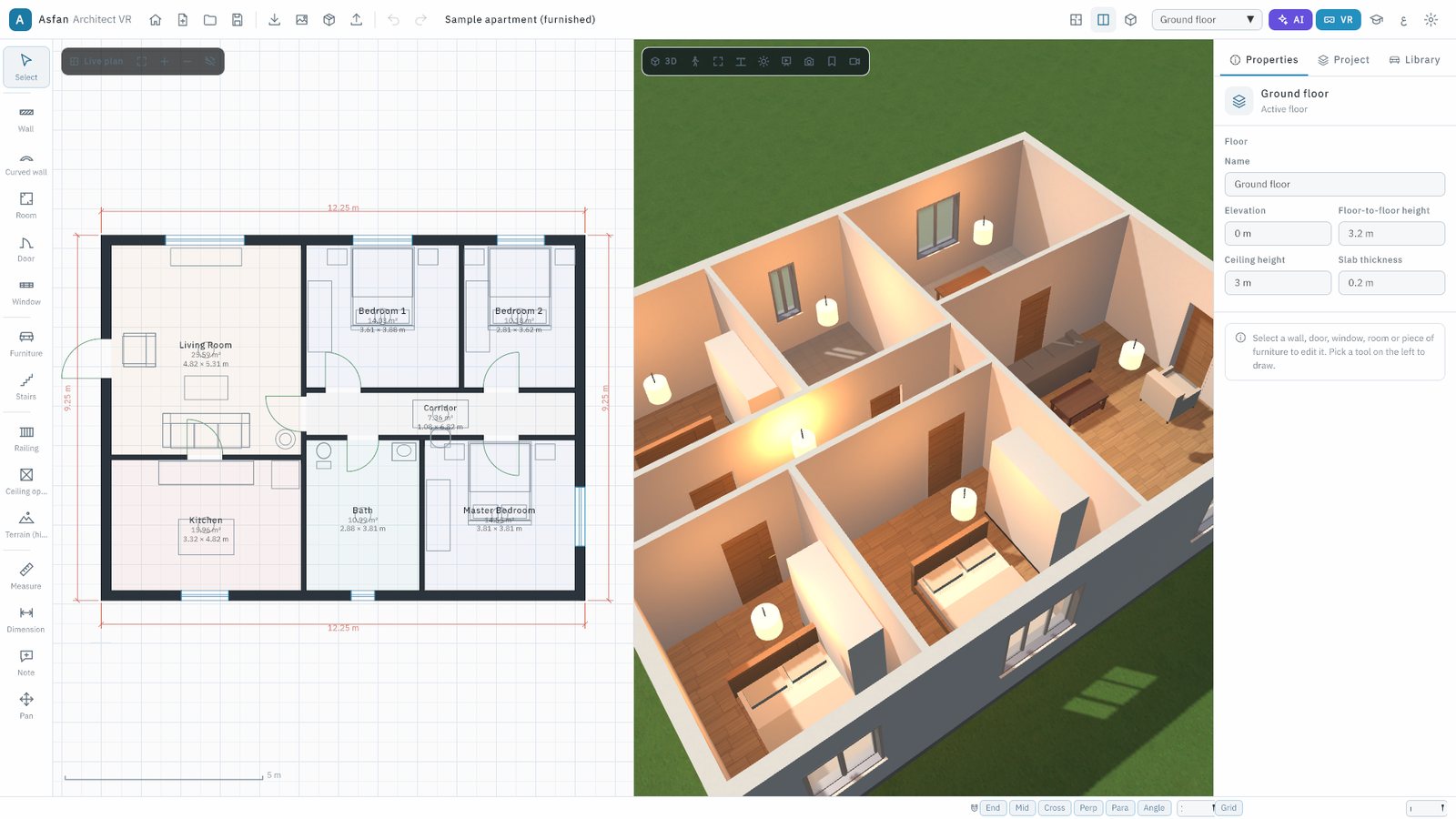
From the first wall to a walk in VR
For architects, interior designers, engineering students, universities and anyone who presents a design to a client.
Draw the plan
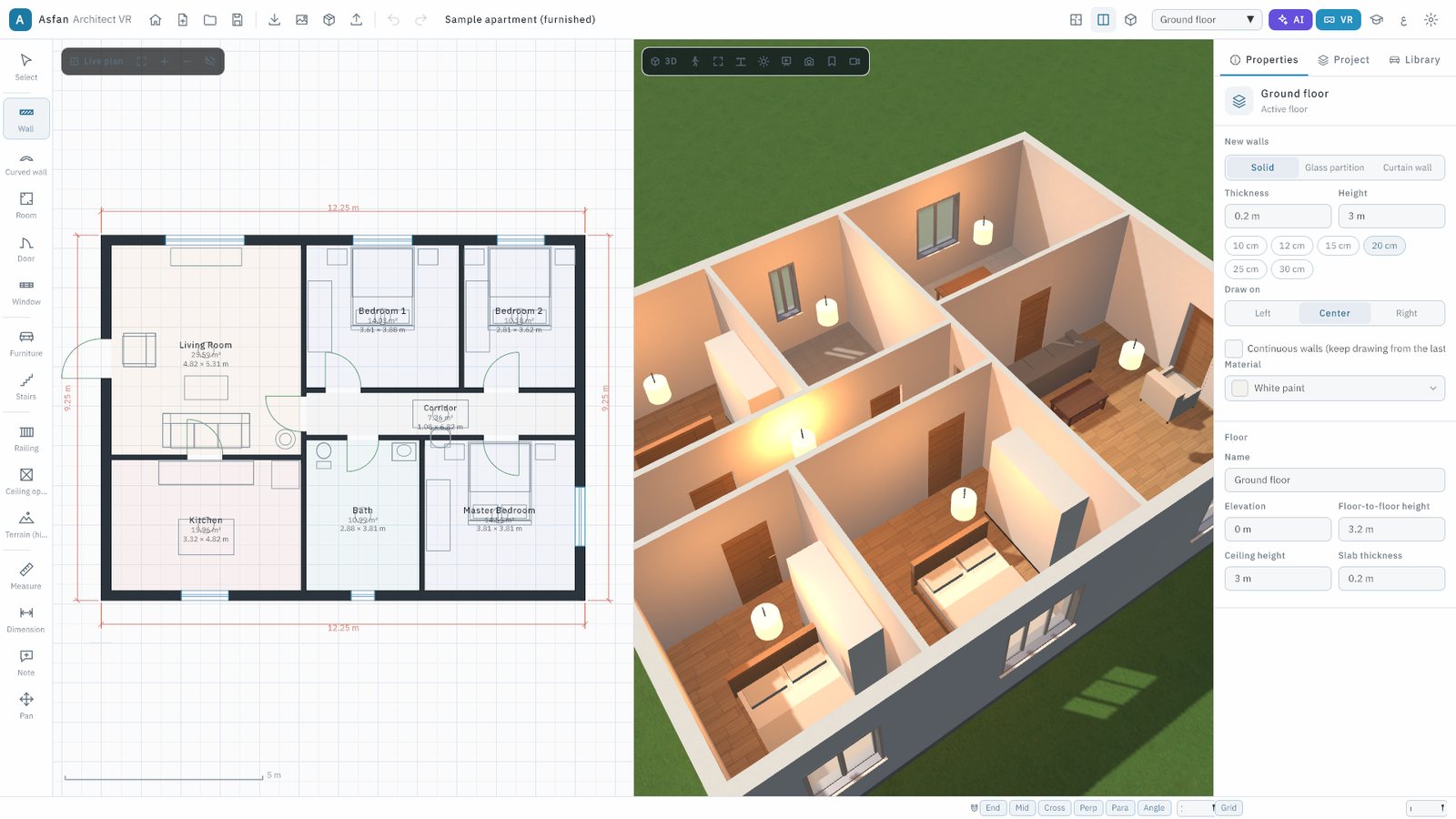
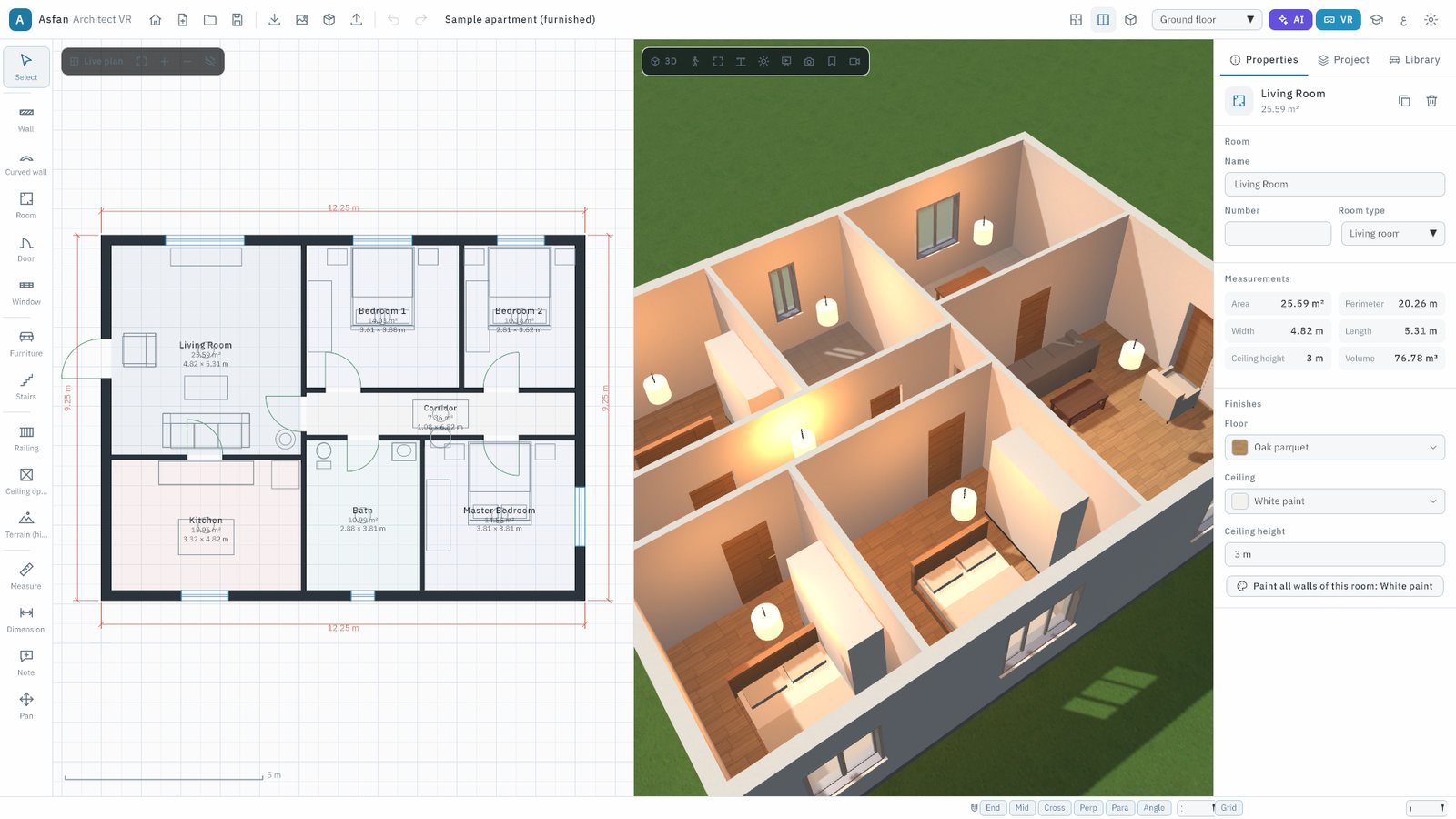
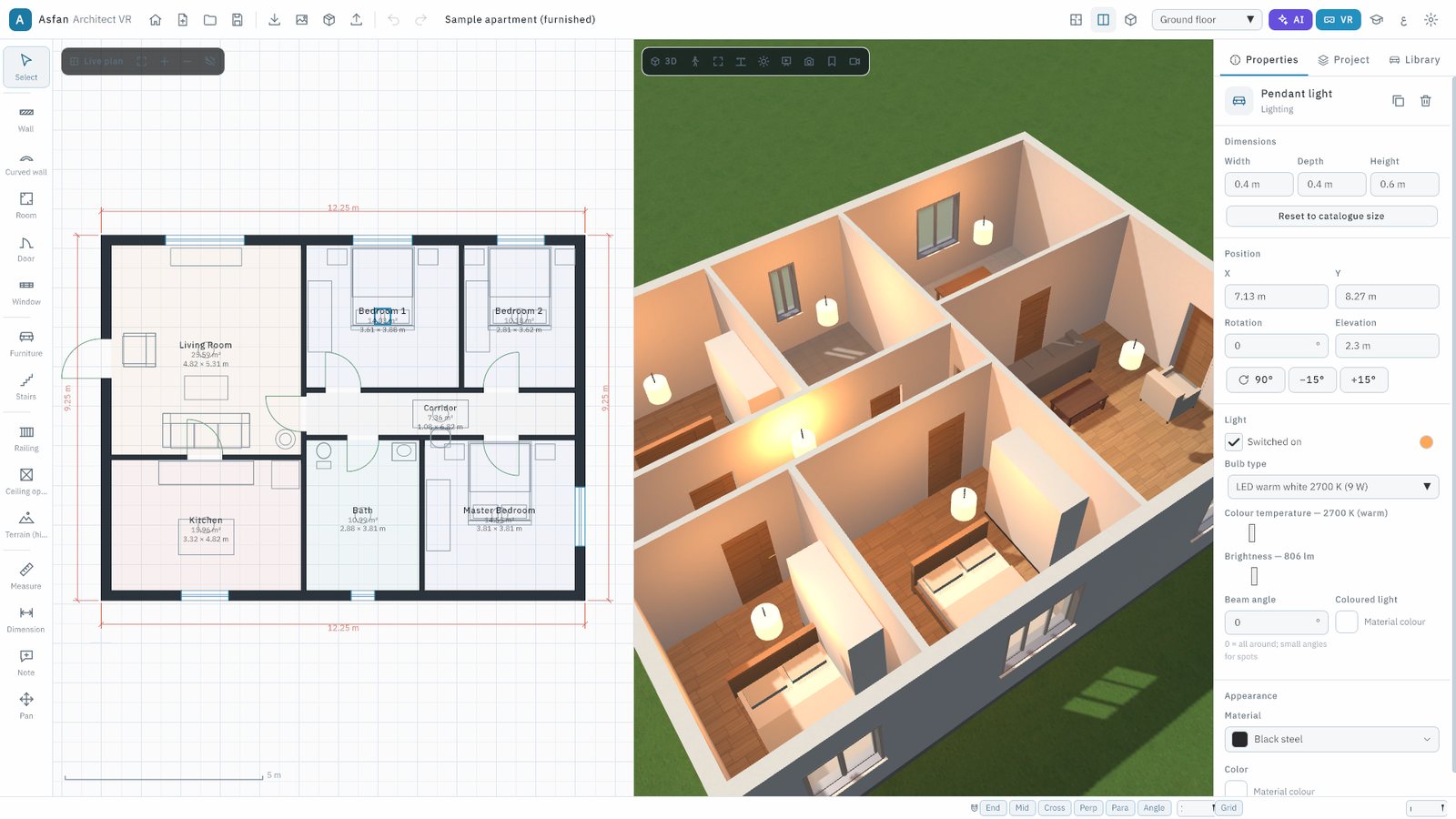
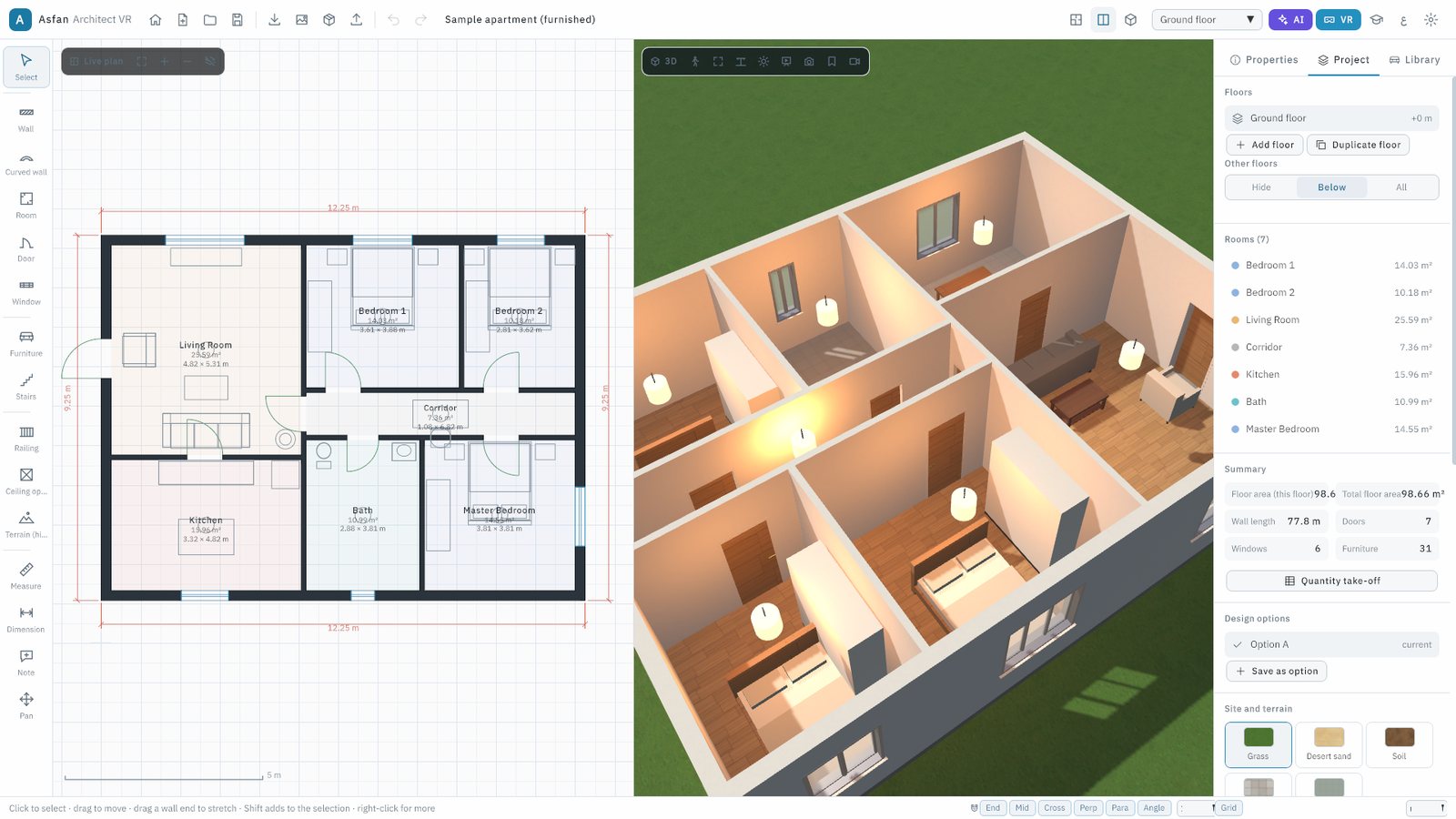
Walls, curved walls, rooms, doors, windows, stairs, railings, ceiling openings and terrain, with snapping and exact sizes in any unit. Rooms are found automatically with their area and volume.
Live 3D as you draw
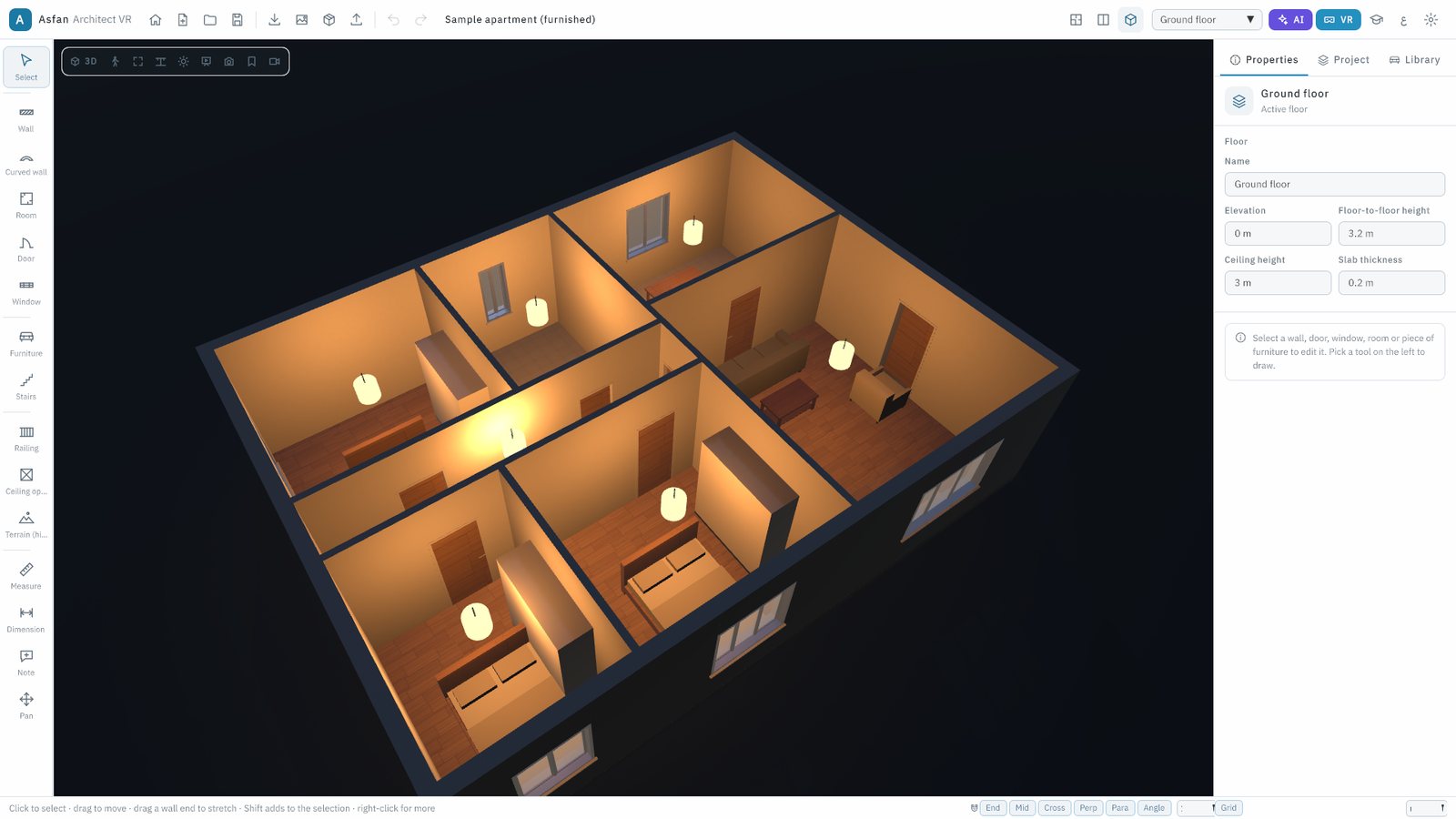
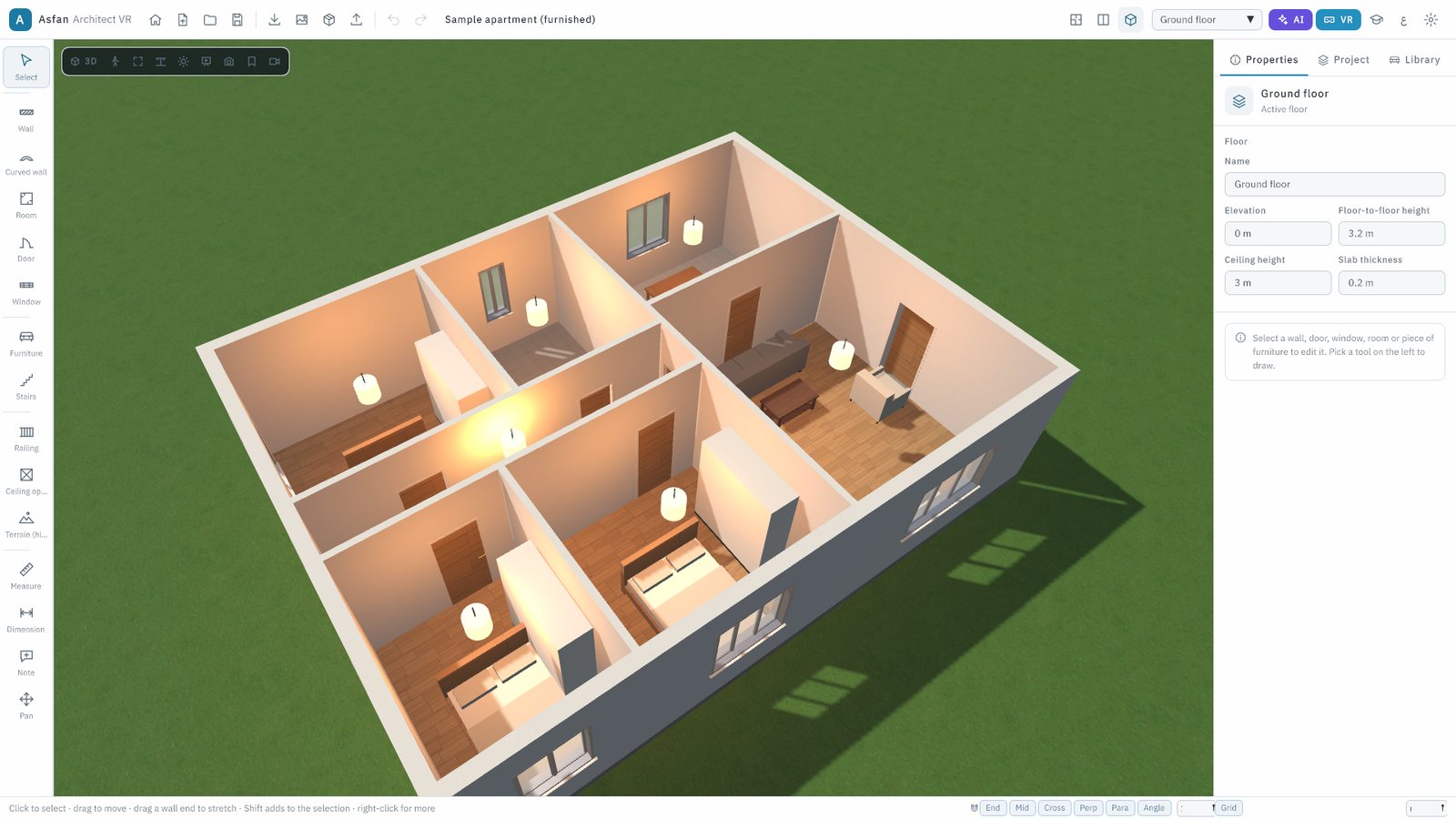
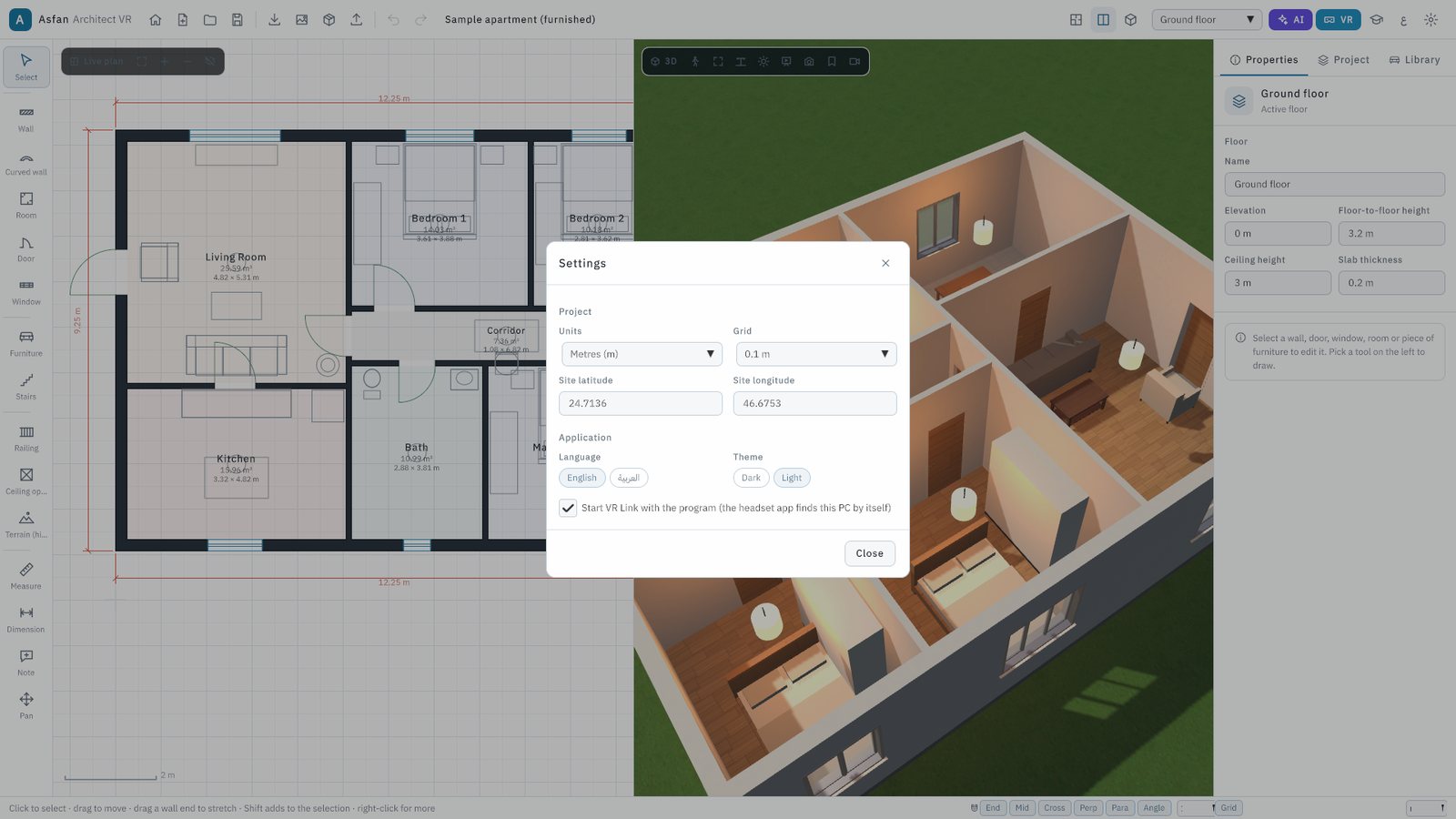
Plan, 3D or split view. Orbit around the building, show or hide ceilings, and light it by day, evening or night with a sun that follows the project's location.
Walk through it
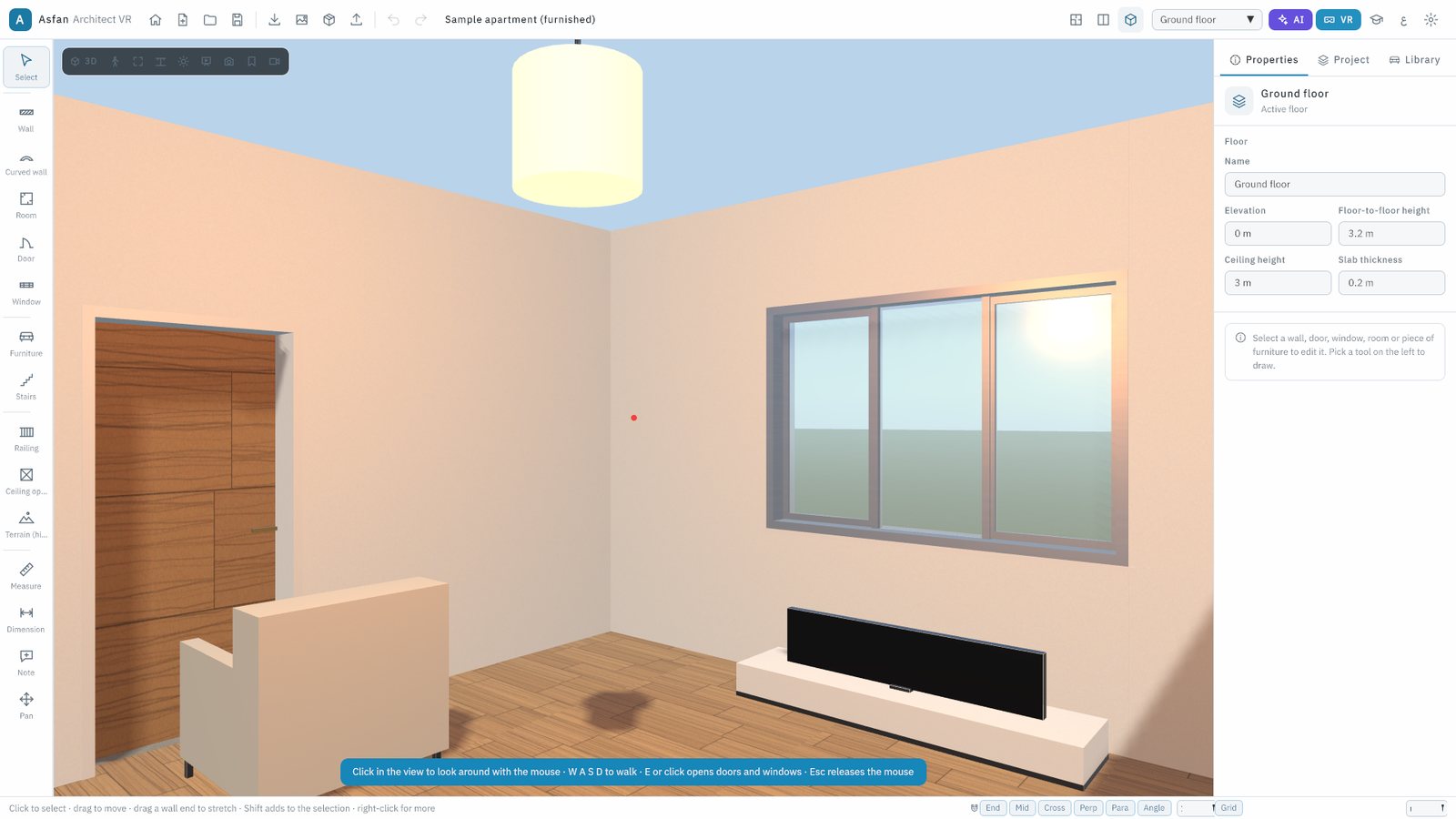
Walk mode with W A S D: open doors and windows, climb the stairs and walk on the terrain, with gravity and collisions. Presentation mode hides the tools for clients.
See it in VR
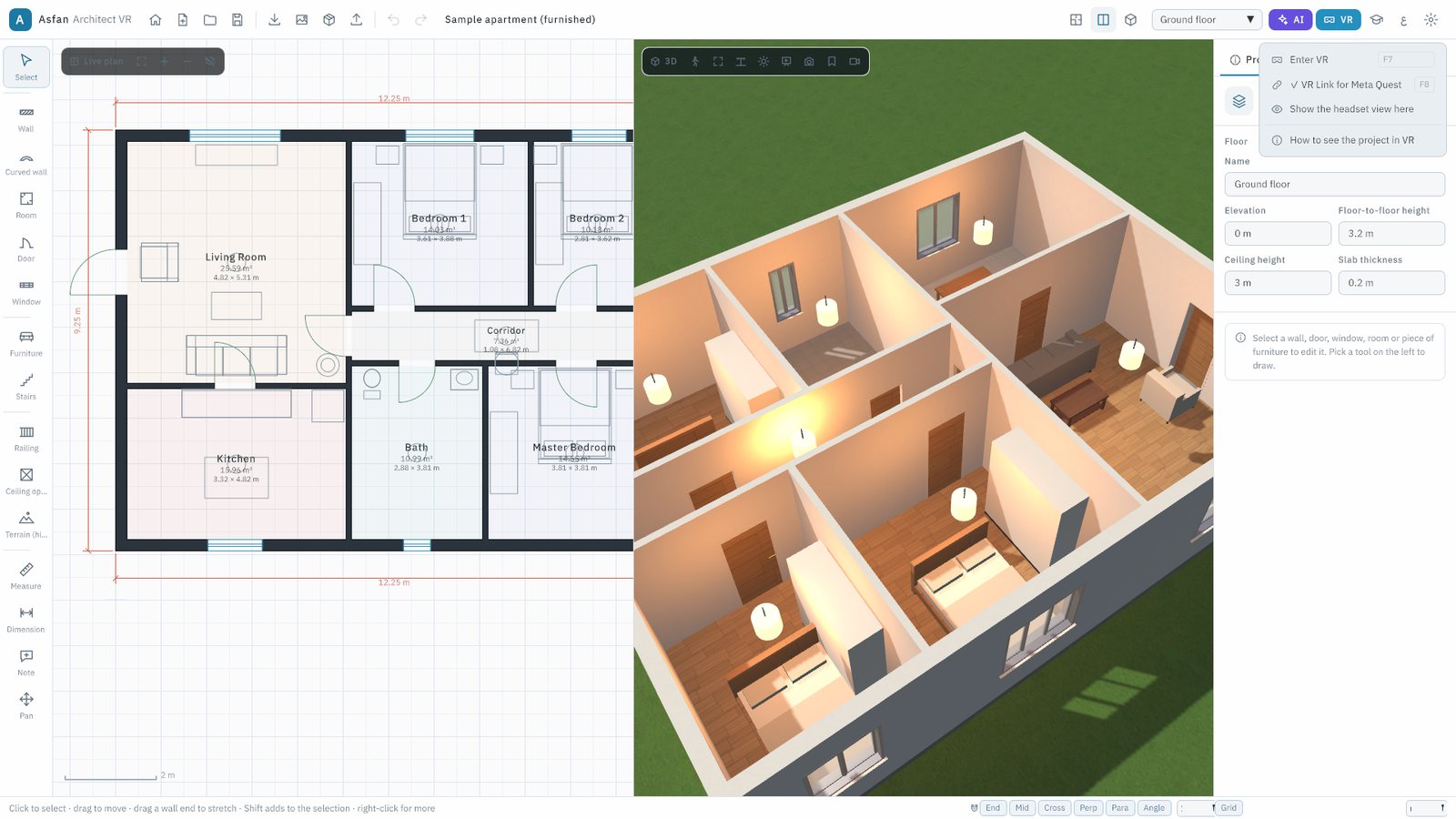
Stand inside the project at 1:1 in a Meta Quest: over Quest Link or Air Link on this computer (F7), or wirelessly with the headset app (VR Link, F8). Full edition.
CAD & BIM import and export
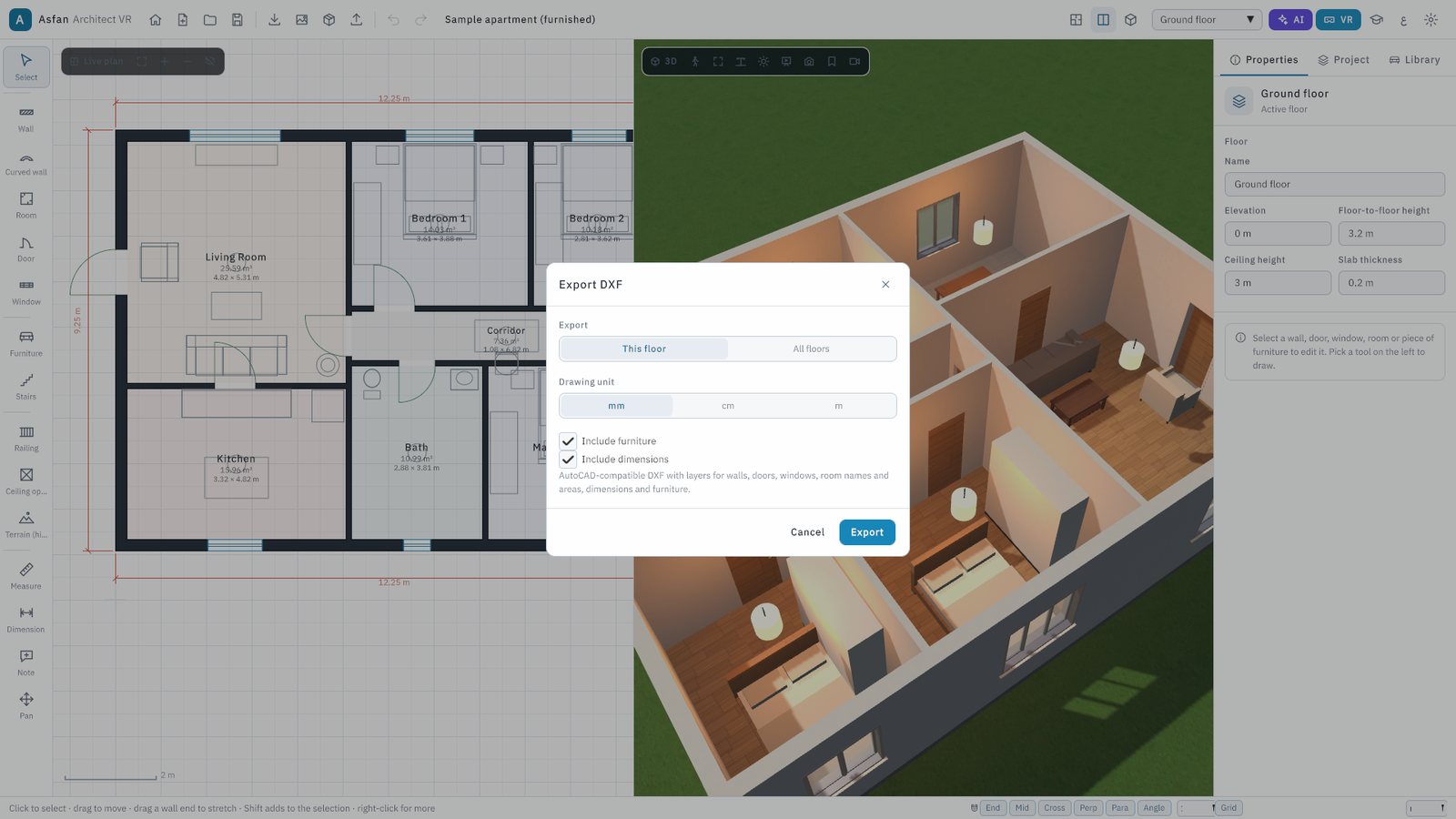
Import DXF, DWG and IFC plans as editable walls, doors, windows and rooms, or as a tracing underlay. Export DXF with standard layers, and bring in your own 3D models.
AI assistant
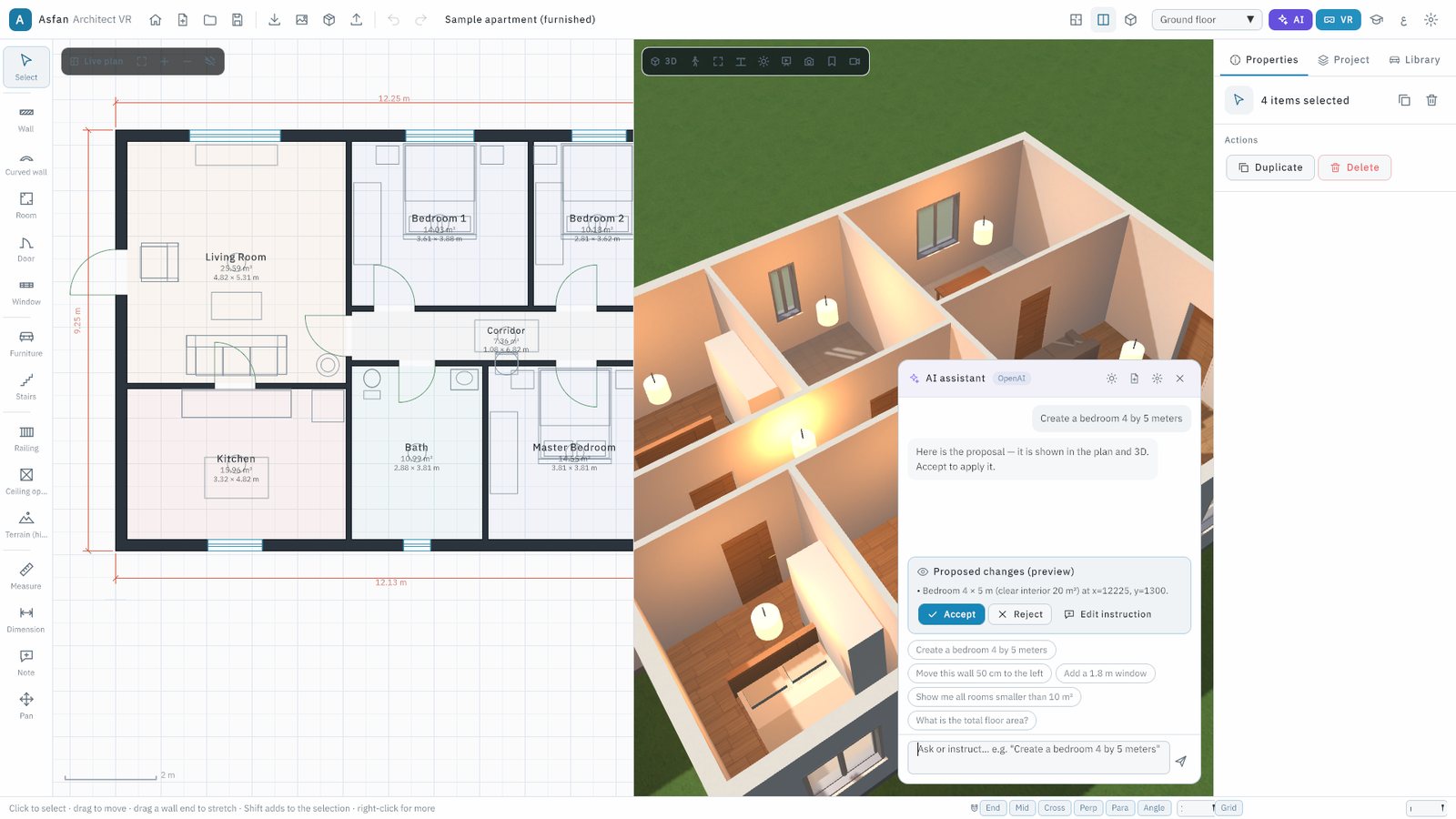
Type in English or Arabic: create a bedroom 4 by 5 metres, move this wall 50 cm, or ask for the total floor area. Every change is a preview you accept or reject.
Furniture, materials and lights
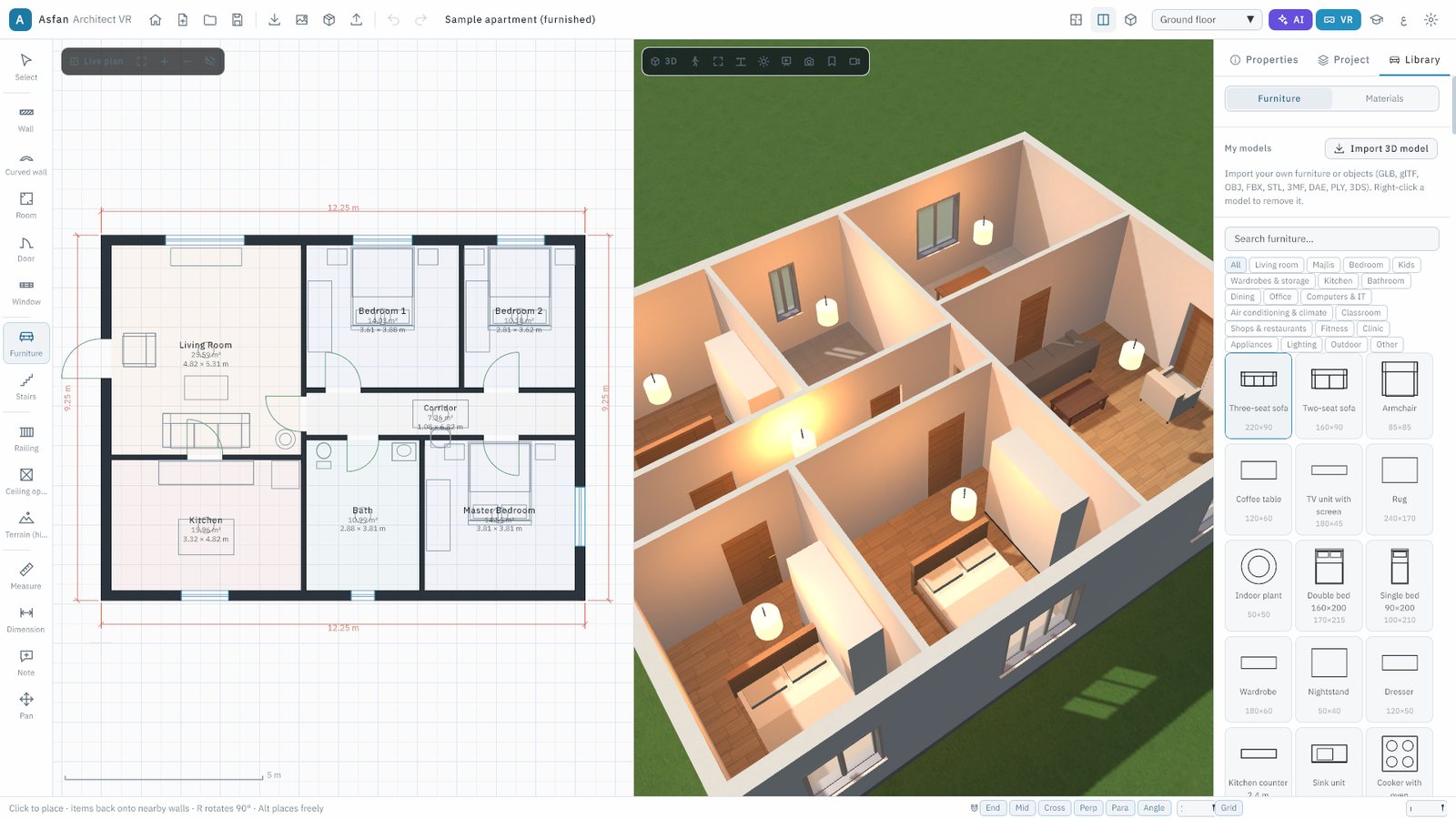
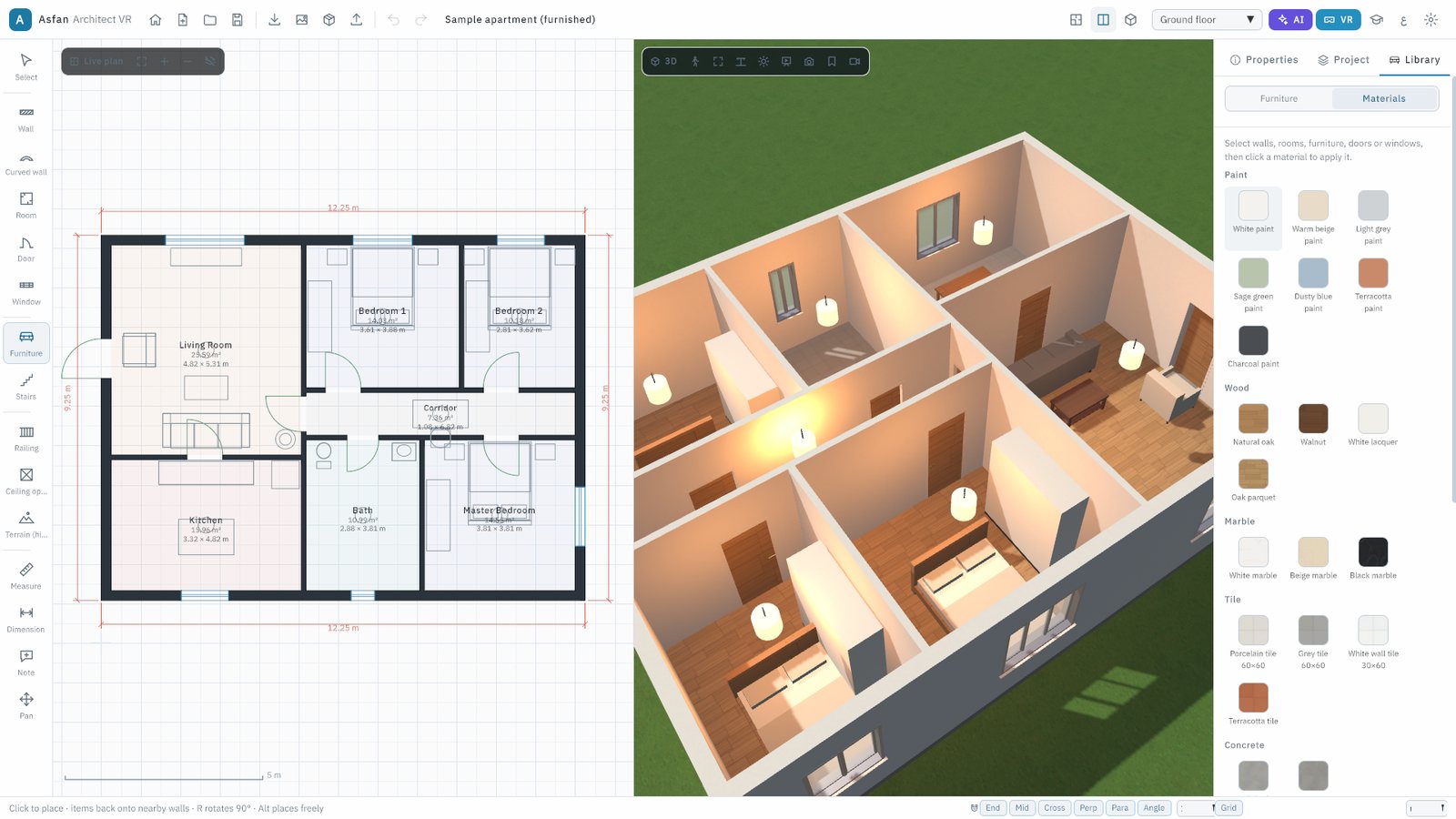
More than 260 parametric furniture items in 19 sections, including majlis, classroom and clinic, plus materials and light fixtures with real colour temperature and brightness.
Quantities and design options
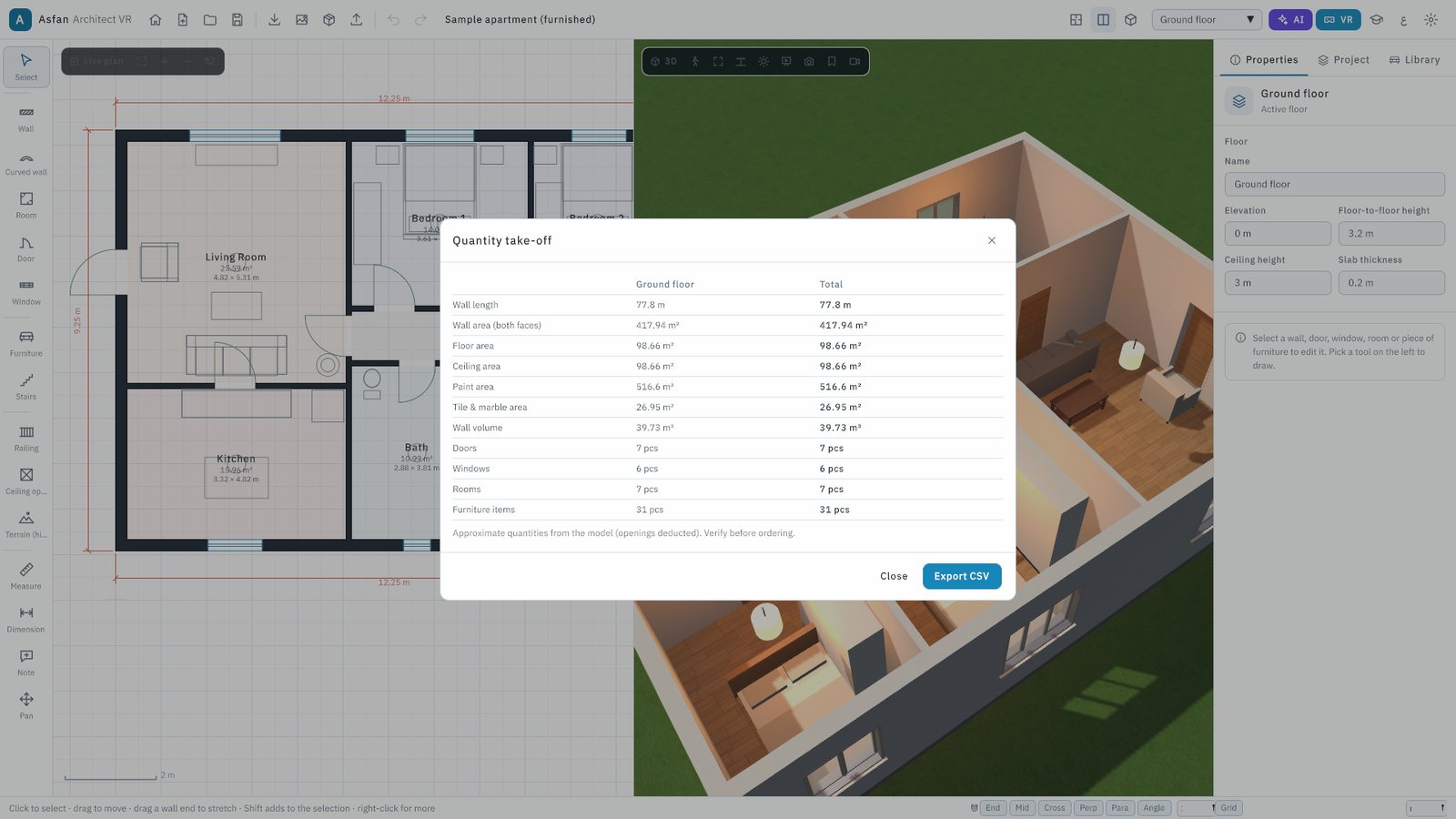
A quantity take-off per floor exported to Excel, and design options A, B, C compared side by side or as an overlay with area, rooms and wall length.
Education mode
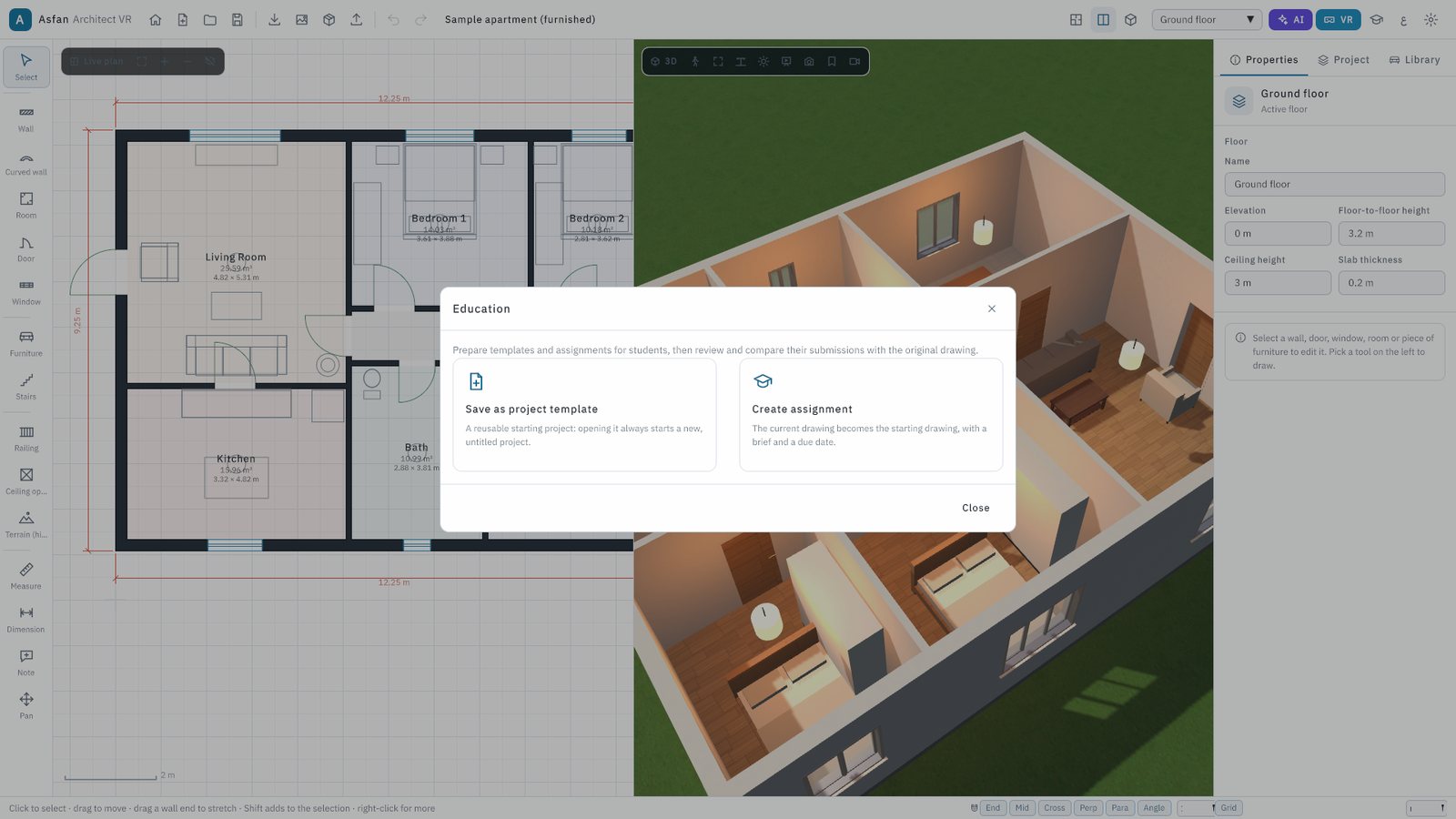
Instructors create assignments with a brief and a due date, students submit their design, and the review shows exactly what each student changed, with a grade and feedback.
Two ways to stand inside your design
Nothing has to be rebuilt for a new project: you design on the computer and look at it in the headset. Every change made on the computer appears in the headset within a second or two.
- Highest quality — the headset on this computer (F7): connect a Meta Quest with a USB-C cable (Quest Link) or over Wi-Fi (Air Link). The computer's graphics card draws the picture, so the quality is the same as on the screen.
- Without a cable — the app on the Quest (VR Link, F8): the headset and the computer join the same Wi-Fi, and the open project appears in the headset. Others can follow the headset view on the computer screen.
- In the headset: walk where you look, turn, teleport, jump, open doors with the trigger, and switch day, evening and night or the floor from a menu on your left hand.
- Offline in the headset: projects can also be copied to the Quest with a USB cable and opened without the computer.
Start from the drawings you already have
Nothing in the project changes until you press Apply.
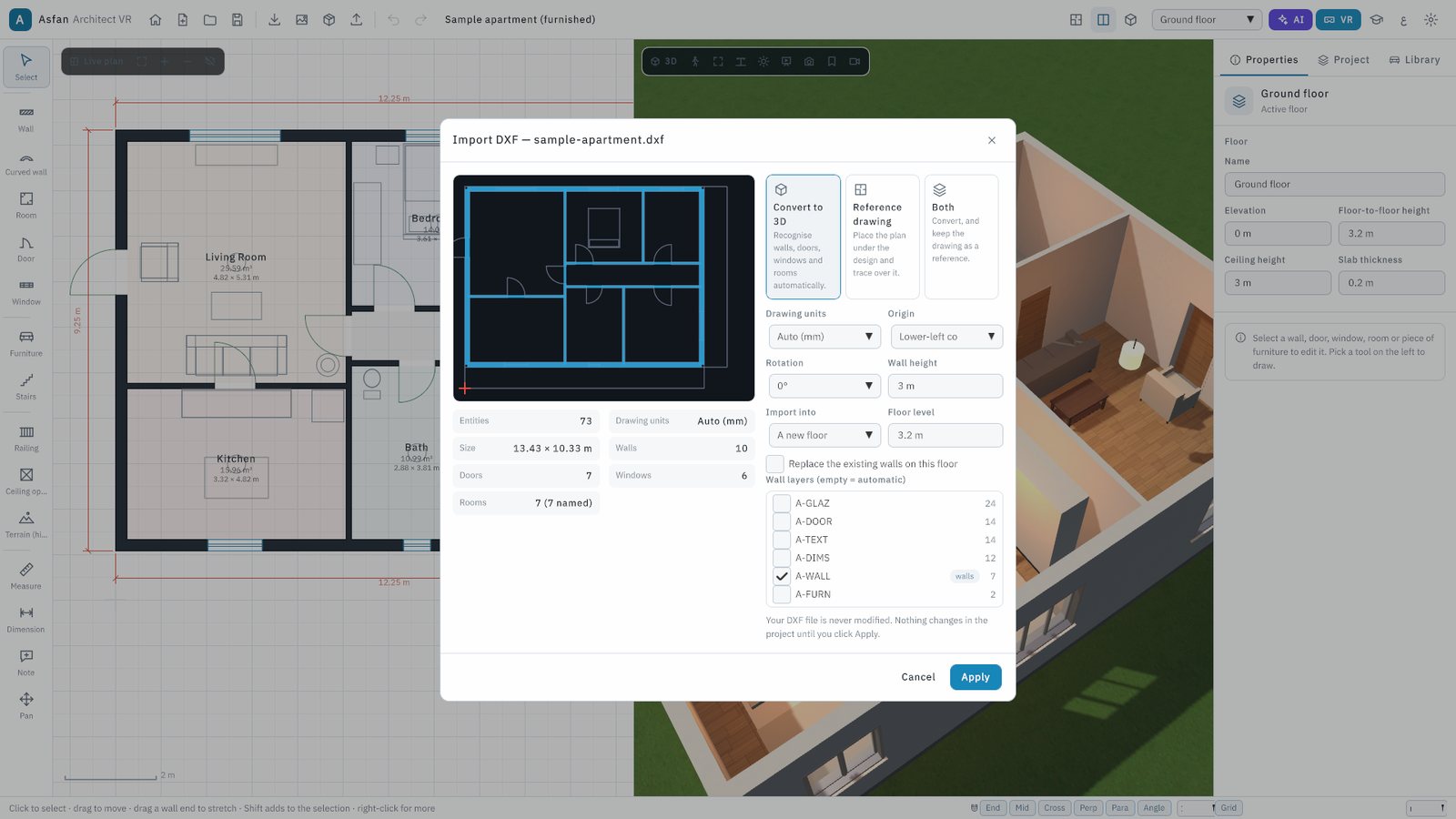
- DXF (AutoCAD R12–2018)
- Converted to walls, doors, windows and rooms, or used as a reference underlay for tracing
- DWG (AutoCAD)
- Read by the built-in DWG reader, then imported like a DXF. Nothing to install
- IFC (Revit, ArchiCAD, Vectorworks, Allplan, Tekla…)
- Choose a storey; its walls, doors, windows and named spaces become an editable plan
- GLB, glTF, OBJ, FBX, STL, 3MF, DAE, PLY, 3DS
- Imported as your own 3D models, saved inside the project file and seen in the headset too
- Plan image or PDF
- The AI assistant reads walls, doors, windows and room names from a picture of a plan
- Export
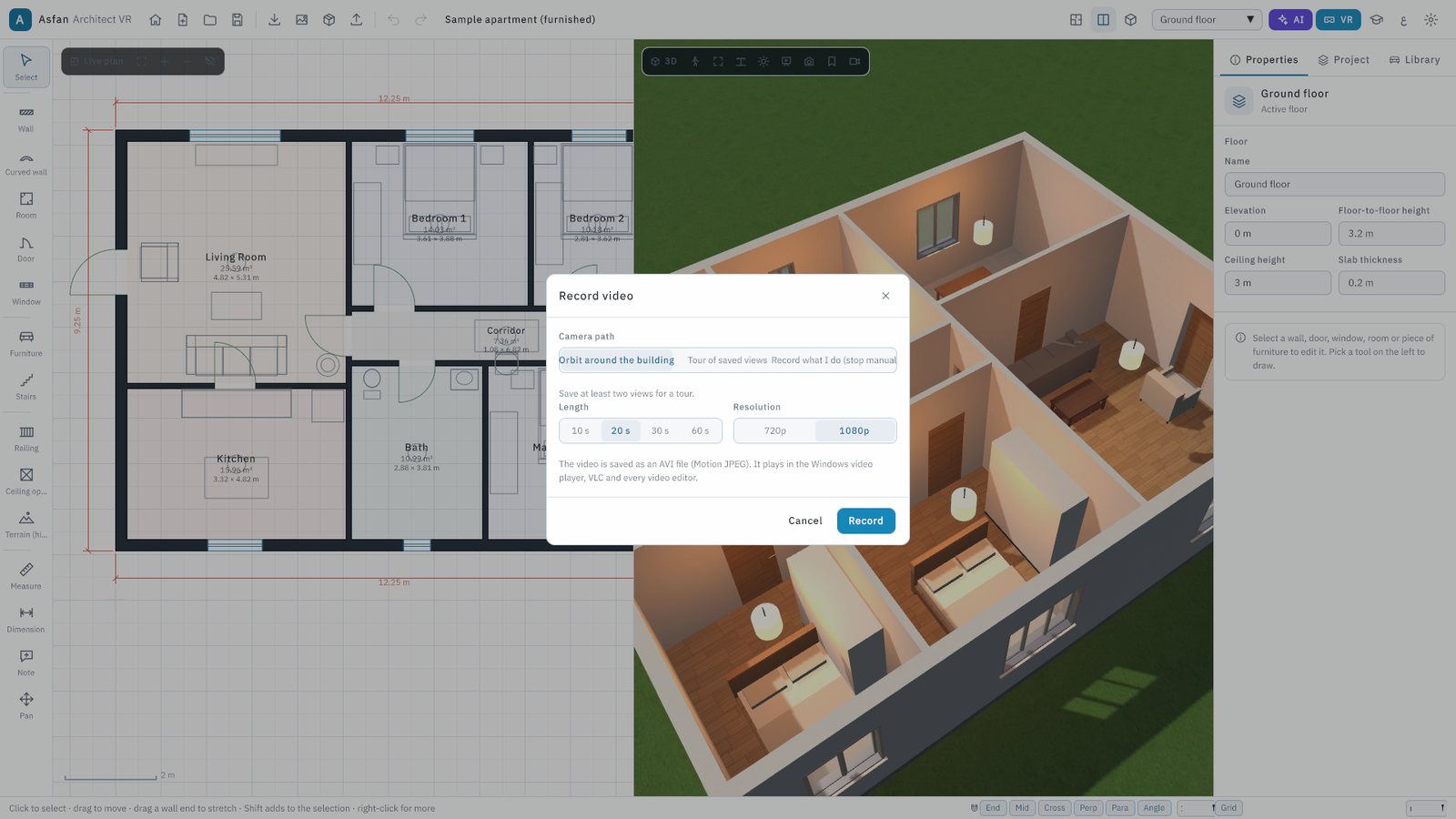
- DXF with standard layers (A-WALL, A-DOOR, A-GLAZ…), quantities to CSV / Excel, PNG or JPG screenshots up to 3840×2160, and AVI video tours
See it before you install it
Real screens from version 2.
Install, try, activate
Install
Run the setup file, choose the installer language and the folder. Project files (.aavr) open with a double-click, and the program updates itself.
Use the 5-day trial
Without a key the program runs as a trial for 5 days: draw, edit, view in 3D and walk through. Saving, exporting, VR and the AI assistant need a licence.
Activate your edition
Paste the licence key or load the .lic file in About → Licence. For a one-computer licence, send us the machine ID shown in that window.
PC only, or Full PC + VR
Choose the edition that matches how you will present your designs. Both are subscriptions with an end date shown in the program.
Not sure yet? Ask for the installer and try it free for 5 days.
Request Free TrialComputer only (PC)
The full design program on the computer, without VR.
Contact us
for current pricing
- 2D plan, live 3D, walk and presentation modes
- CAD / BIM import, DXF export, quantities
- AI assistant, education mode, screenshots and video
- VR features are not active in this edition
Full (PC + VR)
Everything in the PC edition, plus the headset.
Contact us
for current pricing
- Everything in the Computer only edition
- VR on this computer with Quest Link / Air Link (F7)
- VR Link to the Meta Quest app over Wi-Fi (F8)
VR works only with the Full (PC + VR) licence. With the Computer only licence, every design tool works fully on the computer, but Enter VR (F7) and VR Link (F8) stay inactive.
| Feature | Computer only | Full (PC + VR) |
|---|---|---|
| 2D drawing, live 3D, walk mode and presentation | ||
| Furniture library, materials, lighting and sun | ||
| DXF / DWG / IFC import, DXF export, quantities | ||
| AI assistant and education mode | ||
| VR on this computer (Quest Link / Air Link, F7) | — | |
| VR Link to the Quest app over Wi-Fi (F8) | — |
Equipping a studio or a lab? Contact us or message us on WhatsApp at +962 77 614 0404.
Before you install
- Operating system
- Windows 10 or 11, 64-bit
- Memory
- 8 GB minimum · 16 GB recommended
- Graphics
- DirectX 11 minimum · NVIDIA RTX / AMD RX recommended (needed for PC VR)
- VR headset
- Optional: Meta Quest 2, 3 or 3S · Meta Quest 3 recommended
- Network
- Internet for the AI assistant and updates · the same Wi-Fi as the headset for VR Link
- Current version
- 2, with automatic updates
Full user manual
22 pages: installation, activation, every tool, VR, the AI assistant and keyboard shortcuts.
Common questions
More software
Walk your clients through the building before it is built
Ask for the 5-day trial today, or talk to our team about the Computer only or the Full (PC + VR) edition for your office, university or training centre.