
VRF Installation & Maintenance Simulation · Experience 1 of 7
VRF Tutorial: Controls & Orientation VR Simulation Training
A short orientation that teaches trainees how to move, read instruction panels, grab tools and wear PPE inside the ASFAN VRF simulator before the installation tasks begin.
Book a free demo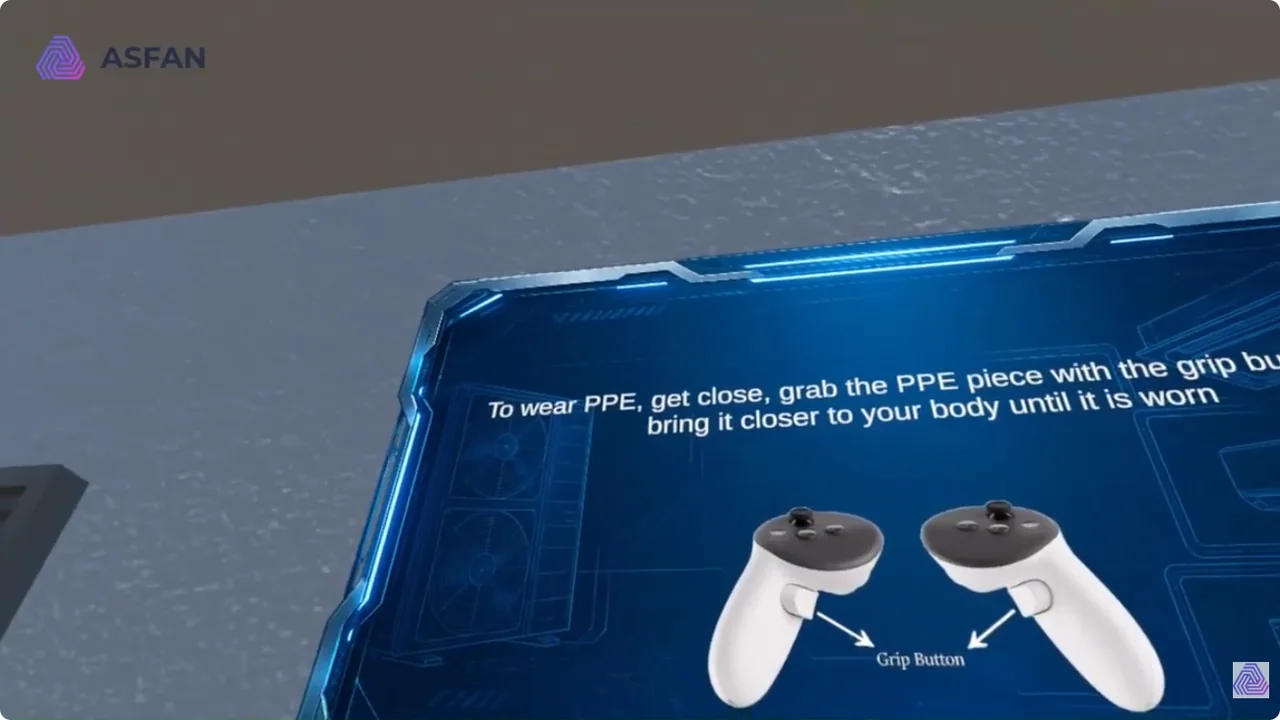
Project Details
VR Controls
Trainees learn the controller layout used throughout the VRF course.
- Scroll menus with the primary button.
- Grab objects with the grip button.
- Confirm each step on the instruction panel.
Wearing PPE
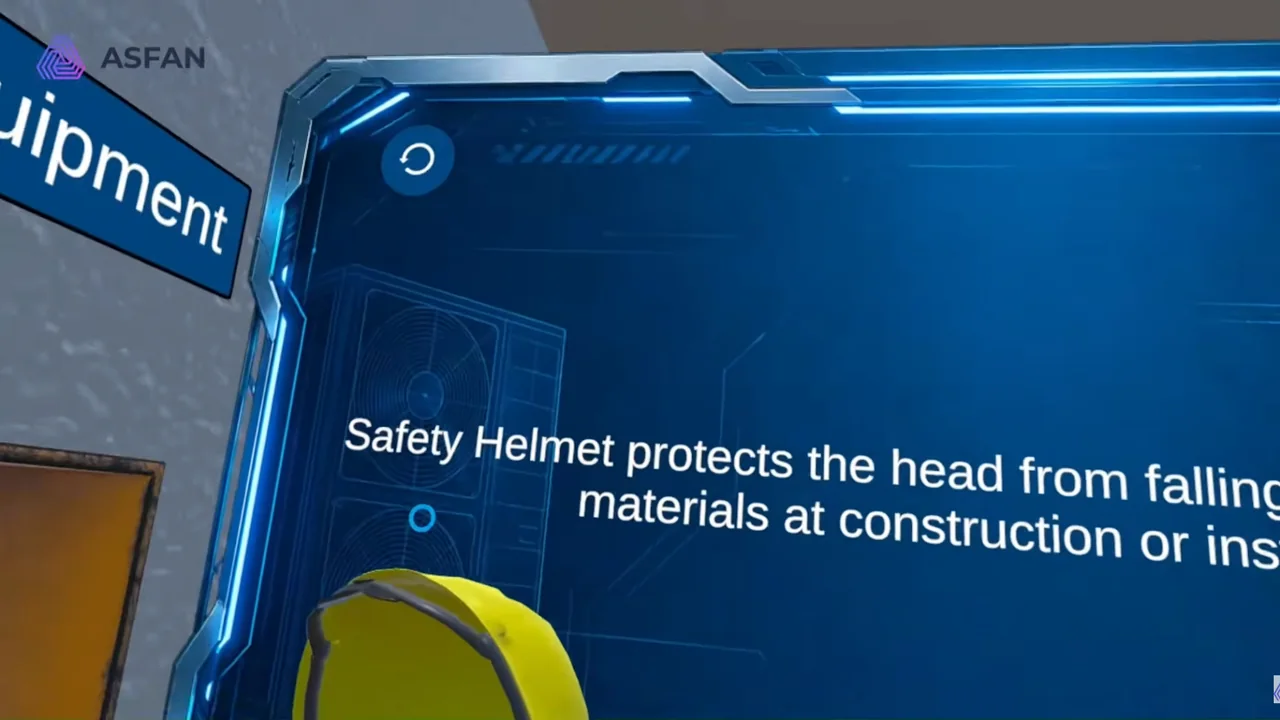
The tutorial shows how PPE is picked up and worn in the virtual site.
- Move close to the PPE item.
- Grab it and bring it to the body until it is worn.
- Check that every required item is equipped.
Moving Around the Site
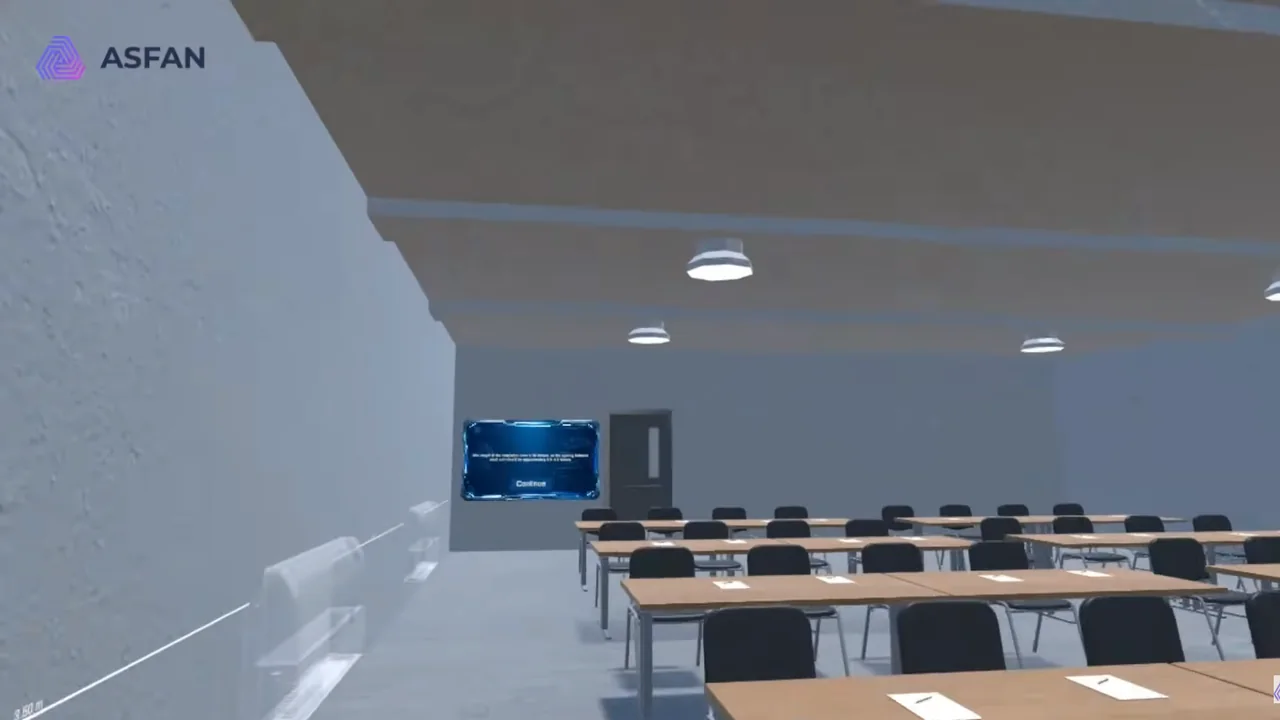
Trainees practise moving between the tool table and the work positions.
- Teleport to the marked circles.
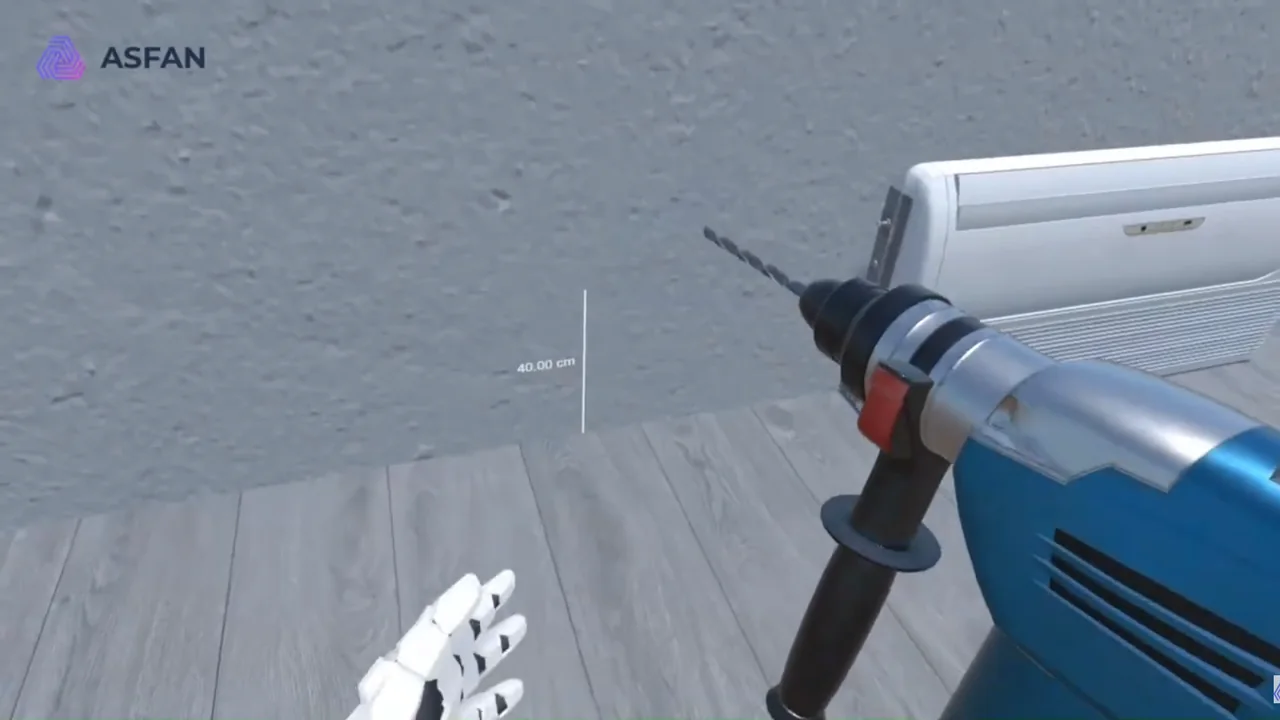
- Pick up tools such as the cutter and core drill.
- Get ready for the Safety Procedures lesson.
Project Video
Explore More Projects
Build measurable HVAC training with custom VR simulations
Turn installation, inspection, and maintenance procedures into clear interactive training.
Talk to ASFAN