Available now for Windows 10 / 11
Arab World Solar Kids Digital Twin
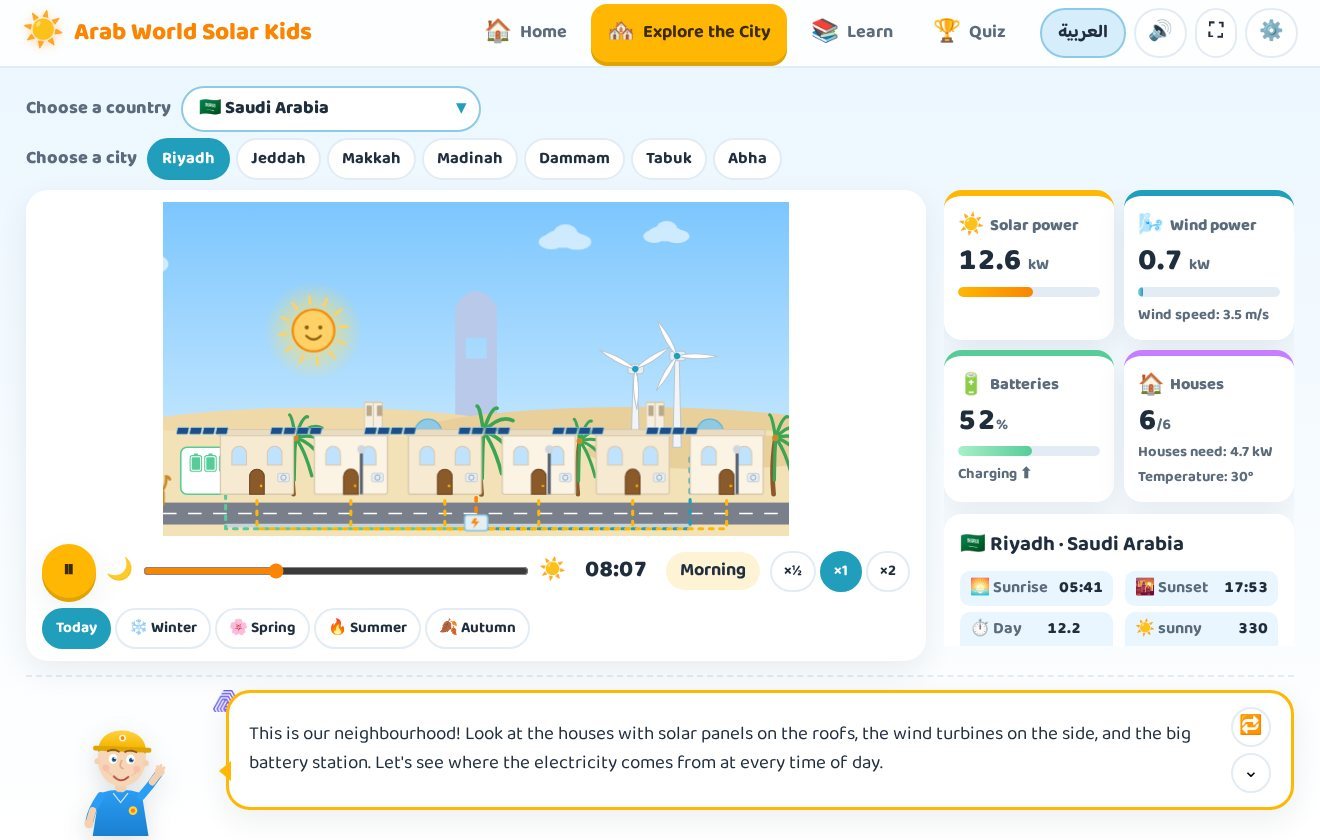
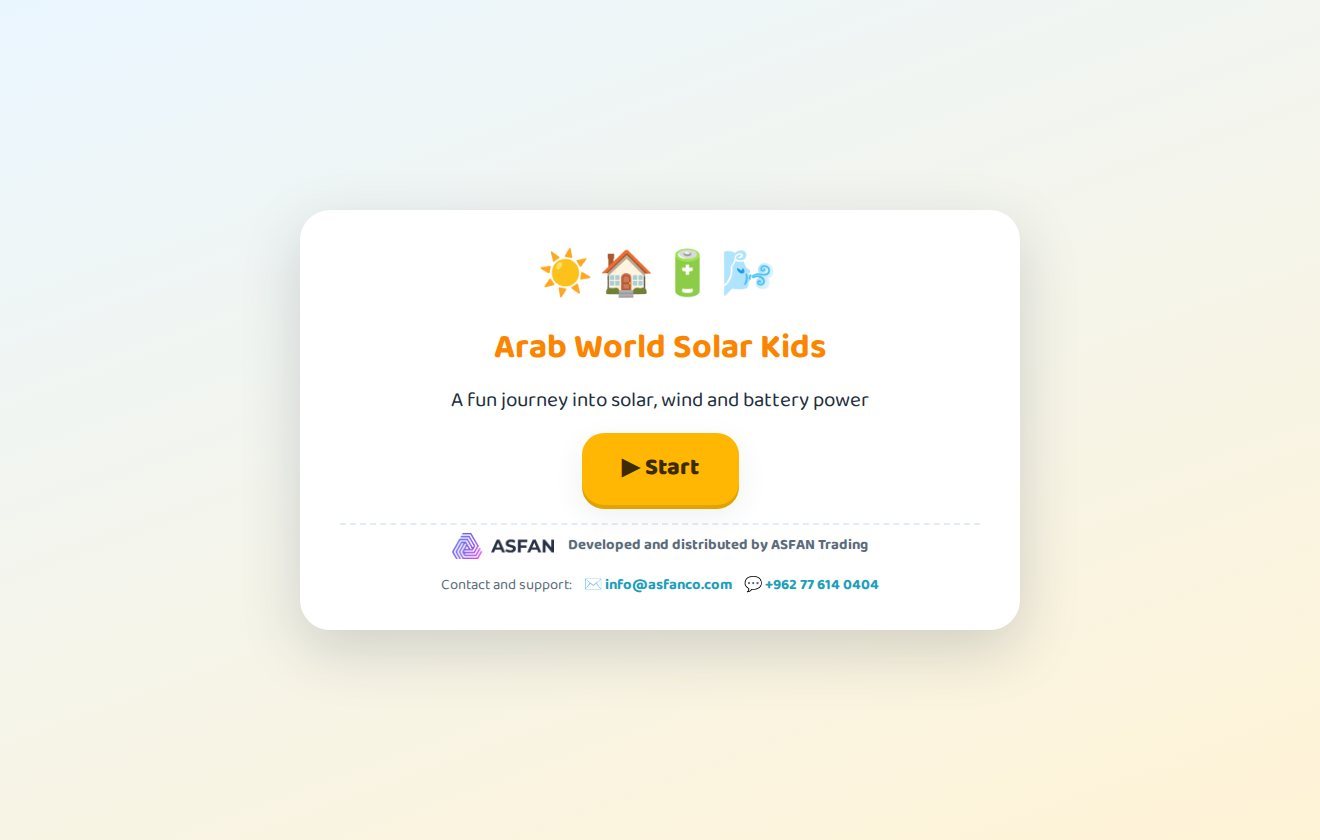
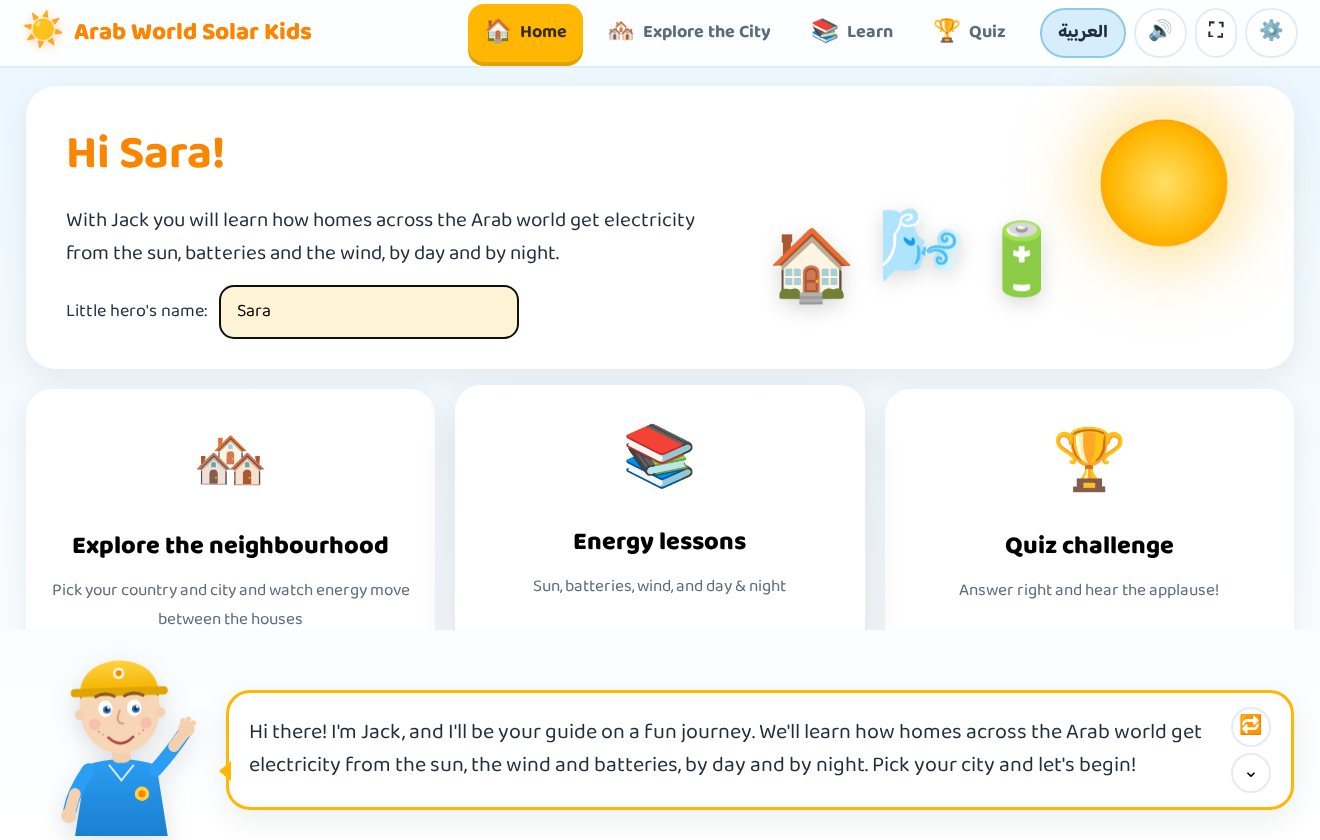
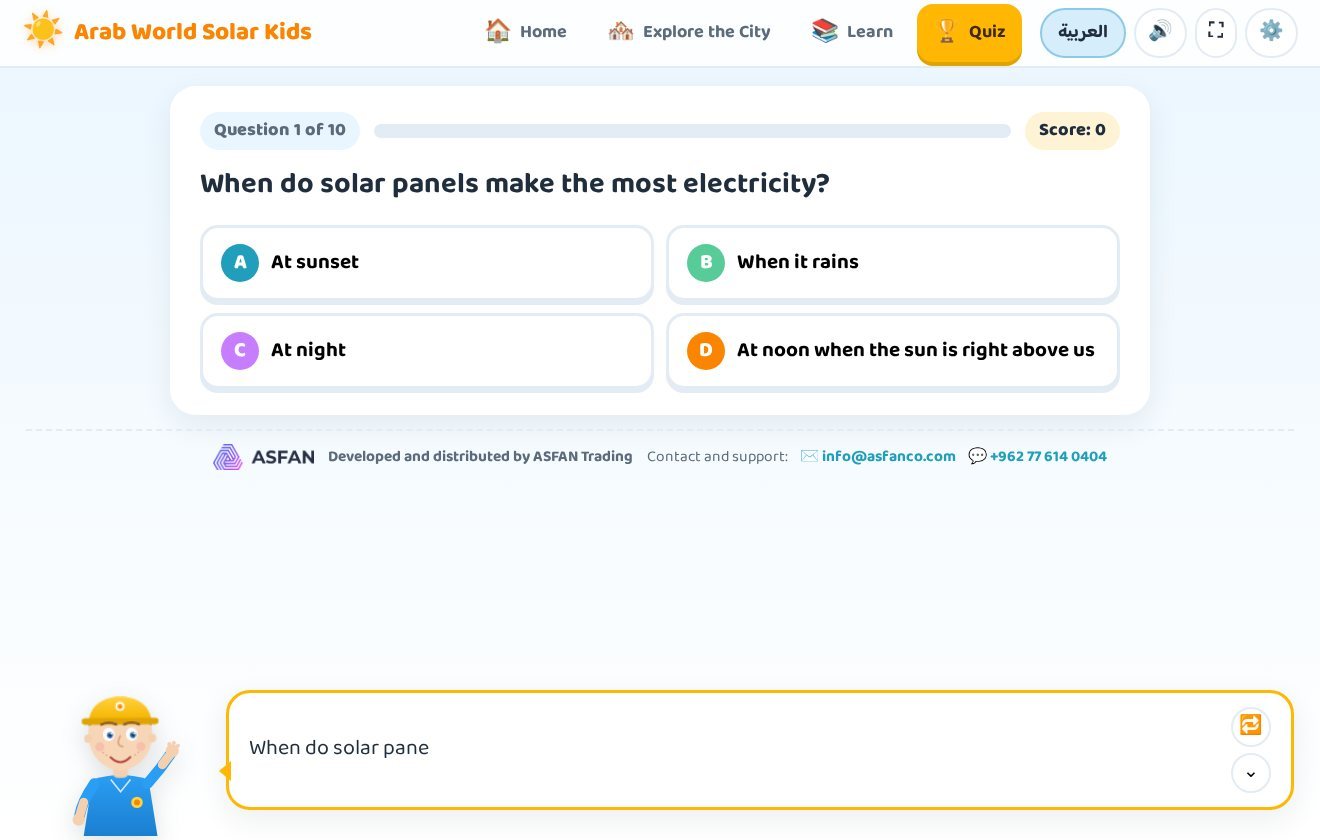
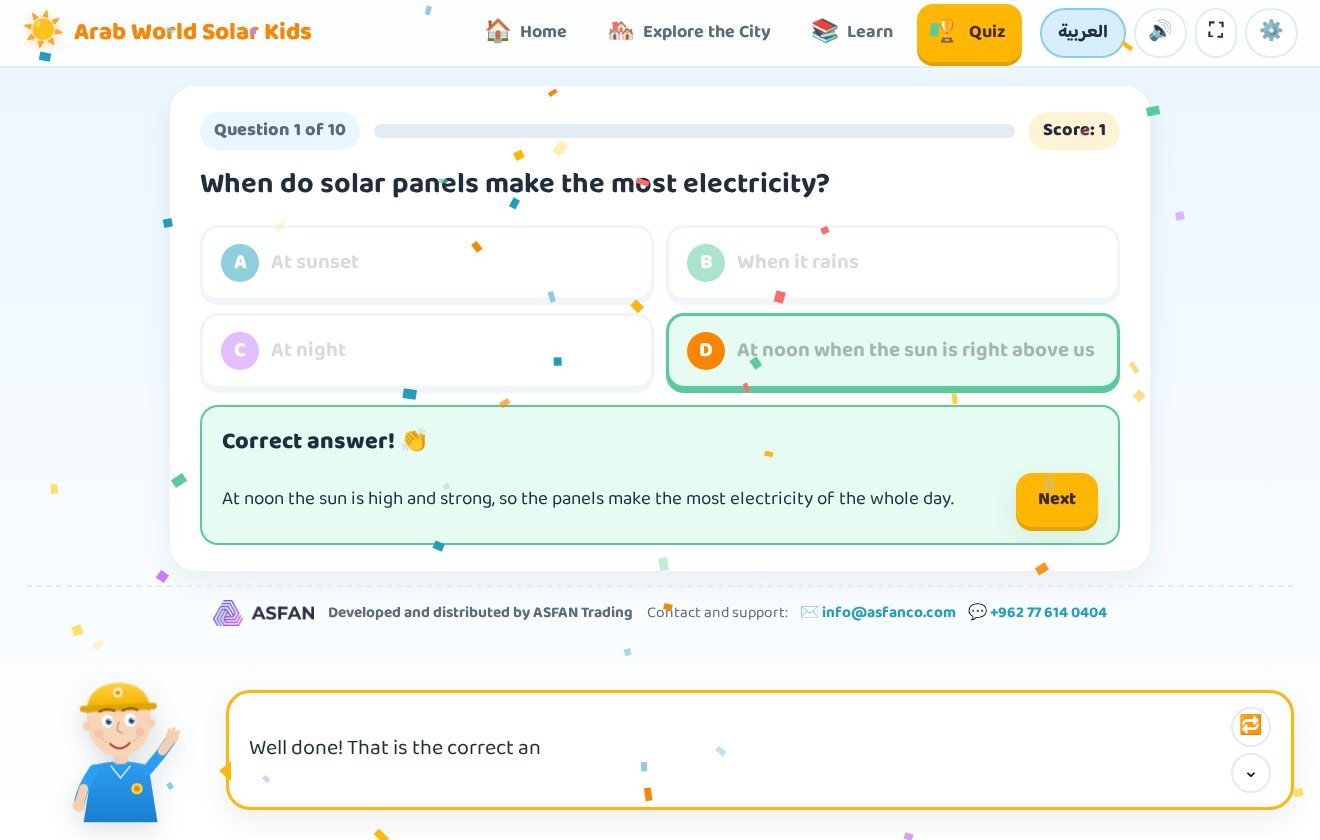
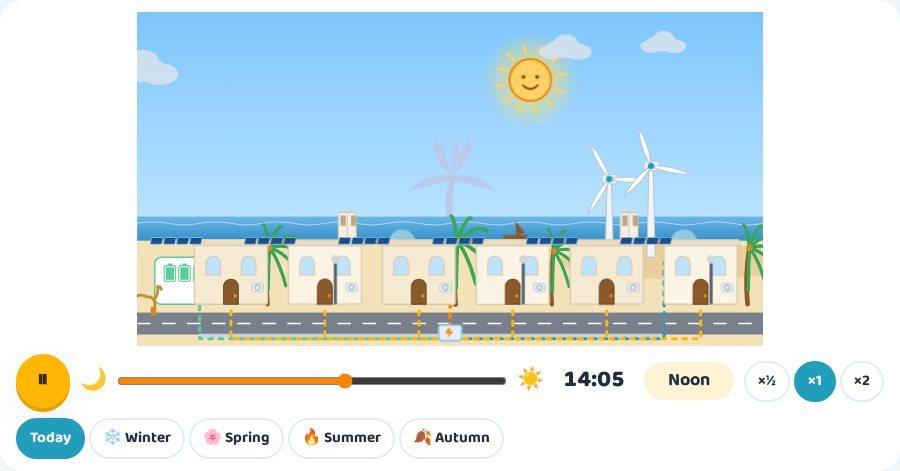
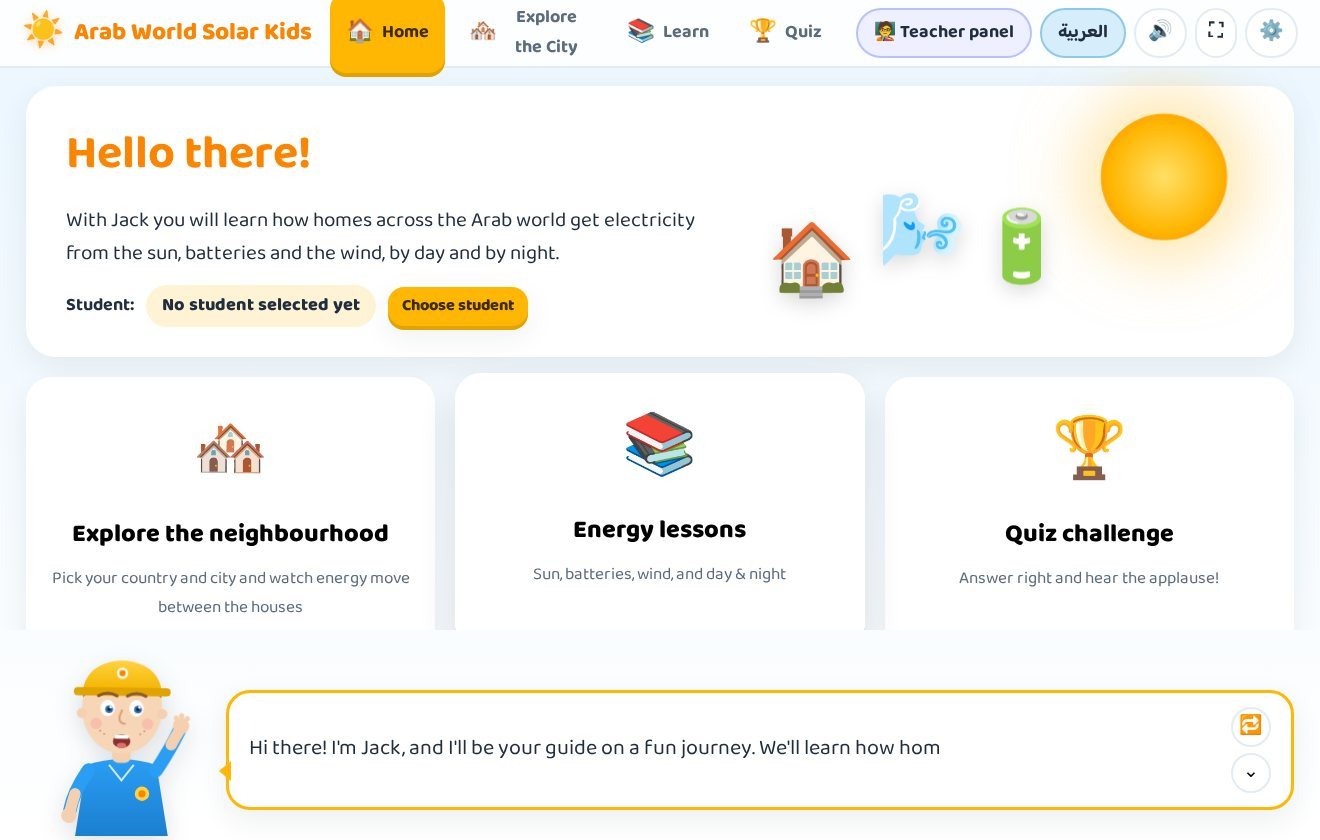
An educational program for children aged 6 to 12 that shows how homes across 22 Arab countries and 84 cities get their electricity from solar panels, batteries and wind turbines — by day and by night. A friendly guide, Jack in English or Nasouh in Arabic, walks the child through an animated neighbourhood, illustrated lessons and a quiz that ends with a certificate.
- 14-day free trial
- Arabic & English
- Works fully offline
- Version 1.2.1
Clean energy explained the fun way
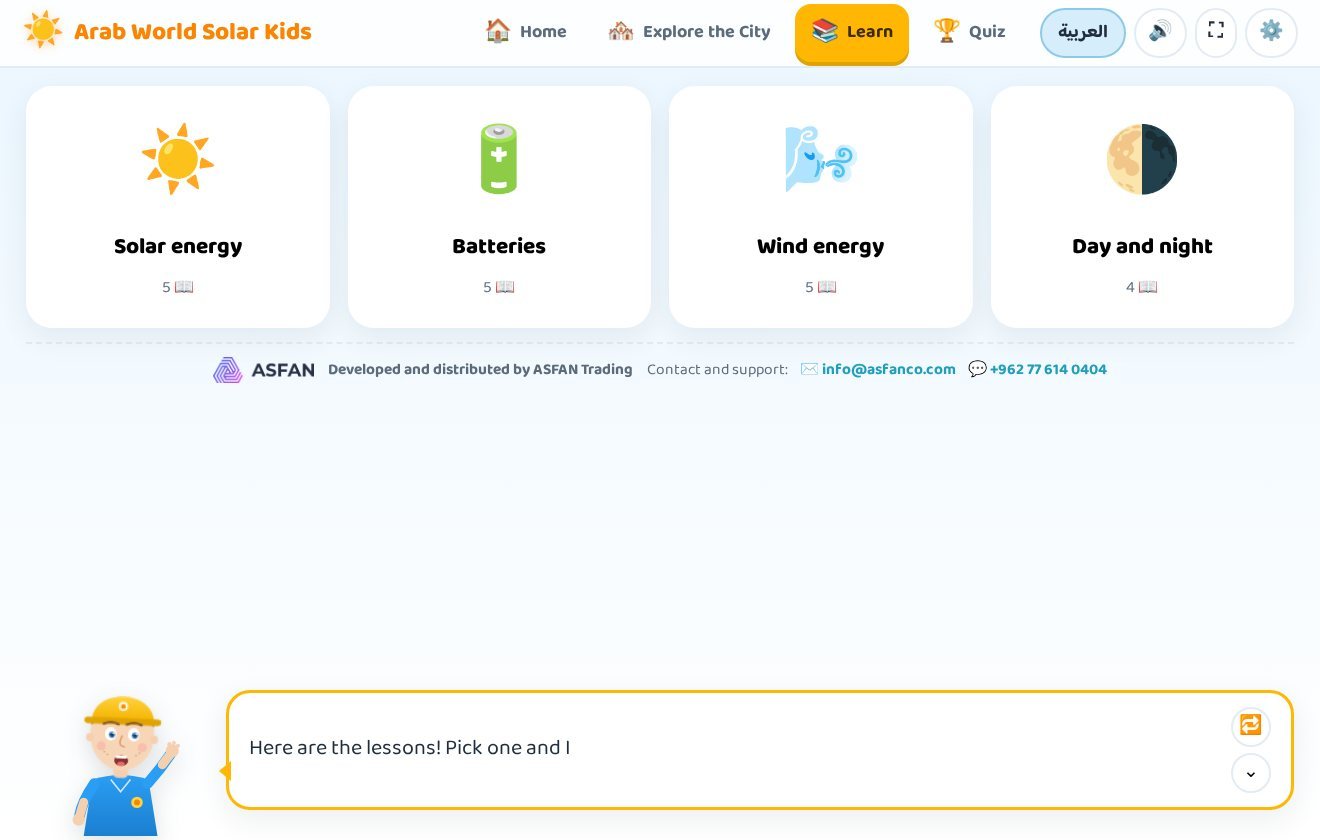
Four illustrated lessons turn big science ideas into simple pictures a child can understand and remember — each one read aloud, step by step.
The Sun & Solar Energy
Where energy comes from, how sunlight reaches the Earth, and why the sun is a clean source that never runs out.
Batteries & Storage
Why we store energy during the day, how a battery charges and discharges, and how a home keeps its lights on at night.
Wind Energy
How wind spins a turbine, how movement becomes electricity, and why some cities are far windier than others.
Day & Night
Why the panels stop at sunset, what takes over after dark, and how a neighbourhood stays lit for a full 24 hours.
A teacher panel that grades itself
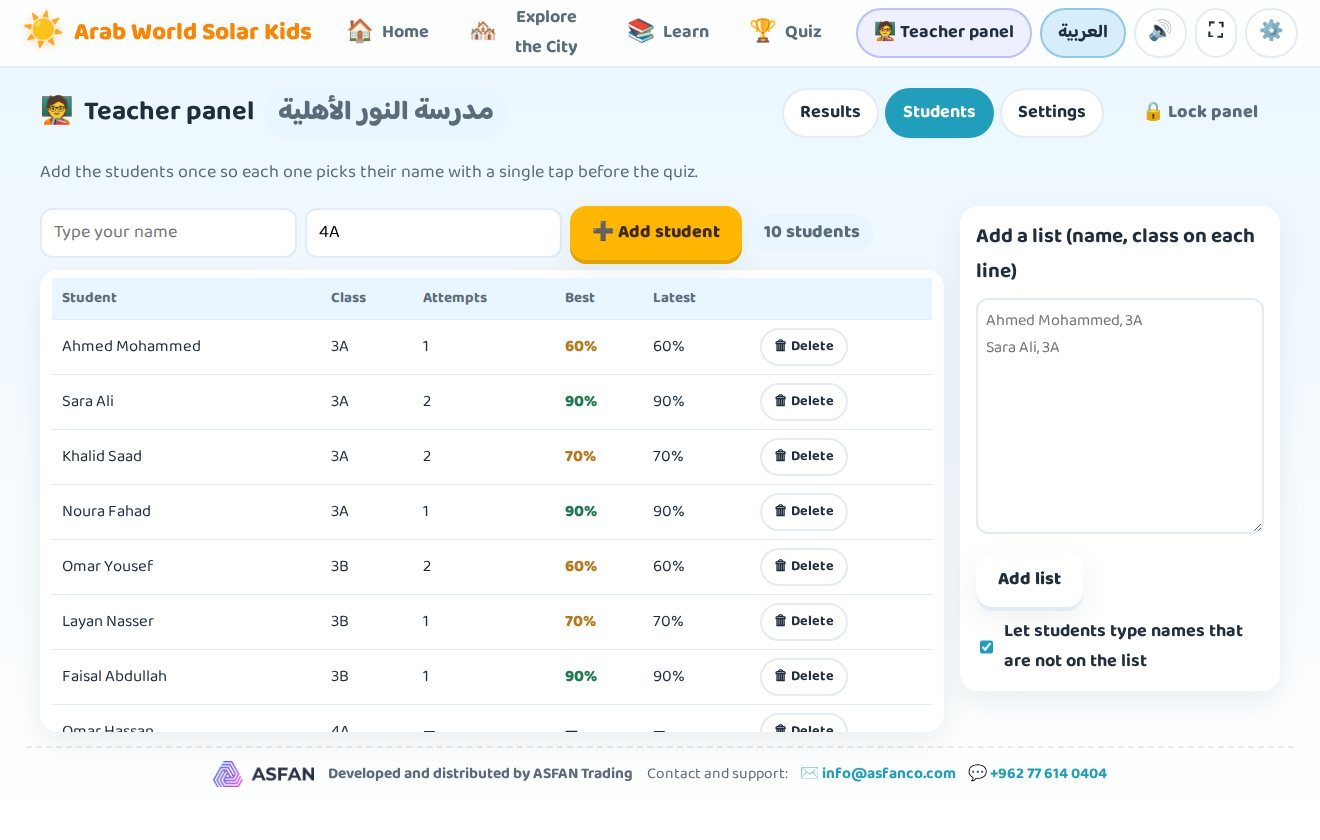
With a school license the program adds a private panel where the teacher sees every student's answers, scores and hardest questions — with no server, no accounts and no internet.
Students pick their name
A "Who are you?" screen appears before the quiz; names can be filtered by class or searched.
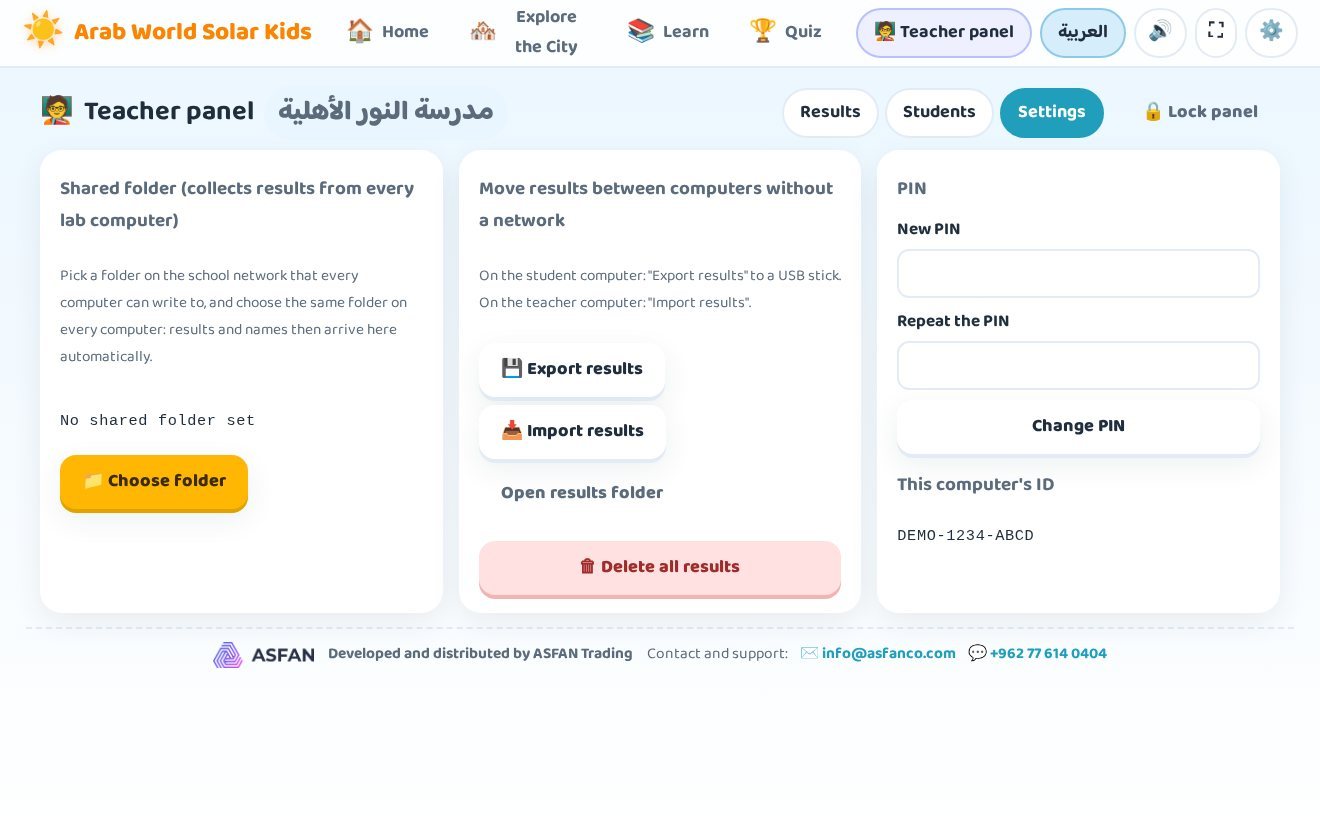
PIN-protected panel
The teacher sets a 4–8 digit PIN. Students can never open the panel or see another student's results.
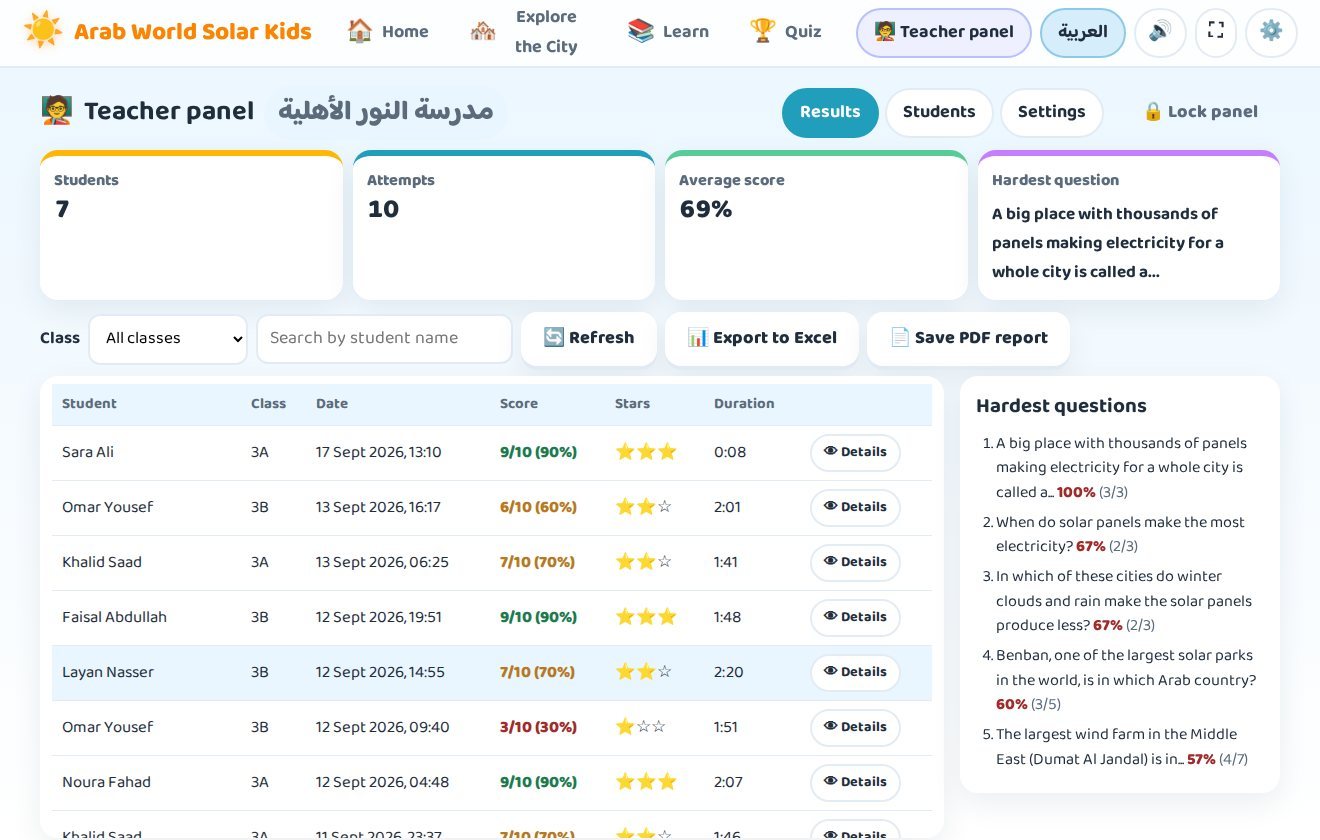
Results & hardest questions
Every attempt with its score, stars and duration — plus the questions most often answered wrongly.
Excel & PDF reports
Export a results summary and a table of every answer, or print a PDF report per class.
See it before you install it
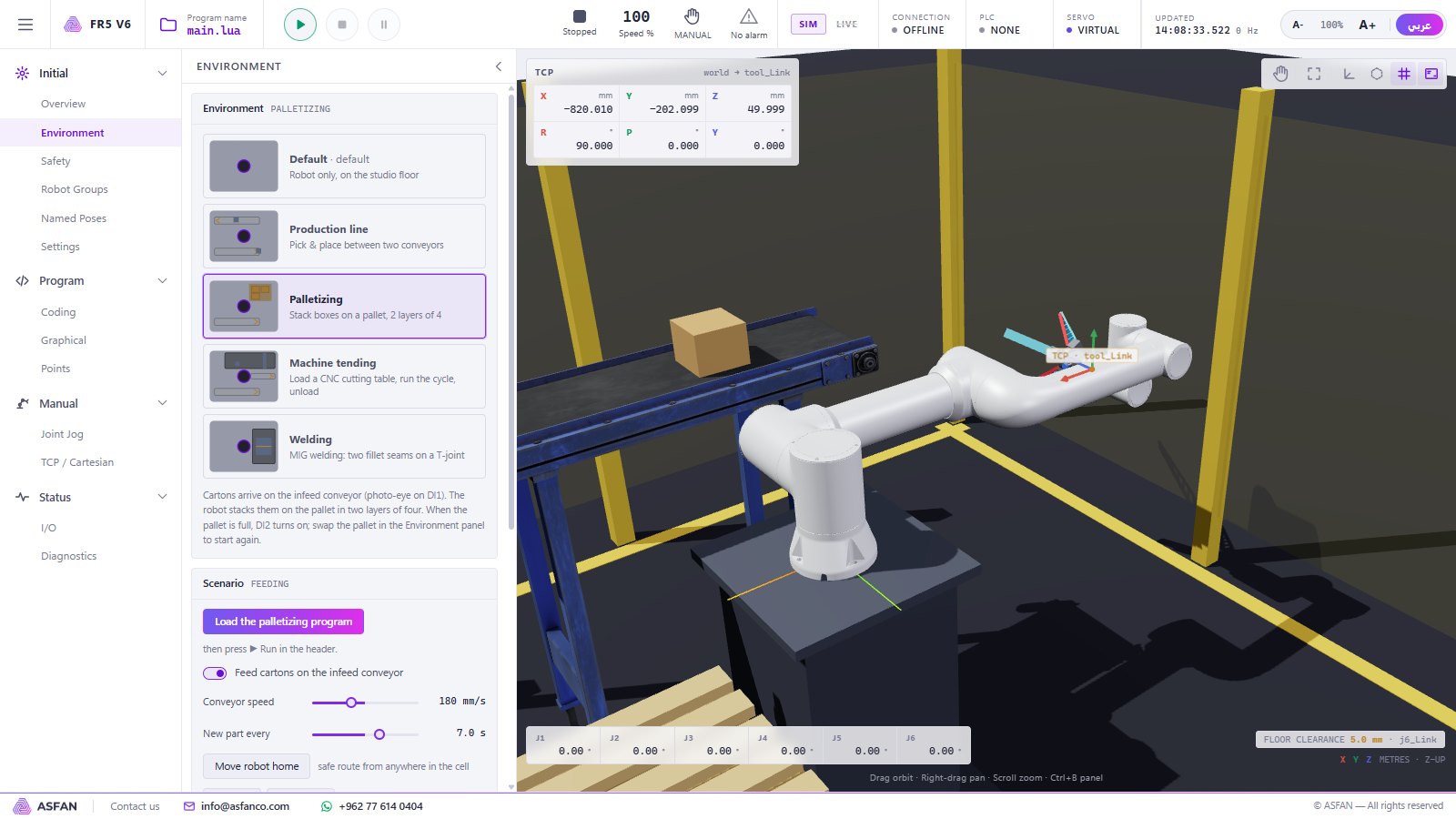
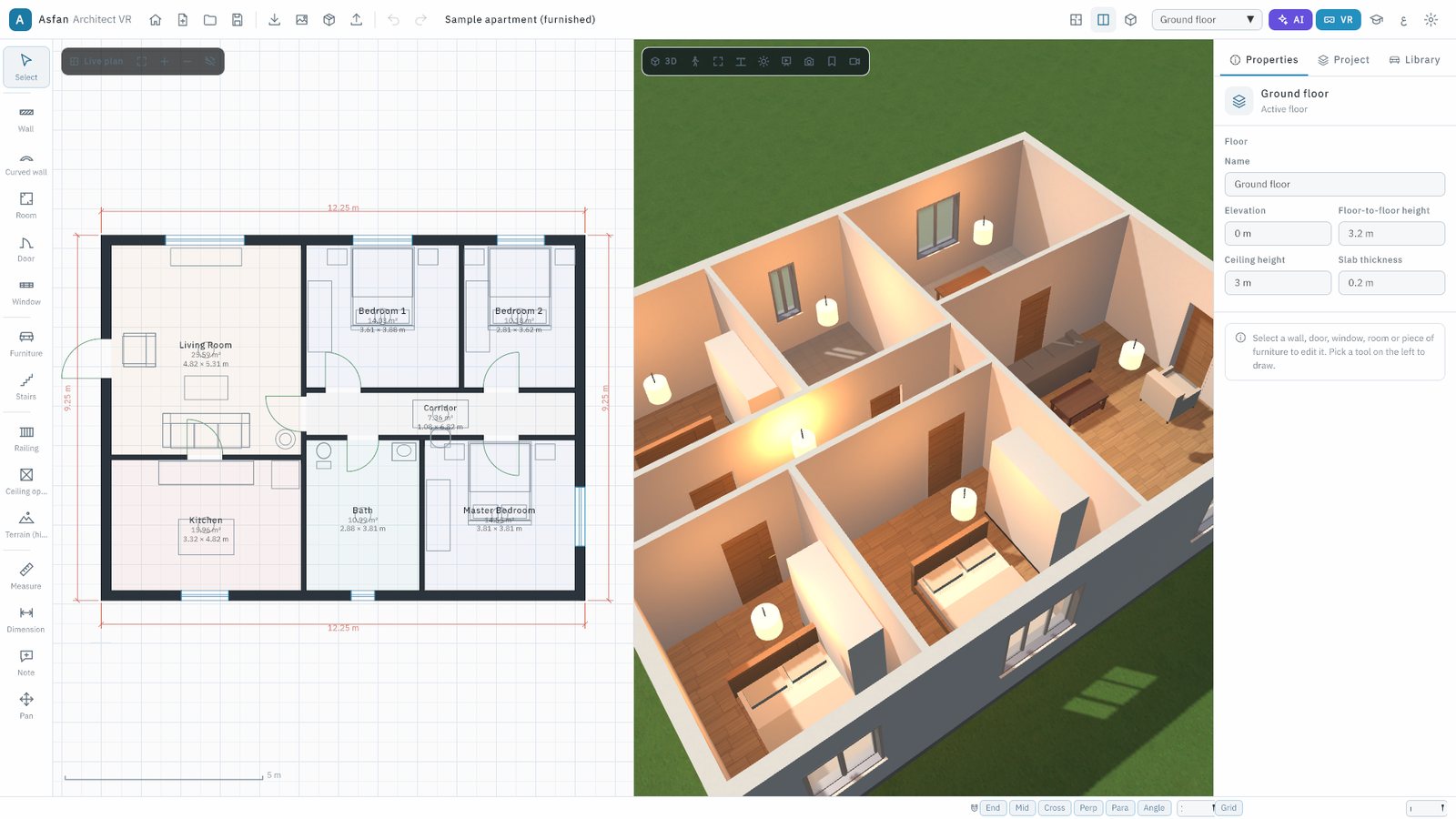
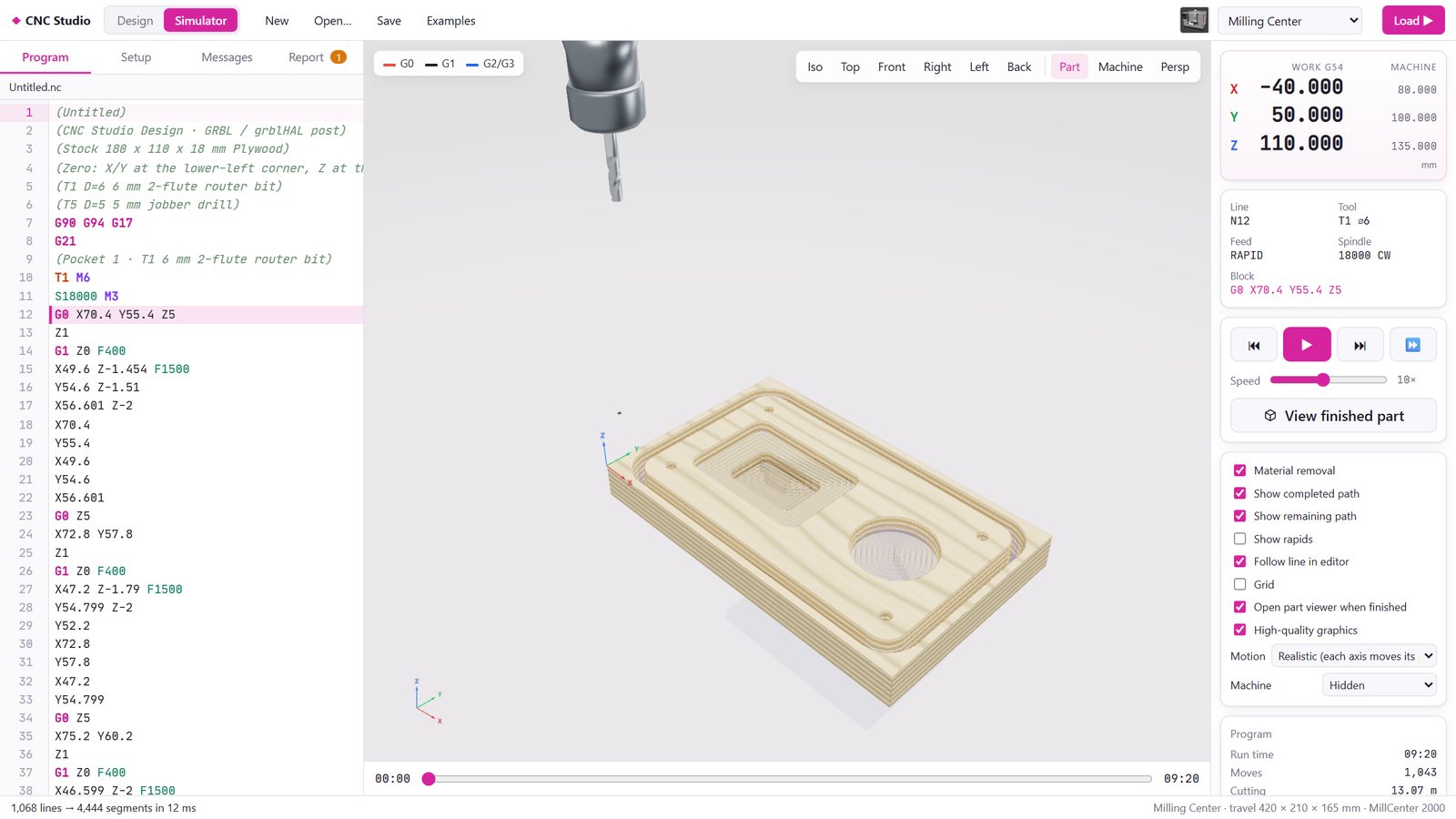
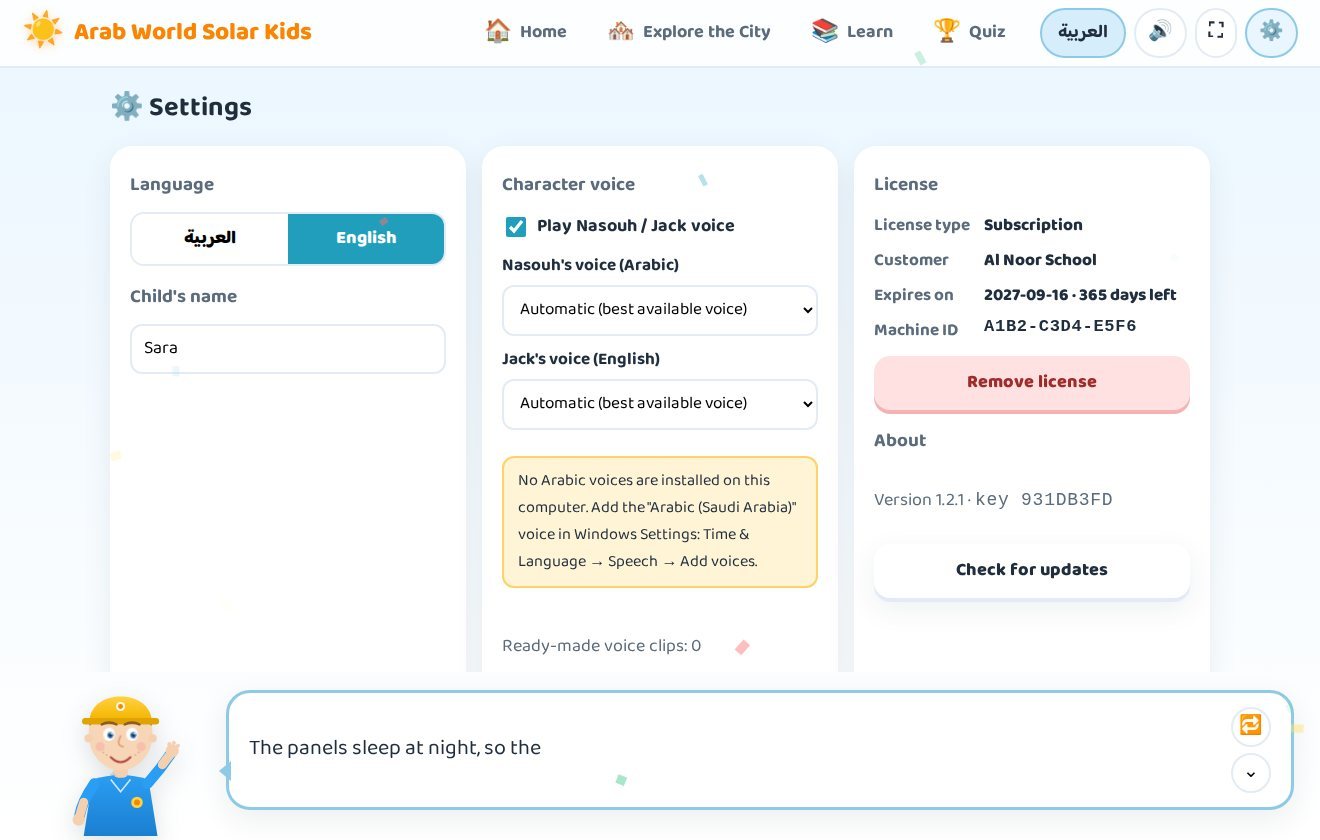
Real screens from version 1.2.1.
Try it for 14 days, then unlock the full version
No payment is needed to start, and nothing you do during the trial is lost when you activate.
Download & install
Run GulfSolarKids-Setup.exe, choose English or Arabic and keep the default folder. No administrator rights are needed — the program installs for the current Windows user.
Start the 14-day trial
The program opens straight away with part of its content unlocked, so you can explore the neighbourhood and see whether it suits your child or your class.
Activate your license
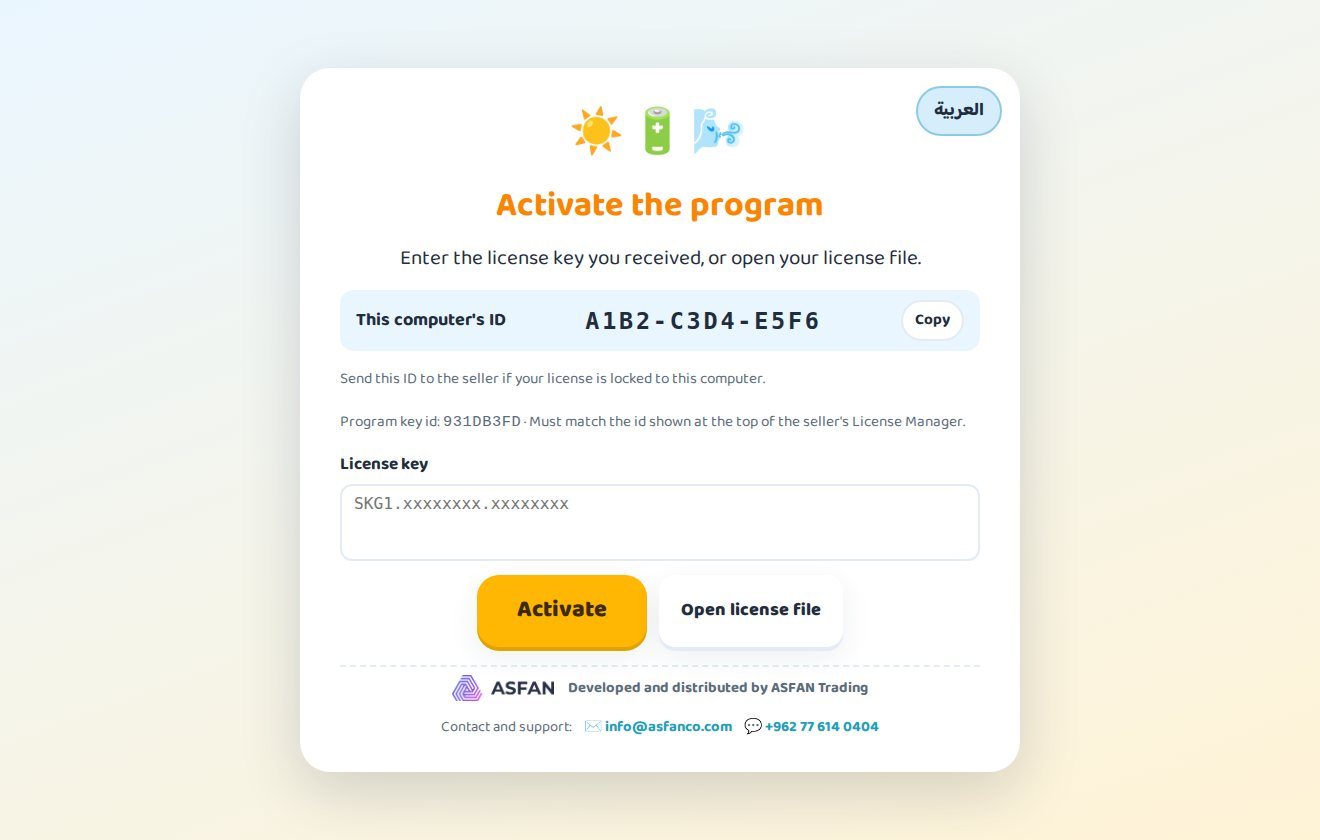
Send us the machine ID shown on the activation screen. We send back a key or a .lic file — paste it once and the program never asks again.
What the 14-day trial gives you
The trial runs from the first start and needs no key. It is meant for evaluating the program before you buy.
- A selection of the program's content, enough to judge how it teaches
- Both languages and both guides
- The rest of the content unlocks the moment a license key is entered
Monthly or Annual — your choice
Every license unlocks the complete program in both languages. Contact us and we will issue your key the same working day.
Not sure yet? Install the 14-day trial first — no key, no payment, no account.
Get Price OfferMonthly
Flexible access, renewed every month.
Contact us
for current pricing
- The complete program, Arabic and English
- All 22 countries and 84 cities
- All four lessons and the full question bank
- Free updates while the subscription is active
- Renew month by month — ideal for one term
Annual
Full access for 12 months, renewed every year.
Contact us
for current pricing
- Everything in the Monthly license
- One payment covers a full year
- Free automatic updates
- Ideal for families and schools
- Can be moved to another computer on request
Buying for a school, a lab or several computers? Ask about the school license with the teacher panel — contact us or message us on WhatsApp at +962 77 614 0404.
Before you install
- Operating system
- Windows 10 or Windows 11 (64-bit)
- Installer
GulfSolarKids-Setup.exe— about 130 MB- Administrator rights
- Not needed — installs for the current user
- Internet
- Only for the first download and for updates; the program runs fully offline
- Sound
- Speakers or headphones — the guide reads every step aloud
- Activation
- License key or
.licfile issued by ASFAN - Current version
- 1.2.1, with automatic updates
Installation & user guide
31 pages covering installation, activation, every screen and the teacher panel.
Questions parents & teachers ask
What age is the program for?
Is the trial really free?
What is the difference between Monthly and Annual?
Does it need an internet connection?
Windows warns me when I download or run the installer. Is it safe?
Can a school use it on several computers?
Does it work on Mac, tablets or phones?
Can I move my license to another computer?
More energy education software
Ready to power up your child's curiosity?
Install the 14-day trial today, or talk to our team about a Monthly, Annual or school license.