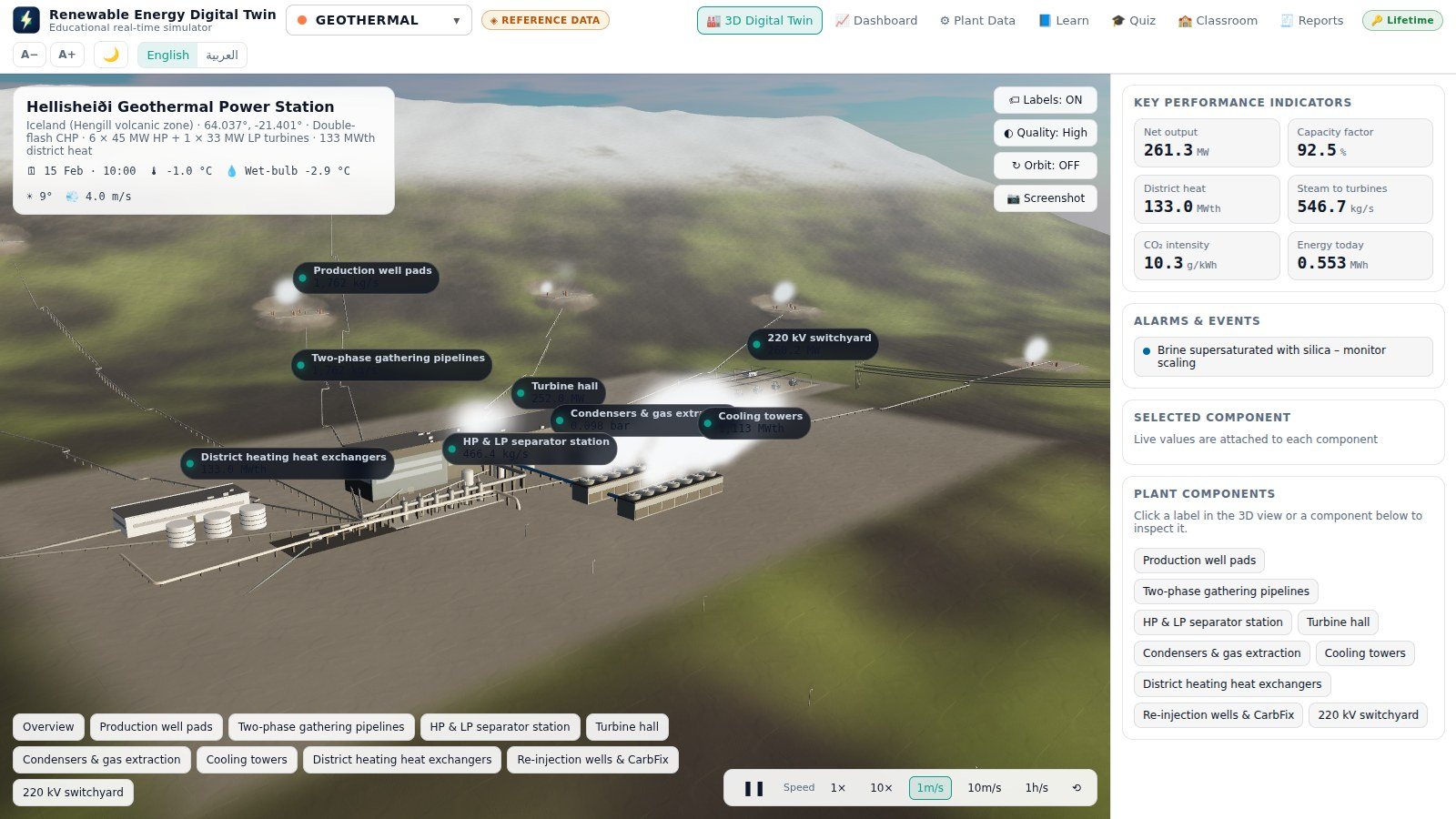
Geothermal
Hellisheiði Power Station
Iceland
303 MW + 133 MWth district heat
Engineering lab equipment | VR · AR · XR · 360° | Digital twins — Jordan & GCC

Now available for Windows 10 / 11 and Mac
A real-time 3D simulator of renewable power plants. Seven real sites — geothermal, biomass, waste-to-energy, hydropower, green hydrogen, wind and solar — each rebuilt as a digital twin whose every label, gauge and chart is computed live from a physics model. Change a parameter and watch the whole plant respond.
The latest update brings Renewable Energy Digital Twin to the Mac. MacBook, iMac and Mac mini now run the same program as Windows — the same seven 3D plants, the same physics and the same pages, in English and Arabic.
A single .dmg file works on Apple silicon (M1 or newer) and on Intel Macs with macOS 13 Ventura or newer. Apple silicon is recommended for the smoothest 3D view.
The 14-day trial, the dashboard, Plant Data, quiz, reports, the plant builder and Classroom mode all work as on Windows, and you activate with the same kind of license key.
When a newer version is out, the Mac edition shows a notice with a Download for Mac button. Drag the new version into Applications and choose Replace — license, settings and data are kept.
RenewableEnergyDigitalTwin-Mac.dmg in your Downloads folder (if Safari asks, click Allow).~/Library/Application Support/Renewable Energy Digital TwinThe same 14-day free trial as on Windows — no key, no payment details and no account. Chapter 5.3 of the user manual shows every installation step.
Seven pages, each doing one job well — and all of them driven by the same running physics model.
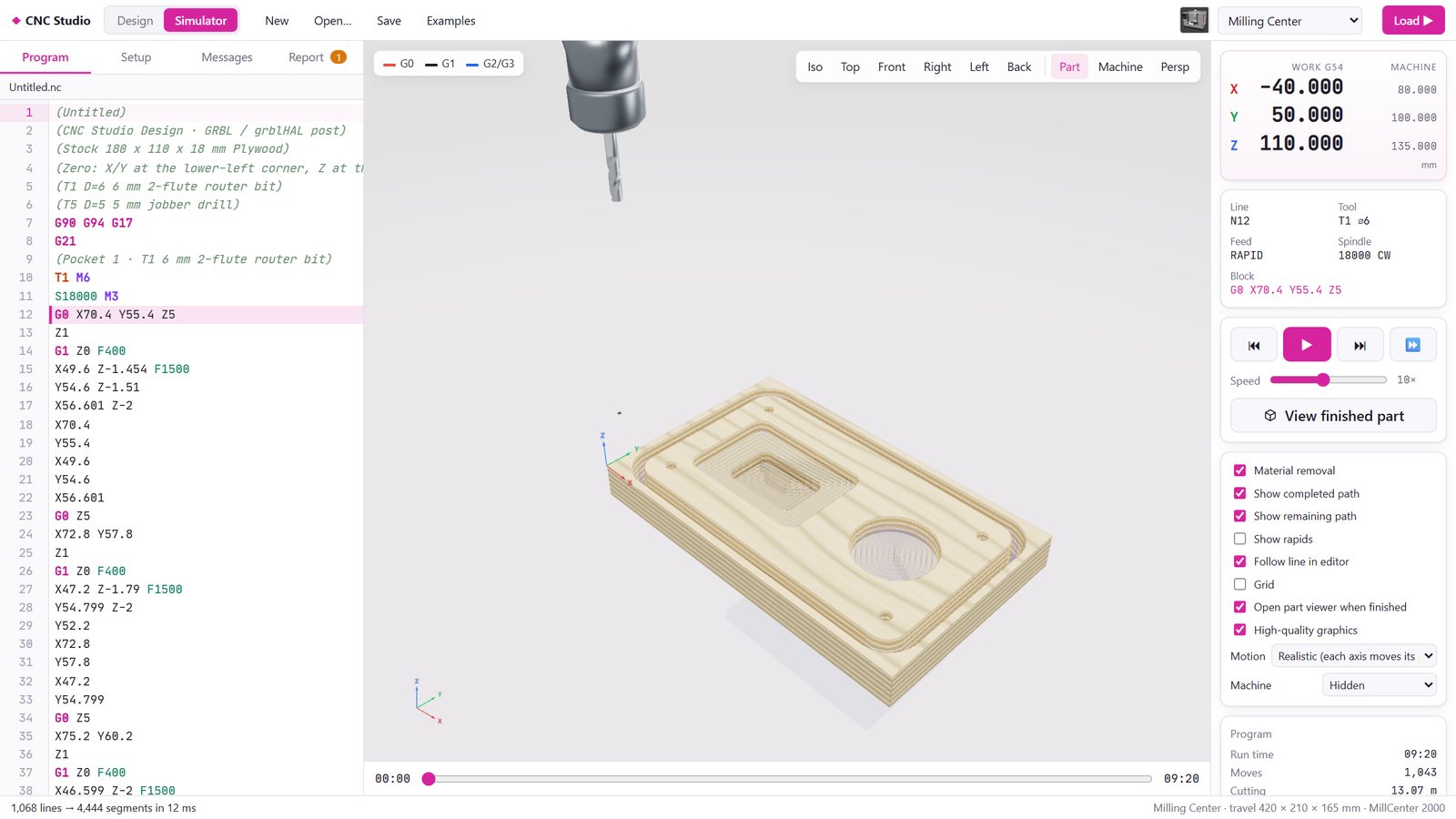
The plant on its real terrain, with satellite imagery, day and night lighting, moving steam, trucks, trains and turbines — every component labelled with its live value.
Gauges with limit marks, trend charts over 1 hour, 24 hours or 31 days, a Sankey energy-flow diagram, every process value and the live alarm list.
Every operating parameter of the physics model, editable, with its real reference value alongside — plus one-click scenarios like drought, heatwave or storm.
A compact course per technology: overview, the process step by step, the key equations, the real plant data sheet, environment and a glossary.
Auto-graded practice and timed exam modes, live-data questions, printable certificates — and a class folder the supervisor reads without a server.
Enter the design data of a plant you are planning and the program builds its 3D twin and runs the physics on your numbers.
Each plant is modelled from its operator's published figures, and each one comes with its own physics model, learn pages, scenarios and quiz bank.
Iceland
303 MW + 133 MWth district heat
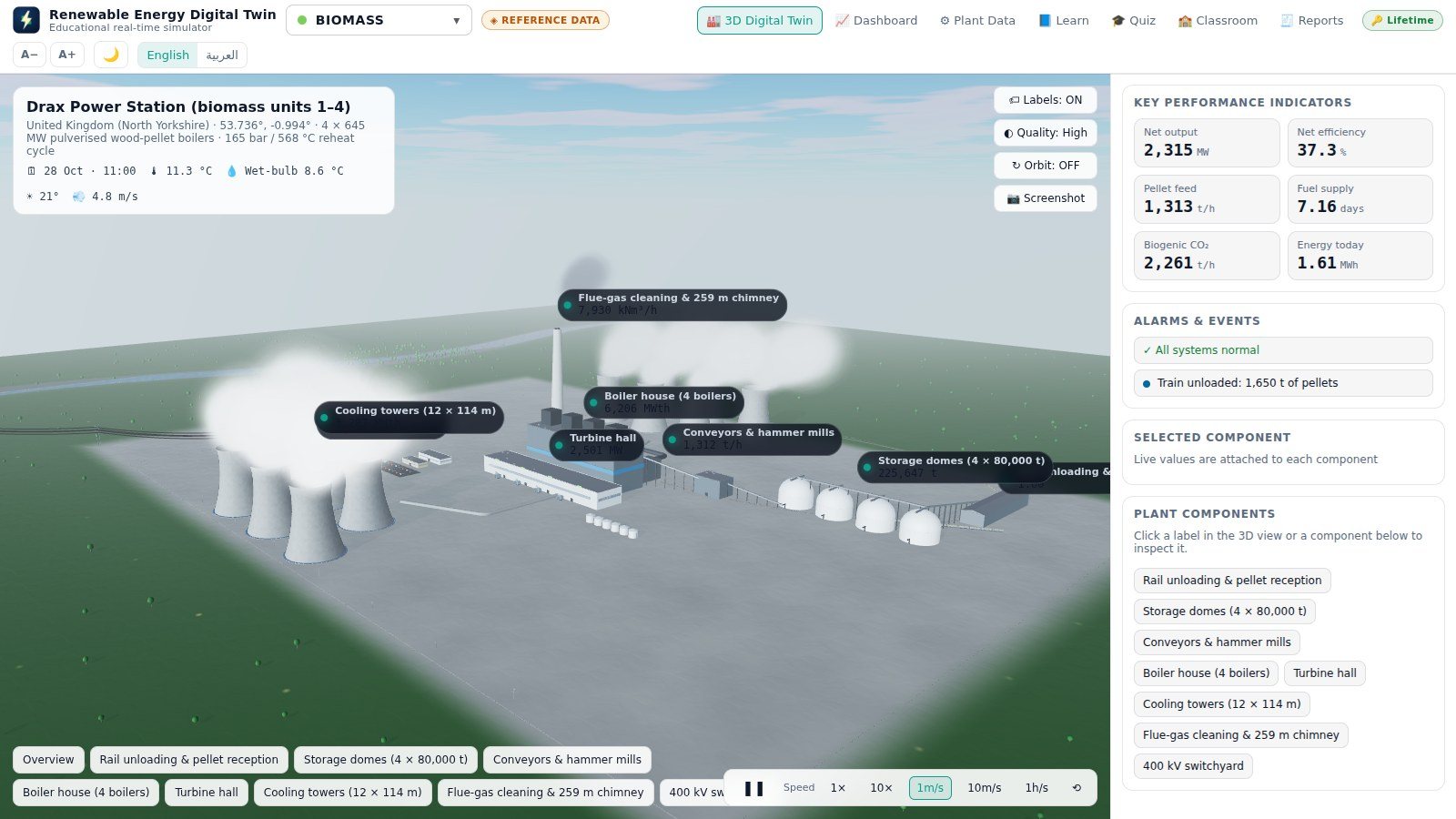
United Kingdom
2,580 MW
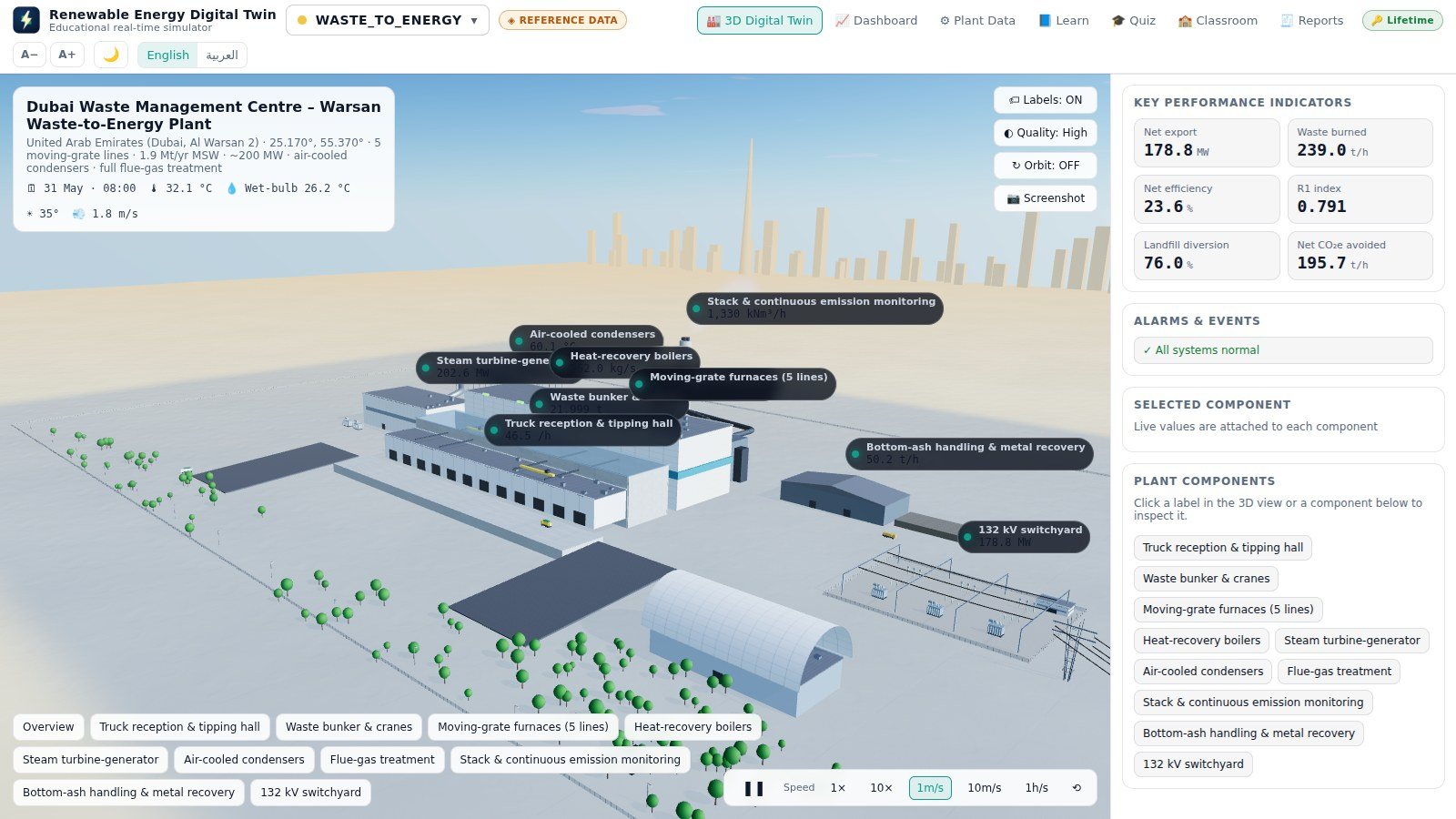
Warsan, UAE
200 MW · 1.9 Mt waste/year
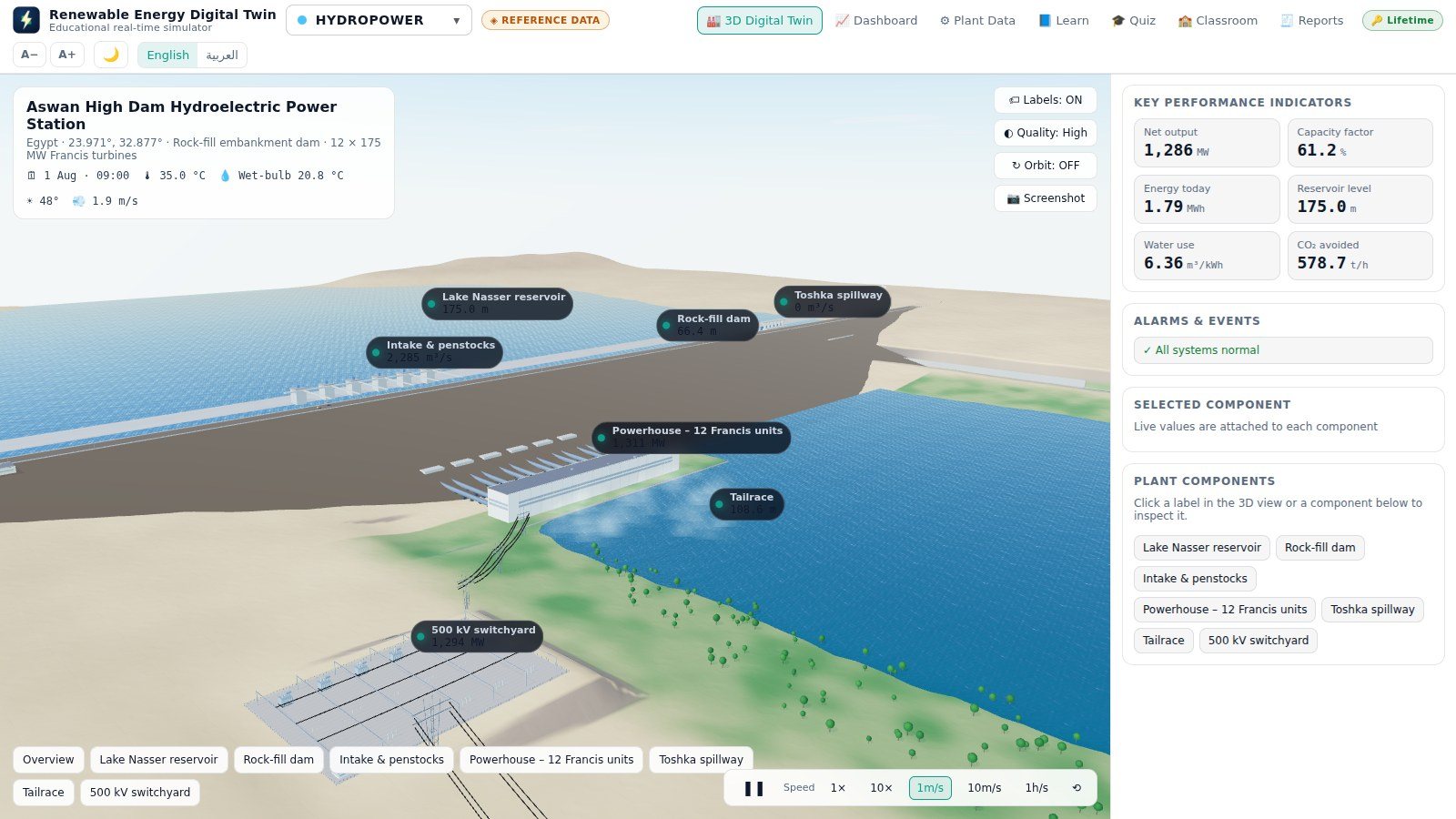
Egypt
2,100 MW
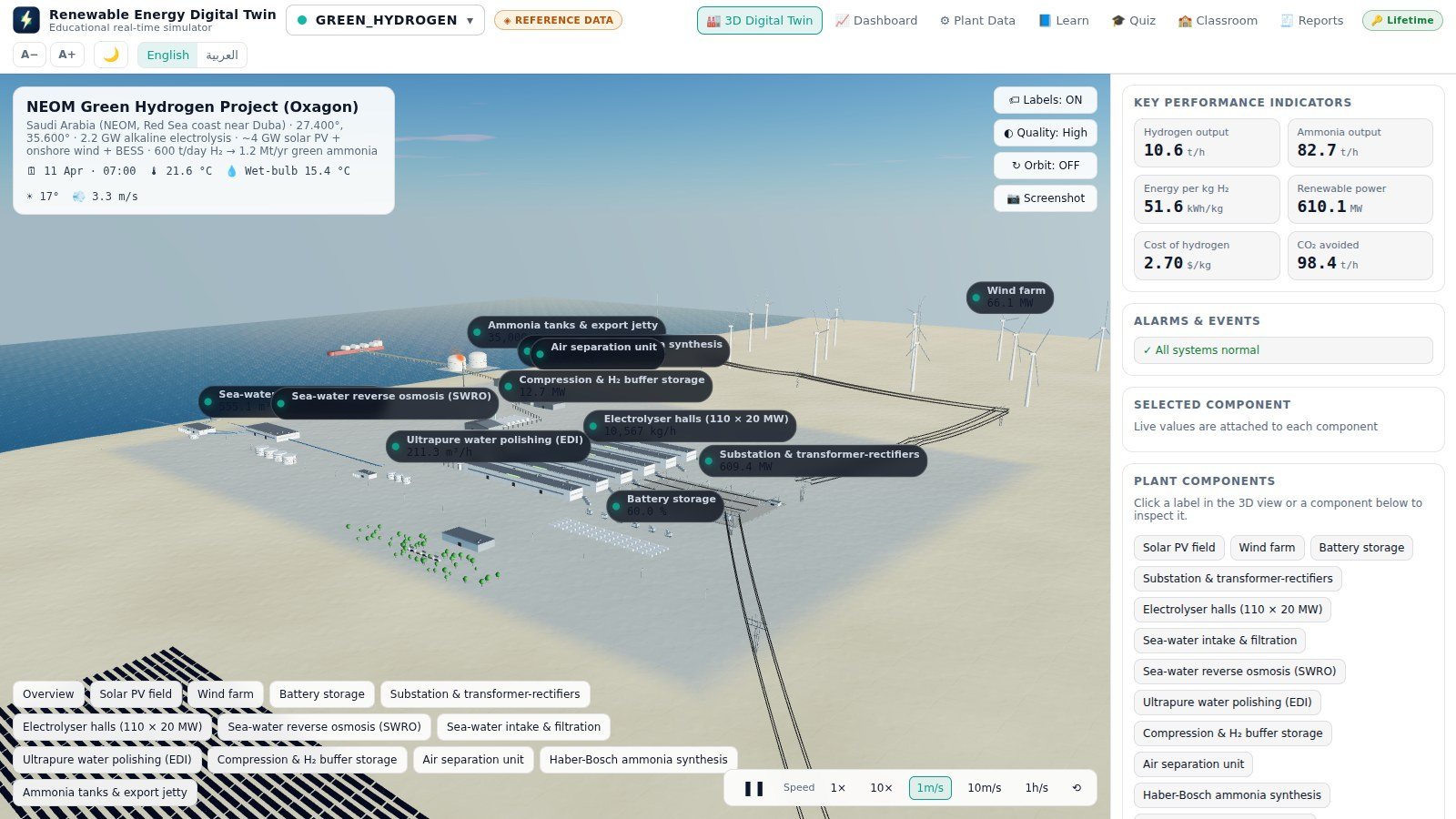
Oxagon, Saudi Arabia
2.2 GW electrolysis · 600 t H₂/day
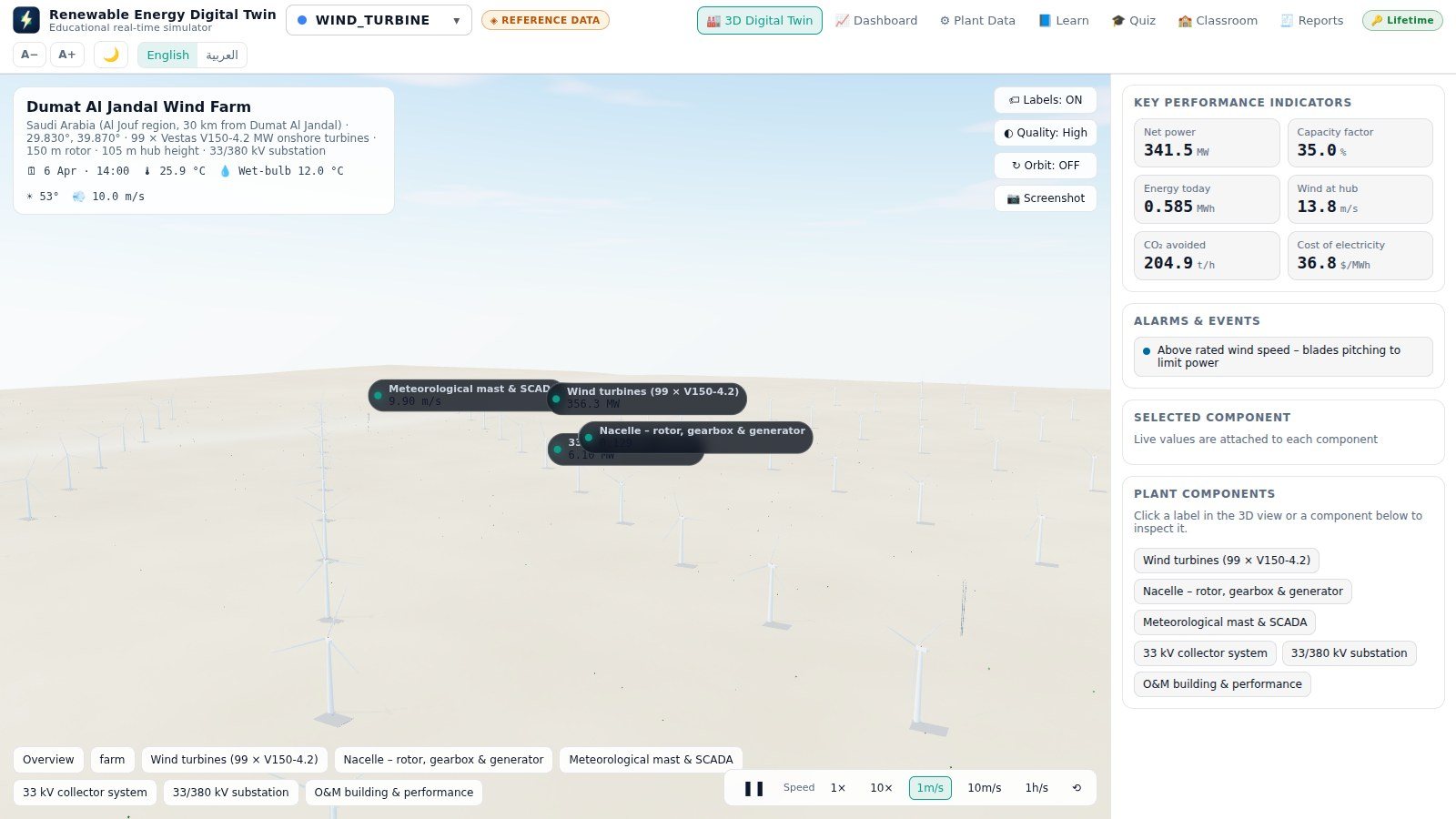
Saudi Arabia
400 MW · 99 turbines
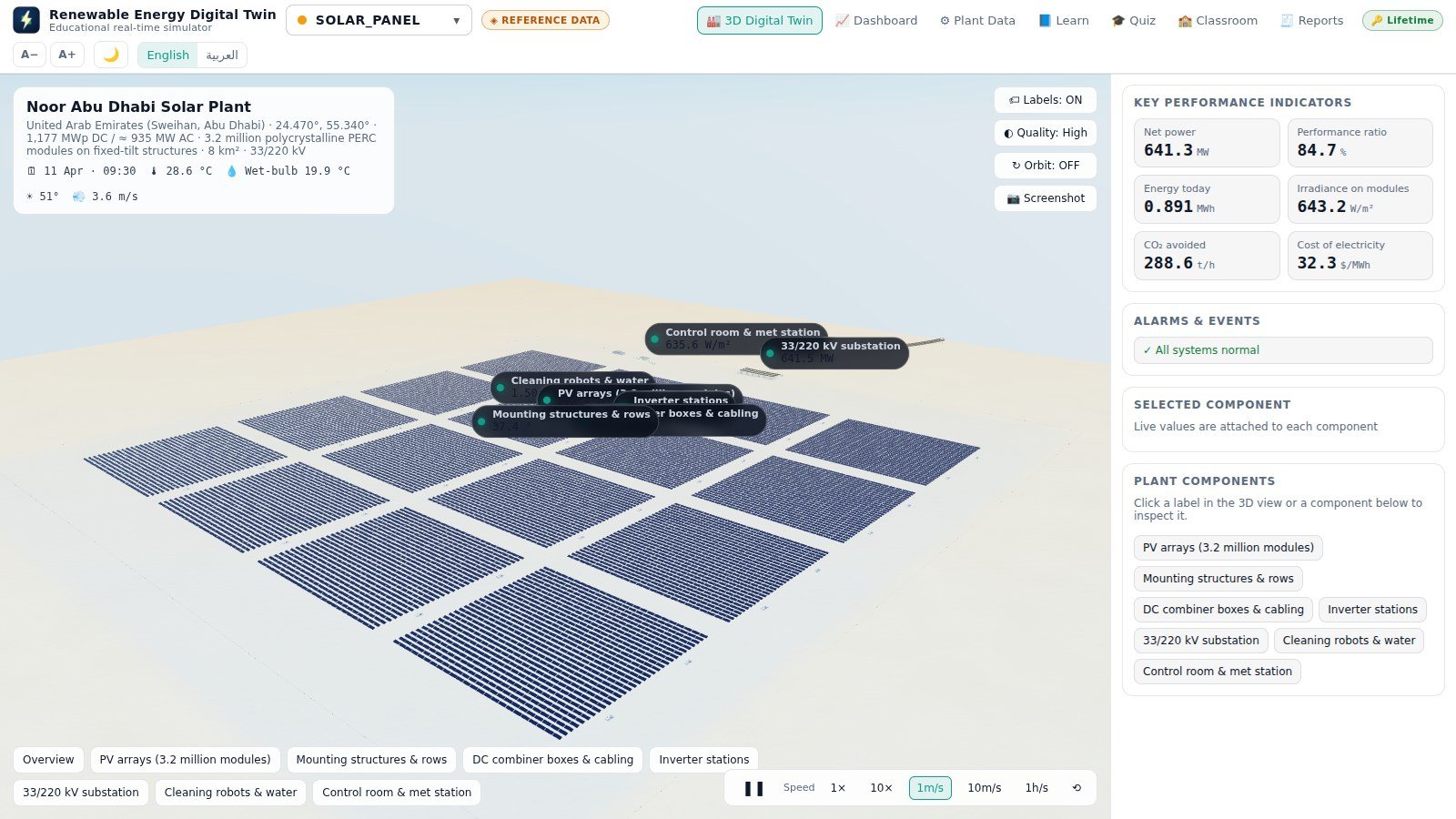
United Arab Emirates
1,177 MWp
Real screens from version 1.4.0.
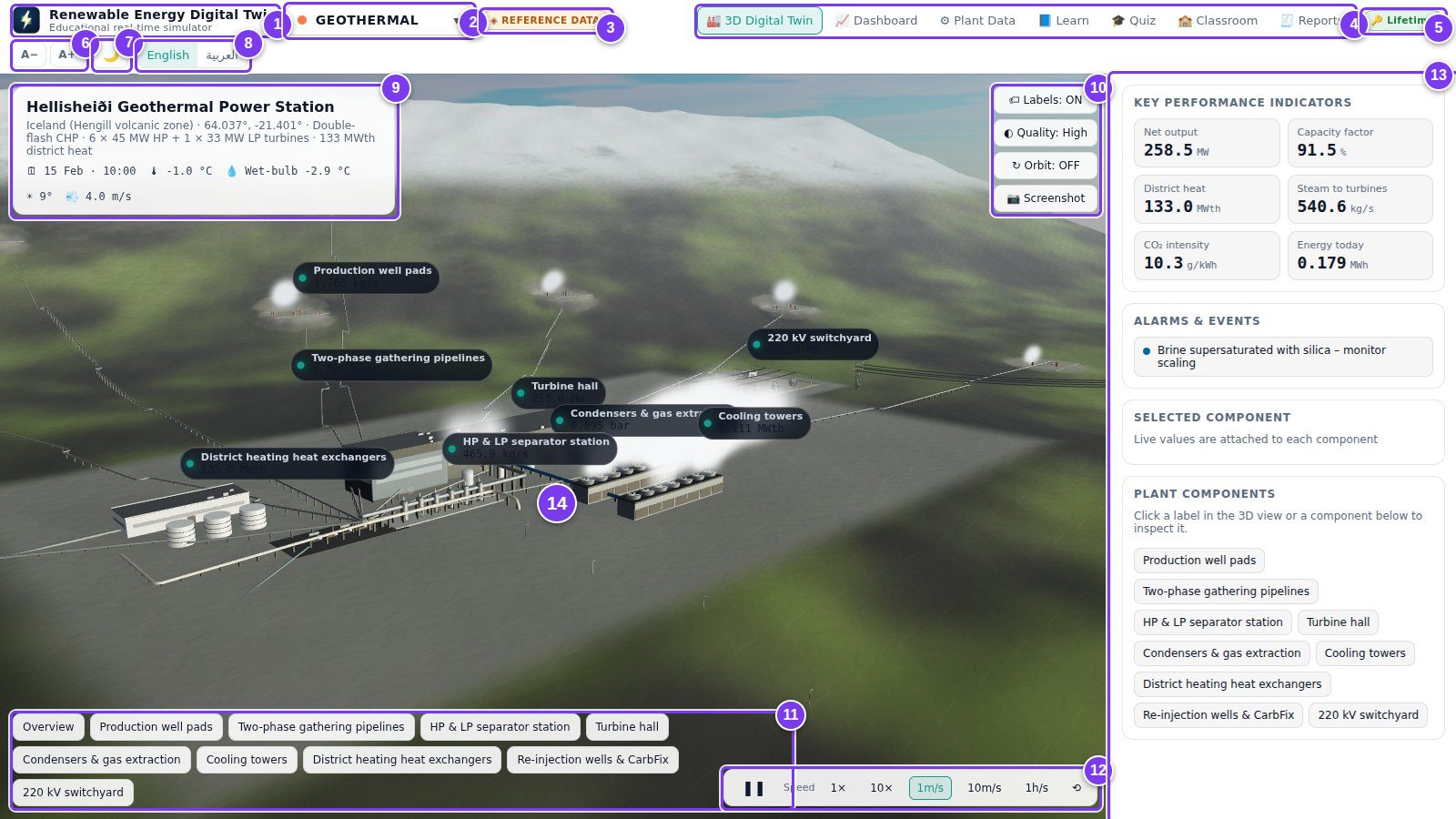
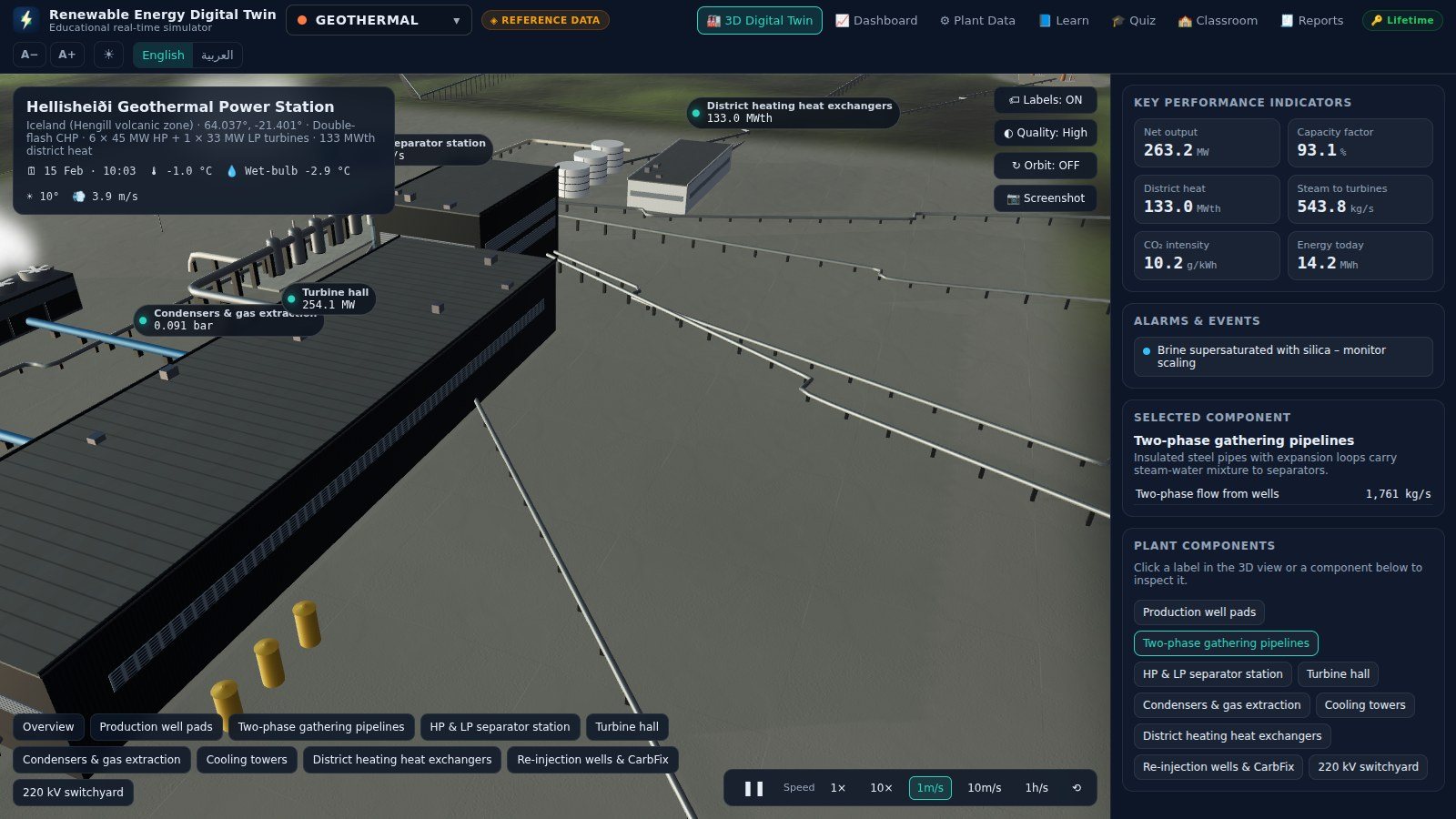
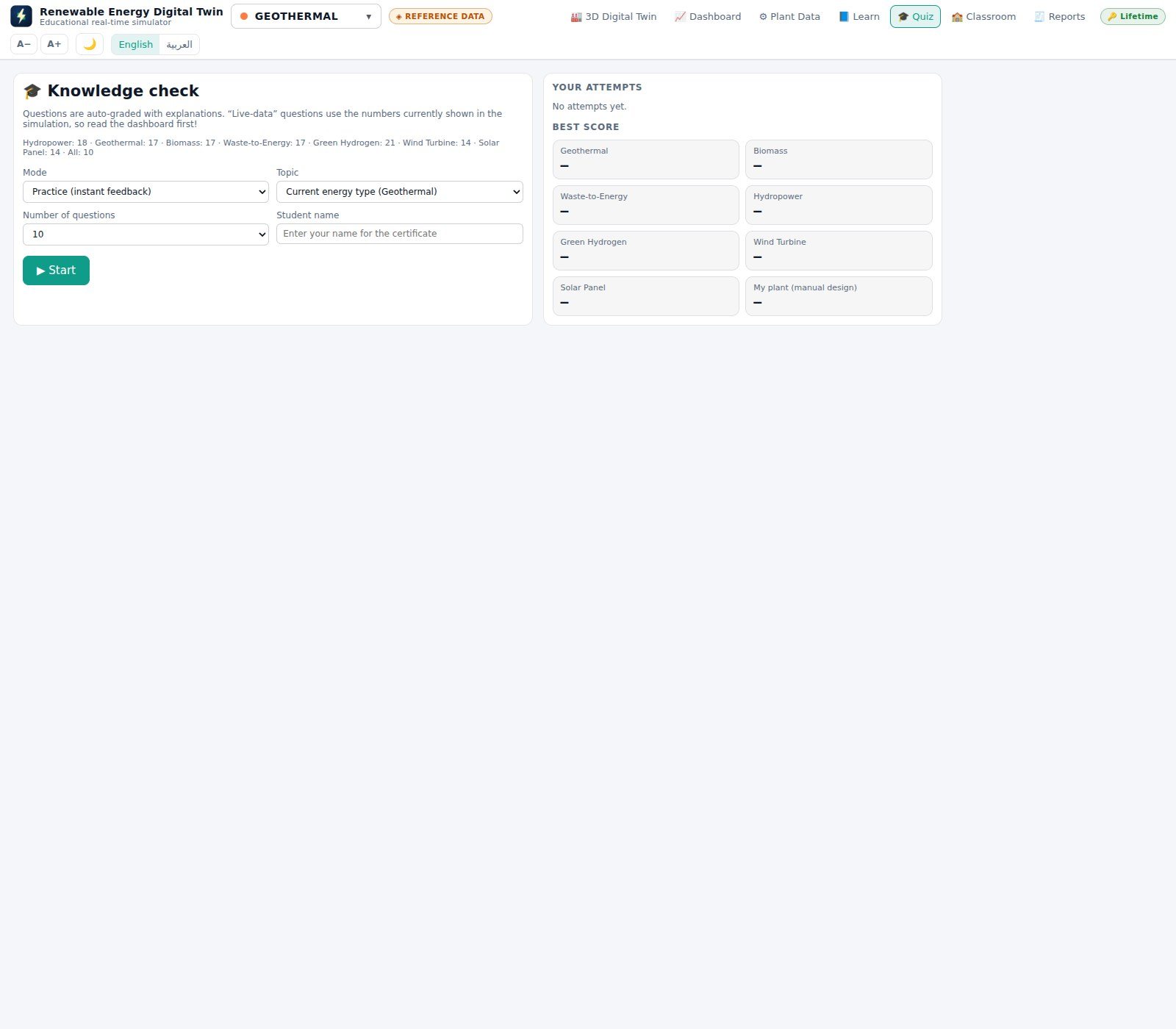
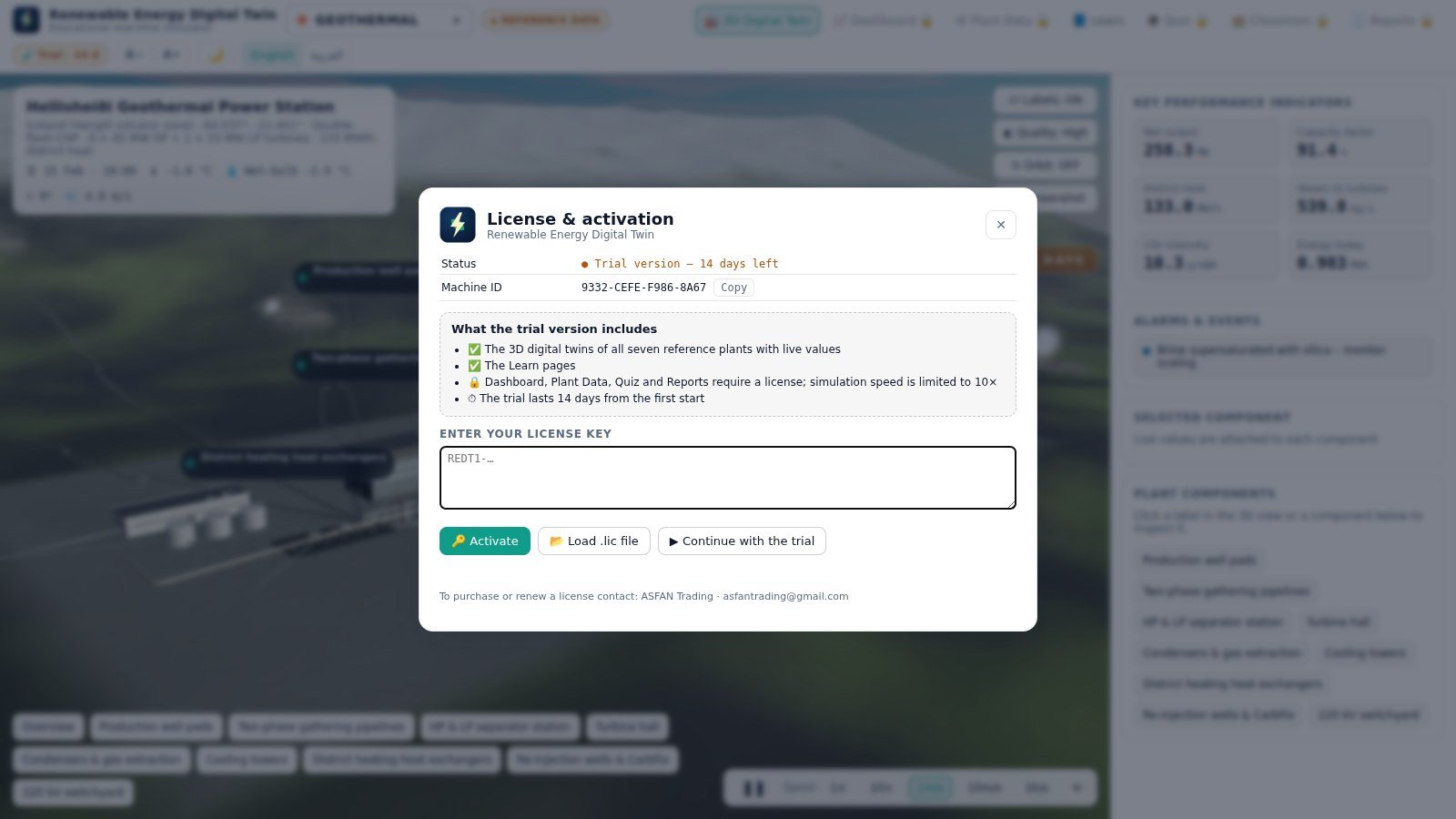
No administrator password, no database, no server — and nothing you do during the trial is lost when you activate.
Run the setup file. It installs into your own Windows profile in about twenty seconds, creates a desktop shortcut and starts the program. A portable edition that runs from a USB stick is also available. On a Mac, open the .dmg and drag the program into Applications.
Click Continue with the trial and all seven 3D twins and every Learn page are open to you immediately, with the simulation running up to ten times real time.
Paste the key we send you — it starts with REDT1- — or load the .lic file. Activation is checked on your own computer, so no internet connection is needed.
The trial lasts 14 days from the first start and needs no key, no payment details and no account.
A license can cover all seven energy types or just the ones you teach. Supervisor licenses add the Classroom results table.
Not sure yet? Install the 14-day trial first — no key, no payment, no account.
Get Price OfferTime-limited access, renewed every month.
Contact us
for current pricing
Full access for 12 months, renewed every year.
Contact us
for current pricing
Teaching a class? Ask about the supervisor license and multi-seat pricing — contact us or message us on WhatsApp at +962 77 614 0404.
Updated for version 1.6.3: 68 pages covering every screen, all seven plants, the plant builder — and a new chapter on installing, allowing and updating the program on a Mac.
.lic file with your key — you need it again after reinstalling Windows or macOS, or moving to another computer.RenewableEnergyDigitalTwin-Mac.dmg and drag the program into Applications.Install the 14-day trial today, or talk to our team about a Monthly, Annual or supervisor license for your university or training centre.
 8programs
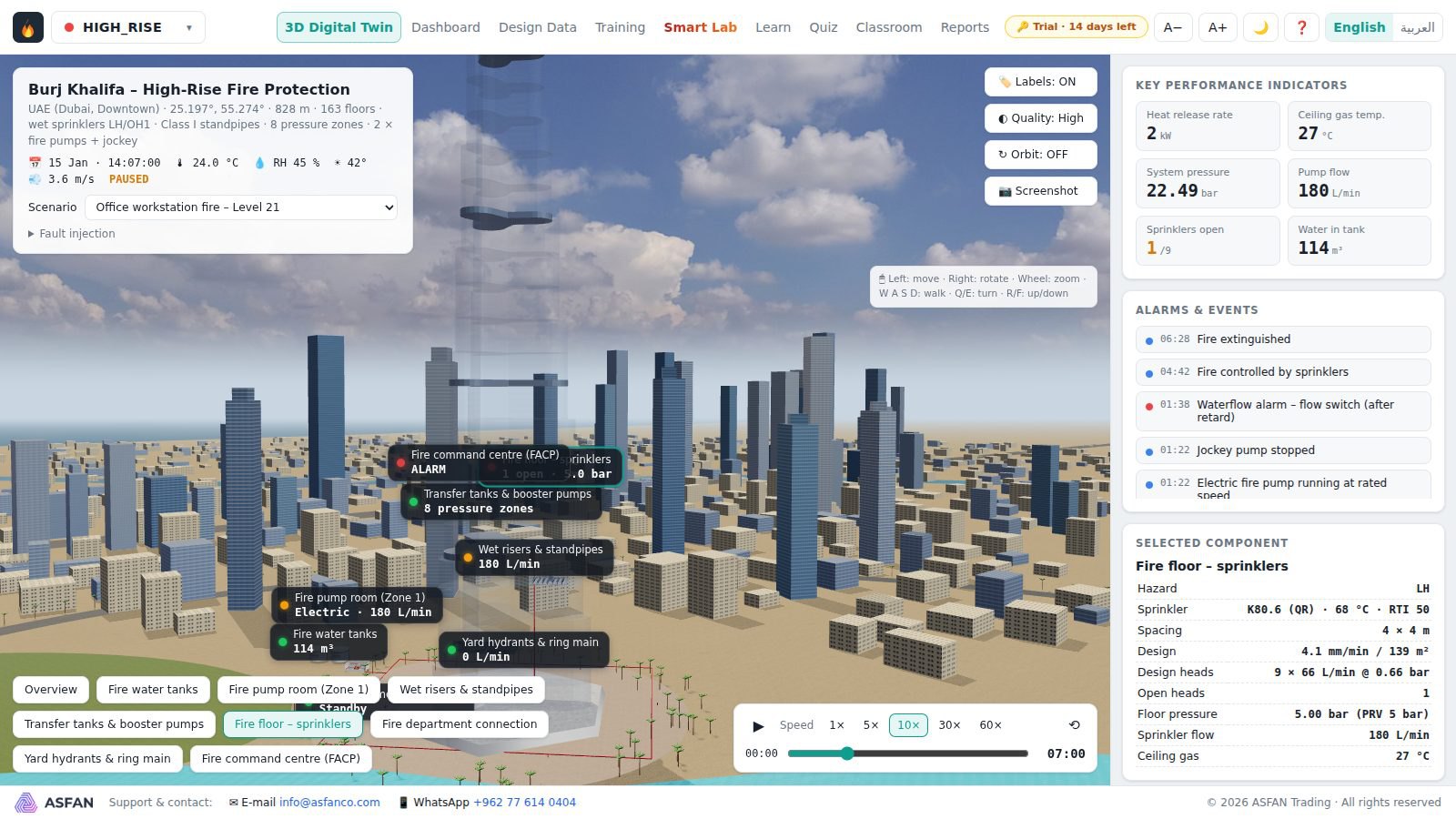
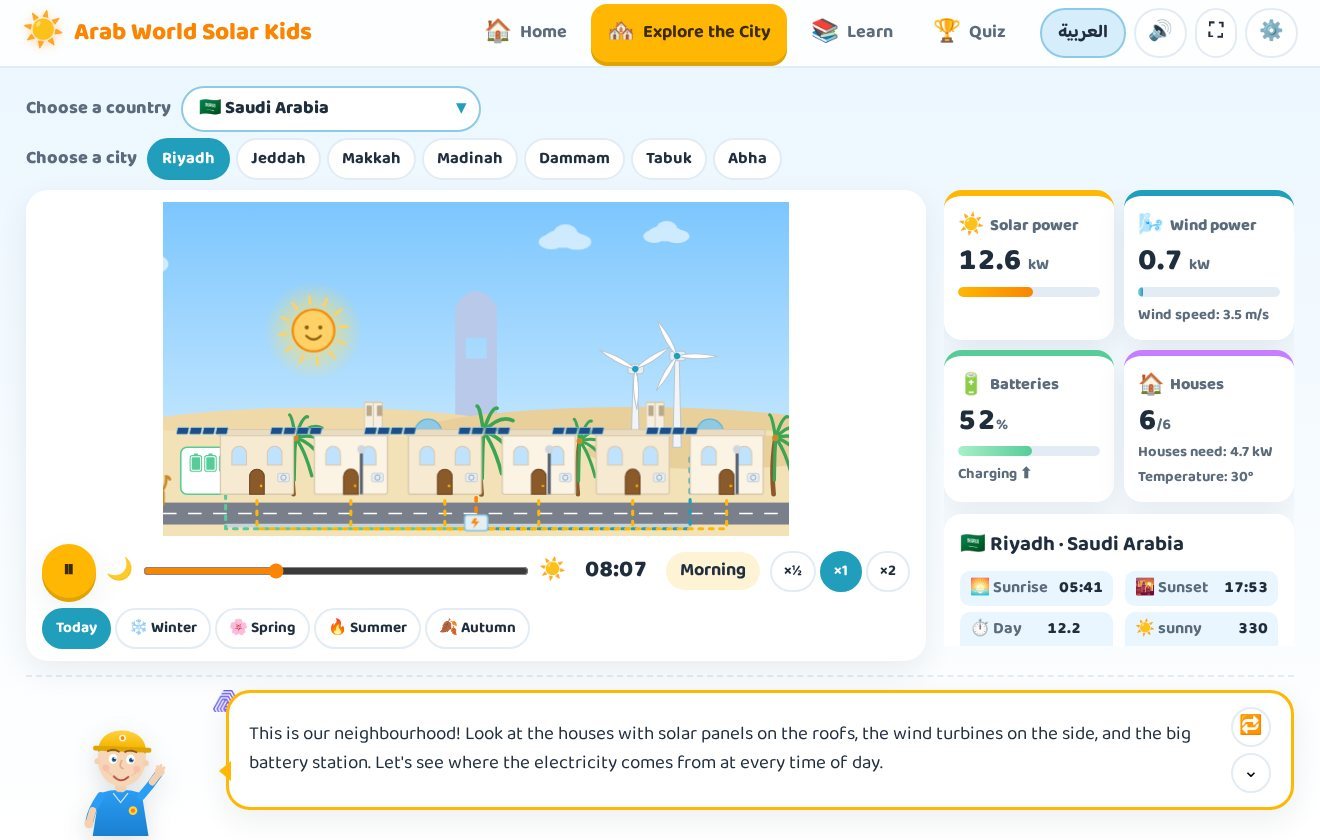
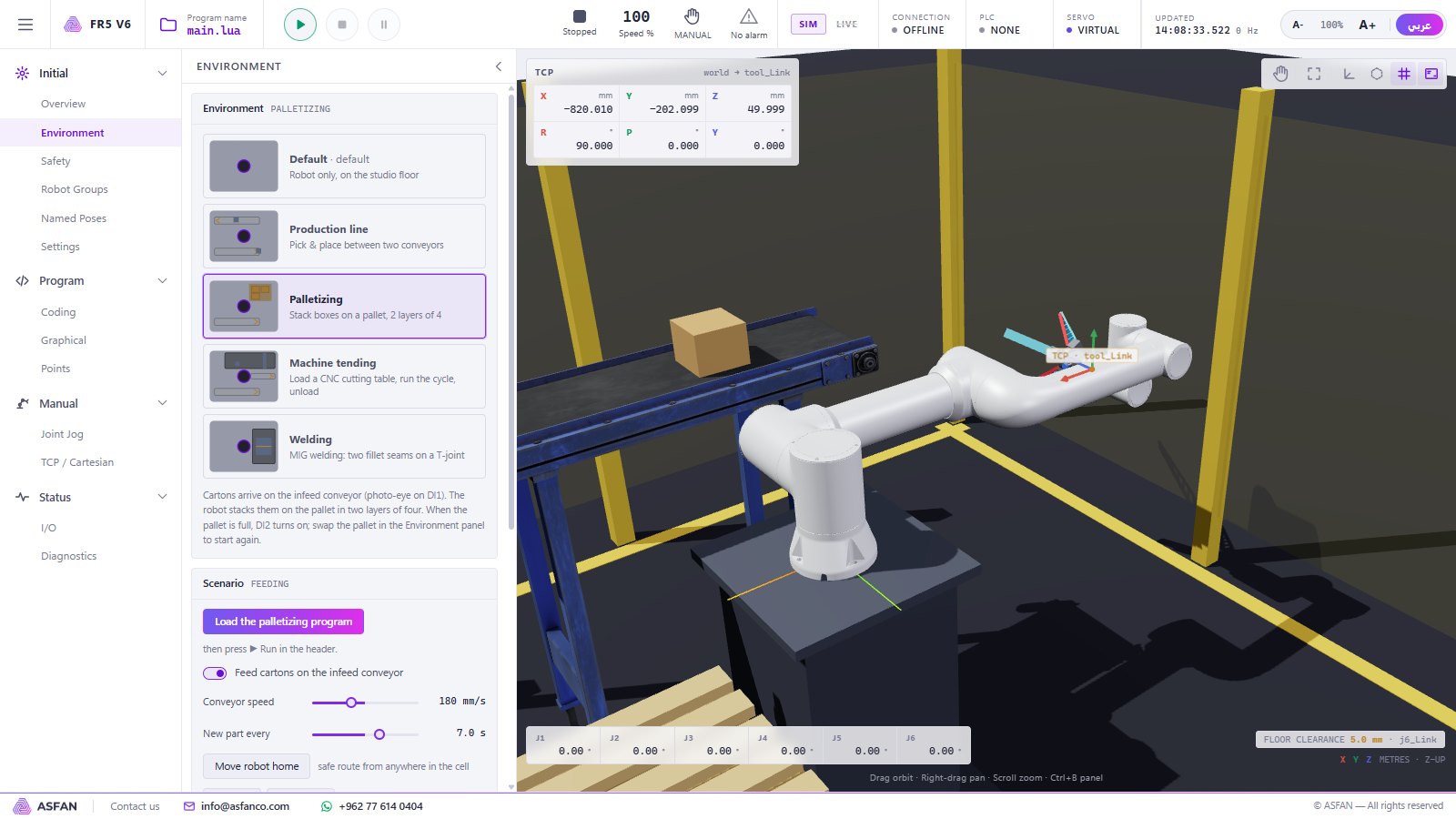
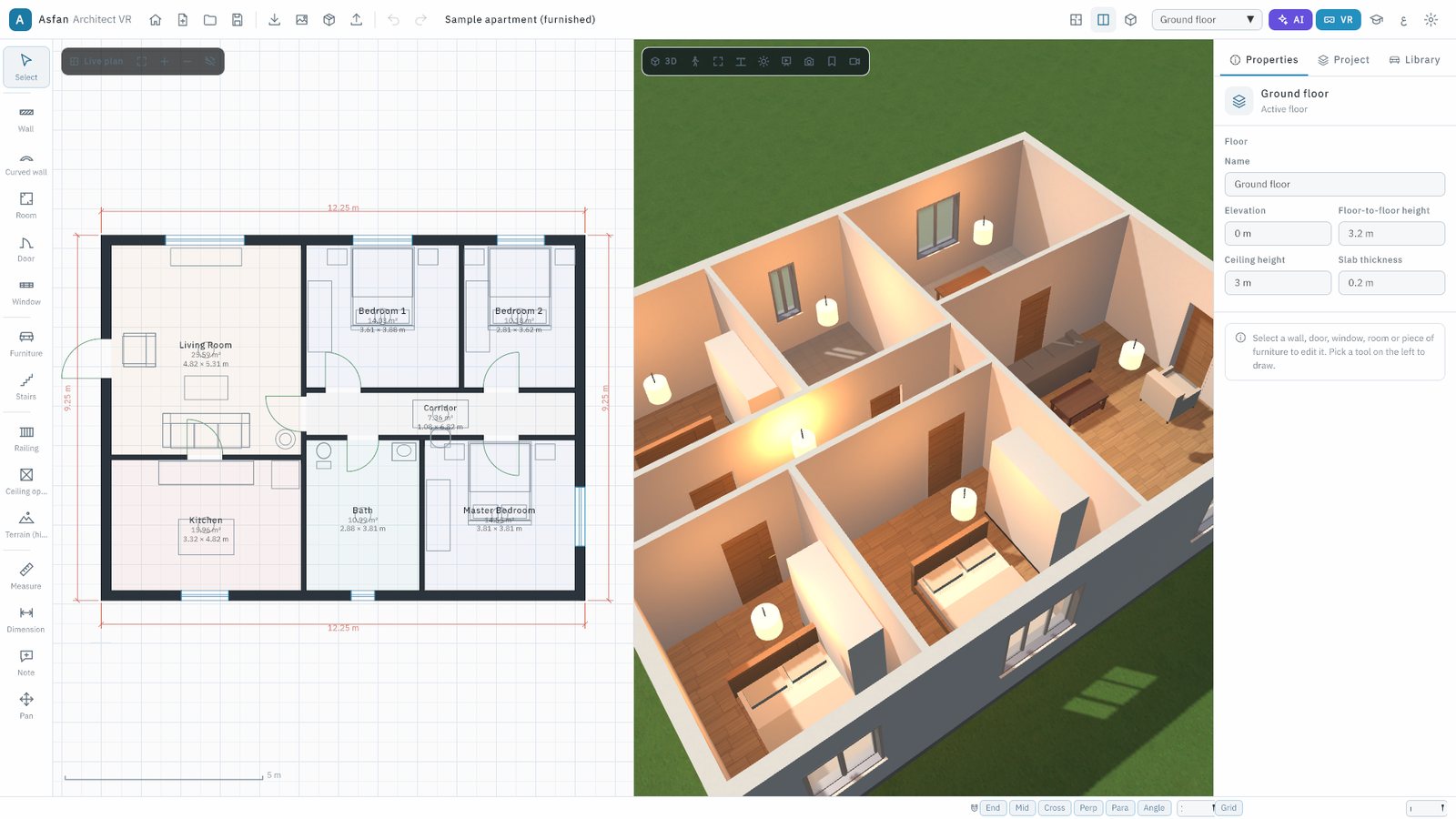
 Interactive 3D digital twins for engineering and science education: renewable energy, Arab power stations, fire protection, robotics, BIM, human anatomy and CNC machining. Arabic & English, fully offline.
The programs