Skip to content

Now available for Windows 10 / 11 and Mac

Renewable Energy Digital Twin

A real-time 3D simulator of renewable power plants. Seven real sites — geothermal, biomass, waste-to-energy, hydropower, green hydrogen, wind and solar — each rebuilt as a digital twin whose every label, gauge and chart is computed live from a physics model. Change a parameter and watch the whole plant respond.

  • 14-day free trial
  • English & Arabic (RTL)
  • No server, no internet needed
  • Version 1.6.3
  • New: Mac edition
Renewable Energy Digital Twin — 3D Digital Twin
Watch Renewable Energy Digital Twin in action — the 3D plants, the dashboard and the learning pages.
7real reference plants
25–50live process values per plant
1800×simulation speed, up to 1 h/s
∞plants you can design yourself
2interface languages
New in version 1.6.3

Now on Mac too

The latest update brings Renewable Energy Digital Twin to the Mac. MacBook, iMac and Mac mini now run the same program as Windows — the same seven 3D plants, the same physics and the same pages, in English and Arabic.

One download for every Mac

A single .dmg file works on Apple silicon (M1 or newer) and on Intel Macs with macOS 13 Ventura or newer. Apple silicon is recommended for the smoothest 3D view.

Exactly the same program

The 14-day trial, the dashboard, Plant Data, quiz, reports, the plant builder and Classroom mode all work as on Windows, and you activate with the same kind of license key.

Updates that keep your work

When a newer version is out, the Mac edition shows a notice with a Download for Mac button. Drag the new version into Applications and choose Replace — license, settings and data are kept.

1 · Open the download
Double-click RenewableEnergyDigitalTwin-Mac.dmg in your Downloads folder (if Safari asks, click Allow).
2 · Drag to Applications
Drag Renewable Energy Digital Twin onto the Applications folder, then eject the disk image.
3 · Allow the first start
The Mac edition is not yet notarised by Apple, so macOS asks once. Click Done, open System Settings → Privacy & Security, click Open Anyway and confirm with your password or Touch ID. After that it opens with a normal double-click.
Your data
Stored in ~/Library/Application Support/Renewable Energy Digital Twin

Try it on your Mac

The same 14-day free trial as on Windows — no key, no payment details and no account. Chapter 5.3 of the user manual shows every installation step.

  • macOS 13 Ventura or newer
  • Apple silicon and Intel
  • No administrator rights, no server
Get Price Offer
What is inside

A control room, a classroom and a design office in one program

Seven pages, each doing one job well — and all of them driven by the same running physics model.

3D Digital Twin

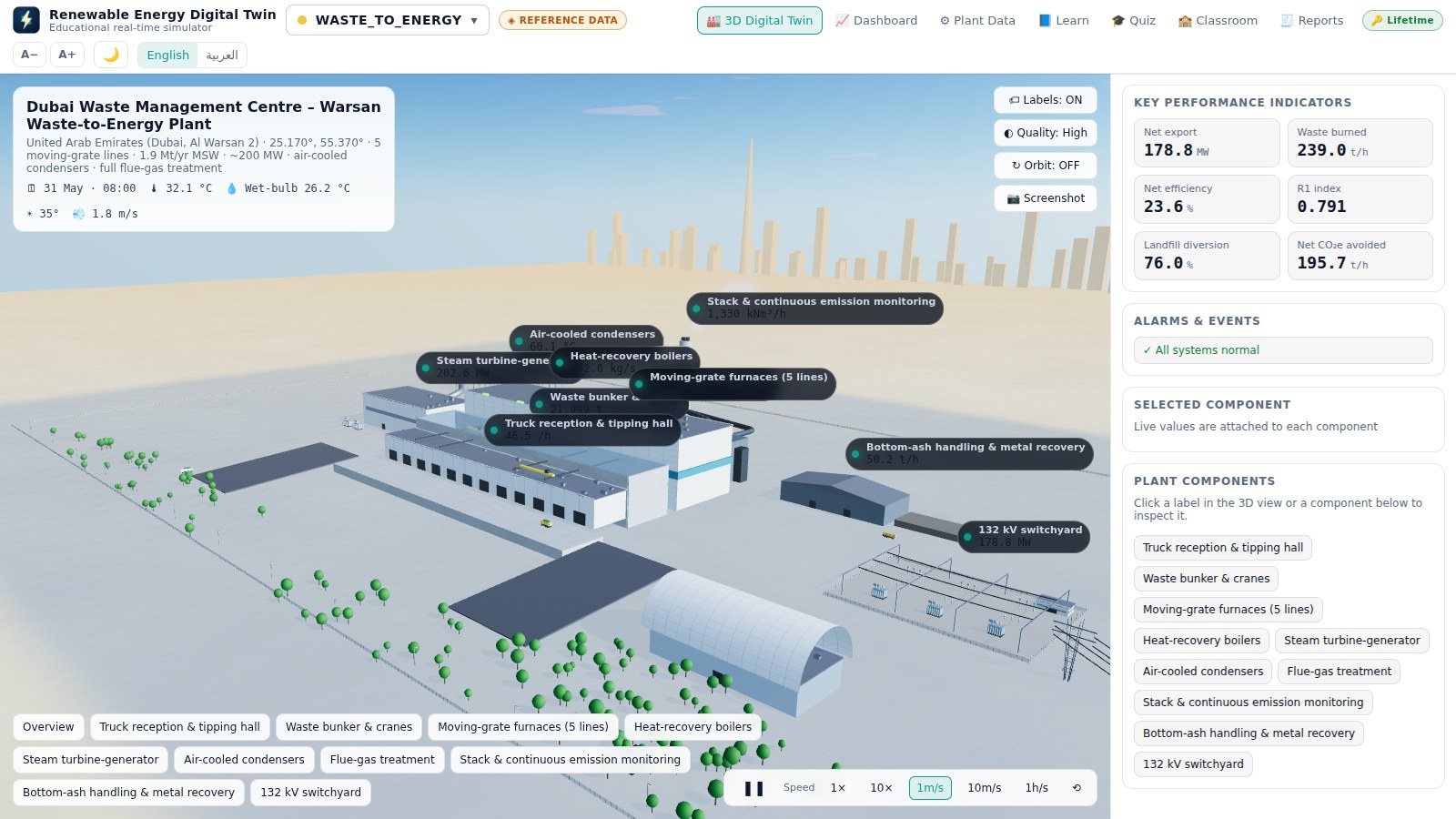
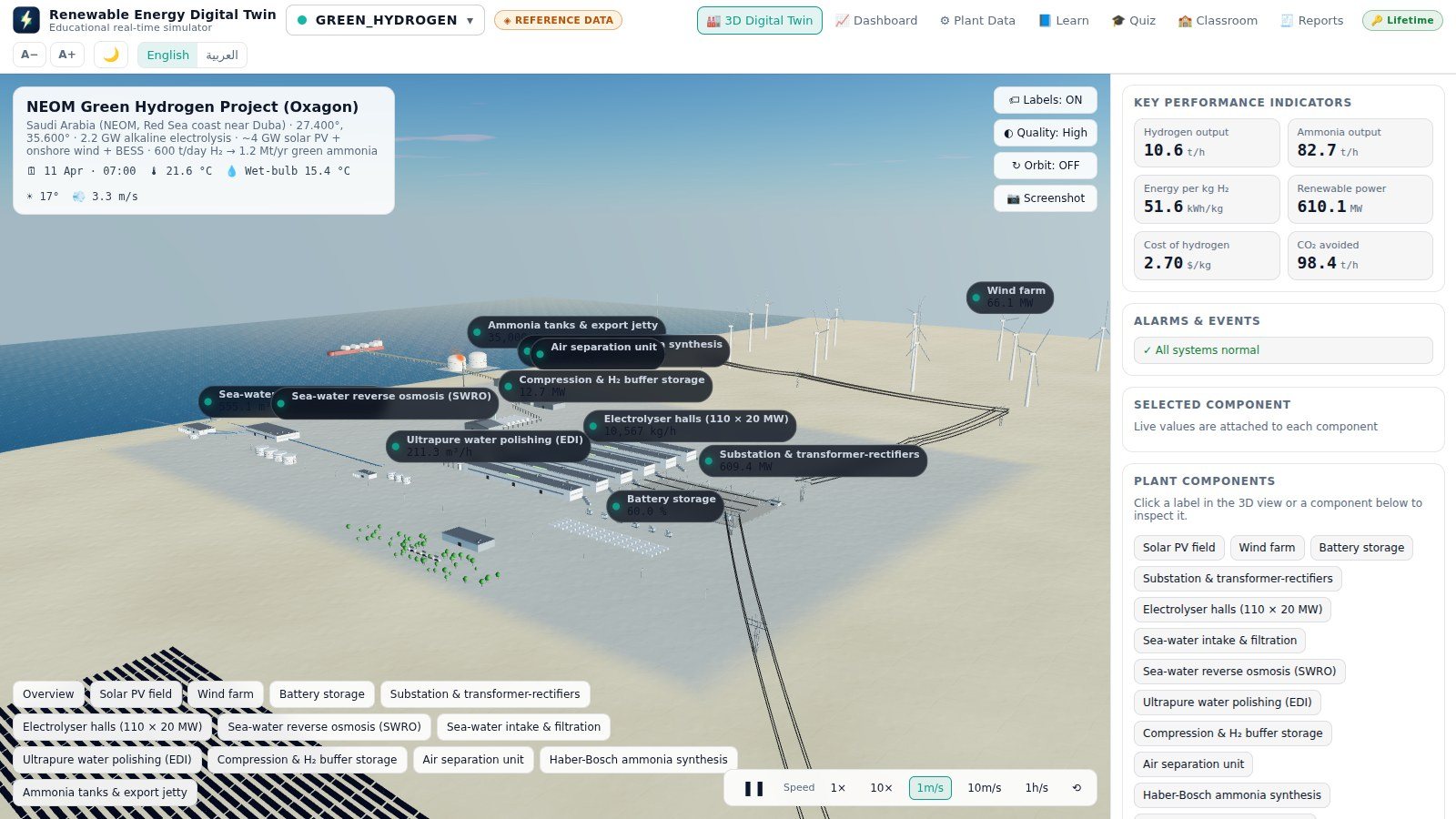
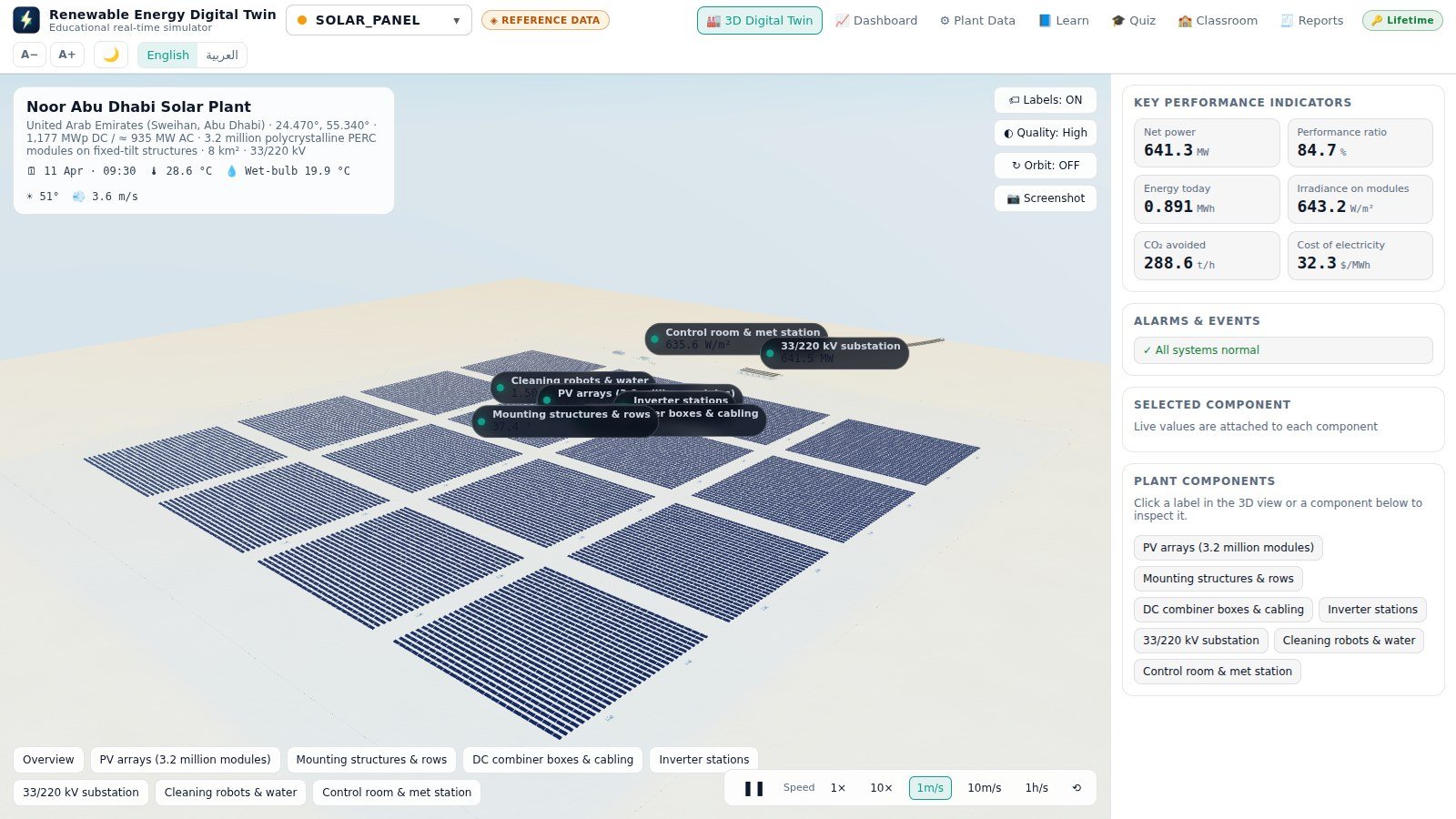
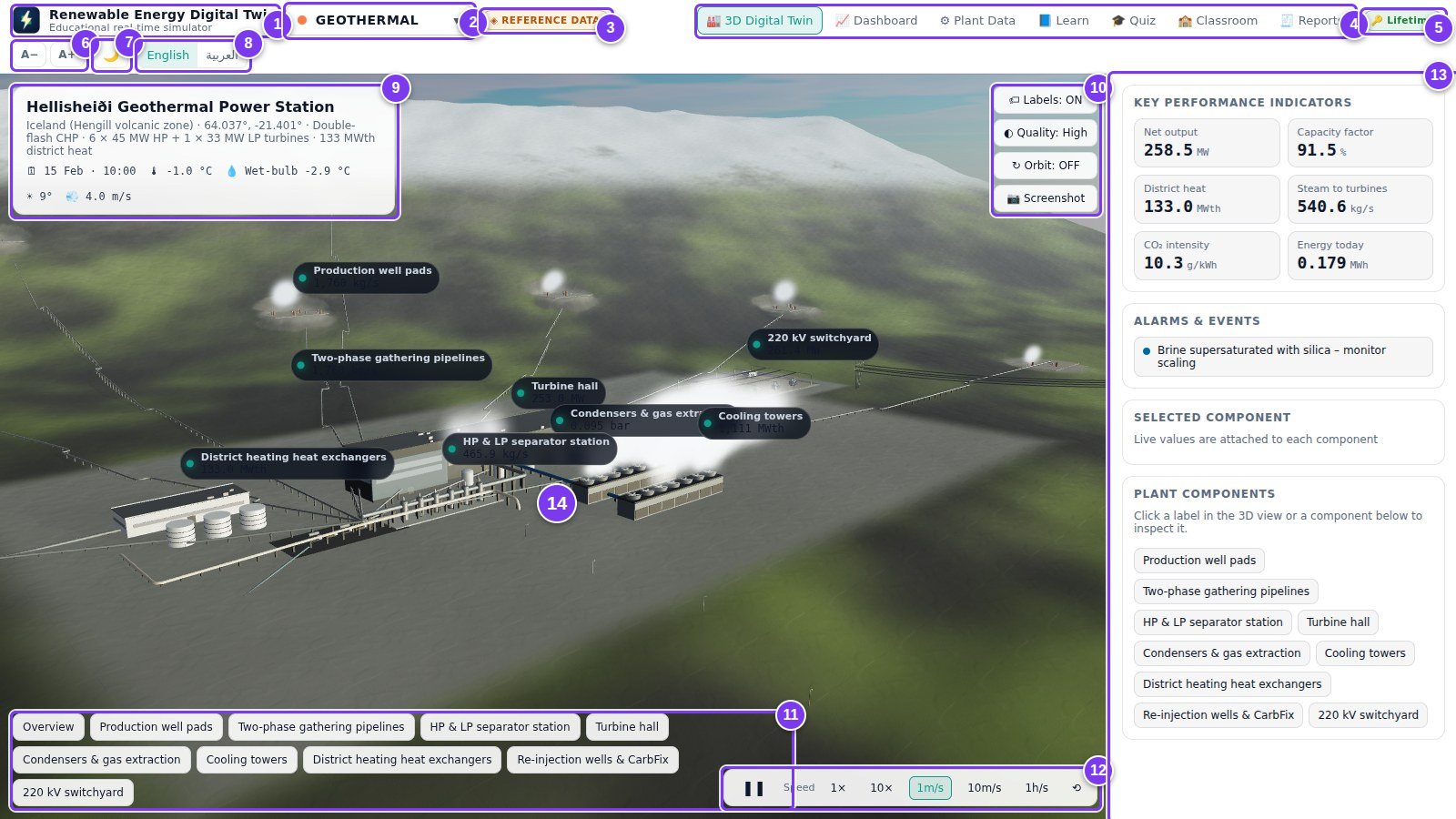
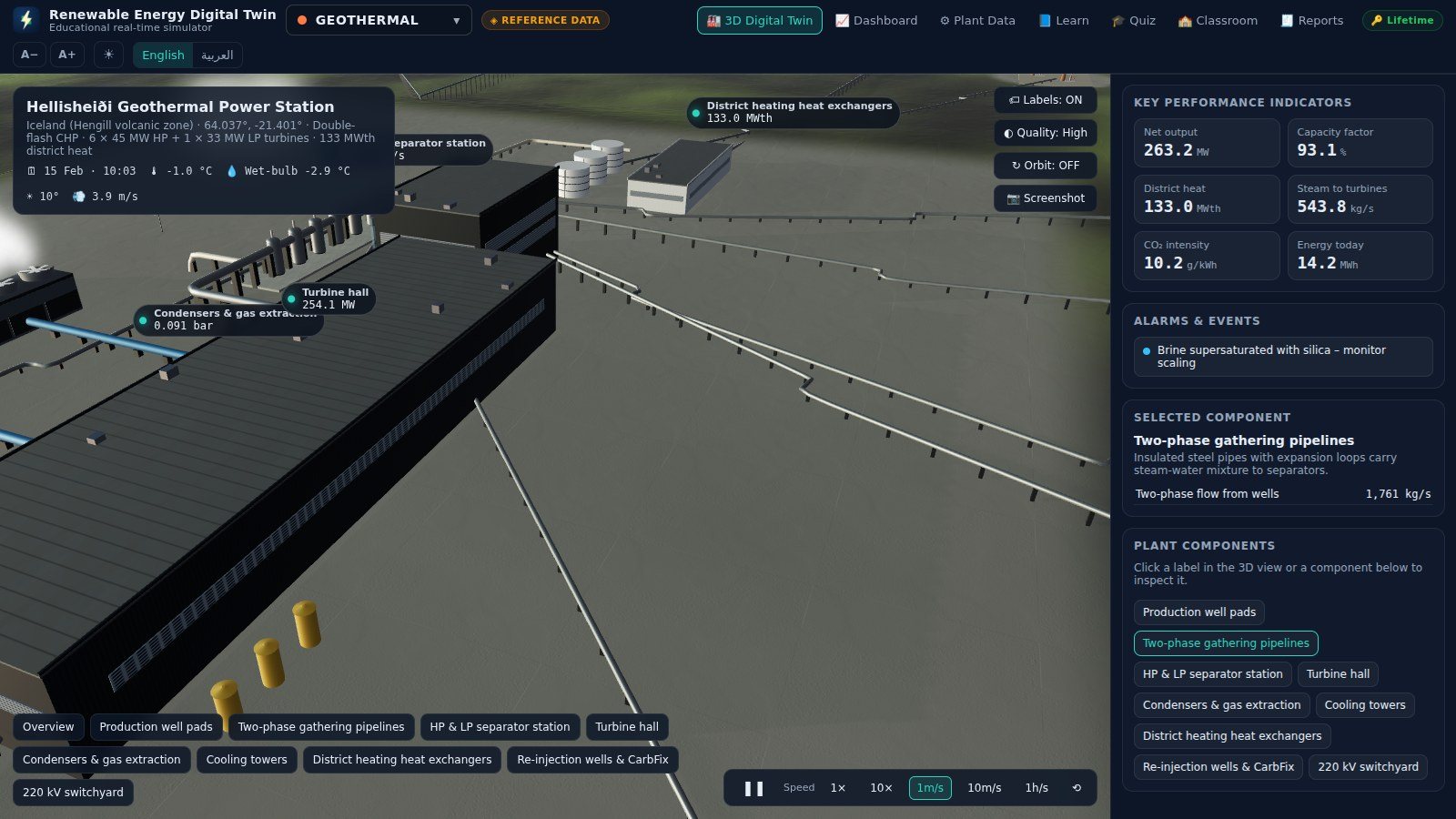
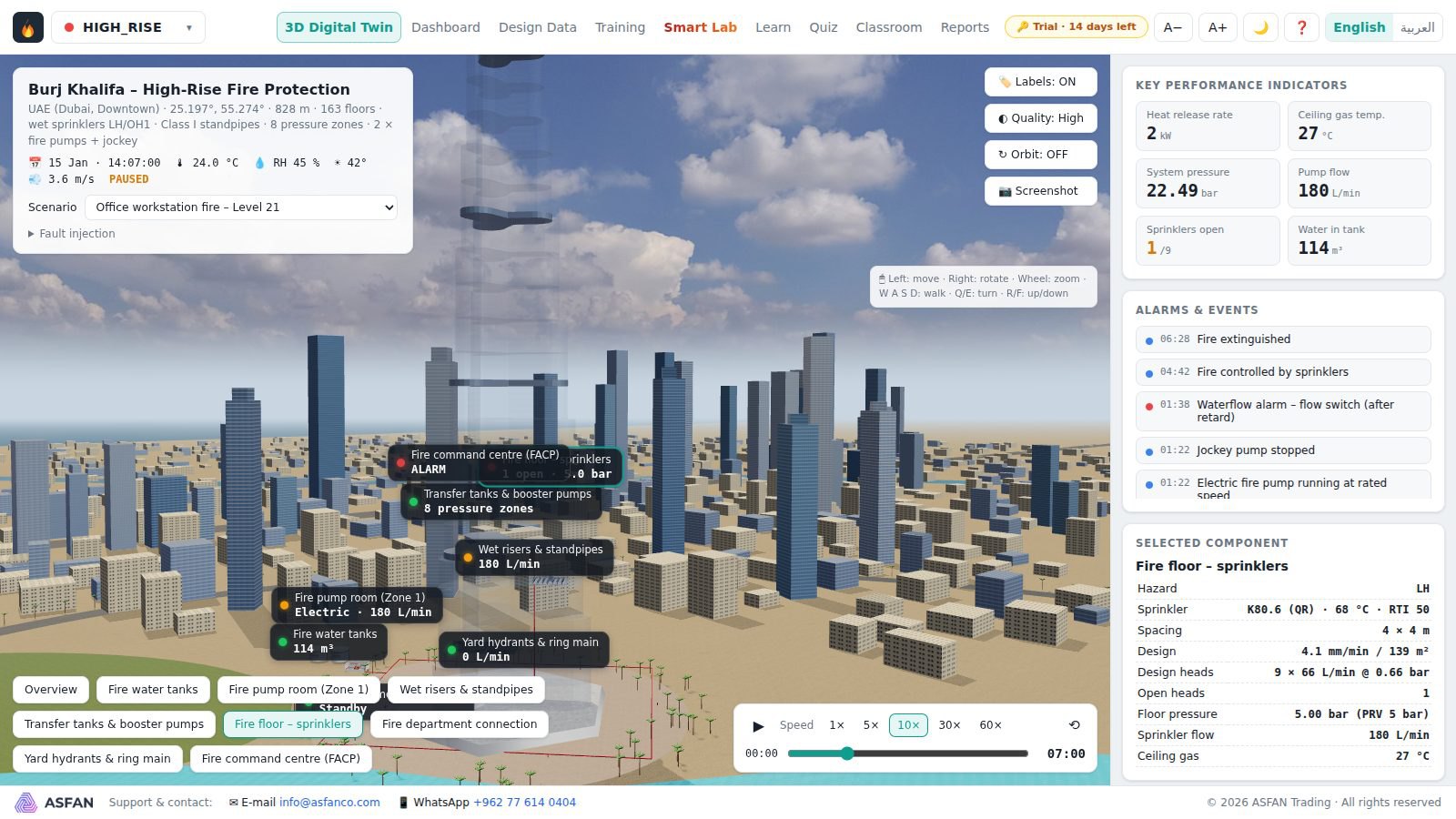
The plant on its real terrain, with satellite imagery, day and night lighting, moving steam, trucks, trains and turbines — every component labelled with its live value.

Dashboard

Gauges with limit marks, trend charts over 1 hour, 24 hours or 31 days, a Sankey energy-flow diagram, every process value and the live alarm list.

Plant Data

Every operating parameter of the physics model, editable, with its real reference value alongside — plus one-click scenarios like drought, heatwave or storm.

Learn

A compact course per technology: overview, the process step by step, the key equations, the real plant data sheet, environment and a glossary.

Quiz & Classroom

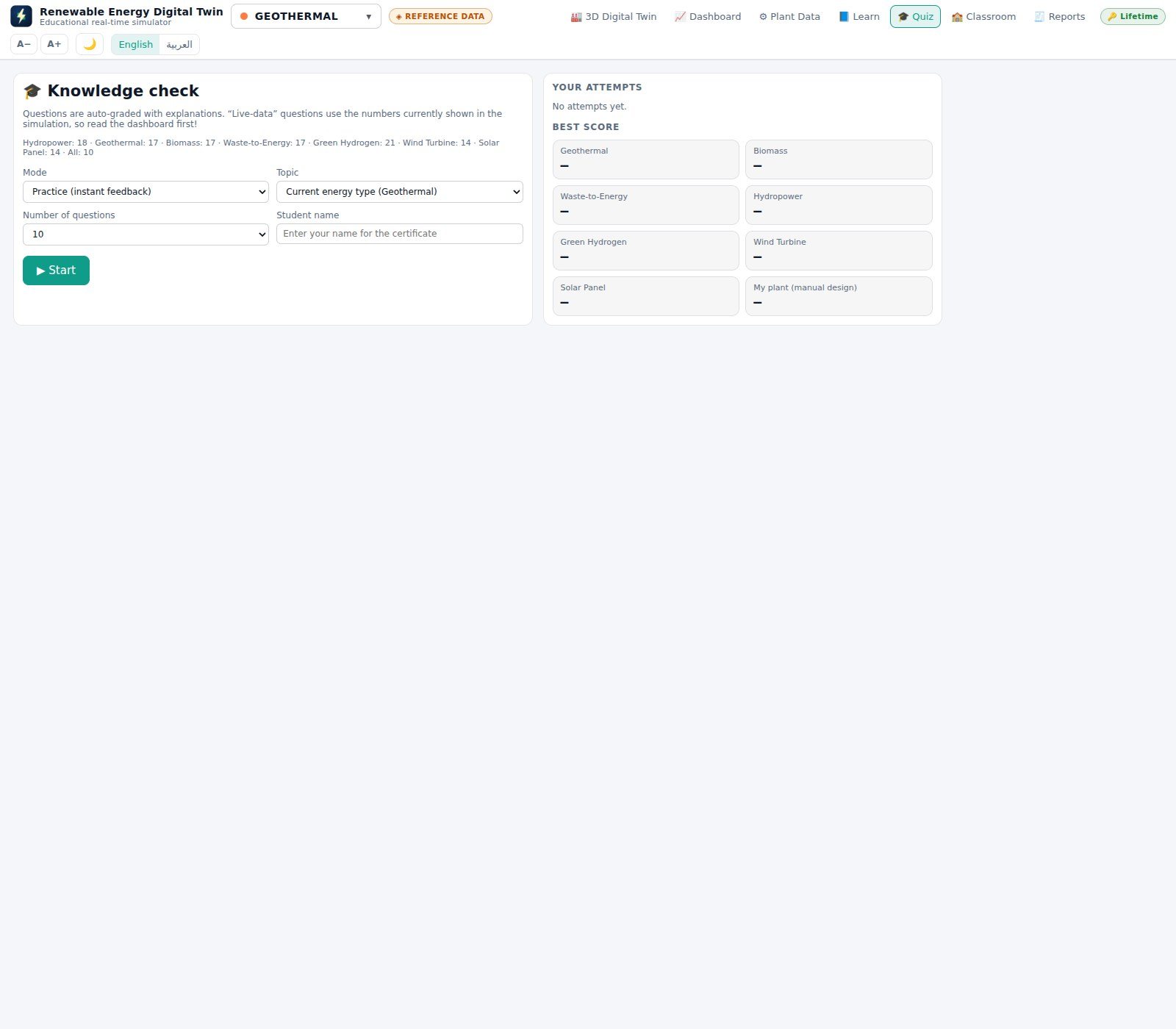
Auto-graded practice and timed exam modes, live-data questions, printable certificates — and a class folder the supervisor reads without a server.

Build your own plant

Enter the design data of a plant you are planning and the program builds its 3D twin and runs the physics on your numbers.

The seven reference plants

Real sites, real published data

Each plant is modelled from its operator's published figures, and each one comes with its own physics model, learn pages, scenarios and quiz bank.

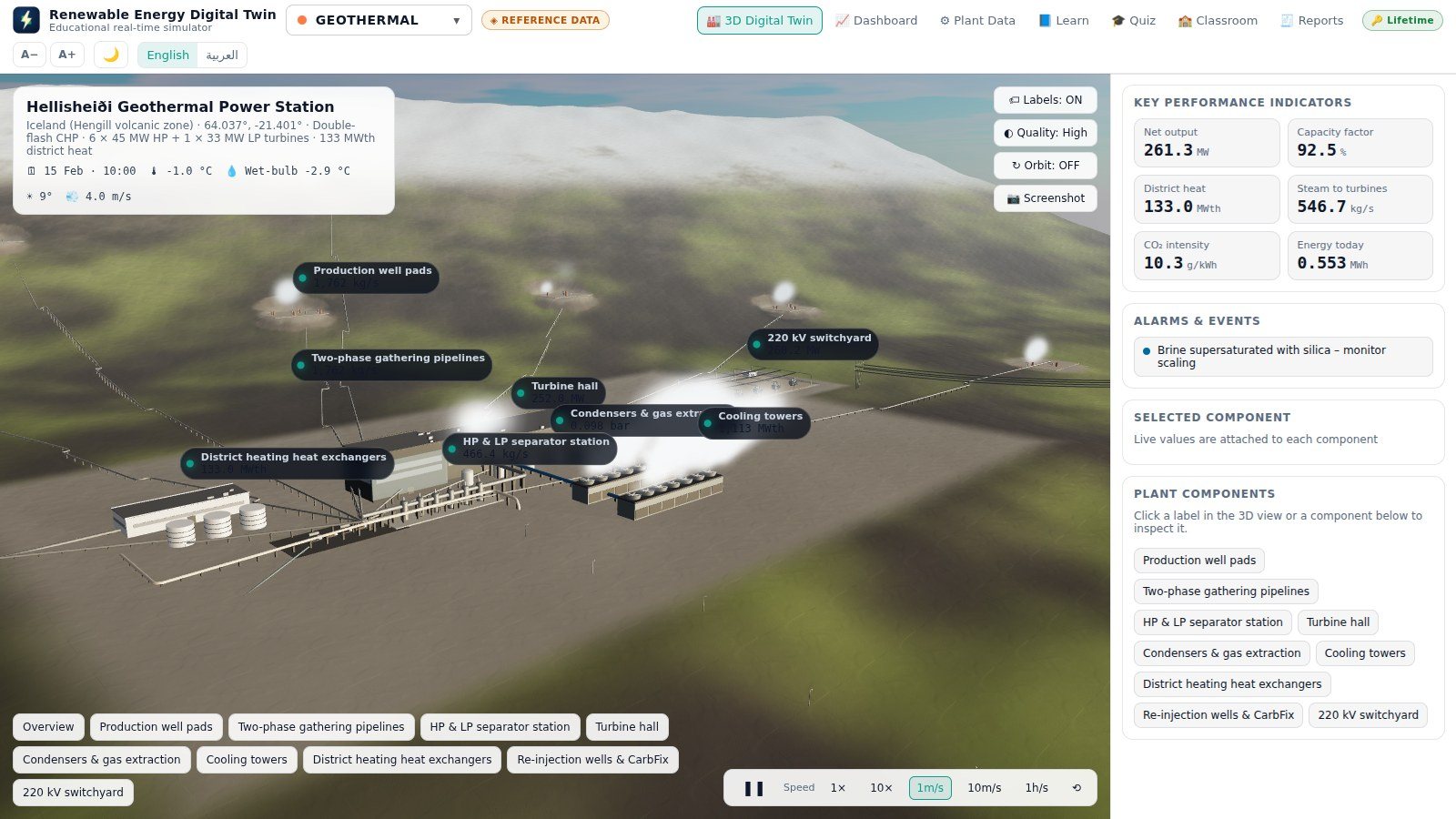
Hellisheiði Power Station
Geothermal

Hellisheiði Power Station

Iceland

303 MW + 133 MWth district heat
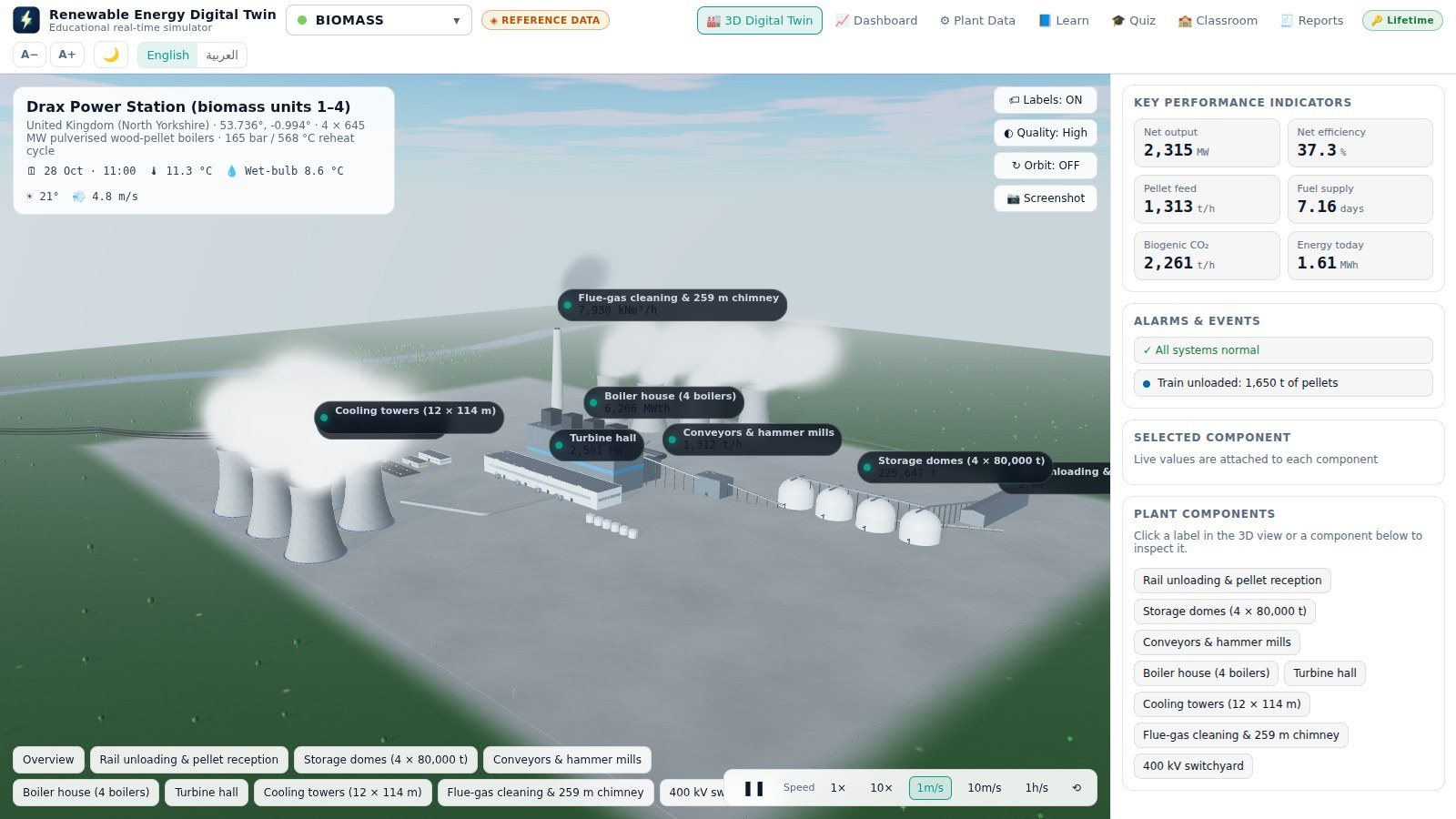
Drax Power Station
Biomass

Drax Power Station

United Kingdom

2,580 MW

Dubai Waste Management Centre
Waste to energy

Dubai Waste Management Centre

Warsan, UAE

200 MW · 1.9 Mt waste/year
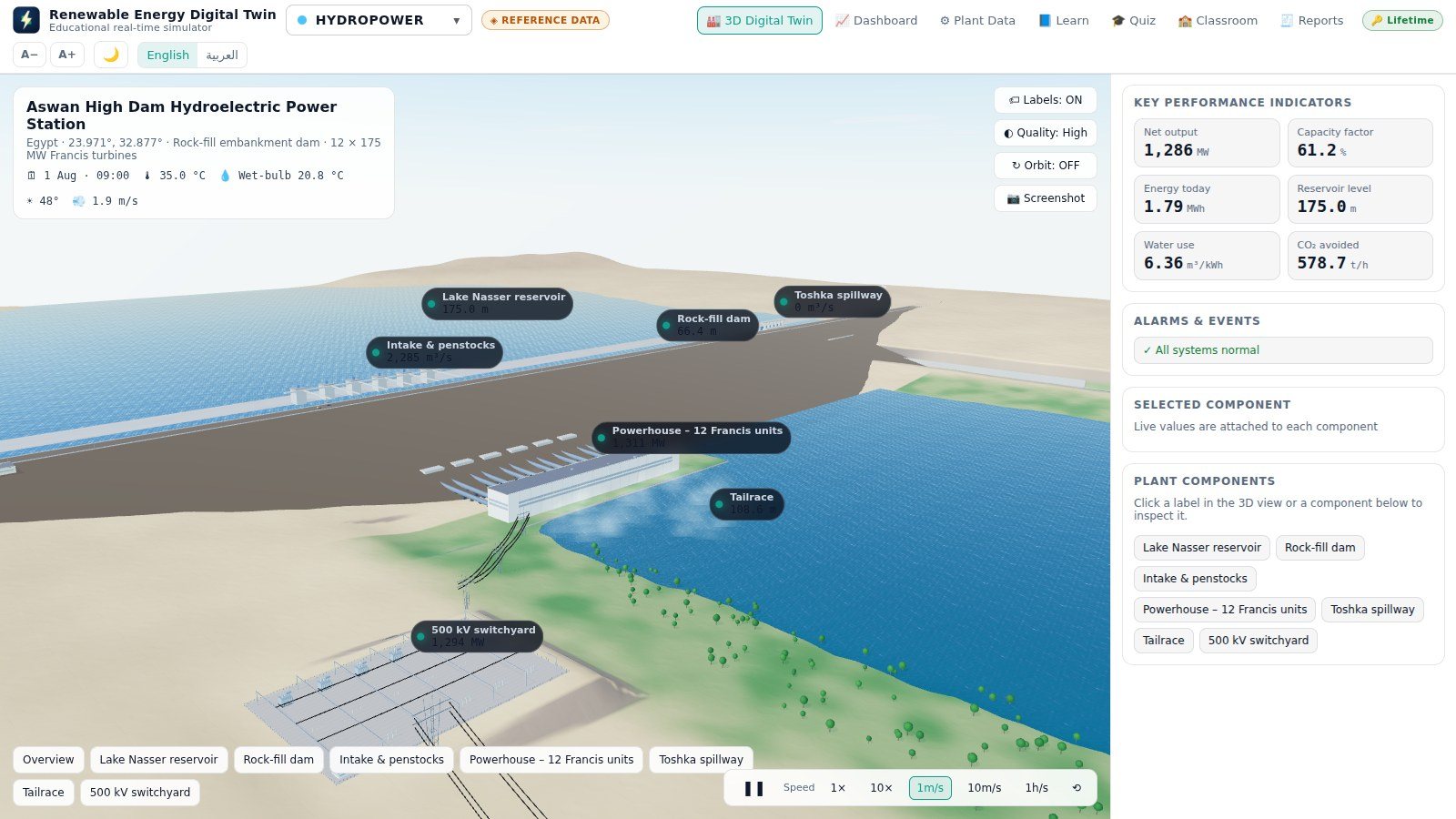
Aswan High Dam
Hydropower

Aswan High Dam

Egypt

2,100 MW

NEOM Green Hydrogen Project
Green hydrogen

NEOM Green Hydrogen Project

Oxagon, Saudi Arabia

2.2 GW electrolysis · 600 t H₂/day
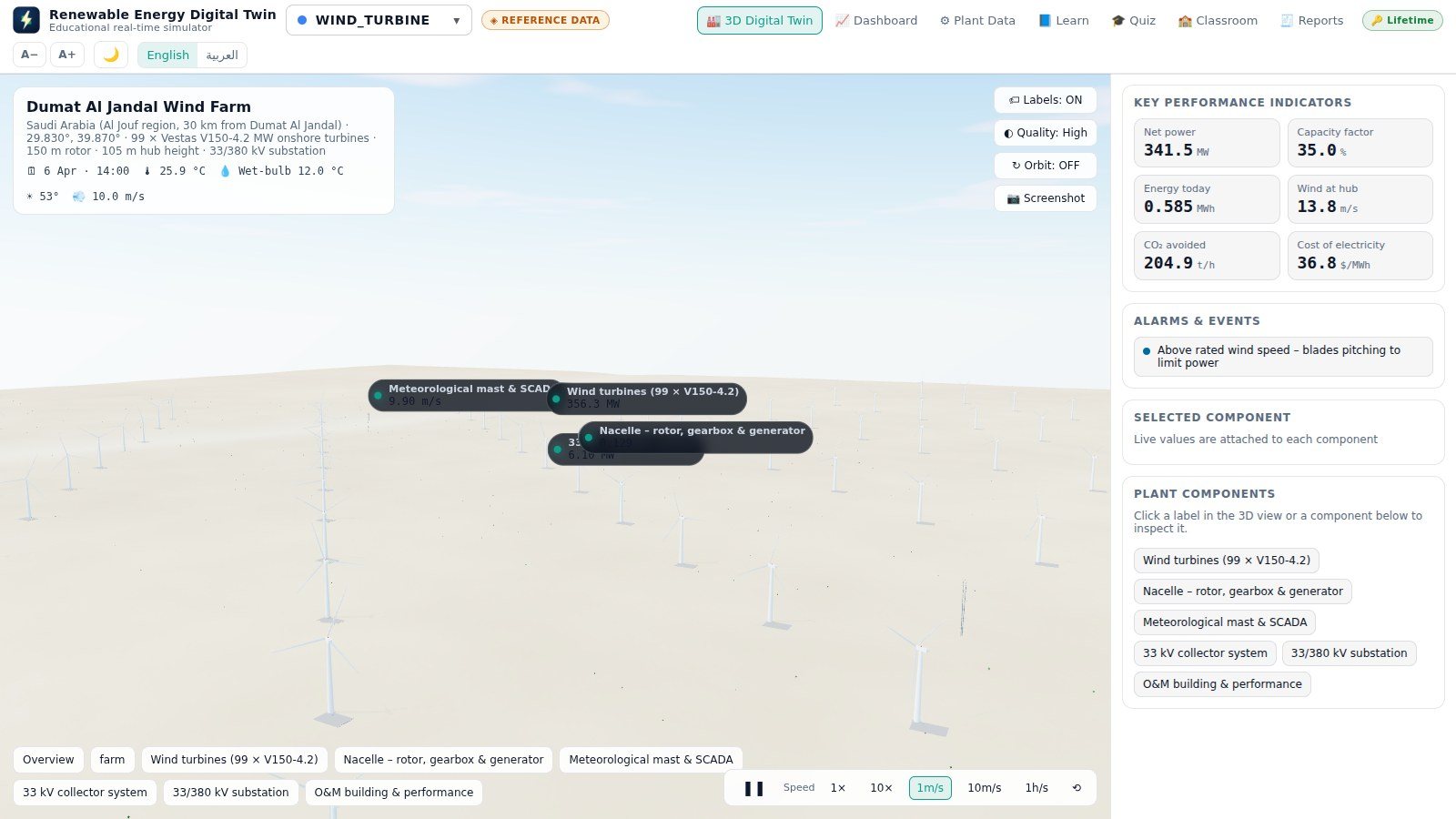
Dumat Al Jandal Wind Farm
Wind

Dumat Al Jandal Wind Farm

Saudi Arabia

400 MW · 99 turbines

Noor Abu Dhabi Solar Plant
Solar PV

Noor Abu Dhabi Solar Plant

United Arab Emirates

1,177 MWp

Screenshots

See it before you install it

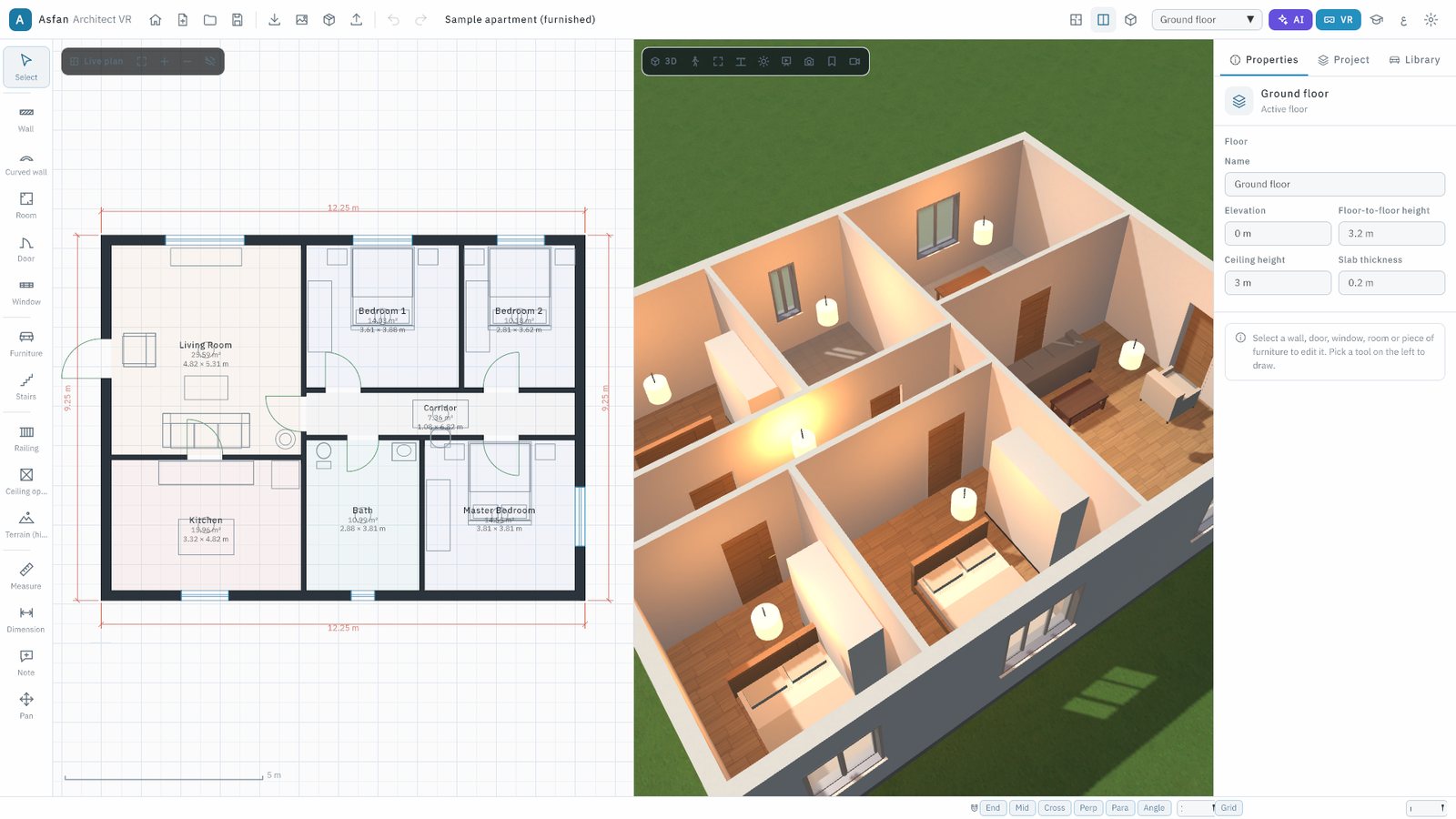
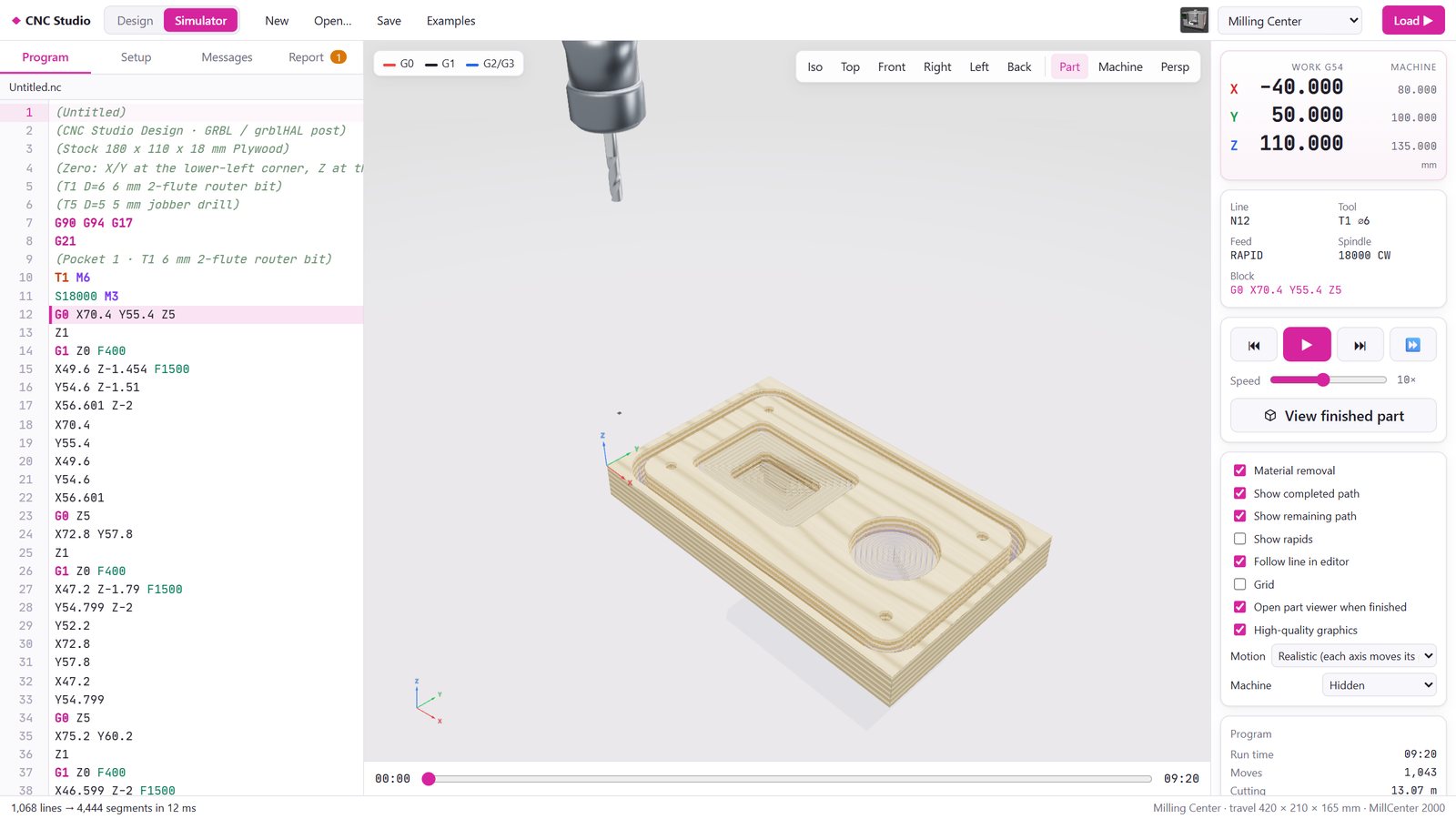
Real screens from version 1.4.0.

How it works

Installed in about twenty seconds

No administrator password, no database, no server — and nothing you do during the trial is lost when you activate.

Download & install

Run the setup file. It installs into your own Windows profile in about twenty seconds, creates a desktop shortcut and starts the program. A portable edition that runs from a USB stick is also available. On a Mac, open the .dmg and drag the program into Applications.

Explore with the 14-day trial

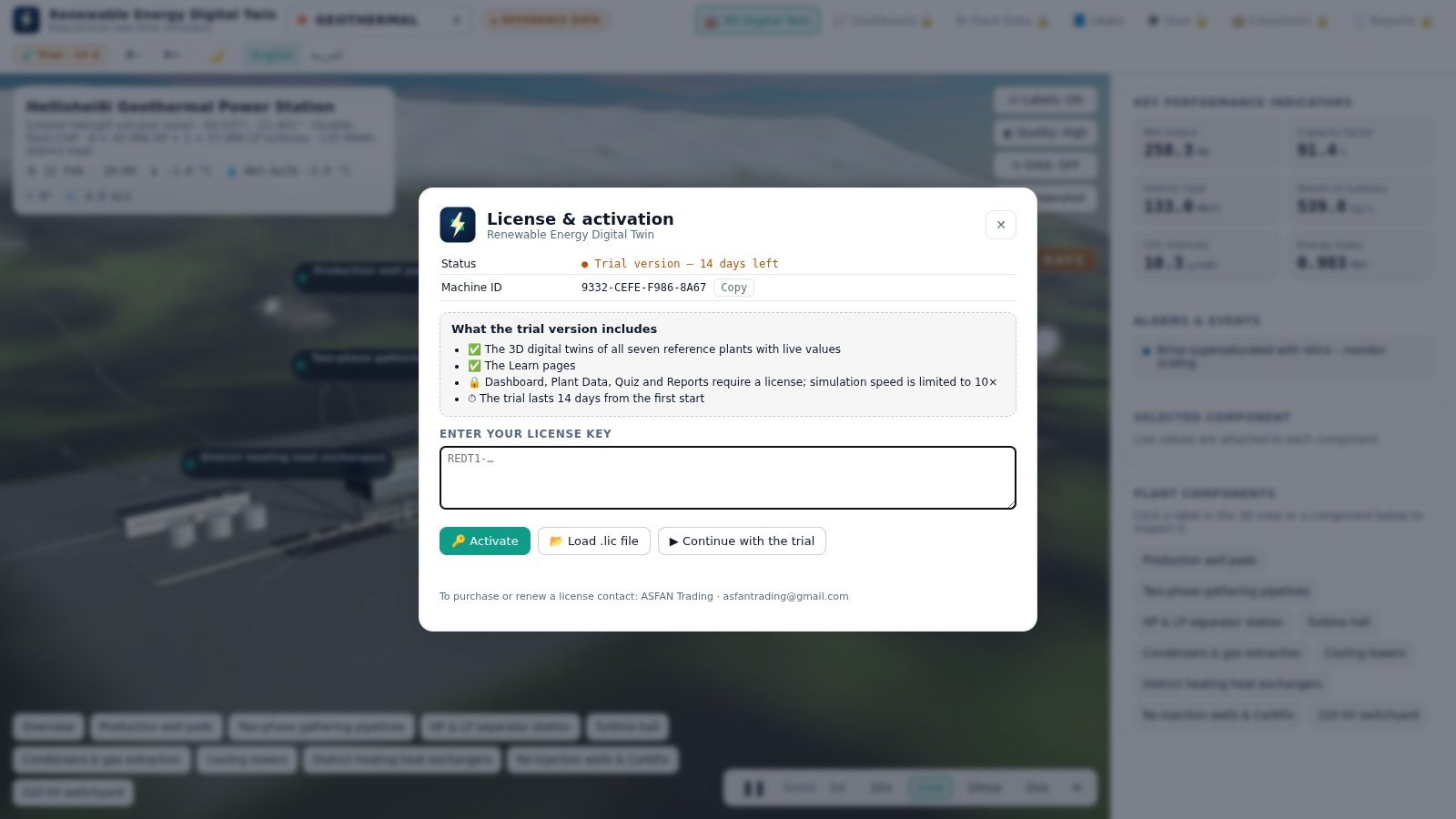
Click Continue with the trial and all seven 3D twins and every Learn page are open to you immediately, with the simulation running up to ten times real time.

Activate your license

Paste the key we send you — it starts with REDT1- — or load the .lic file. Activation is checked on your own computer, so no internet connection is needed.

Open in the 14-day trial
All seven 3D digital twins with live values, camera presets, labels, day and night · every Learn page · language, text size and theme · simulation speed up to 10×
Unlocked by a license
Dashboard (gauges, charts, energy flow, alarms) · Plant Data, scenarios and import/export · Quiz and certificates · Reports and data export · simulation speeds 1 m/s, 10 m/s and 1 h/s · the manual plant builder · Classroom mode
When the trial ends
Enter a key to continue — nothing you did during the trial is lost

Start free, today

The trial lasts 14 days from the first start and needs no key, no payment details and no account.

  • Every 3D twin, running live
  • Every Learn page, in both languages
  • Locked pages show an Activate button instead of their content
Get Price Offer
Licensing

Monthly or Annual — your choice

A license can cover all seven energy types or just the ones you teach. Supervisor licenses add the Classroom results table.

Not sure yet? Install the 14-day trial first — no key, no payment, no account.

Get Price Offer

Monthly

Time-limited access, renewed every month.

Contact us

for current pricing

  • Every page unlocked: dashboard, plant data, quiz, reports, builder
  • Your choice of energy types, or all seven
  • Free updates while the subscription is active
  • The badge warns you during the last 14 days
  • Ideal for a single semester or a pilot project
Request Monthly License

Teaching a class? Ask about the supervisor license and multi-seat pricing — contact us or message us on WhatsApp at +962 77 614 0404.

System requirements

Before you install

Operating system
Windows 10 or 11, 64-bit · macOS 13 Ventura or newer (Apple silicon or Intel; Apple silicon M1 or newer recommended)
Processor
Dual-core 2 GHz minimum · quad-core 2.5 GHz recommended
Memory
4 GB minimum · 8 GB or more recommended
Graphics
Any chip with WebGL 2 (Intel HD 500 series or newer). A dedicated GPU is needed for the High quality setting
Disk space
600 MB minimum · 1 GB recommended
Screen
1366 × 768 minimum · 1920 × 1080 recommended
Internet
Not required. Recommended for automatic updates and satellite imagery
User rights
Standard user — no administrator rights needed
Current version
1.6.3 — now with a Mac edition. Automatic updates on Windows; an update notice on Mac

Full user manual

Updated for version 1.6.3: 68 pages covering every screen, all seven plants, the plant builder — and a new chapter on installing, allowing and updating the program on a Mac.

FAQ

Common questions

Who is this program for?

Engineering and energy students, universities, technical institutes, training centres and practising engineers who want to see how a renewable plant behaves before they meet one. It is an educational product: the models are simplified and rely on typical parameters per technology, not live operating data.

What exactly does the 14-day trial include?

All seven 3D digital twins with their live values, camera presets and day/night lighting, every Learn page, the language, text-size and theme settings, and simulation speeds up to 10×. The dashboard, Plant Data, quiz, reports, the plant builder and Classroom mode unlock when you enter a license key.

Do I need an internet connection or a server?

Neither. The program runs entirely on the computer, the license is verified locally, and Classroom mode uses an ordinary shared folder instead of a server. Internet is only used for automatic updates and for the satellite imagery under the plants — without it, generated terrain is shown and nothing else changes.

Can I buy a license for only some energy types?

Yes. A license can cover all seven technologies or a selection — useful if your course only covers wind and solar, for example. The others appear with a lock in the energy-type list, and the plant builder offers only the covered technologies. A license can be extended later with a new key.

How does the teacher see students' results?

With a supervisor license the teacher creates a class in a shared folder — a network drive, OneDrive, Google Drive or even a USB stick. Students join it once, and every finished quiz is written there with all its answers, signed so that a tampered file is detected. The Classroom page then shows one row per student, with every attempt and every answer, and exports to CSV.

Is there a version that runs without installing?

Yes — a portable edition runs directly from any folder, a USB stick or a shared drive. It shares its settings, license and data with the installed edition, but it cannot update itself, so you download newer versions by hand. Ask us if you need it.

Windows or my browser warns me about the installer.

That is the standard notice for an installer Windows has not seen many times before — it means the file is new, not that it is dangerous. In Edge click ⋯ → Keep → Show more → Keep anyway; in Chrome click Keep; and on the blue SmartScreen window click More info then Run anyway. Chapter 4 of the manual shows each step with pictures. On a Mac, see the question below.

What happens to my data when I update or reinstall?

Updates replace the program in place and keep your license, settings, entered plant data and quiz history. Uninstalling also keeps the data folder so that a later reinstallation carries on where you left off. Keep the e-mail or .lic file with your key — you need it again after reinstalling Windows or macOS, or moving to another computer.

Does it run on a Mac?

Yes — since version 1.6.3. The Mac edition runs on MacBook, iMac and Mac mini with macOS 13 Ventura or newer, on both Apple silicon (M1 or newer, recommended) and Intel. It has every page and feature of the Windows edition, the same 14-day trial and the same licensing. Download RenewableEnergyDigitalTwin-Mac.dmg and drag the program into Applications.

My Mac says the program cannot be opened or verified.

The Mac edition is not yet notarised by Apple, so on the first start macOS shows “Not Opened” (macOS 15 and newer) or “Apple cannot check it for malicious software” (macOS 13 and 14). The program is safe: click Done, open System Settings → Privacy & Security, scroll to Security and click Open Anyway. macOS remembers the decision. The button stays for about an hour — if it is missing, double-click the program once more.
Chat with us on WhatsApp