Available now for Windows 10 / 11
Arab Power Digital Twin
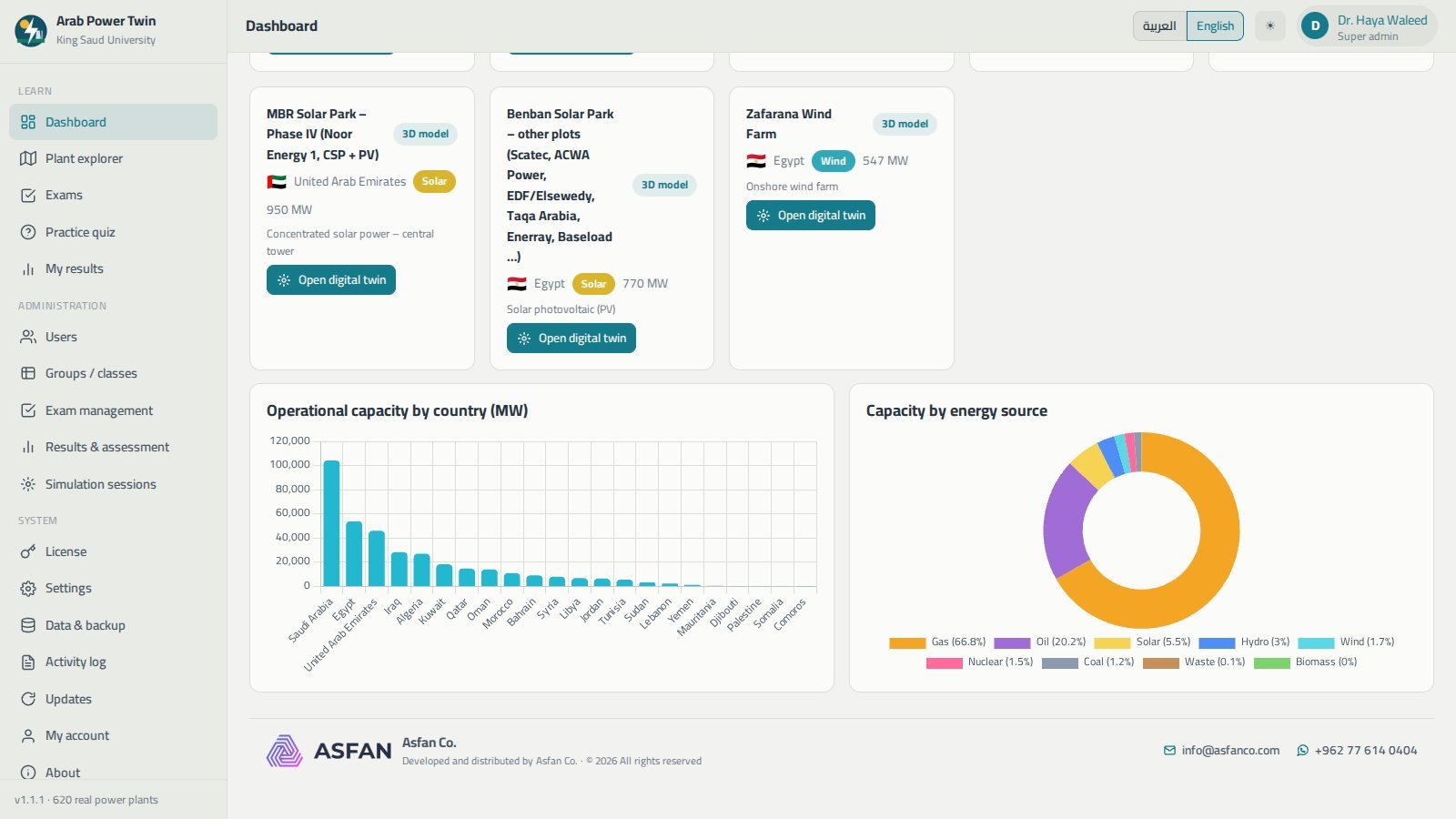
The digital twin of power generation across the Arab world. More than 620 real power plants in 22 countries — gas, steam, nuclear, solar PV, concentrated solar, wind, hydro, diesel, coal and waste — each one explorable on an offline map, documented on its own page, and runnable as a live 3D simulation. With a complete exam and assessment system for universities on top.
- 14-day free trial
- Arabic & English
- Runs without internet
- Version 1.1.1
A regional power atlas, a simulator and a gradebook
Built for engineering faculties and training centres that teach power generation in the Arab world — and want the examples to be local ones.
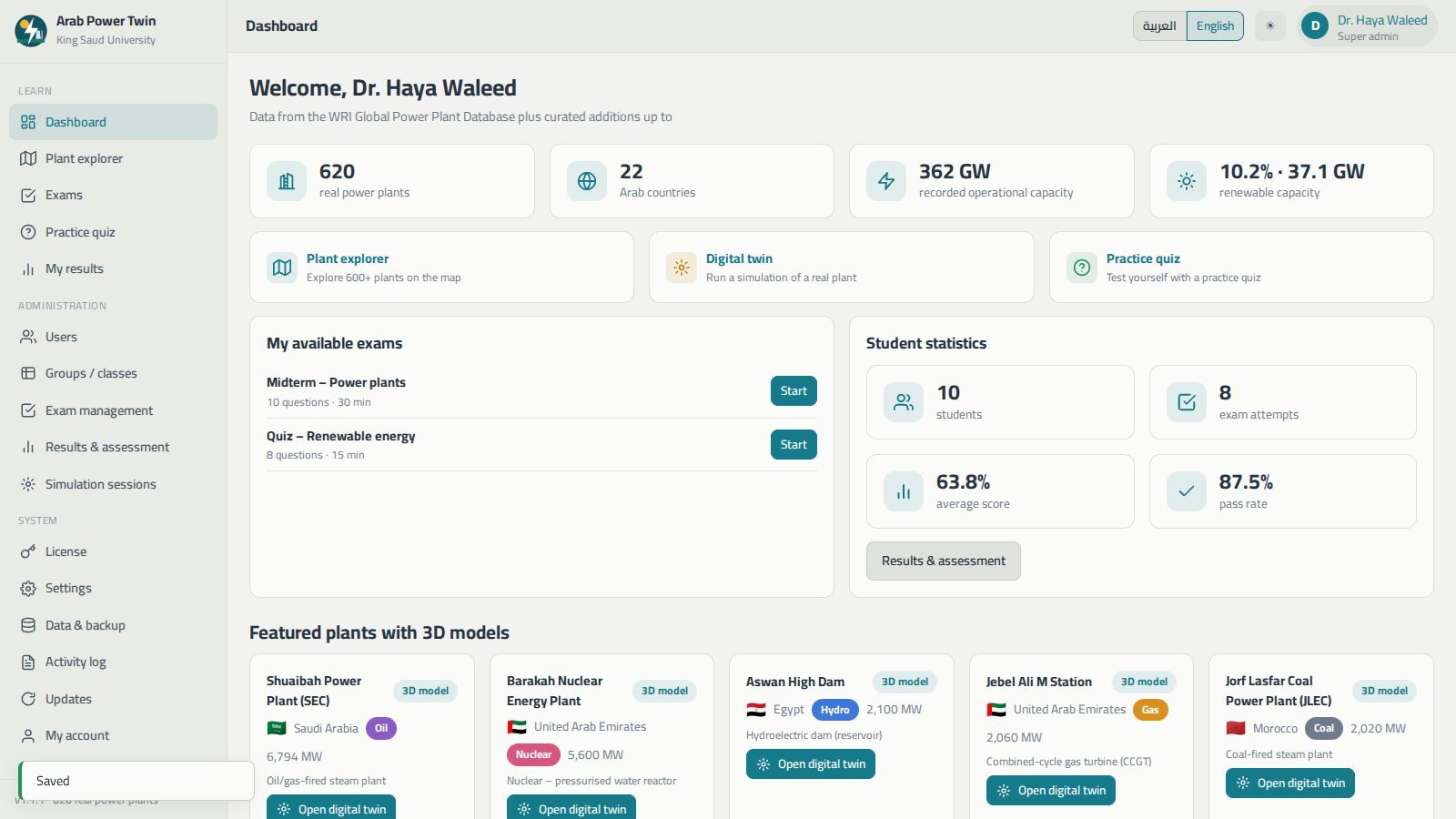
Plant explorer
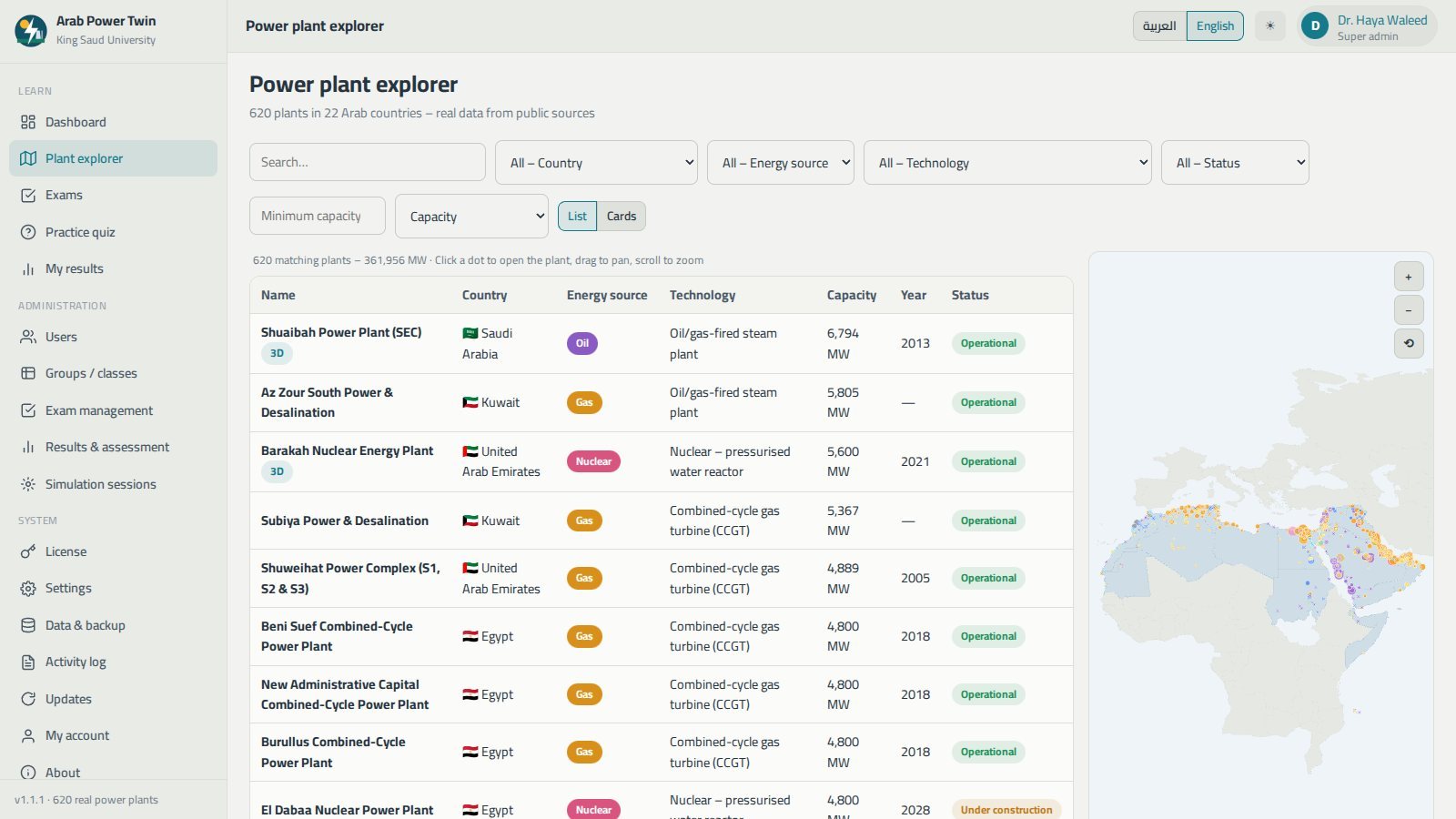
Every plant in a searchable table beside an interactive map of the Arab world that works with no internet, with filters by country, energy source, technology, status and minimum capacity.
Plant pages
Overview, key facts, an explanation of the technology and its components, estimated annual generation, coordinates, the rest of the complex and the nearest plants.
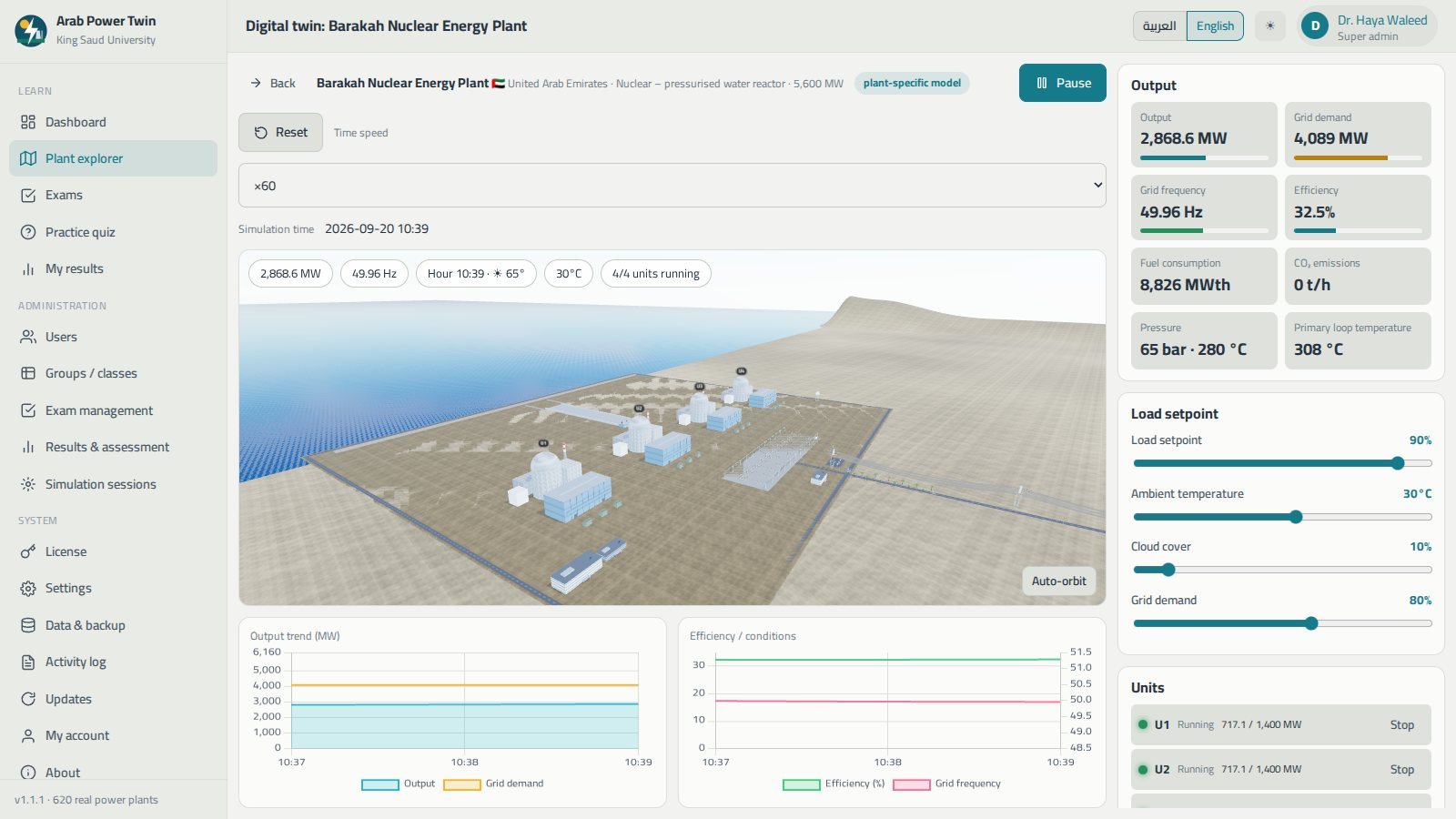
Digital twin
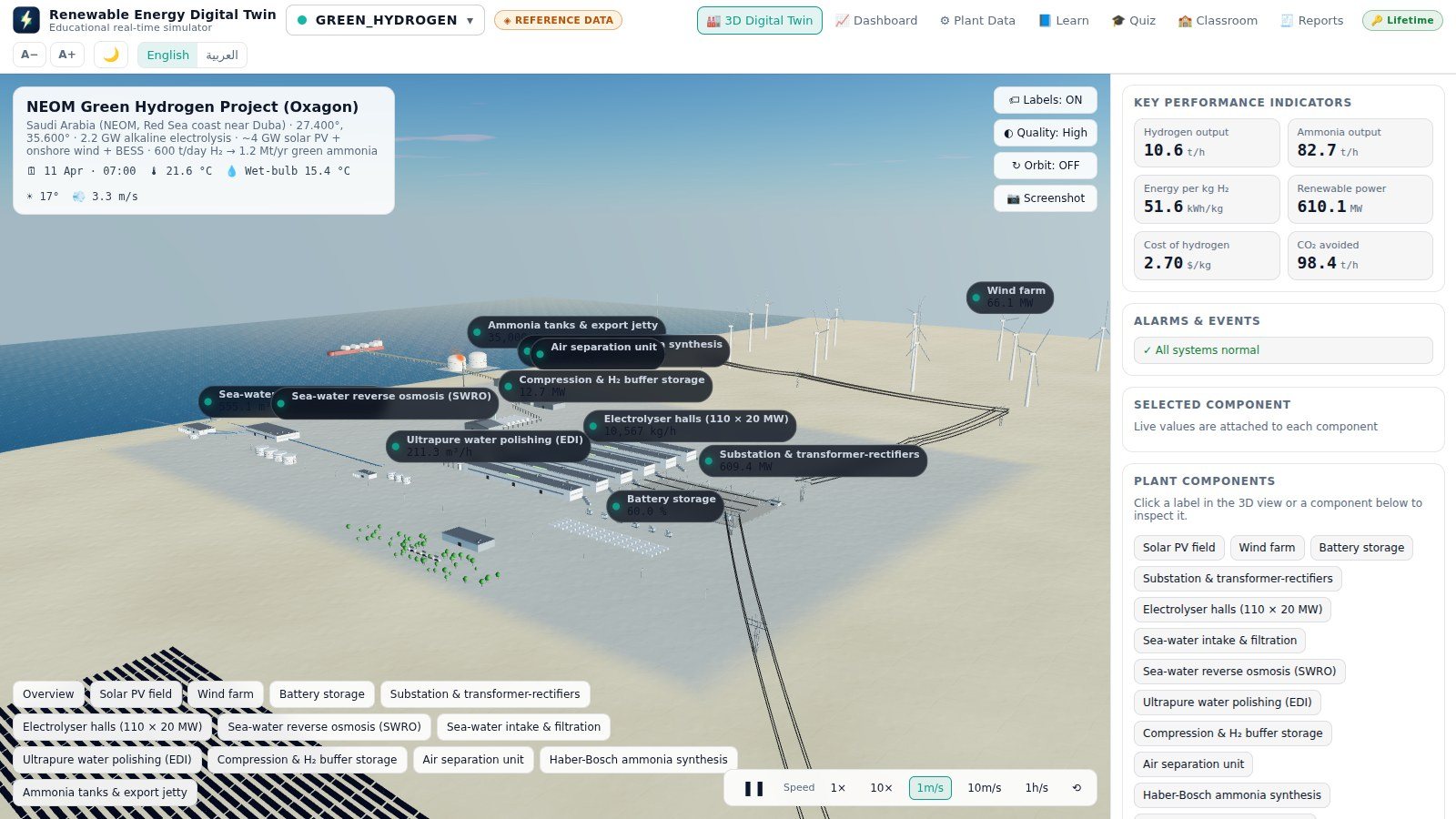
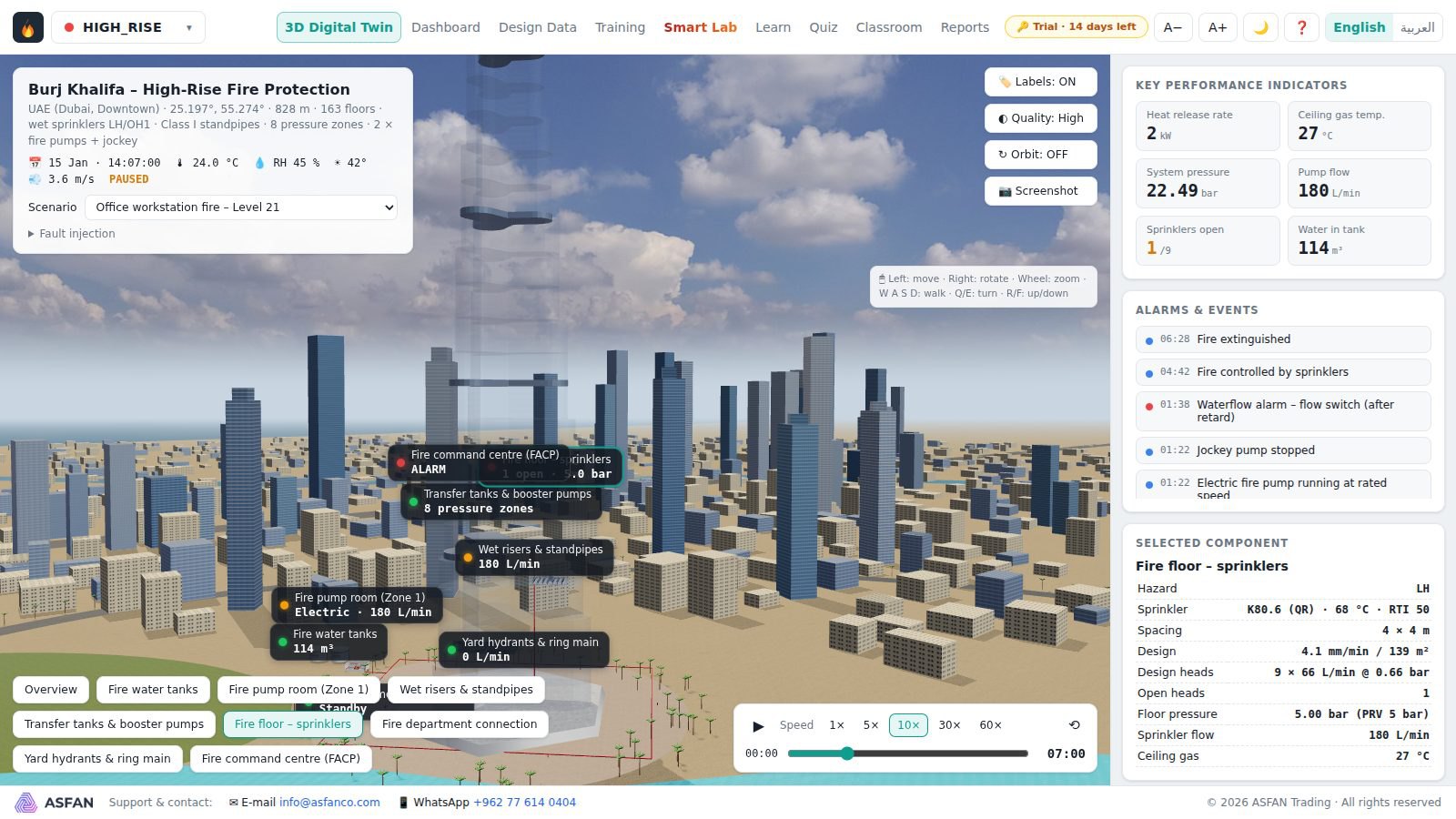
A 3D scene built from the plant's real capacity, unit count, technology and location, driven by a simplified physics simulation with the sun in its true position.
Exams & practice
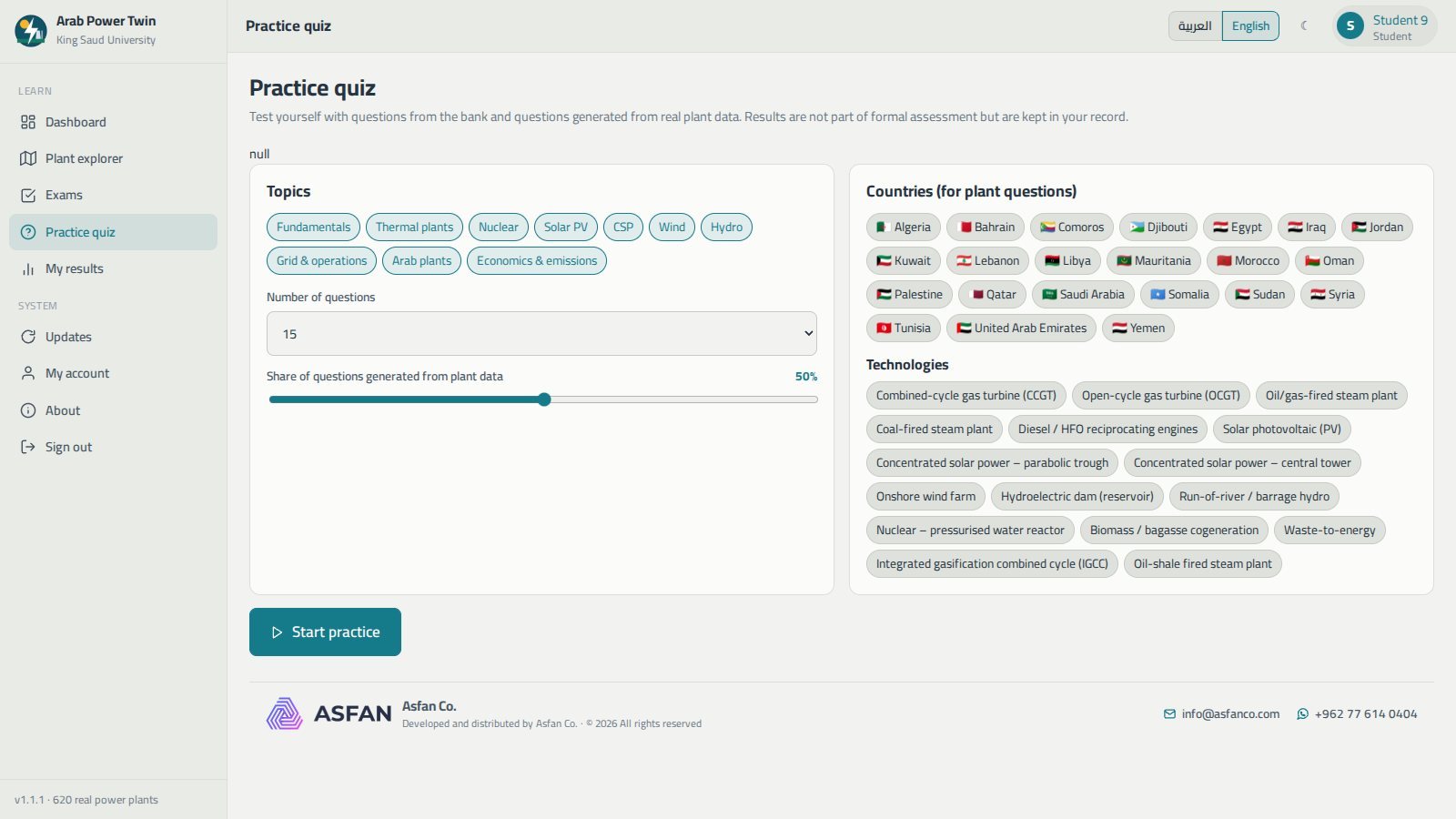
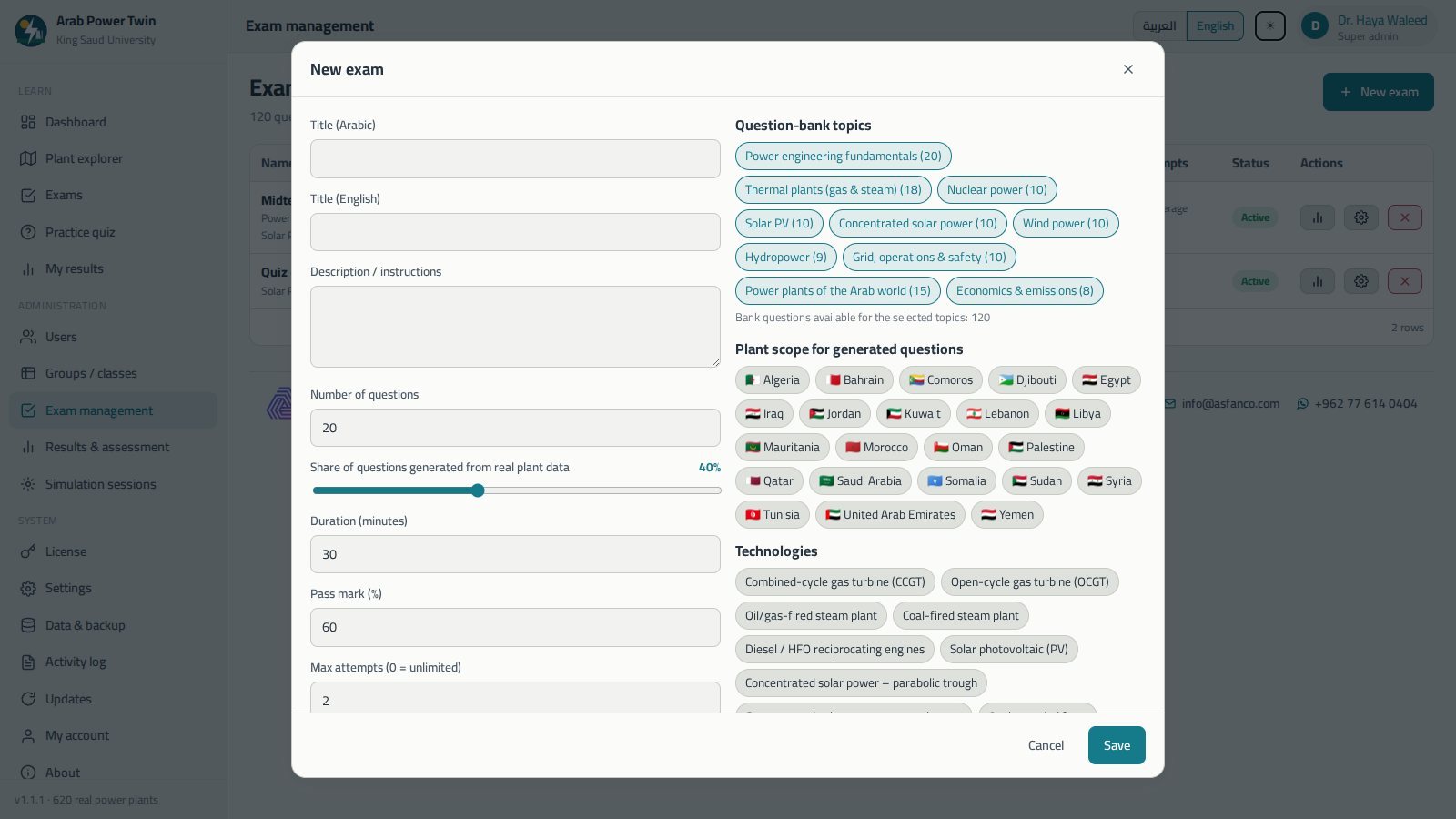
A bilingual question bank plus questions generated from real plant figures, timed formal exams with attempt limits, and informal practice quizzes with instant grading.
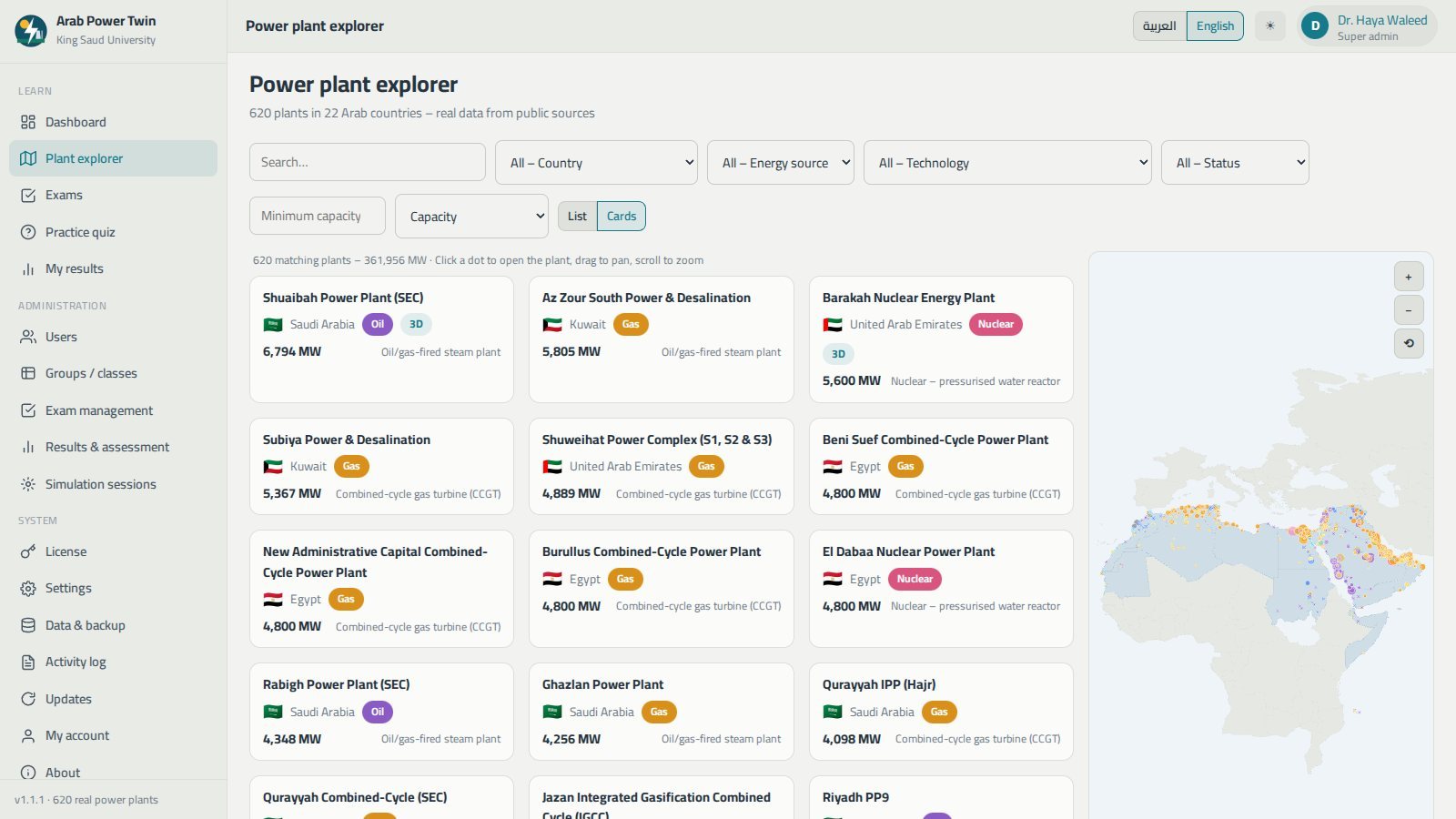
Results & assessment
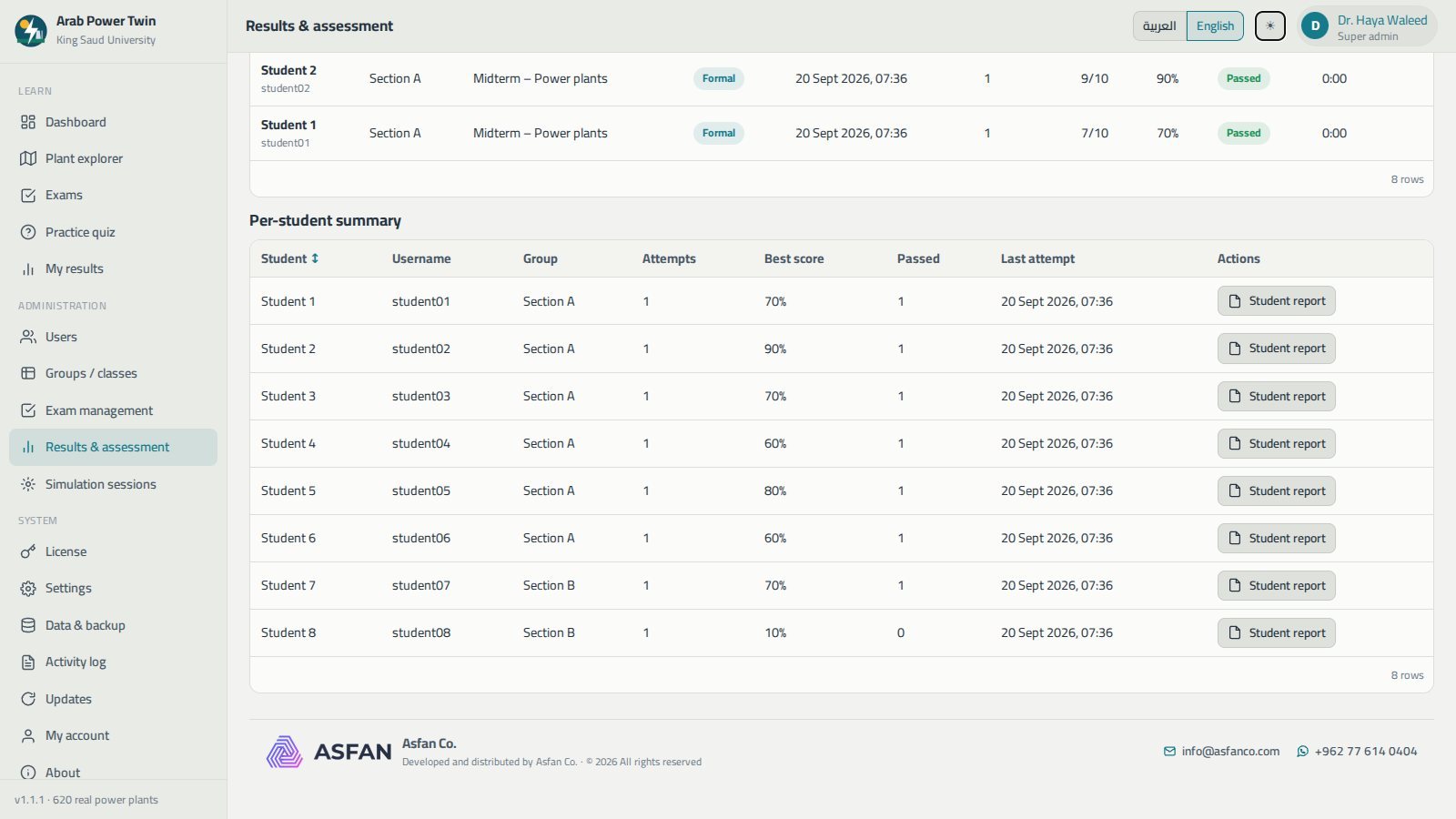
Statistics, score distributions, correct answers by topic, per-student reports, and CSV, JSON and PDF export.
Administration
Users and roles, class groups, CSV student import, licensing, a shared data folder for university labs, backups and an activity log.
Sixteen technologies, modelled individually
Each technology has its own physics, its own indicators and its own 3D scene — a combined-cycle plant does not behave, or look, like a hydro dam.
- Combined-cycle gas turbine (CCGT)
- Open-cycle gas turbine (OCGT)
- Oil/gas-fired steam plant
- Coal-fired steam plant
- Diesel / HFO engines
- Solar photovoltaic
- CSP — parabolic trough
- CSP — central tower
- Onshore wind farm
- Hydroelectric dam
- Run-of-river / barrage hydro
- Nuclear — pressurised water reactor
- Biomass
- Waste-to-energy
- IGCC
- Oil-shale steam plant
See it before you install it
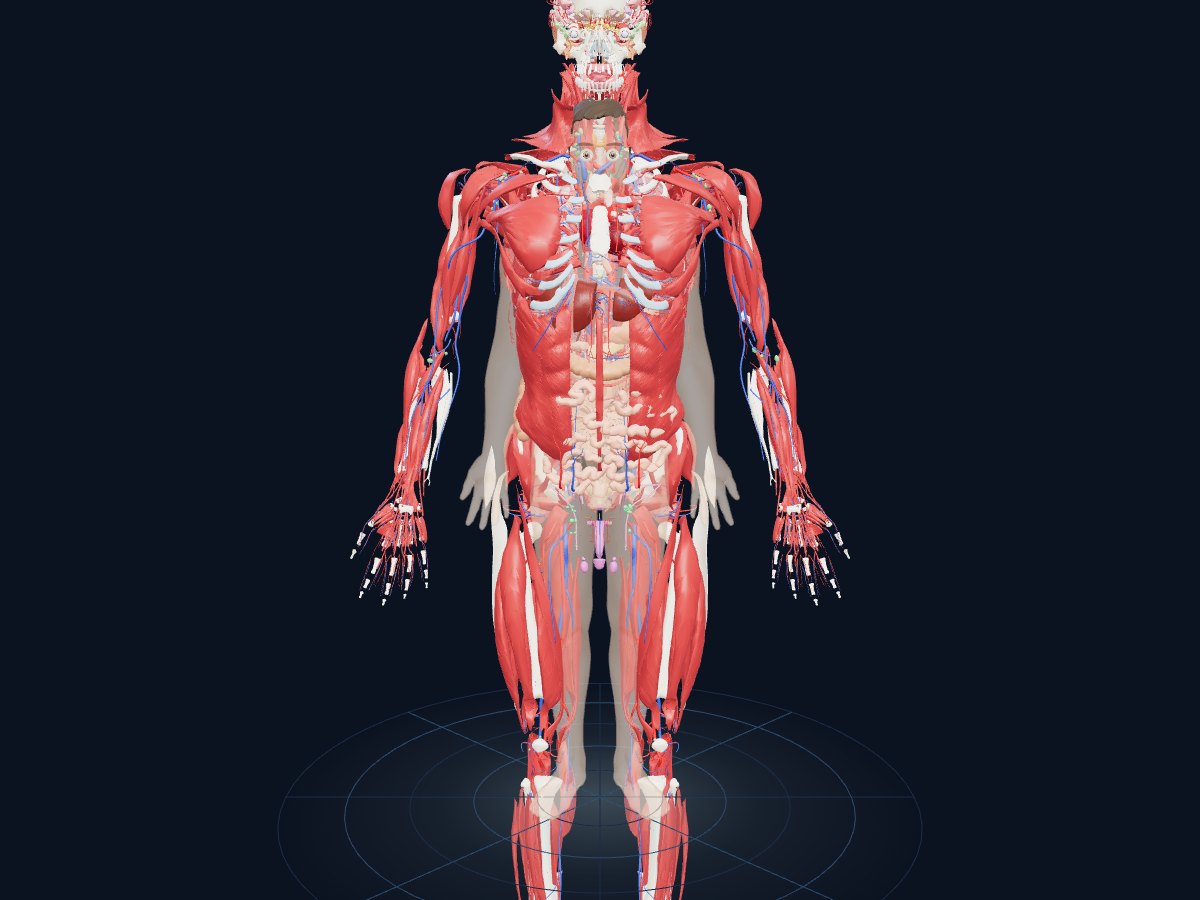
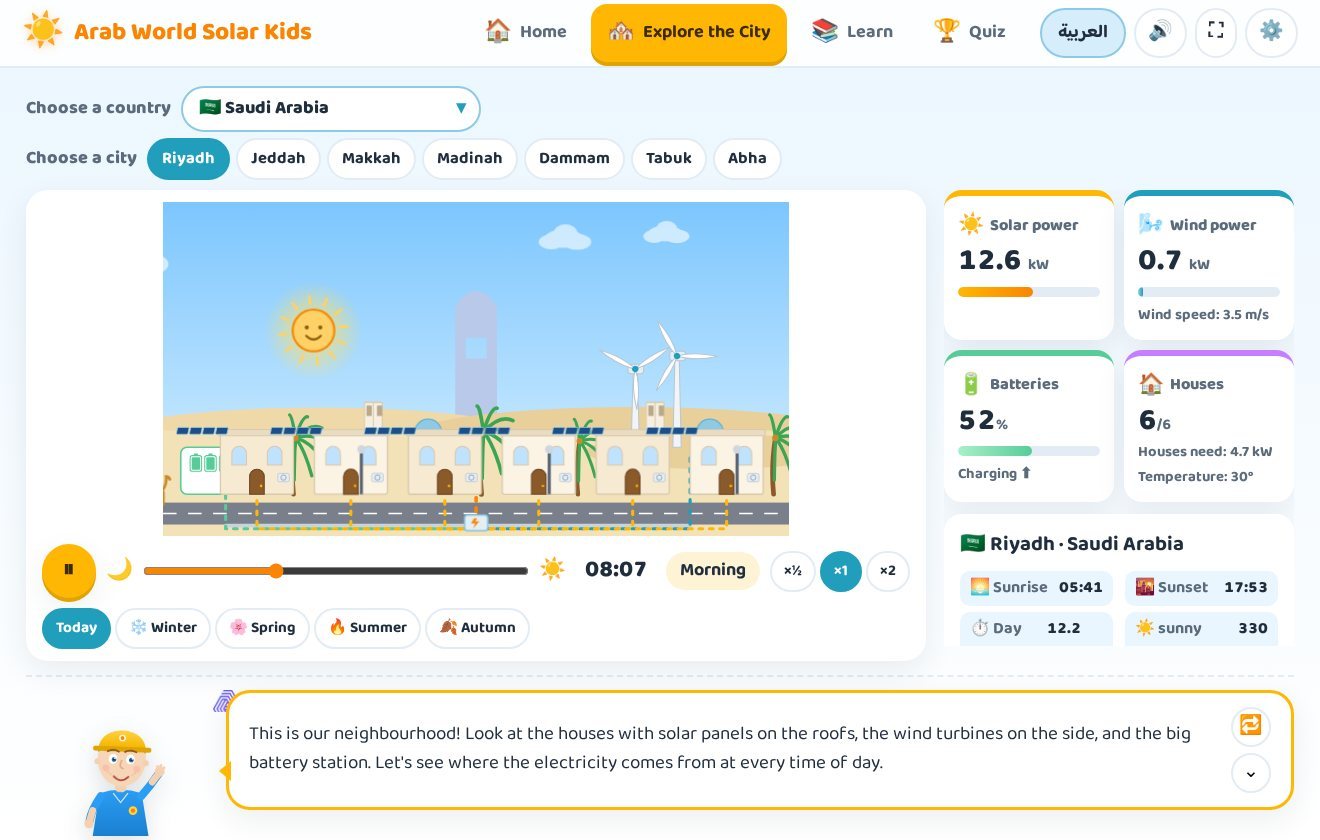
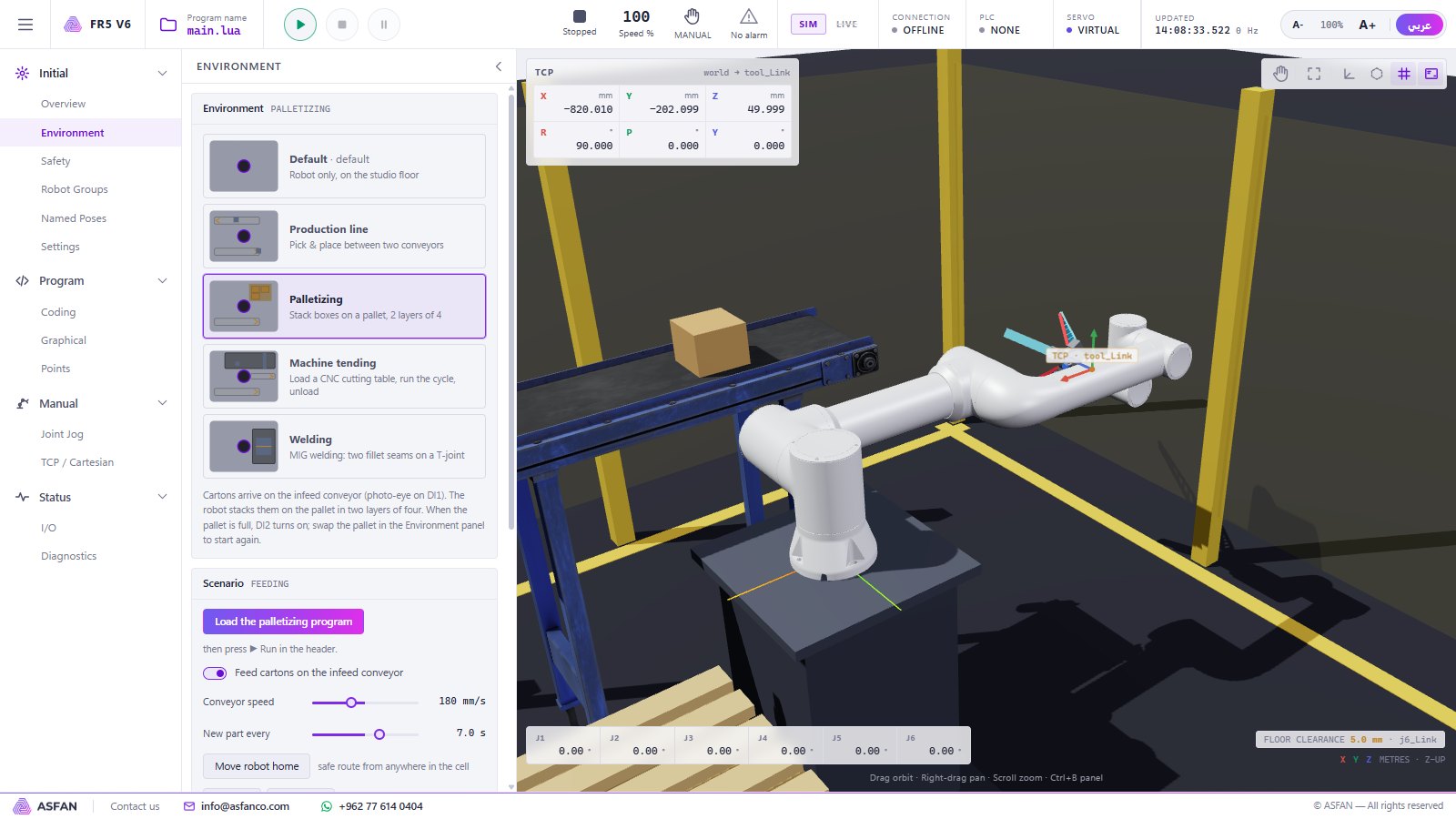
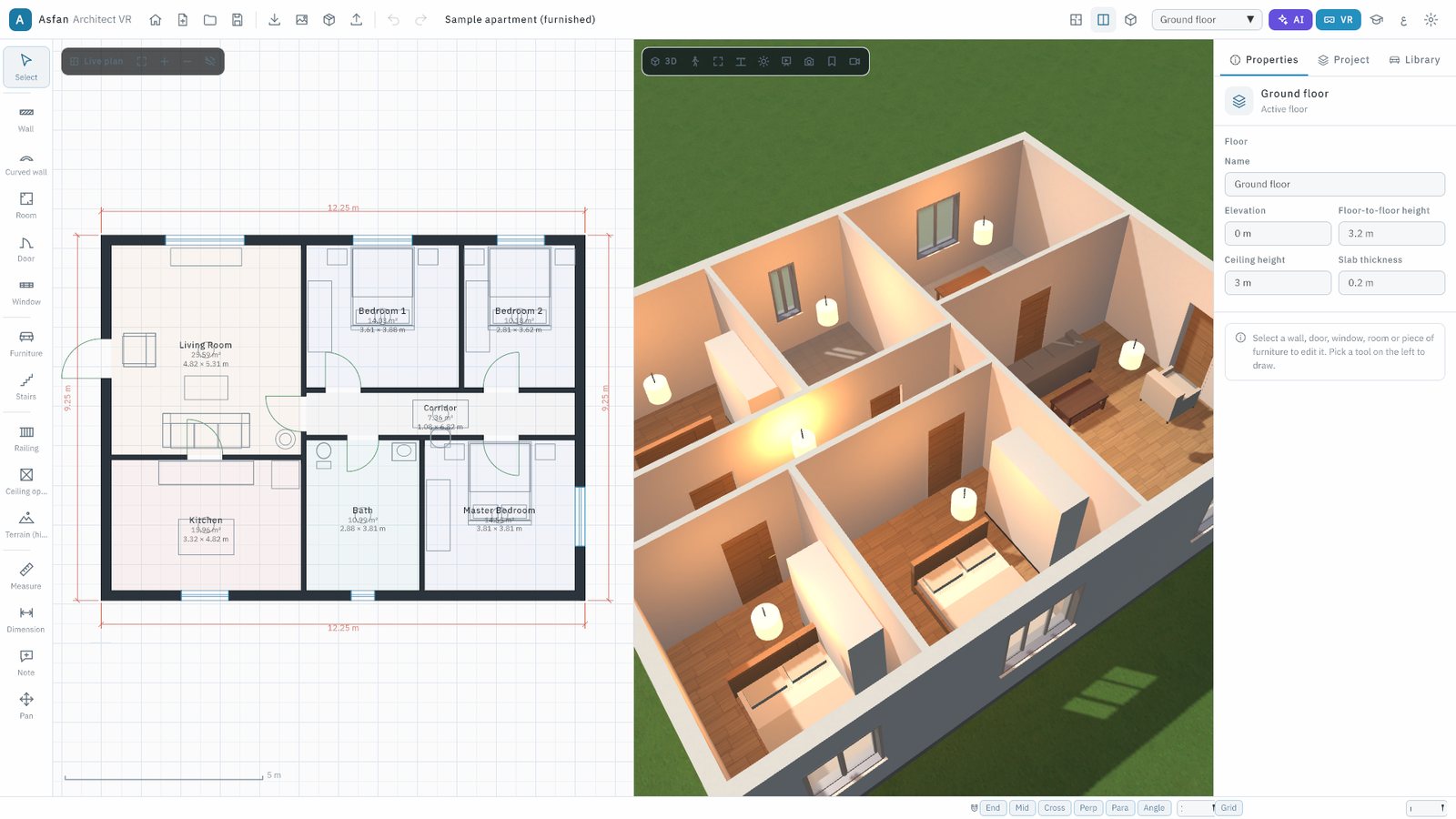
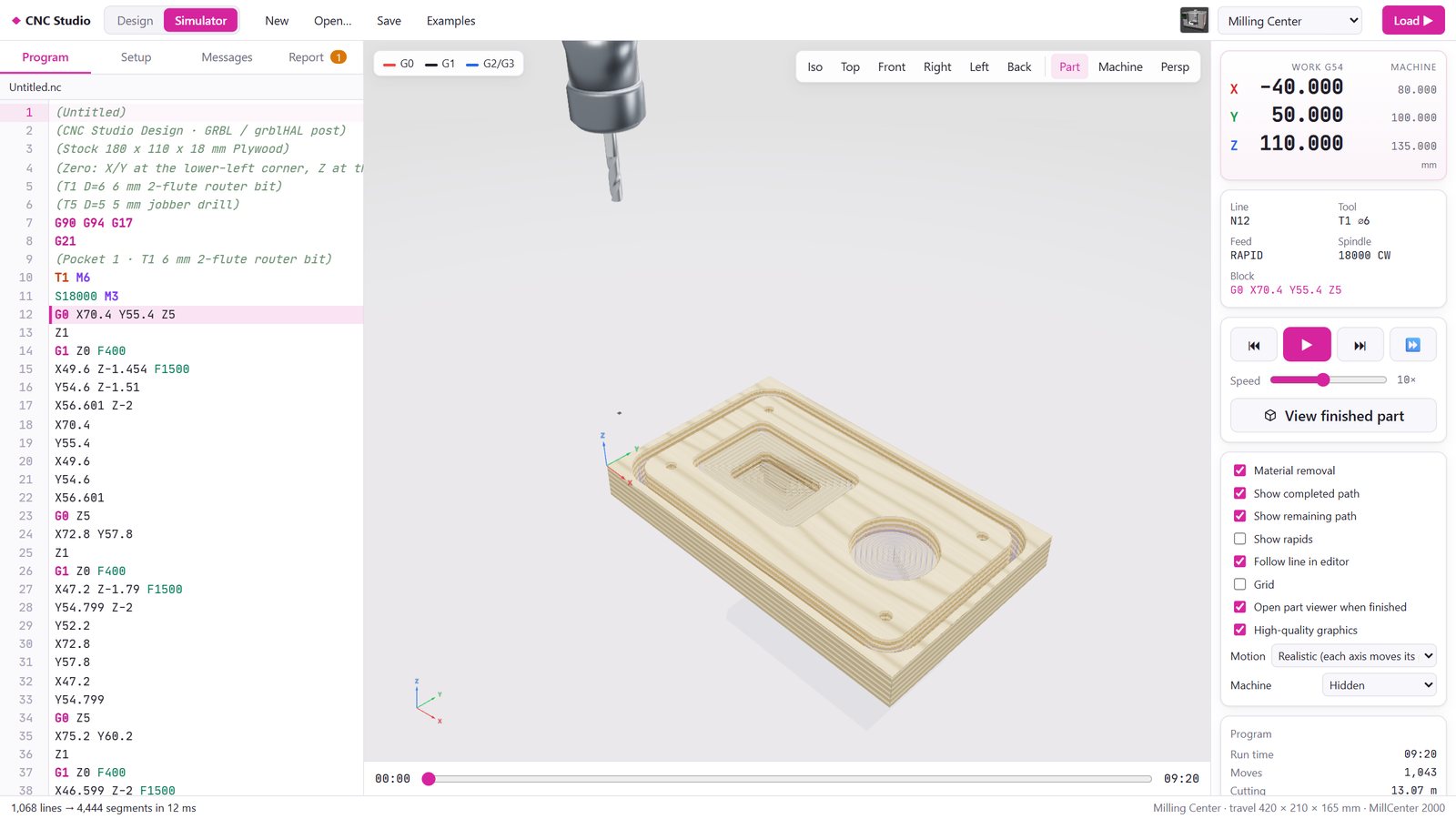
Real screens from version 1.1.1.
From installer to a working class
No administrator password, no database, no server — and nothing you do during the trial is lost when you activate.
Install
Run ArabPowerTwin-Setup.exe, choose Arabic or English and keep the default folder. It installs for the current Windows user only.
Activate
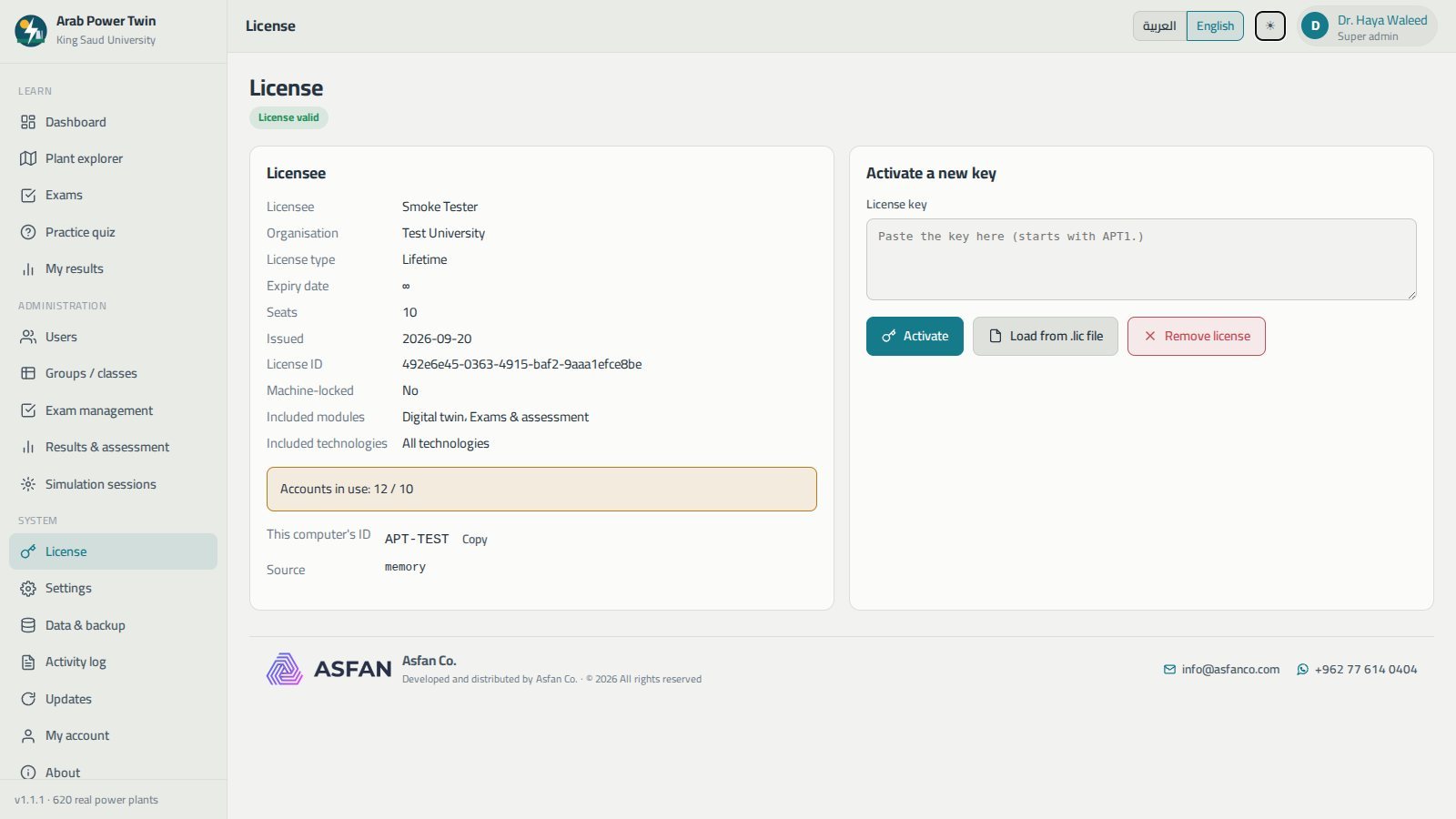
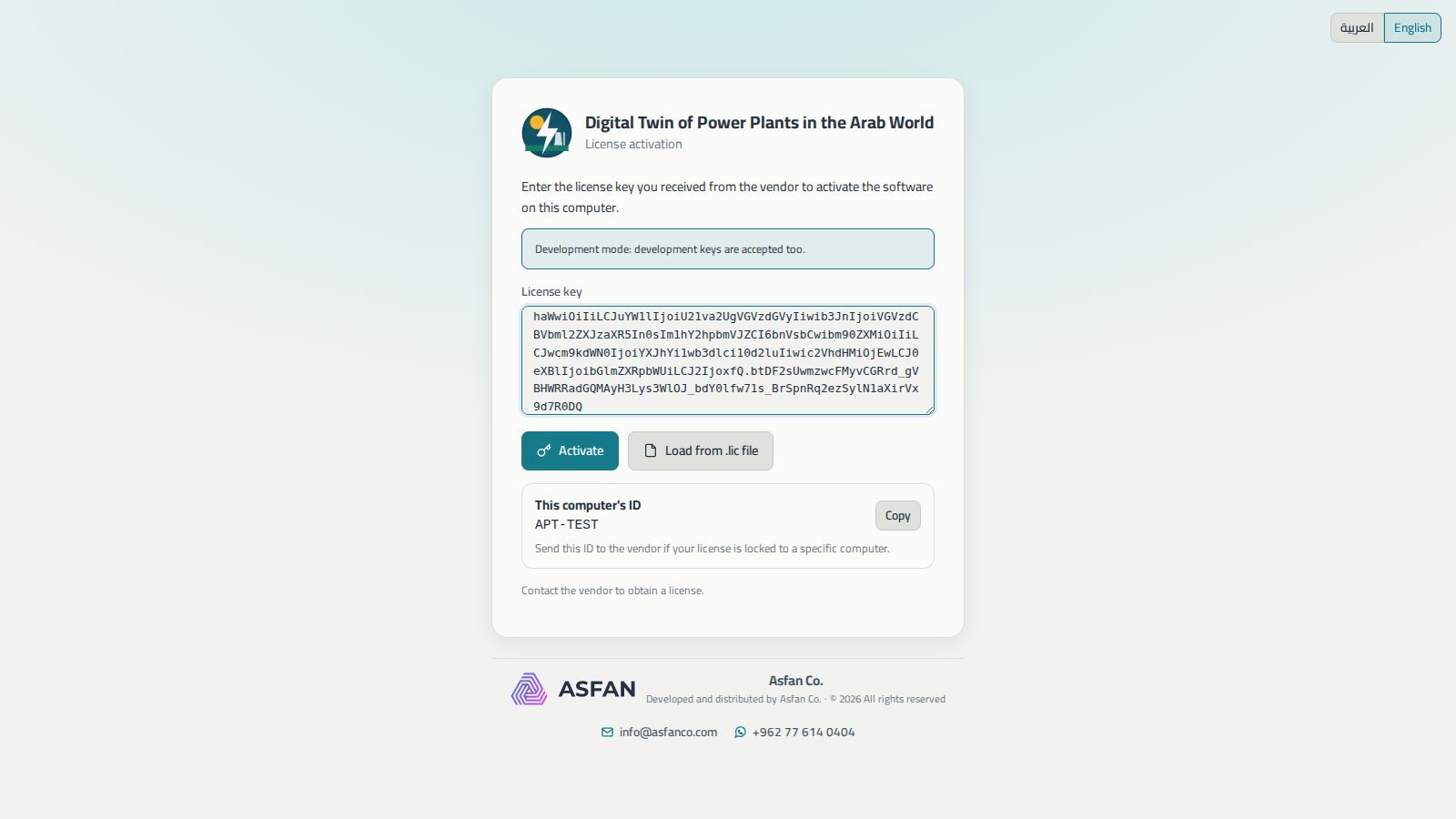
Paste the key we send you — it starts with APT1. — or load the .lic file. It is verified on the computer itself, with no internet needed.
Create the super admin
Enter your institution's name and create the account that will manage users, groups, exams and the license.
Add your students
Add them one by one, or import a whole section from a CSV file — then assign your first exam.
What the 14-day trial gives you
The trial starts on first install and needs no key, no payment details and no account.
- A selection of the program's modules, enough to evaluate it for your faculty
- Both interface languages
- The remaining modules and technologies unlock when a license key is entered
Monthly or Annual — your choice
A license sets the number of seats, which modules are included — digital twin and/or exams — and which technologies are covered.
Not sure yet? Install the 14-day trial first — no key, no payment, no account.
Get Price OfferMonthly
Time-limited access, renewed every month.
Contact us
for current pricing
- Both modules: digital twin and exams & assessment
- Your chosen number of seats across all roles
- Your chosen technologies, or all sixteen
- Free updates while the subscription is active
- Ideal for a single semester or a pilot
Annual
Full access for 12 months, renewed every year.
Contact us
for current pricing
- Everything in the Monthly license
- One payment covers a full year
- Free automatic updates
- Seats counted per shared data folder — perfect for a lab
- Ideal for a full academic year
Equipping a university lab? Tell us how many machines and students you need — contact us or message us on WhatsApp at +962 77 614 0404.
Before you install
- Operating system
- Windows 10 or 11, 64-bit
- Processor & memory
- Dual-core or better, 8 GB RAM (16 GB recommended for labs)
- Graphics
- Any adapter with WebGL 2. The 3D scene is smoother on a discrete GPU
- Disk space
- About 700 MB for the program and its data
- Screen
- 1366 × 768 minimum · 1920 × 1080 recommended
- Internet
- Not required to run — used only to check for and download updates
- Administrator rights
- Not needed — installs for the current user
- Current version
- 1.1.1, with automatic updates
Full user manual
48 pages covering every screen, licensing and setting up a university lab.
Common questions
Who is Arab Power Digital Twin for?
Where does the plant data come from?
Is the simulation real operating data?
Does it need internet or a server?
How do I set it up across a whole computer lab?
Can students cheat by reading the answers?
What does a license actually control?
What happens to our data when we update?
More energy education software
Teach power generation with Arab plants
Install the 14-day trial today, or talk to our team about a Monthly or Annual subscription sized for your faculty or lab.