PC + VR · ASdronesim 1.0
ASdronesim – Drone Flight Simulation for Pilot Training
A PC and VR simulator for drone pilot training and mission rehearsal. Pilots fly accurate aircraft models over Amman, London and Istanbul at 1:1 scale, using the same RC radio they fly with in the field.
- Windows 10 / 11
- Meta Quest VR
- USB RC radio, gamepad or keyboard
Why train in a simulator
Crashed aircraft, broken propellers and grounded teams are the hidden cost of learning to fly. ASdronesim moves that learning curve onto a PC, so pilots can repeat a manoeuvre as often as they need and arrive at the real aircraft ready.
Lower cost
Build flight hours without wearing out aircraft, batteries or spare parts.
True physics
Thrust, drag, battery sag, wind and gusts, modelled for each airframe.
Real controls
A USB RC radio, gamepad, keyboard or Meta Quest headset.
Measurable skill
Timed courses, ghost laps and best scores show who is ready.
From the first hover to the real aircraft
1. First hover
Basic handling in Angle mode, with the simulator catching mistakes.
2. Advanced and FPV
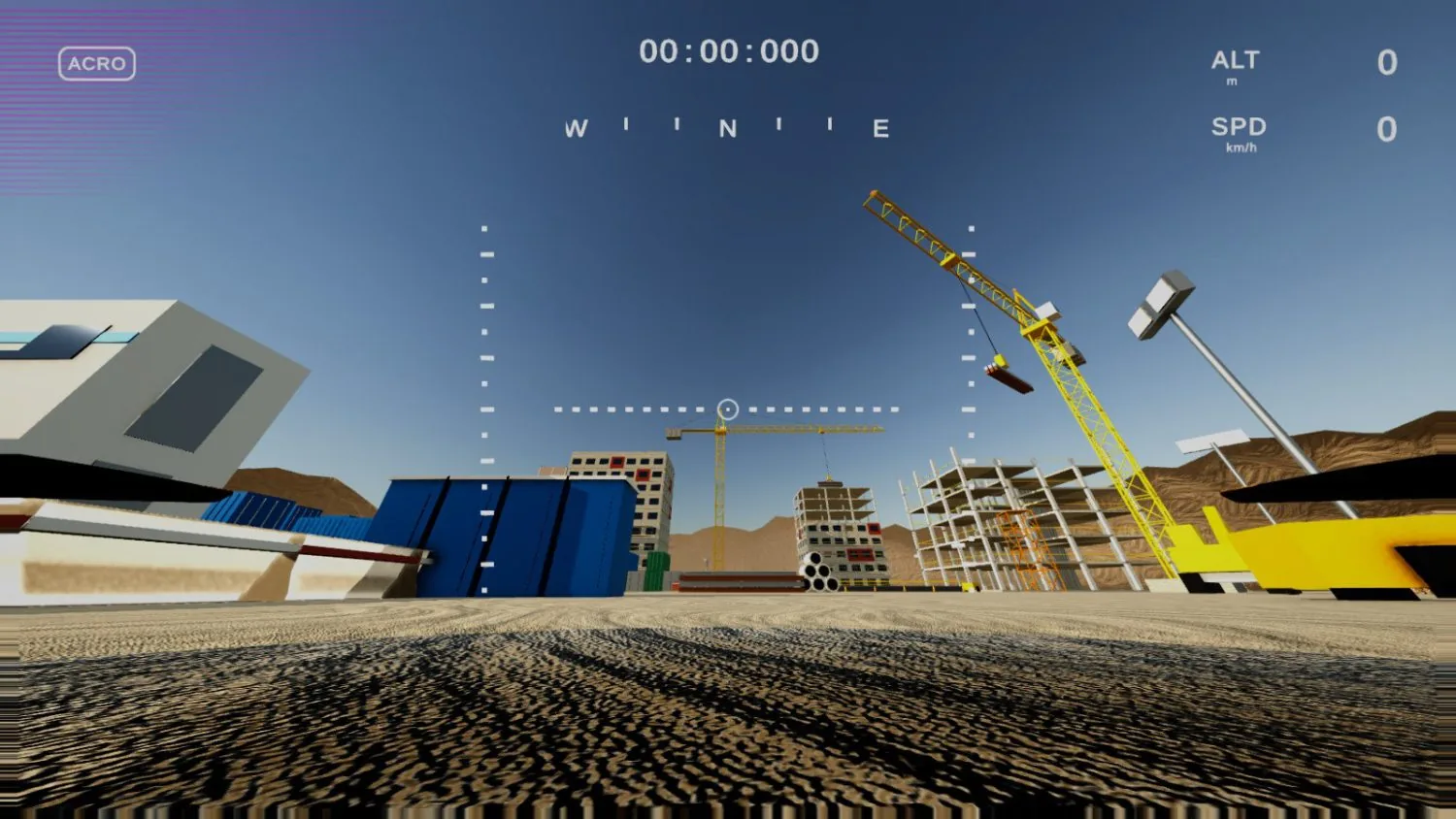
Horizon and Acro flying, timed courses and ghost laps.
3. Mission rehearsal
Real routes over real cities, flown with the ArduPilot autopilot.
4. Real aircraft
Scores and lap times show who is ready to fly for real.
Amman, built to scale
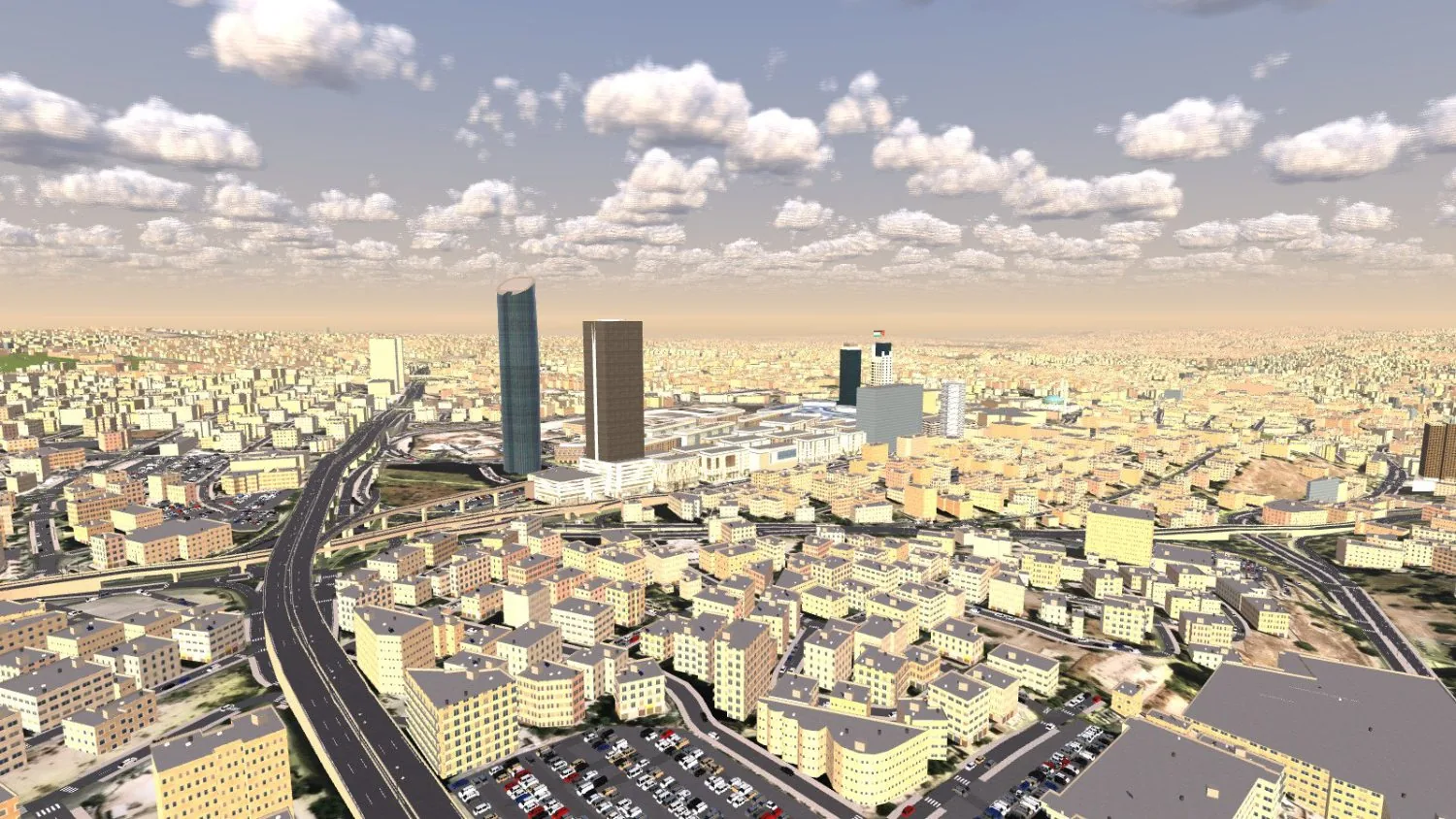
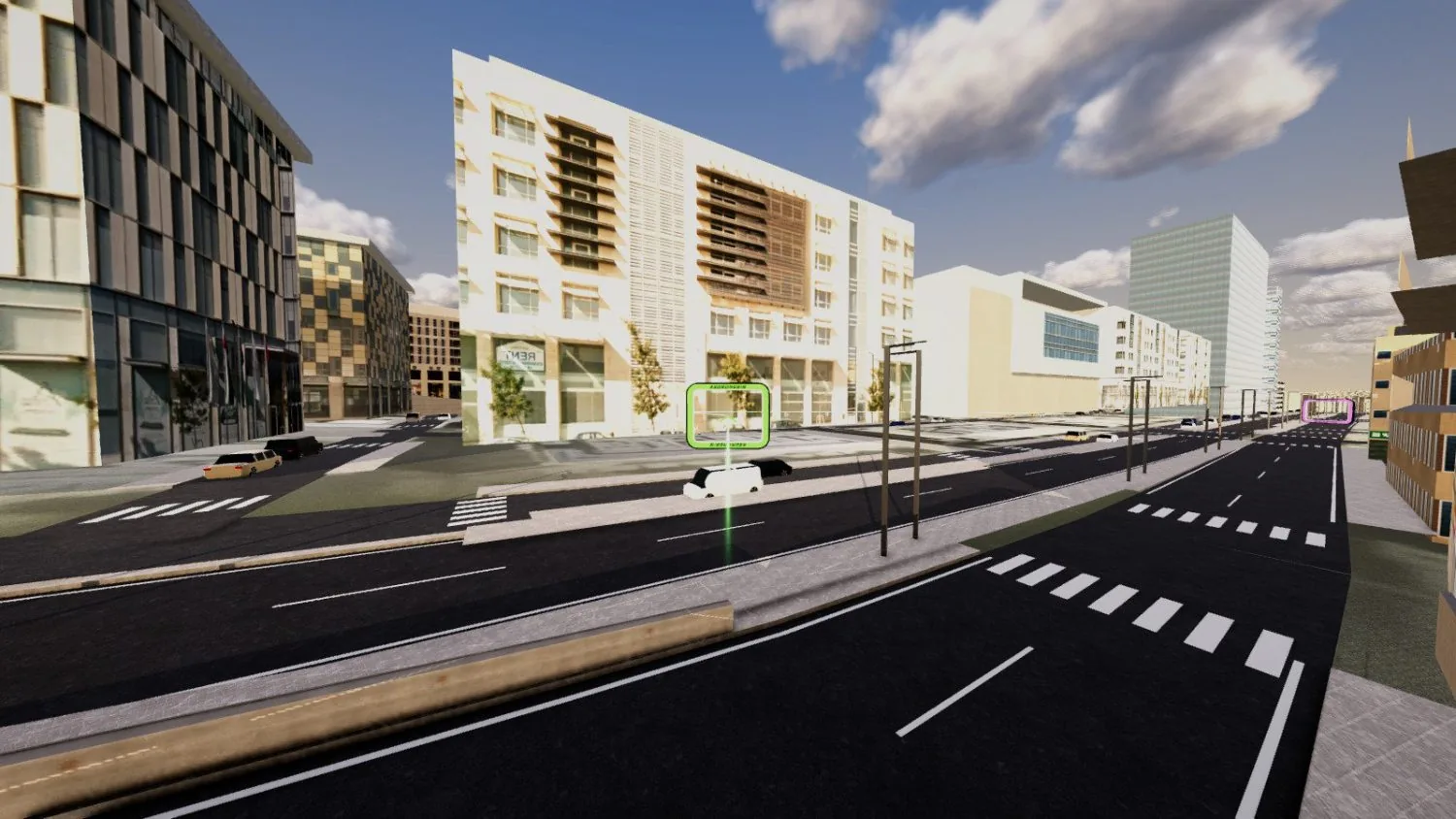
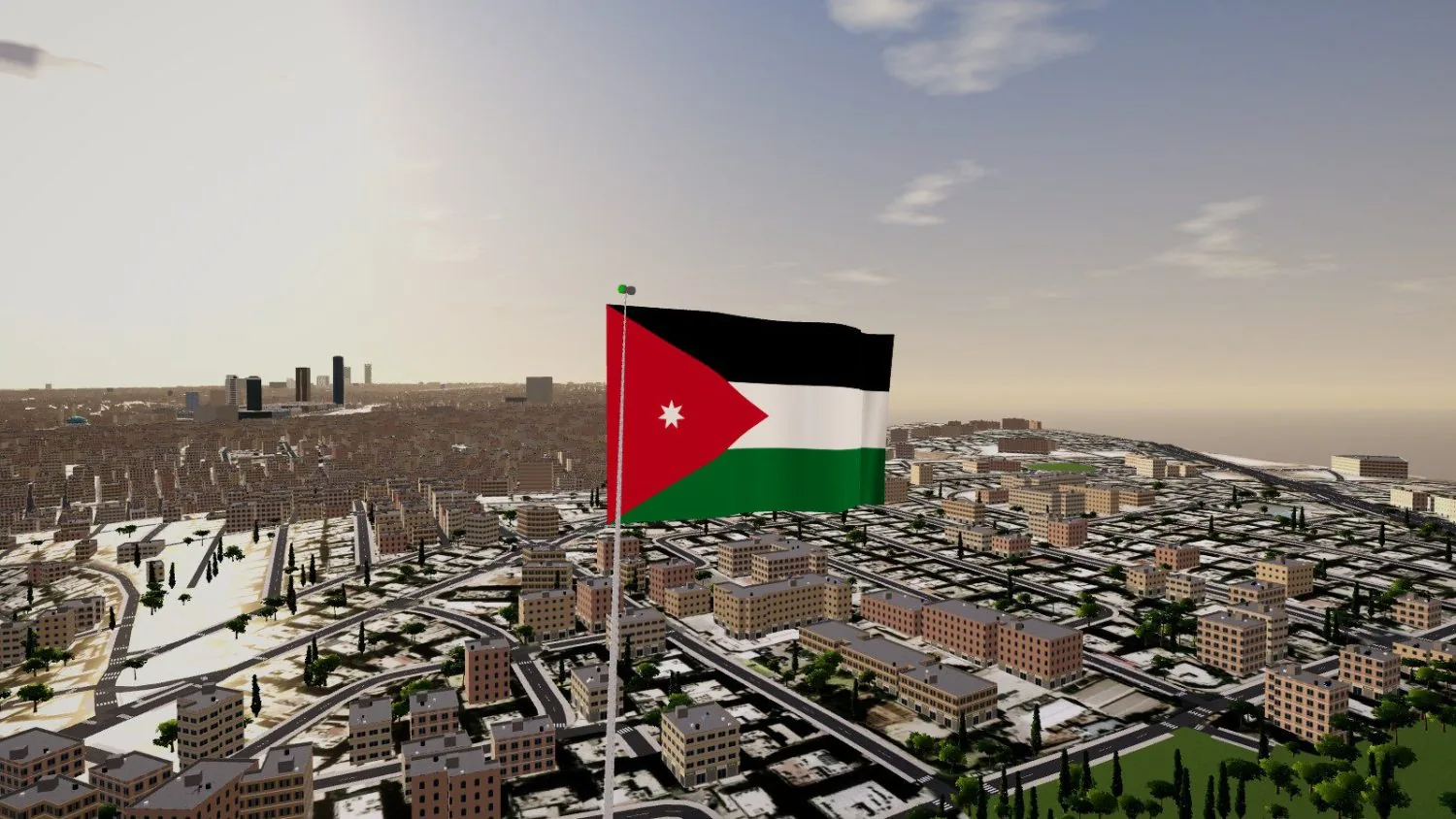
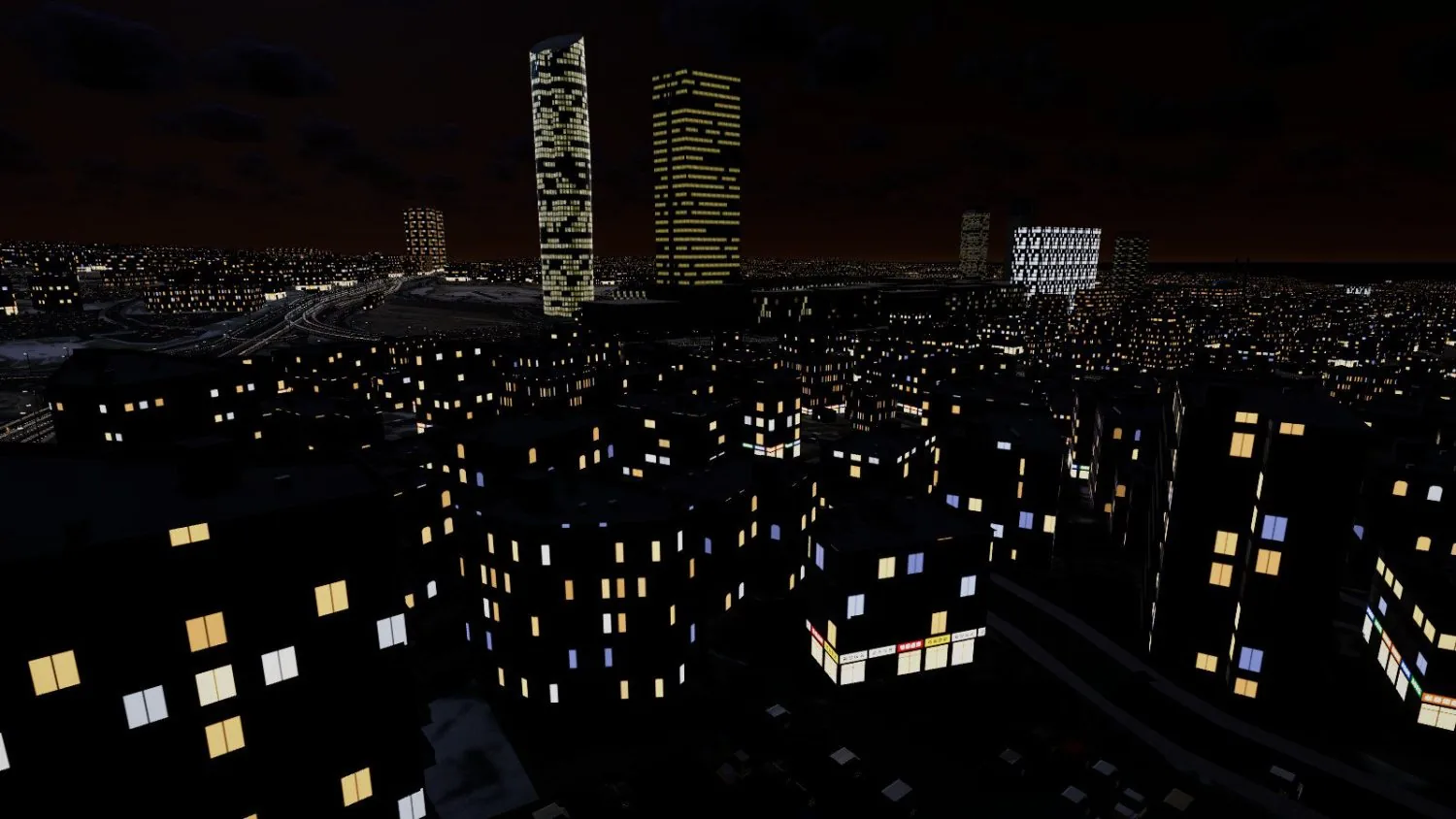
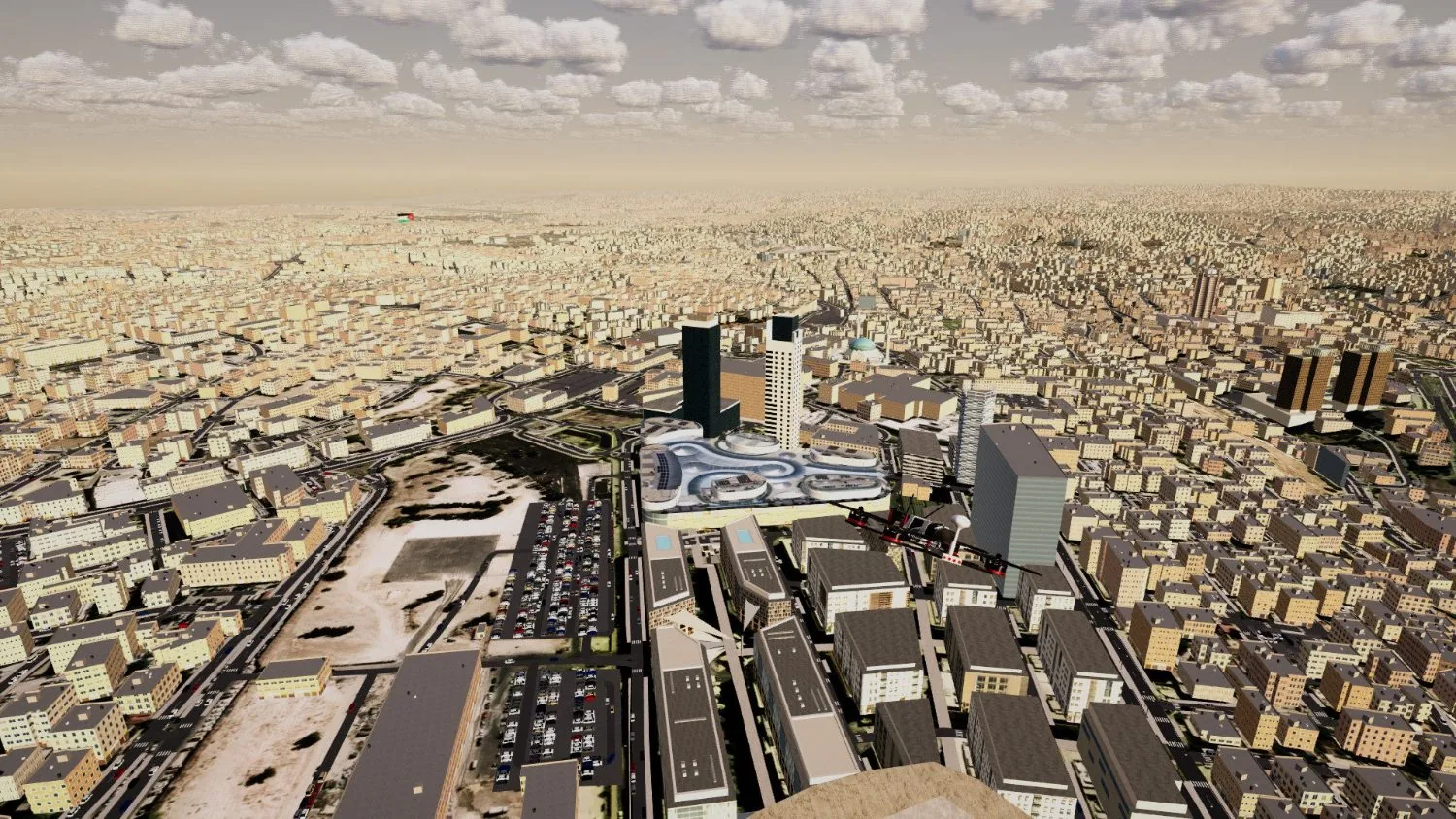
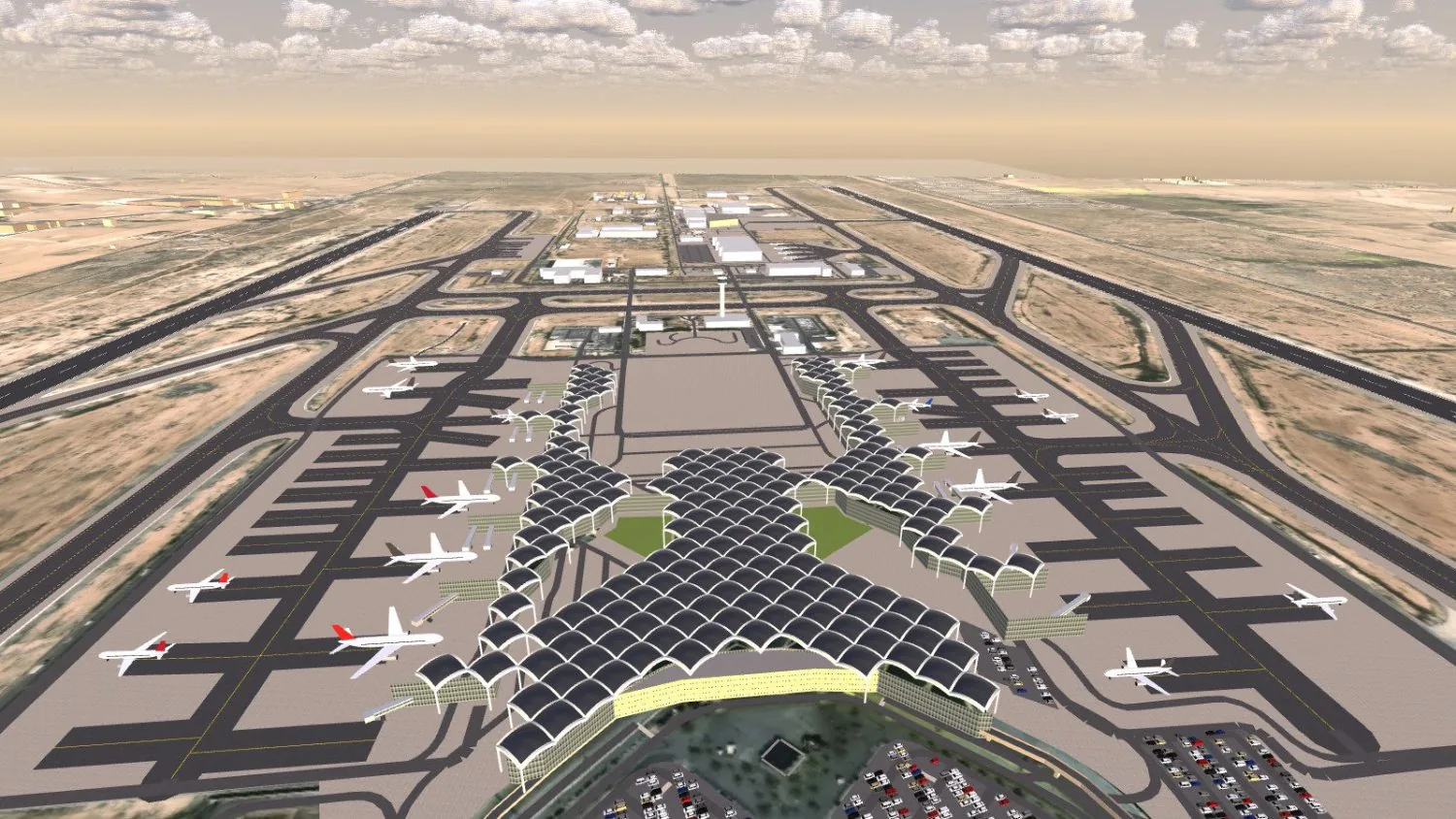
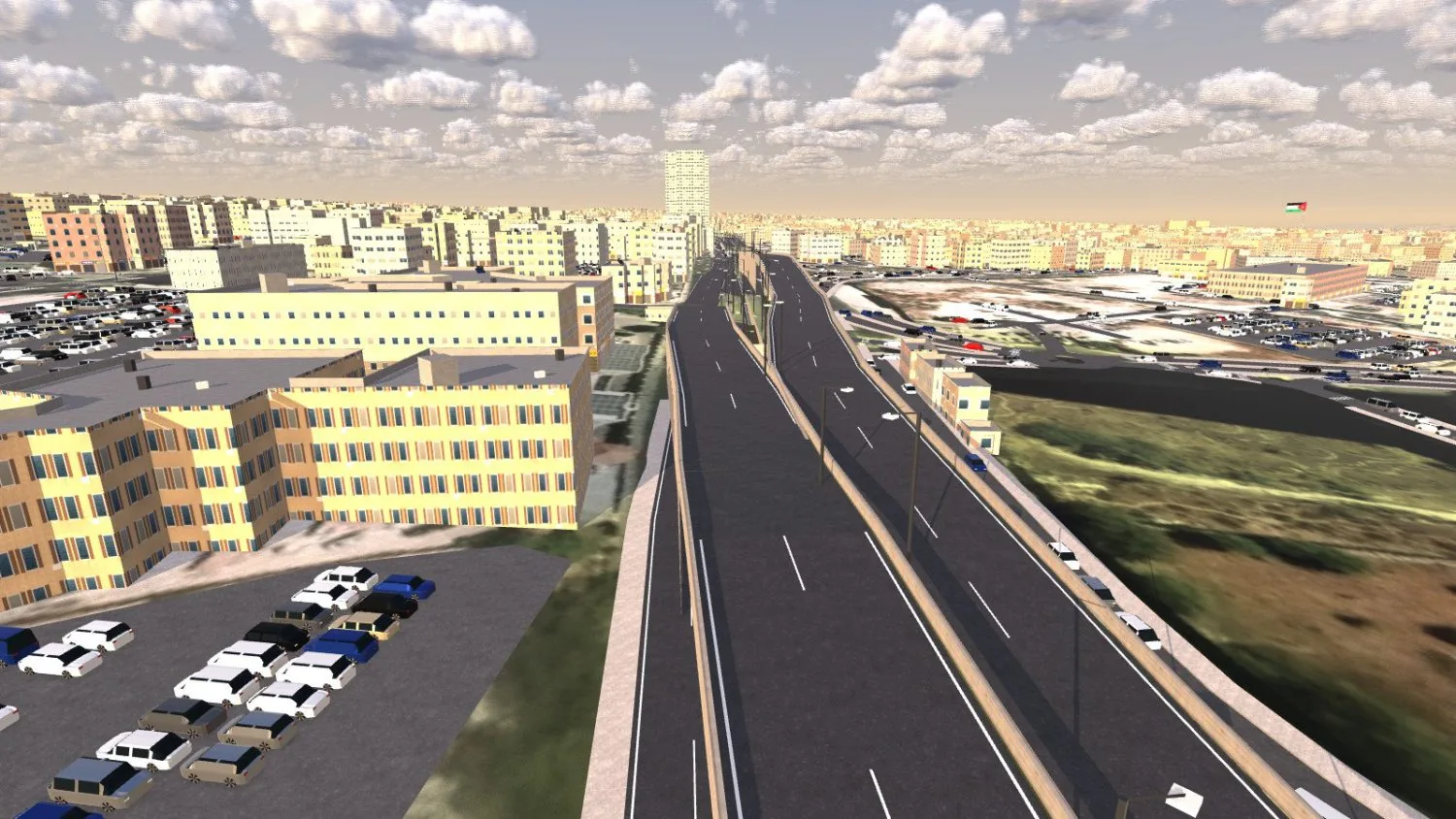
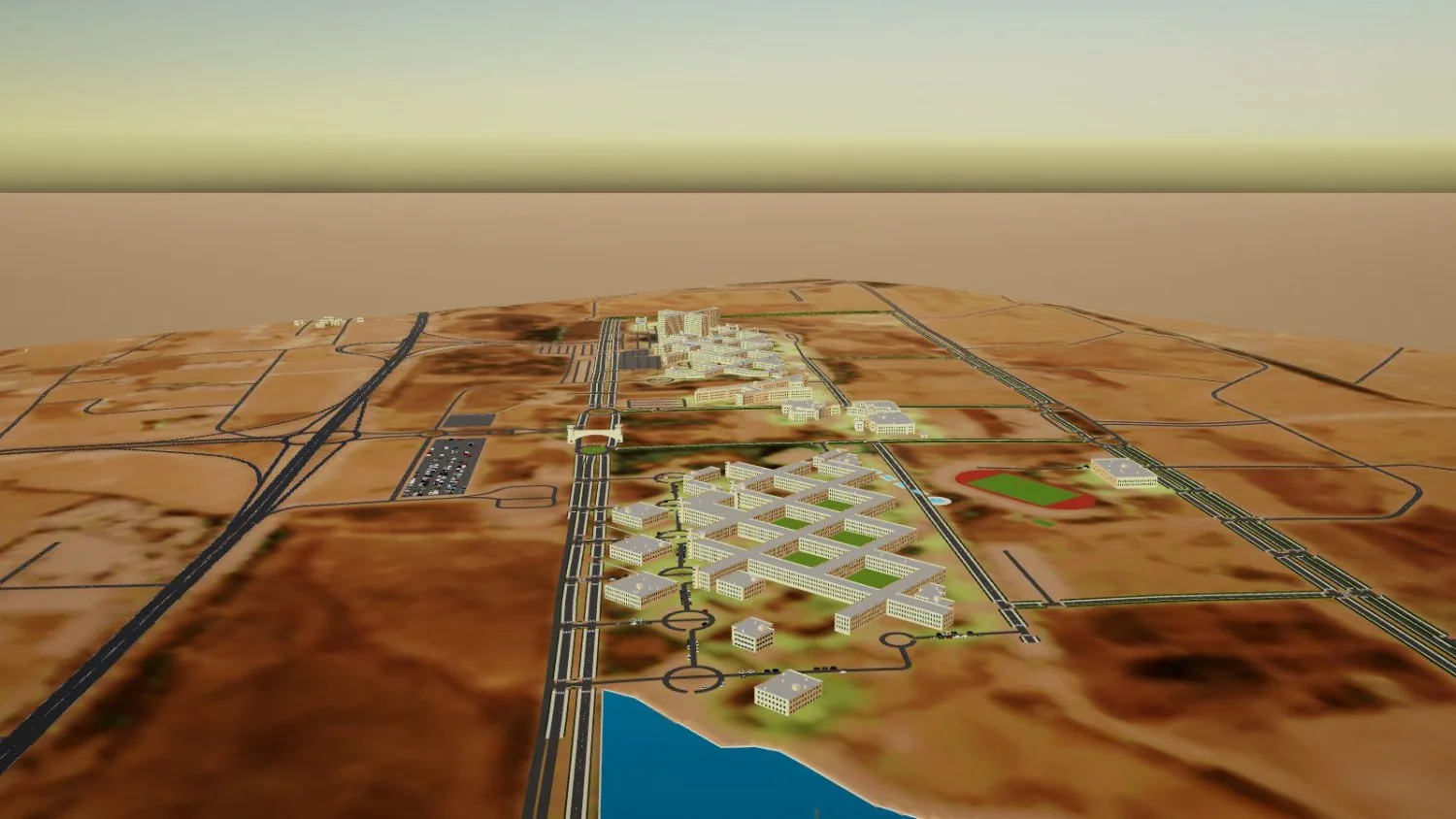
Central Amman on its real hills, built from open map and terrain data and tied to real GPS coordinates. Fly between the Abdali towers, over the Citadel or out to Queen Alia International Airport, by day, at sunset or at night.
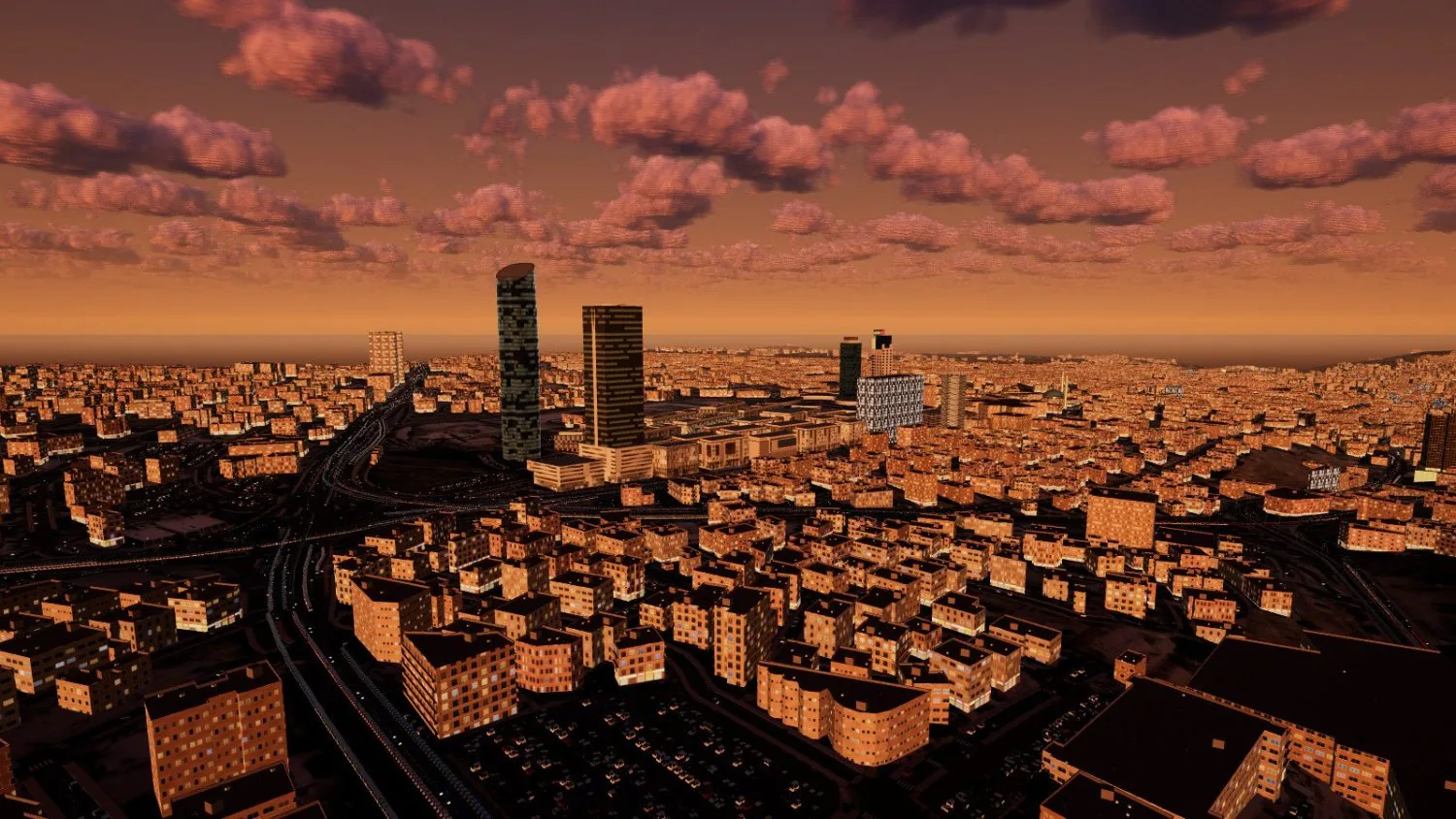
Landmarks
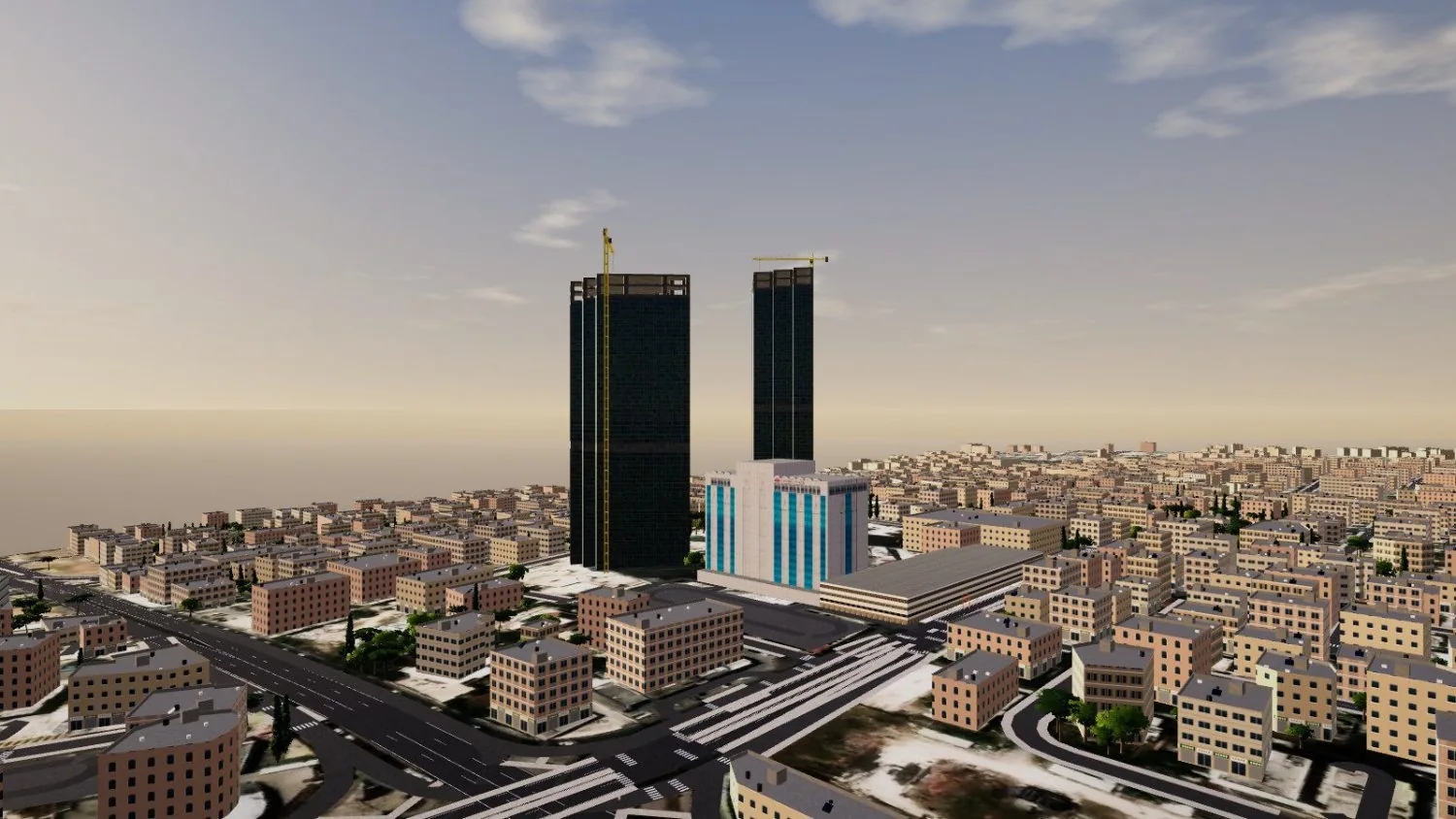
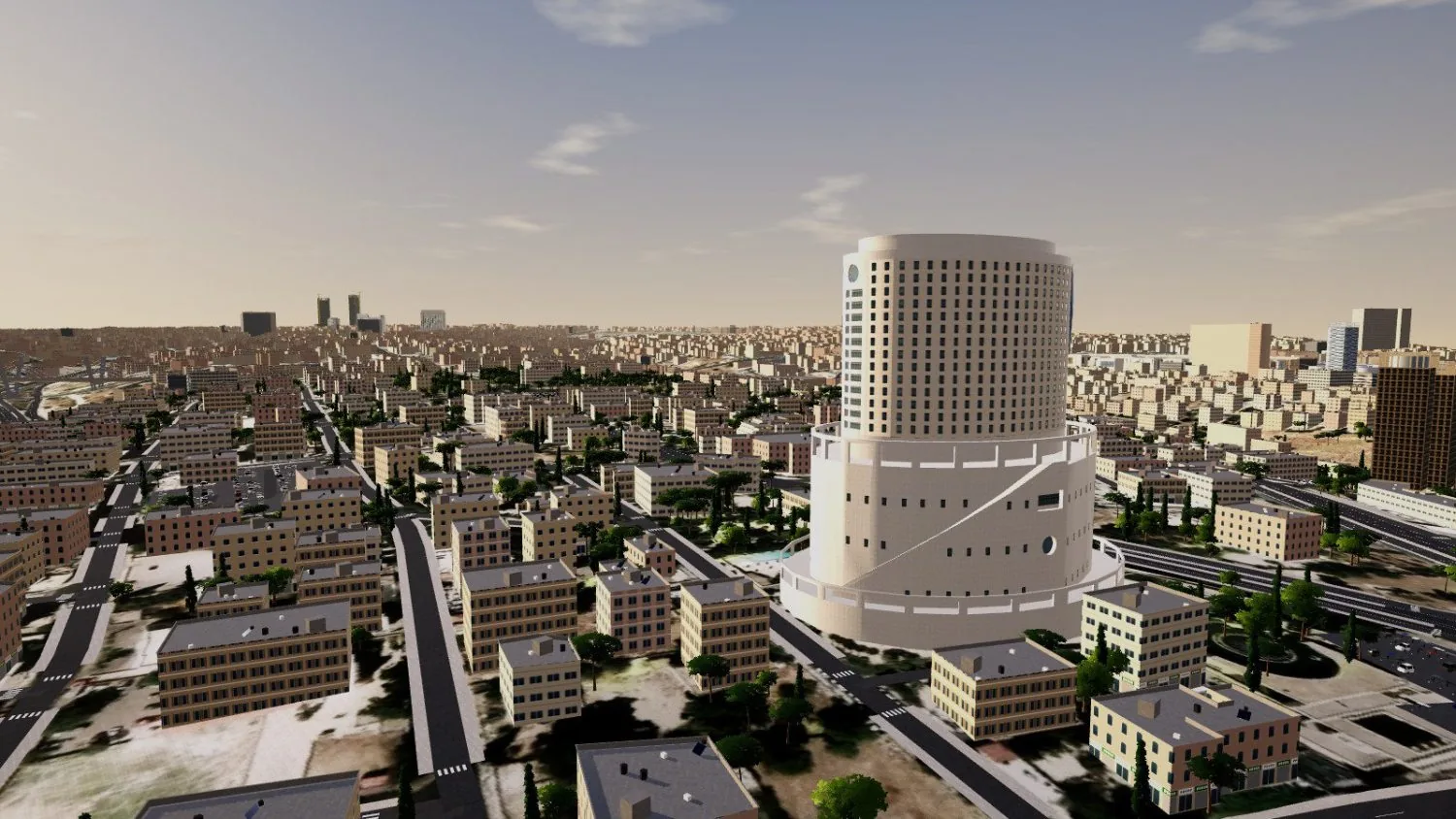
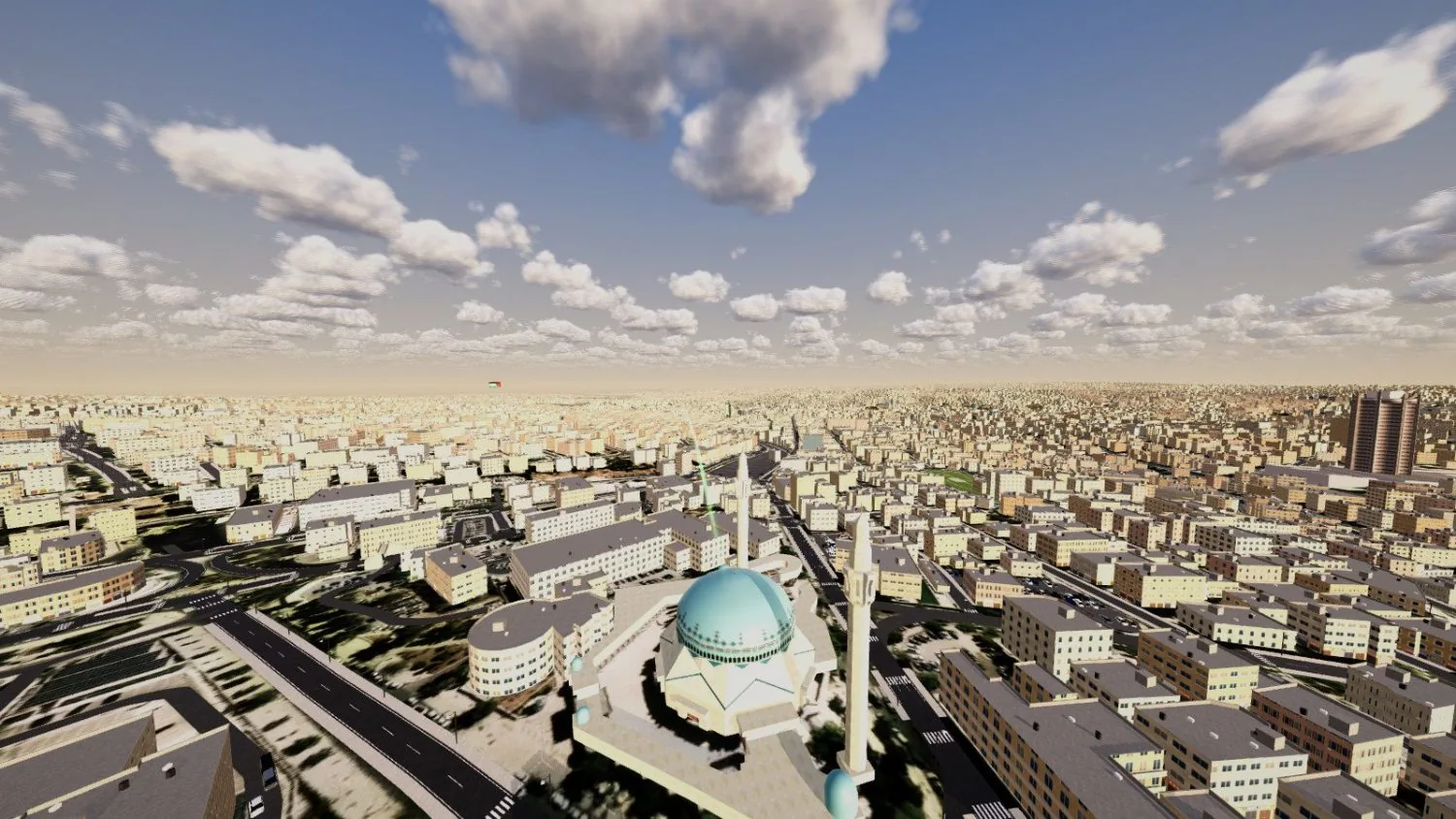
Beyond Amman
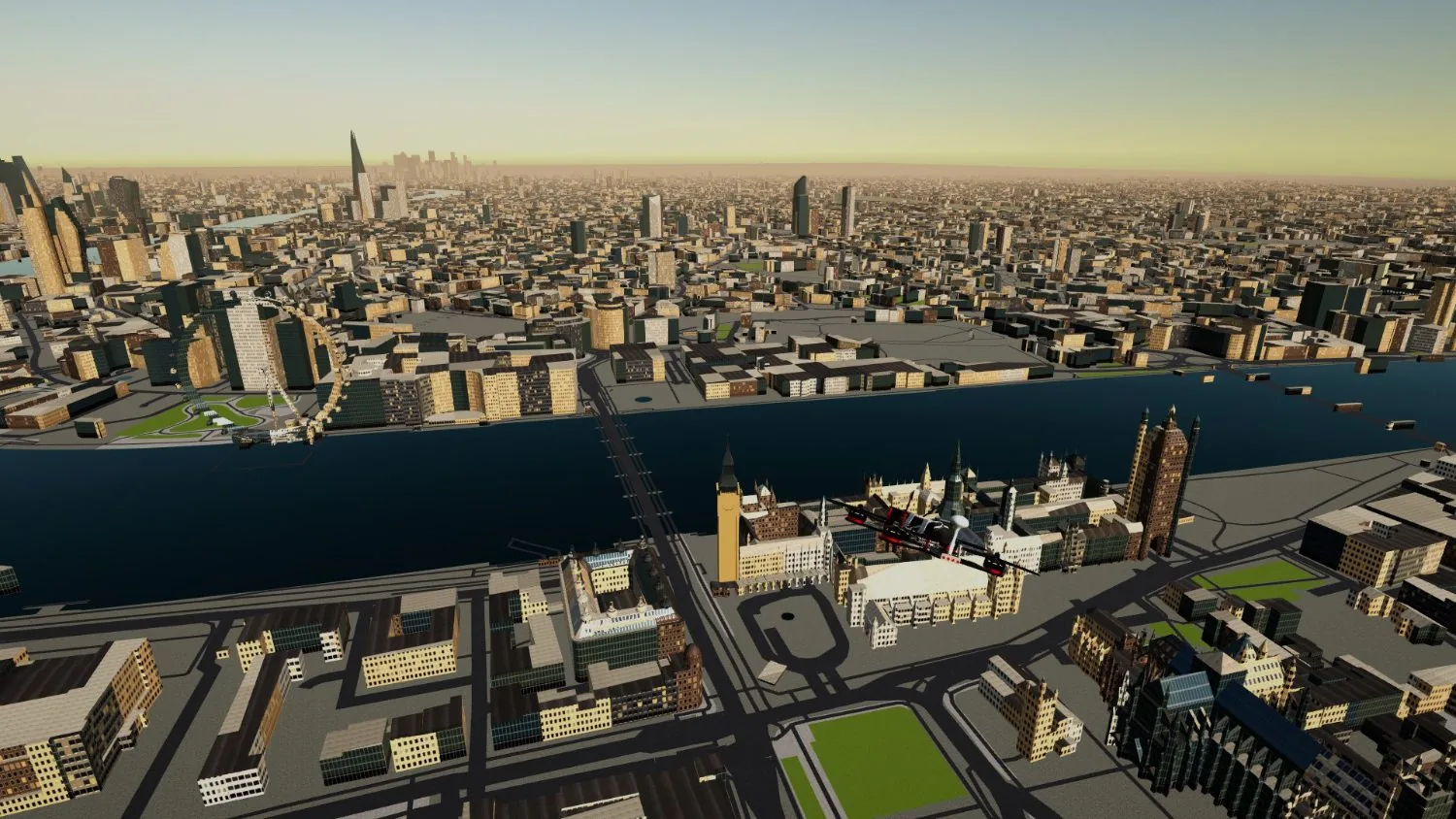
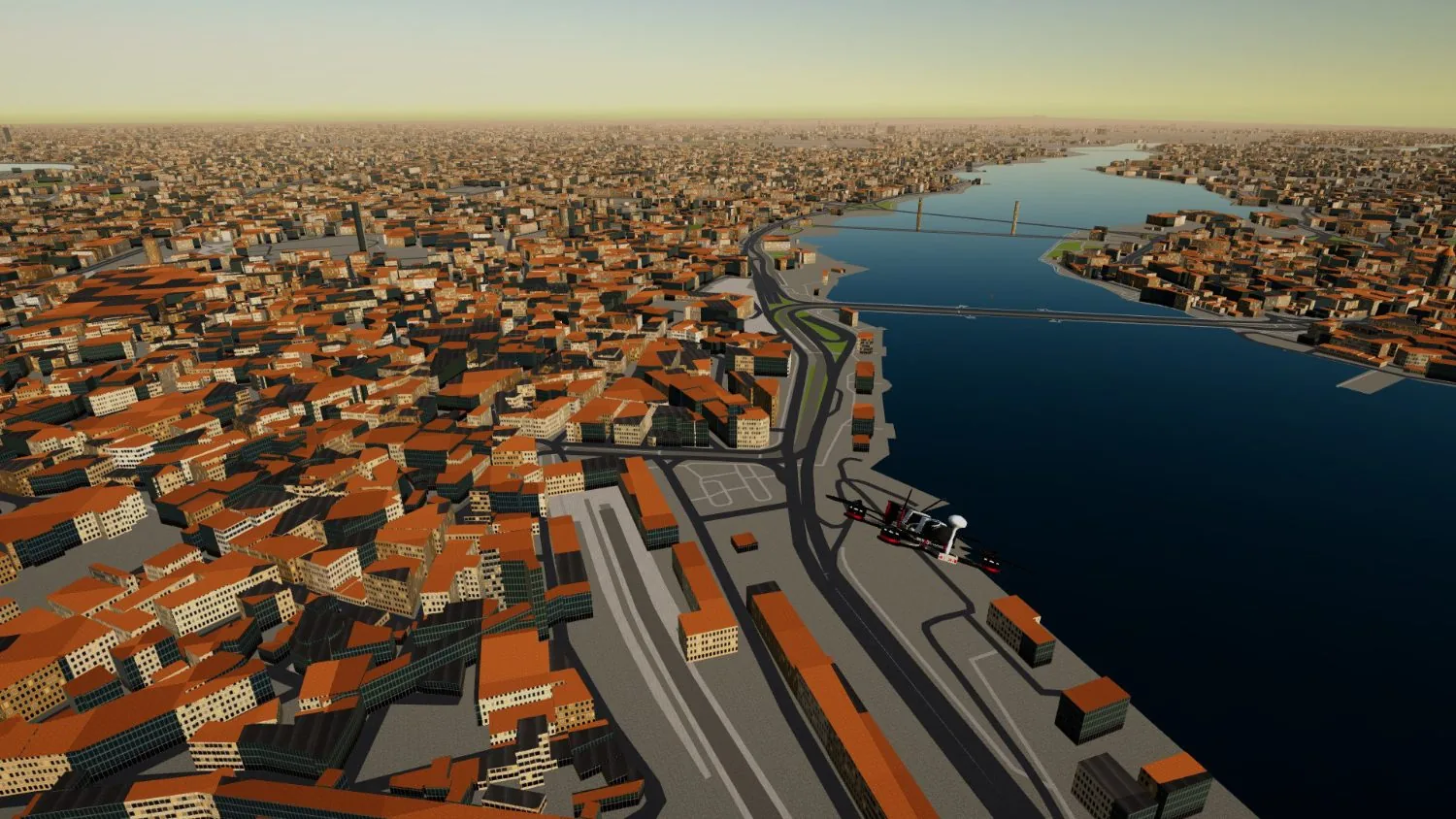
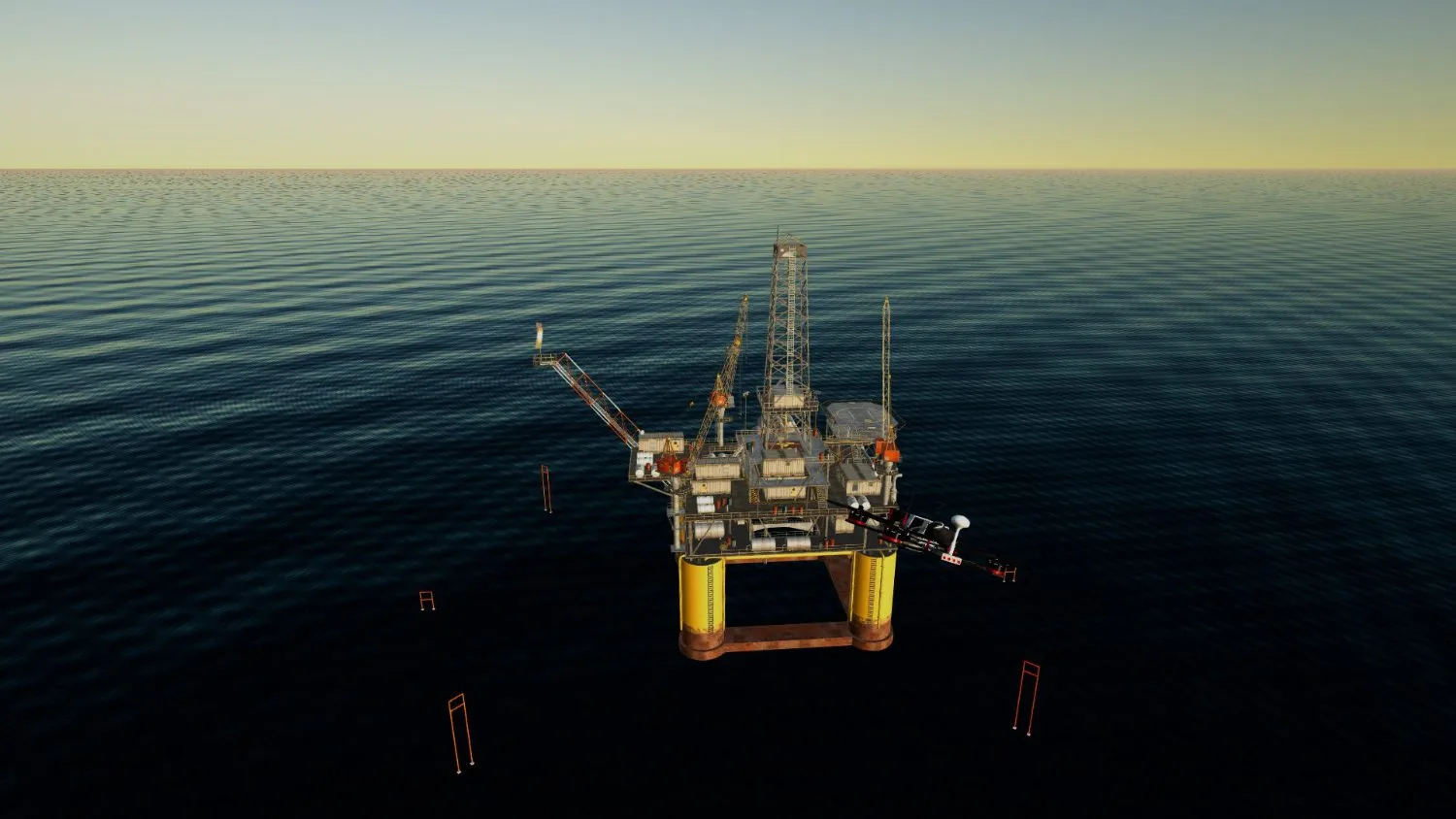
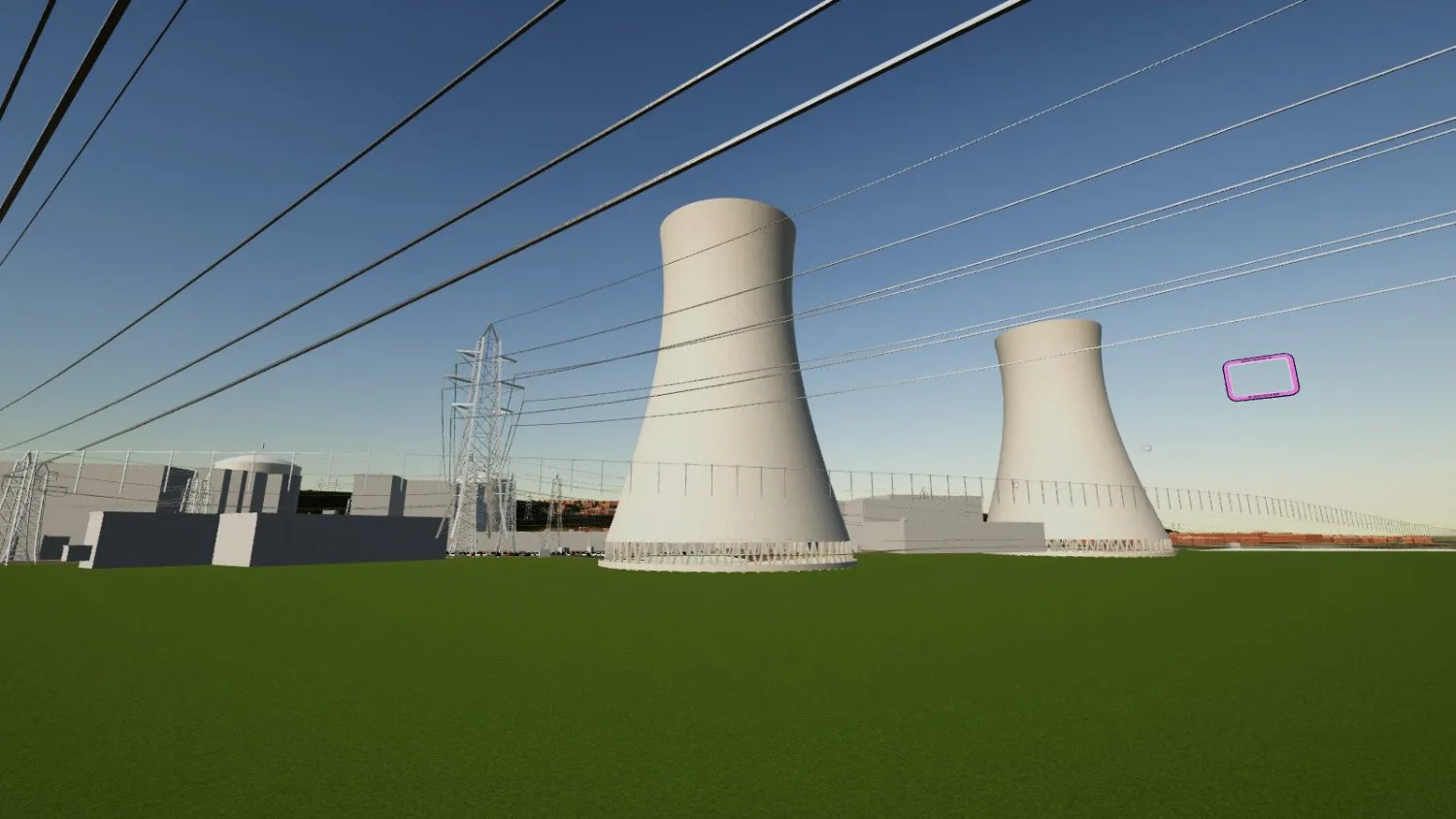
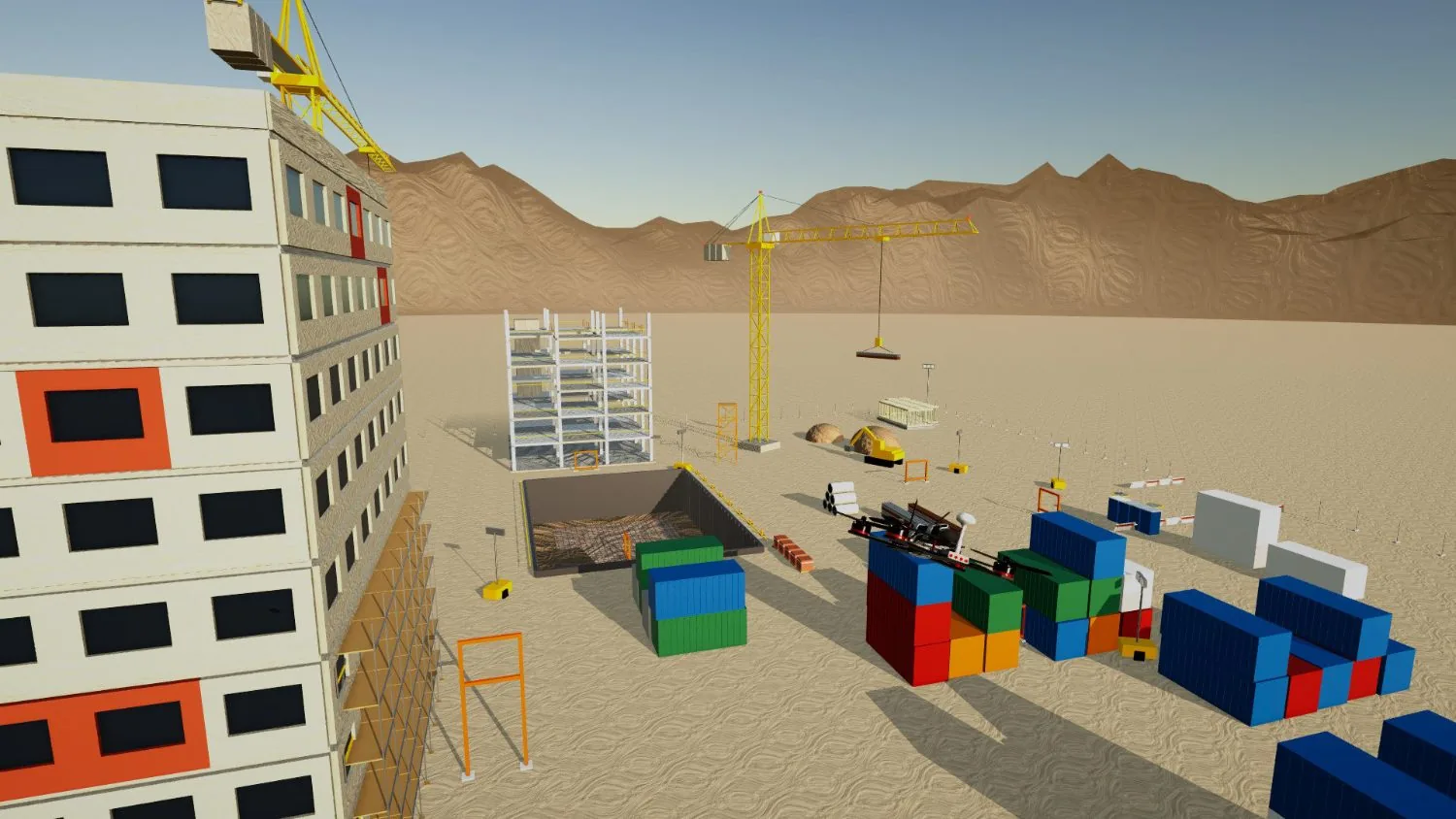
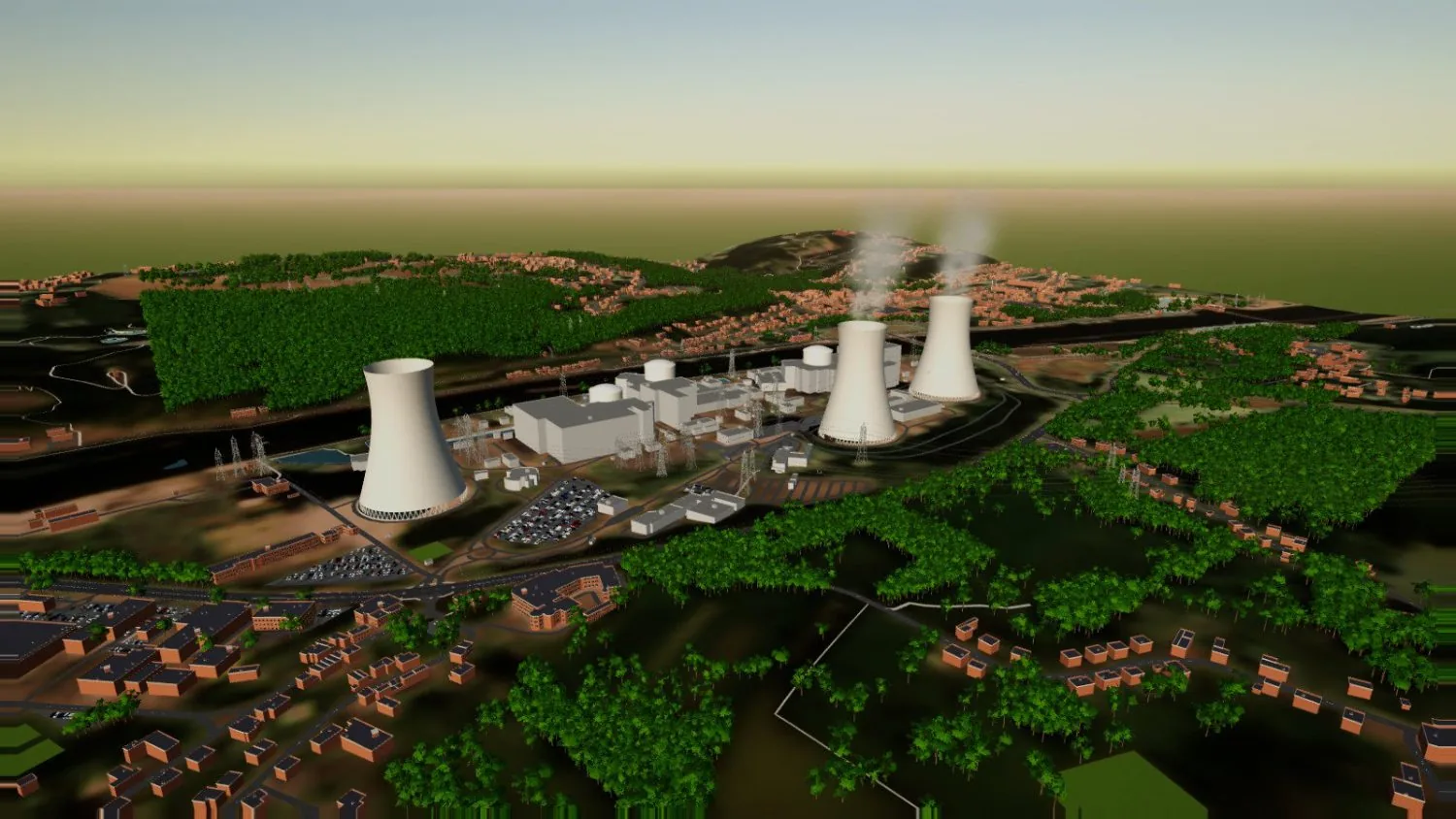
Two more cities at 1:1 scale, plus offshore, industrial and urban sites built for specific kinds of missions.
Map sizes, drawn to scale
Each city is modelled at real size on real terrain, so distances, flight times and battery use match the real world.
| City | Map size | Area |
|---|---|---|
| Istanbul | 19 × 12 km | 228 km² |
| London | 16 × 10 km | 160 km² |
| Amman | 8 × 4 km city core | 32 km² |
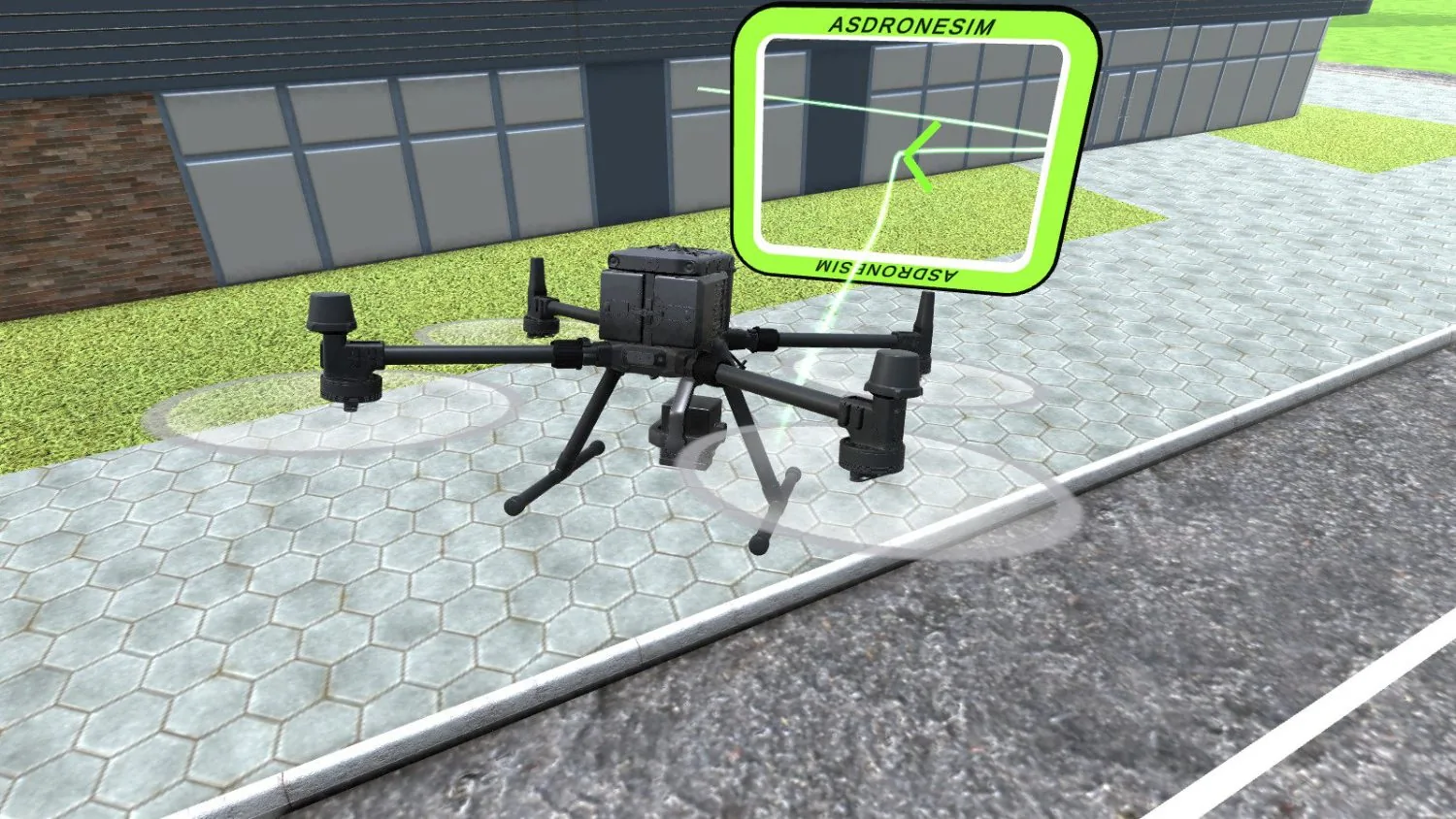
Training sites
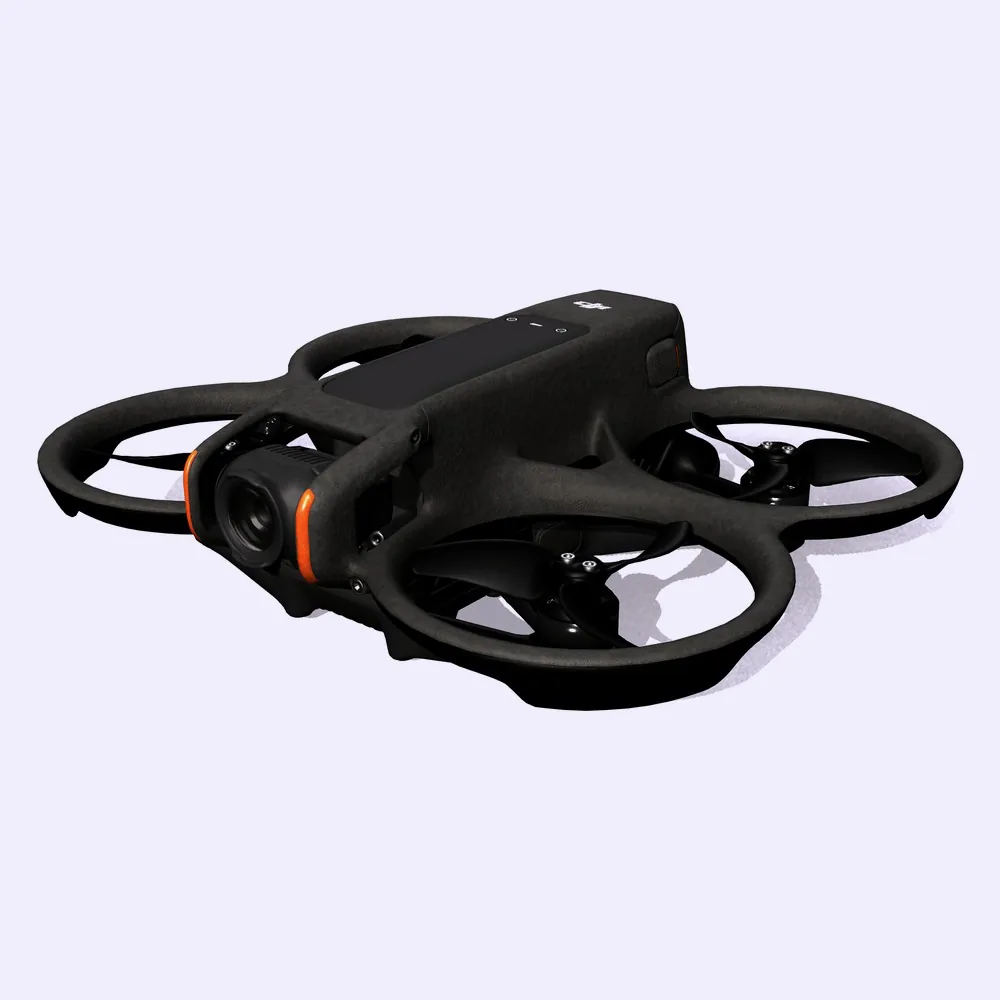
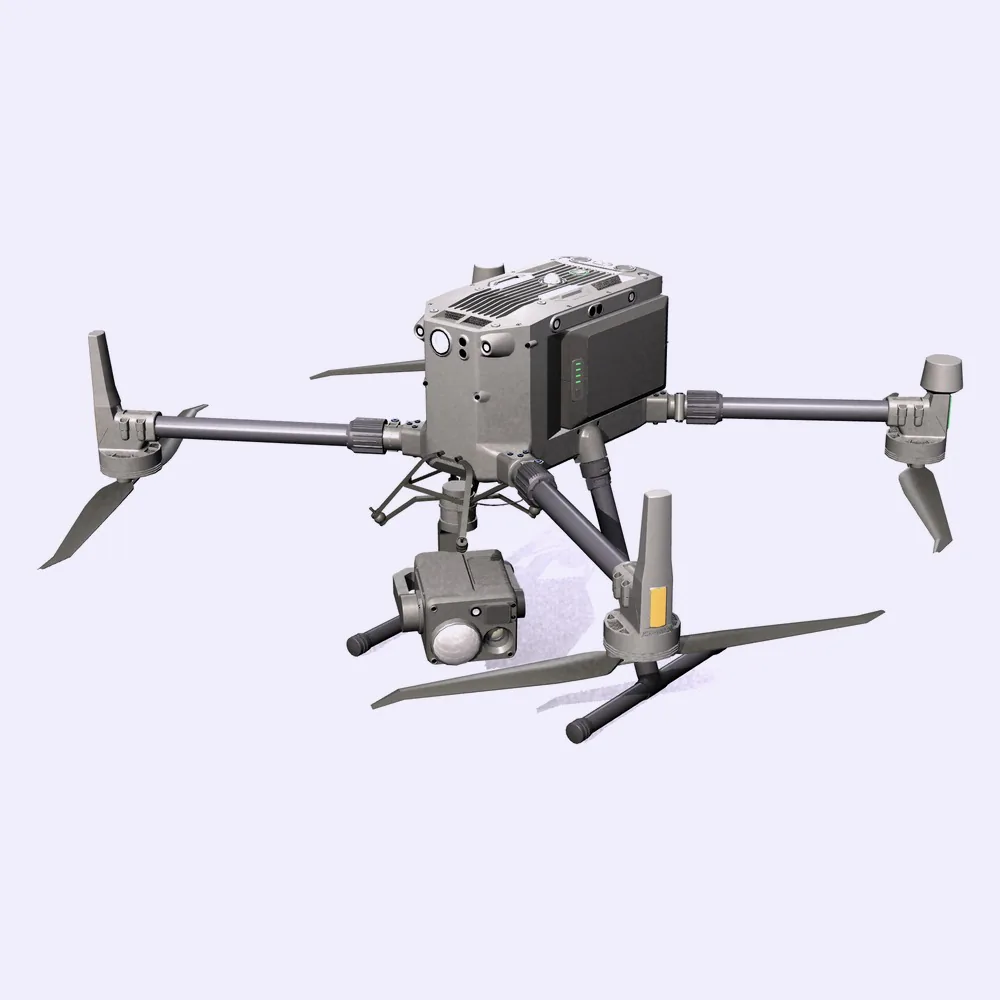
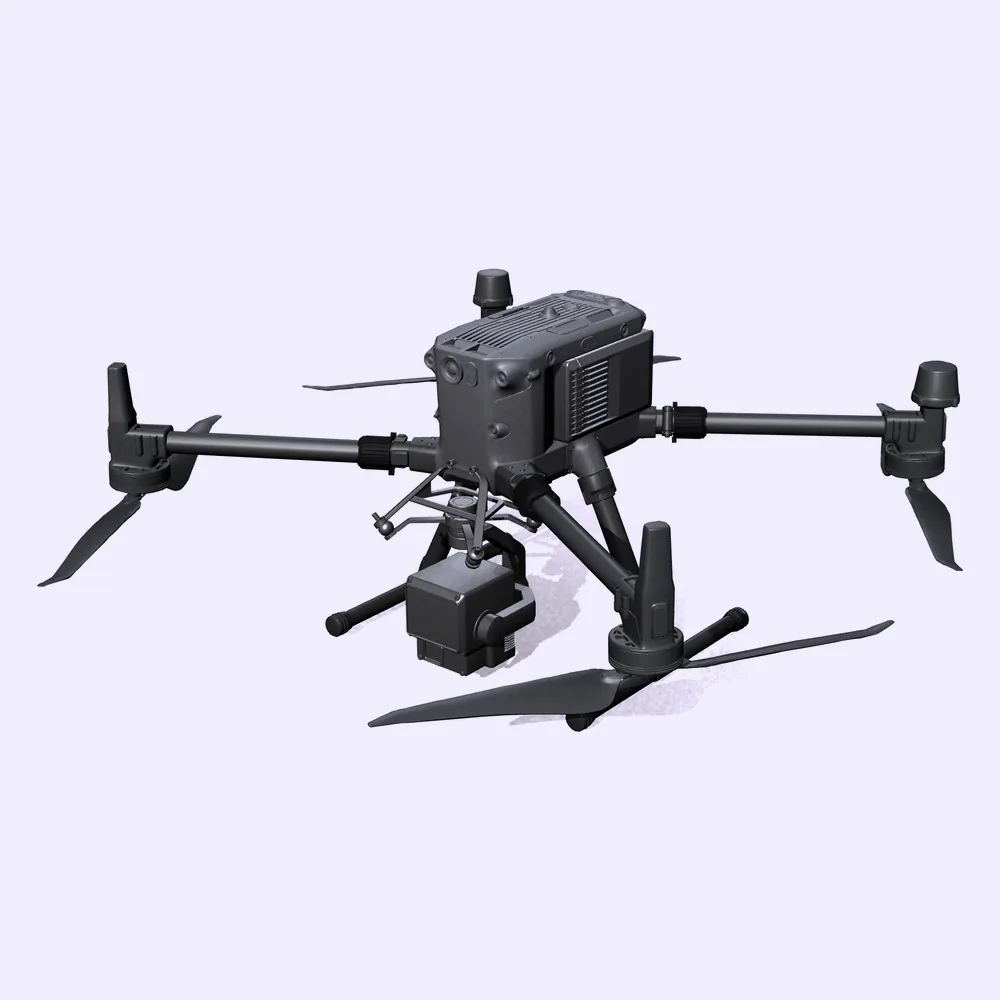
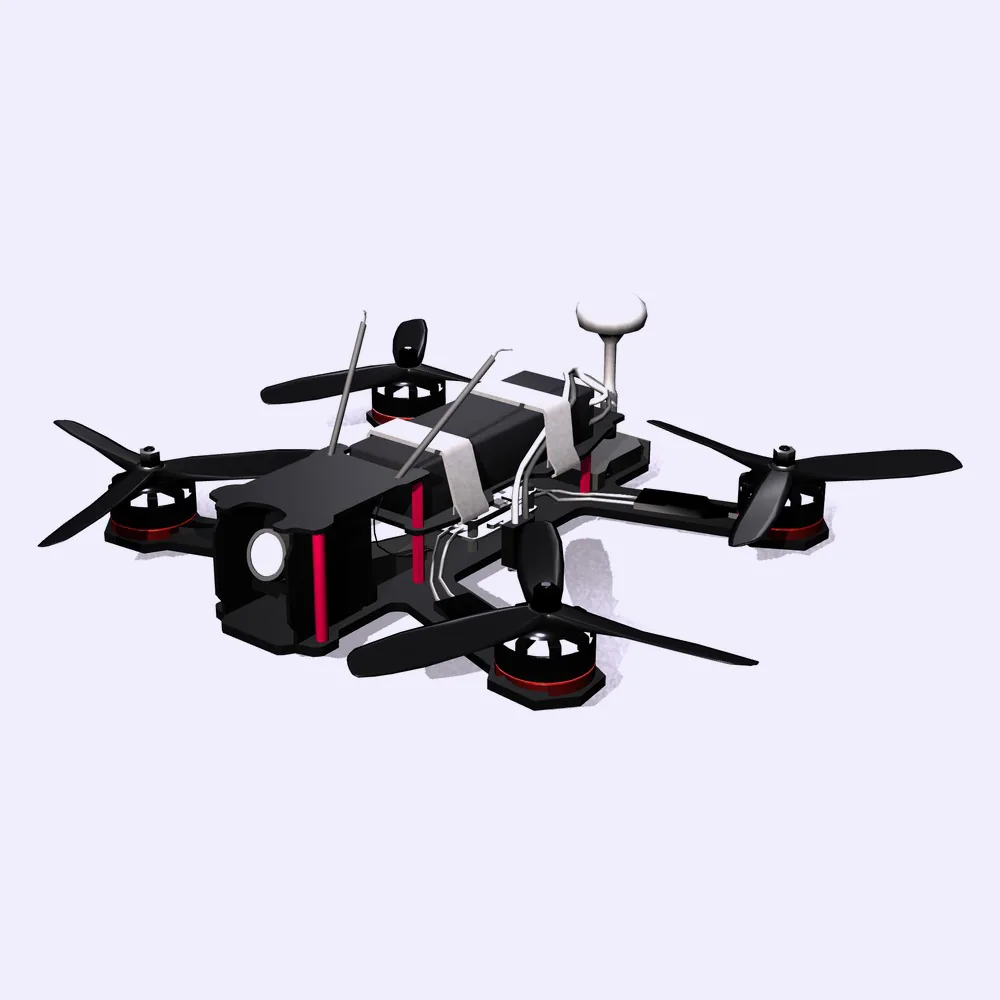
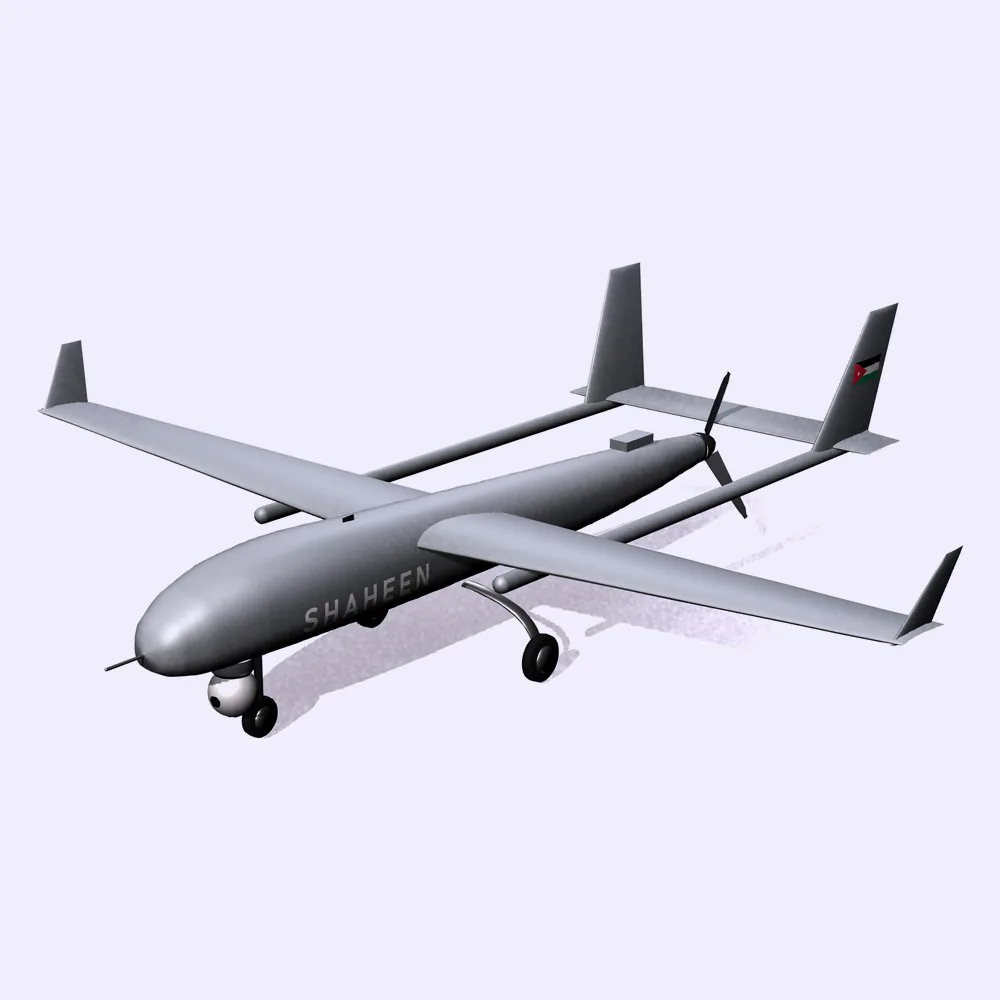
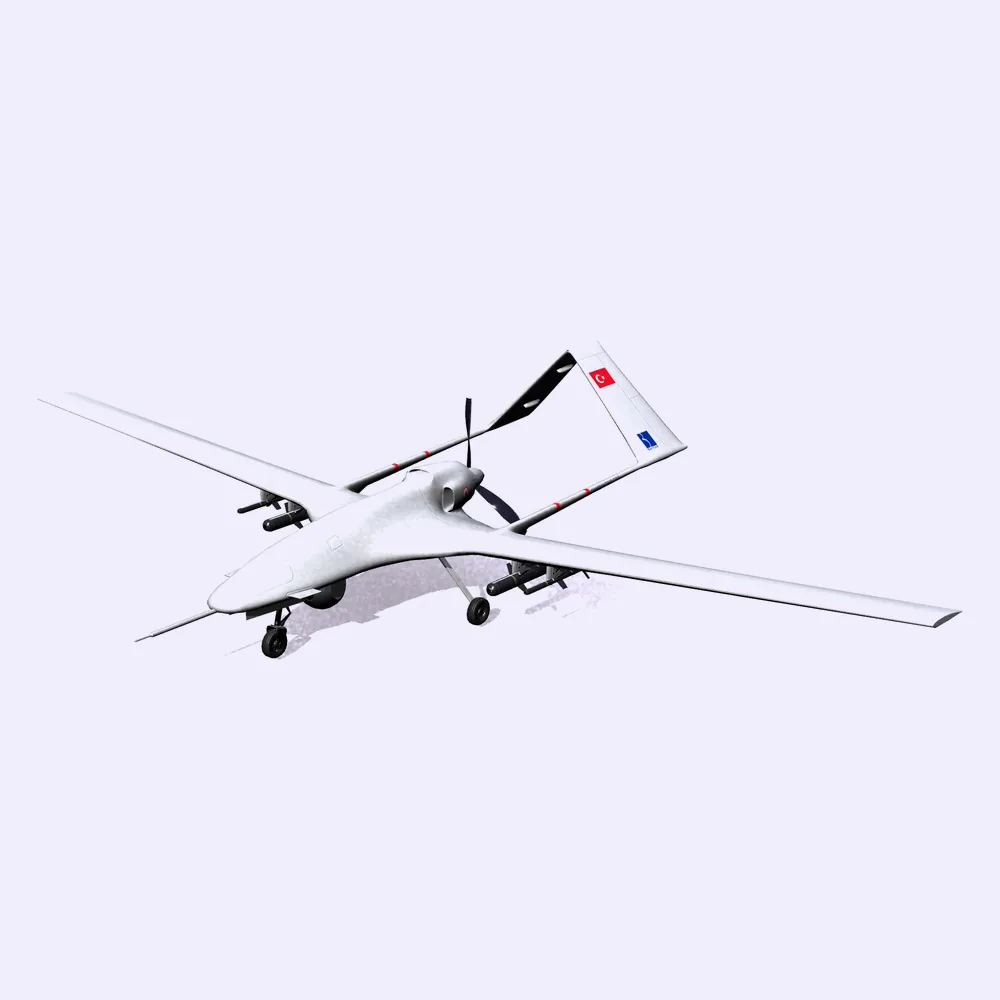
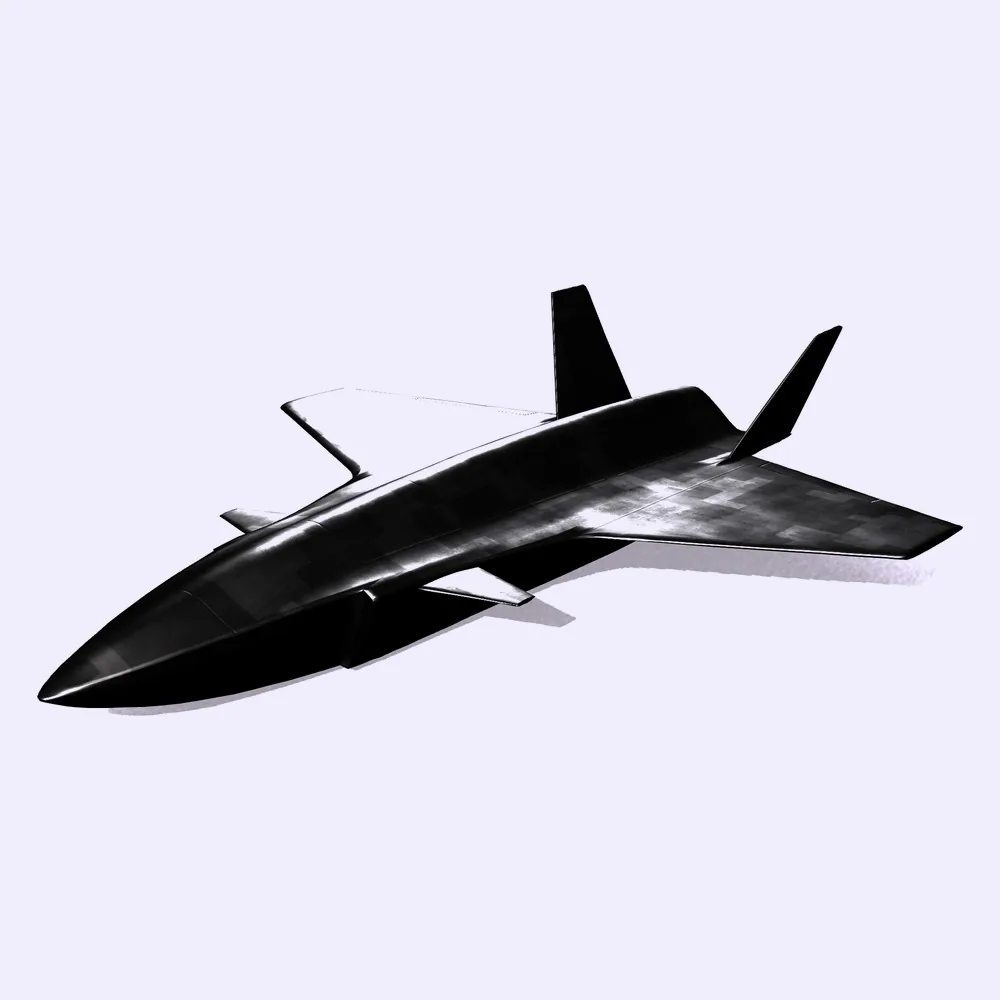
One simulator. Ten aircraft.
Cine quads, enterprise platforms, FPV racers and fixed-wing UAVs. Each one flies with its own mass, power and handling, so the skill transfers to the real aircraft.
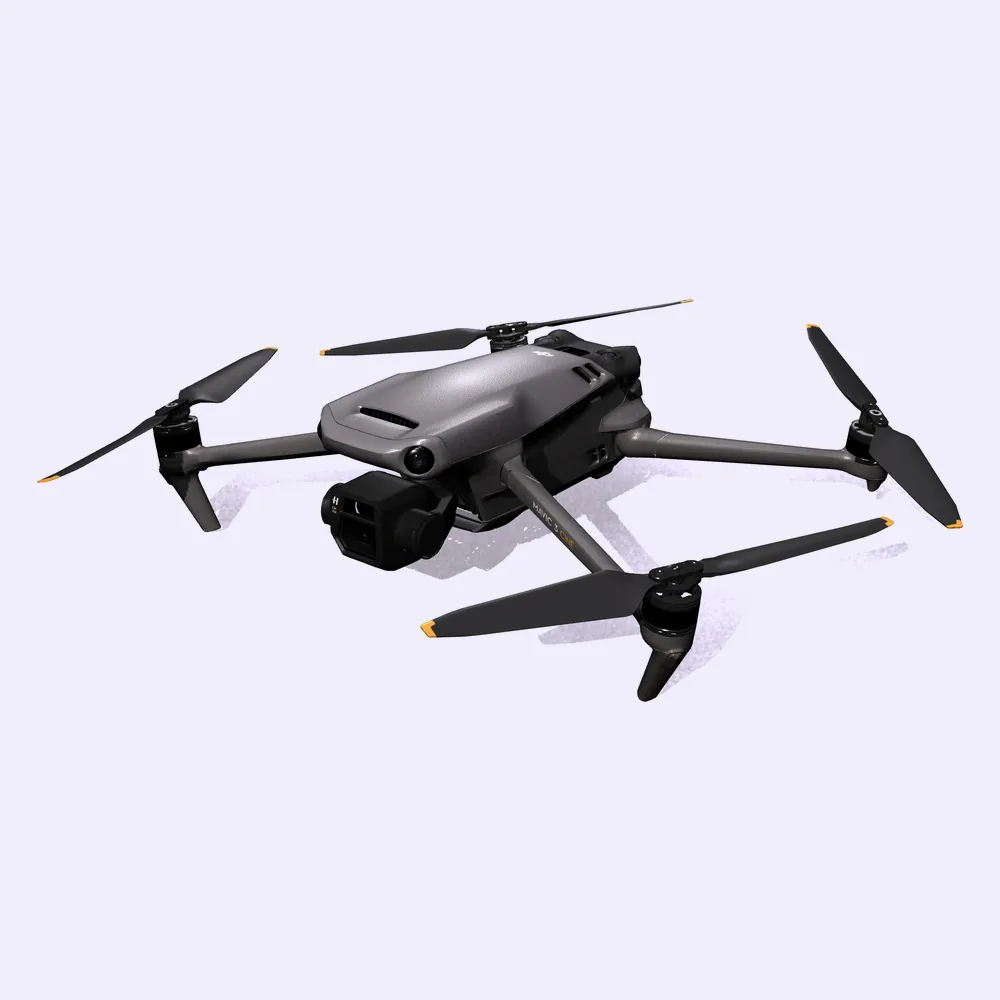
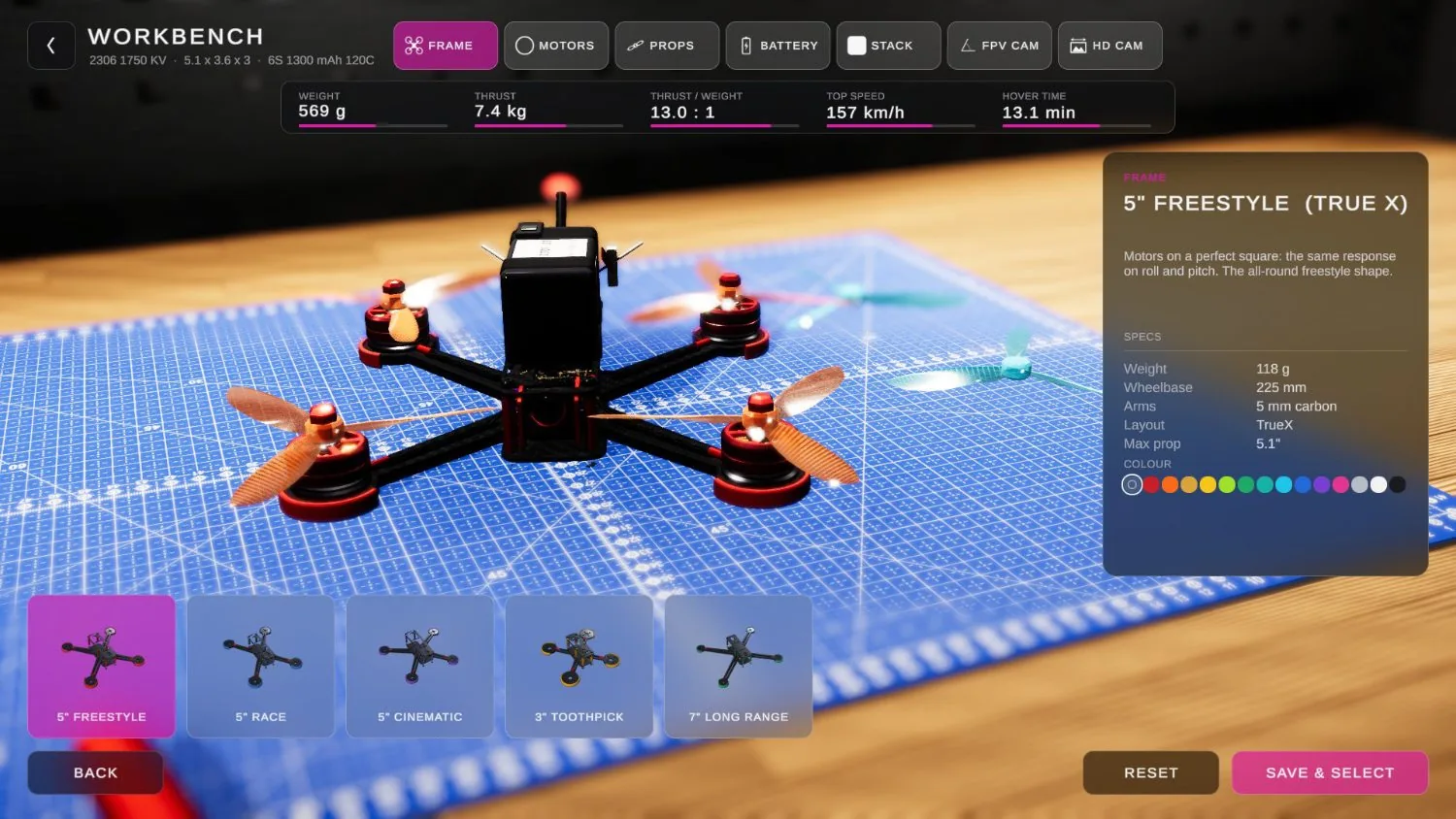
Build your own FPV
Choose every part and watch the numbers update, then take your build straight to the field. A ready-to-fly Freestyle 5″ 6S is included.
- Frame, motors, propellers, battery
- Live weight, thrust and flight time
- Ready-to-fly Freestyle 5″ 6S included
- Take the build straight to the field
From stick skills to full missions
Start with manual flying and move on to autonomous missions. Plan a route over Amman and let ArduPilot, the autopilot firmware used on professional drones, fly it.
How it connects
Pilot input
- RC radio · USB transmitter
- Gamepad · or keyboard
- VR headset · Meta Quest, Link / Air Link
Simulator · ASdronesim
- Flight physics · Thrust, drag, battery, wind
- 3D world · Real cities on real GPS
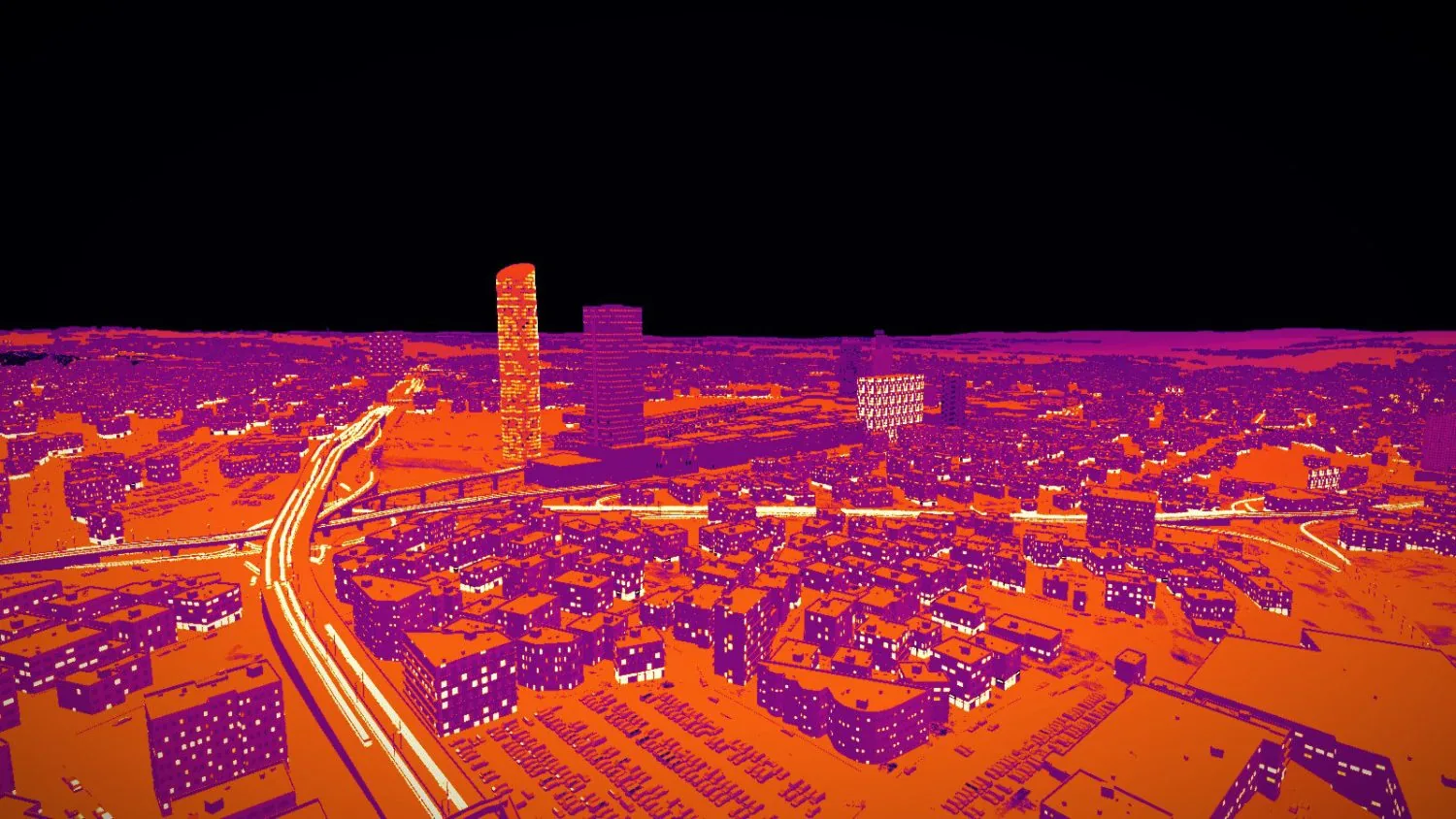
- Sensors · Camera, thermal, night
Autonomy
- ArduPilot · Autopilot firmware used on professional drones
- MAVLink · Flight data
- Ground control · Waypoints on satellite map, loiter and return home · same map
Real autopilot, real missions
Plan waypoints on satellite imagery, upload them to the drone and watch ArduPilot fly the route in 3D.
- Quadcopters and fixed-wing
- The 3D city matches the map
- Standard MAVLink protocol
- Included in the installer
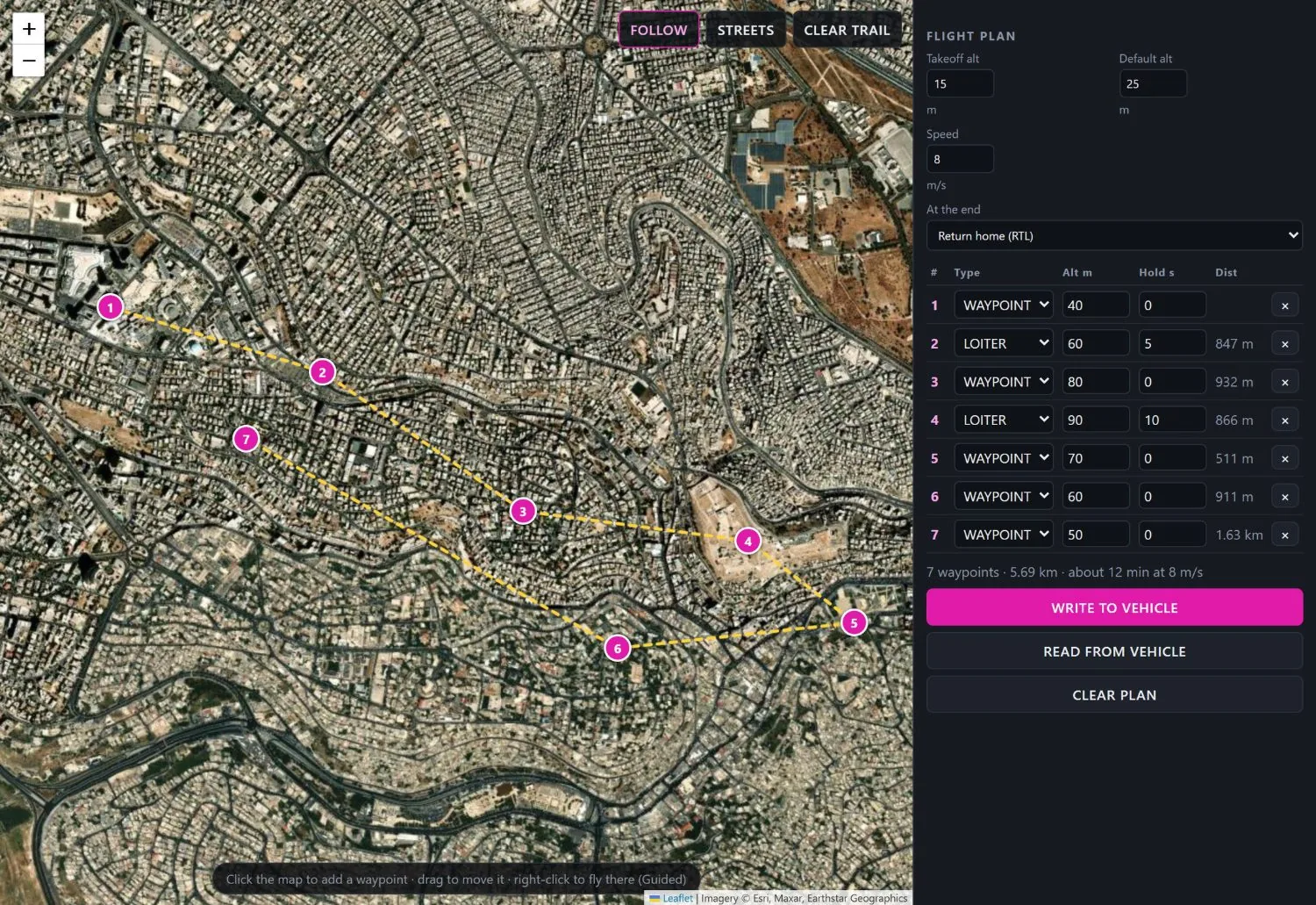
1. Plan
Click waypoints on satellite imagery of the city.
2. Upload
Write the mission to the drone over MAVLink.
3. Fly
ArduPilot flies the route over the 3D city.
4. Take over
Loiter, return home or click the map to redirect.
Sensors, weather and failures
Train for what makes real flights hard: low light, heat signatures, wind behind buildings and equipment that fails mid-flight.
Wind and turbulence
Stronger at altitude and rough behind buildings.
Battery sag
Available power drops as the battery drains.
Damage mode
Lose a propeller, keep flying, learn to recover.
VR headset
Meta Quest over Link or Air Link for full immersion.
Ghost laps
Race your own best run, or an instructor’s.
Your own radio
Plug in a USB RC transmitter and fly as in the field.
Three flight modes
Angle
Self-levelling with limited tilt. Where every new pilot starts.
Horizon
Self-levels near centre stick, rolls and flips at full stick.
Acro
No self-levelling. Full manual control for FPV and freestyle.
Scenario missions for defence and security forces
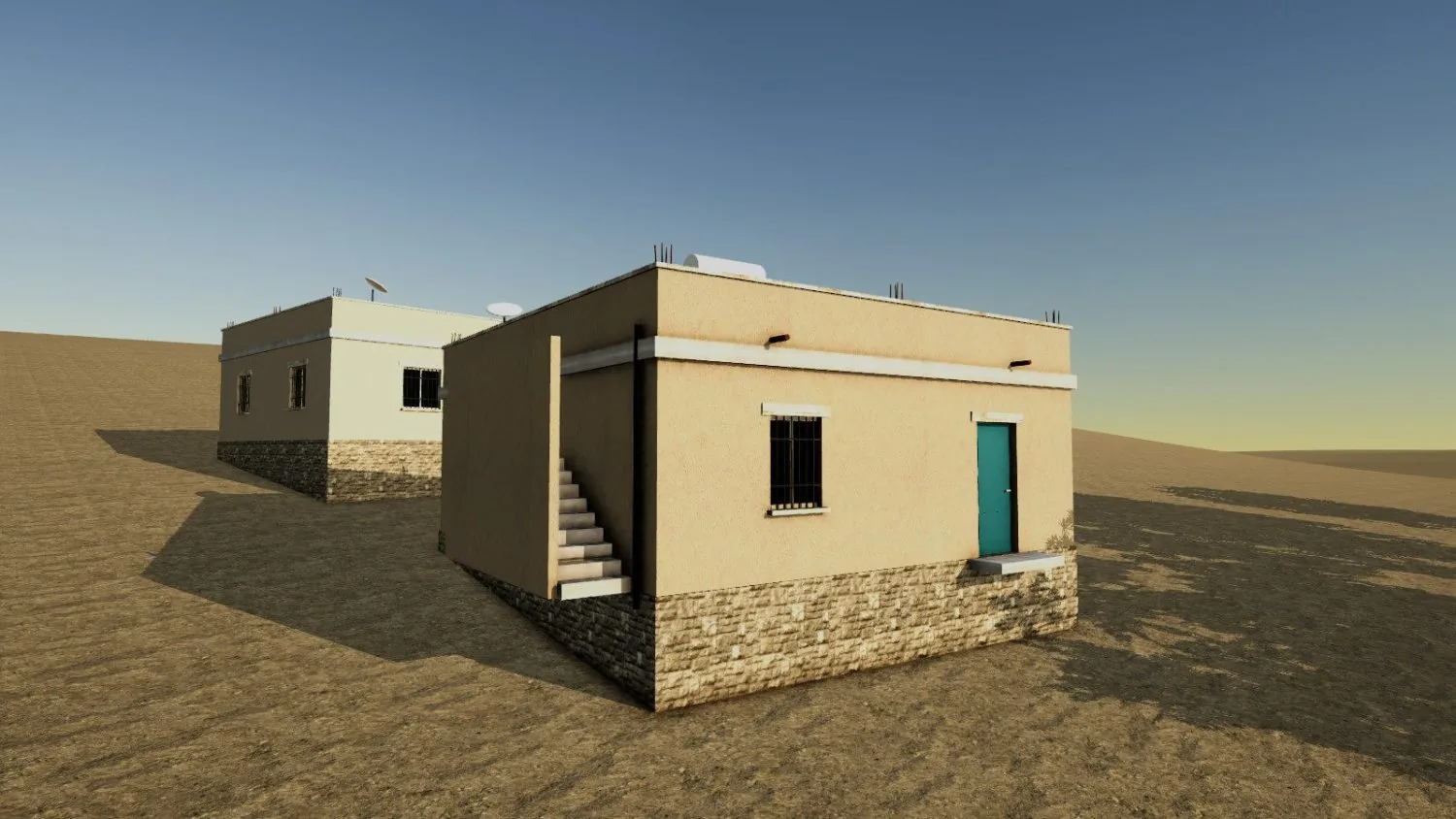
Five scenario missions for defence and security forces: reconnaissance, Shaheen ISR overwatch, counter-drone defence and FPV operator training on a frontline range with analog video and thermal view. Available on request to authorised organisations.
- Reconnaissance
- Shaheen ISR overwatch
- Counter-drone defence
- FPV operator training with analog video and thermal view
Built for teams that fly
From a pilot’s first hover to certified operations, ASdronesim gives every trainee the same safe, repeatable training ground.
Three steps to your own training ground
1. Live demo
We fly the simulator on your use case.
2. Trial
Your team flies it on your own PCs.
3. Rollout
Deployment and instructor onboarding.
ASdronesim – Drone Flight Simulation brochure
System requirements
- System
- Windows 10 / 11, 64-bit
- Graphics
- GTX 1060 / RX 580 or better
- Memory
- 8 GB RAM, 16 GB recommended
- Install
- About 3 GB, no admin rights
- Controls
- RC radio (USB), gamepad, keyboard
- VR
- Meta Quest via Link or Air Link
- Version
- ASdronesim 1.0
Frequently asked questions
Can trainees use their own RC radio?
Which cities and sites are included?
Can it fly autonomous missions?
What PC does it need?
Is there an edition for defence and security forces?
Book a live demo
See ASdronesim flown on your own use case. ASFAN International Trading Company · [email protected]
ASdronesim is a training aid and does not replace certified flight training or local aviation rules. Aircraft names are trademarks of their respective owners. Screens shown are from ASdronesim 1.0 and may change.