Windows 10 / 11 · Touch displays · Meta Quest VR
Human Anatomy 3D
The complete human body in 3D, male and female, with more than 2,200 real anatomical structures in 12 body systems. Names and descriptions in Arabic and English with recorded Arabic pronunciation, on computers, interactive displays and virtual-reality headsets.
- 5-day free trial with every feature
- Arabic & English
- Works offline
- Version 6.0
The whole body, one click away
For schools, universities, nursing and medical colleges, training centres and anyone who teaches or learns how the body works.
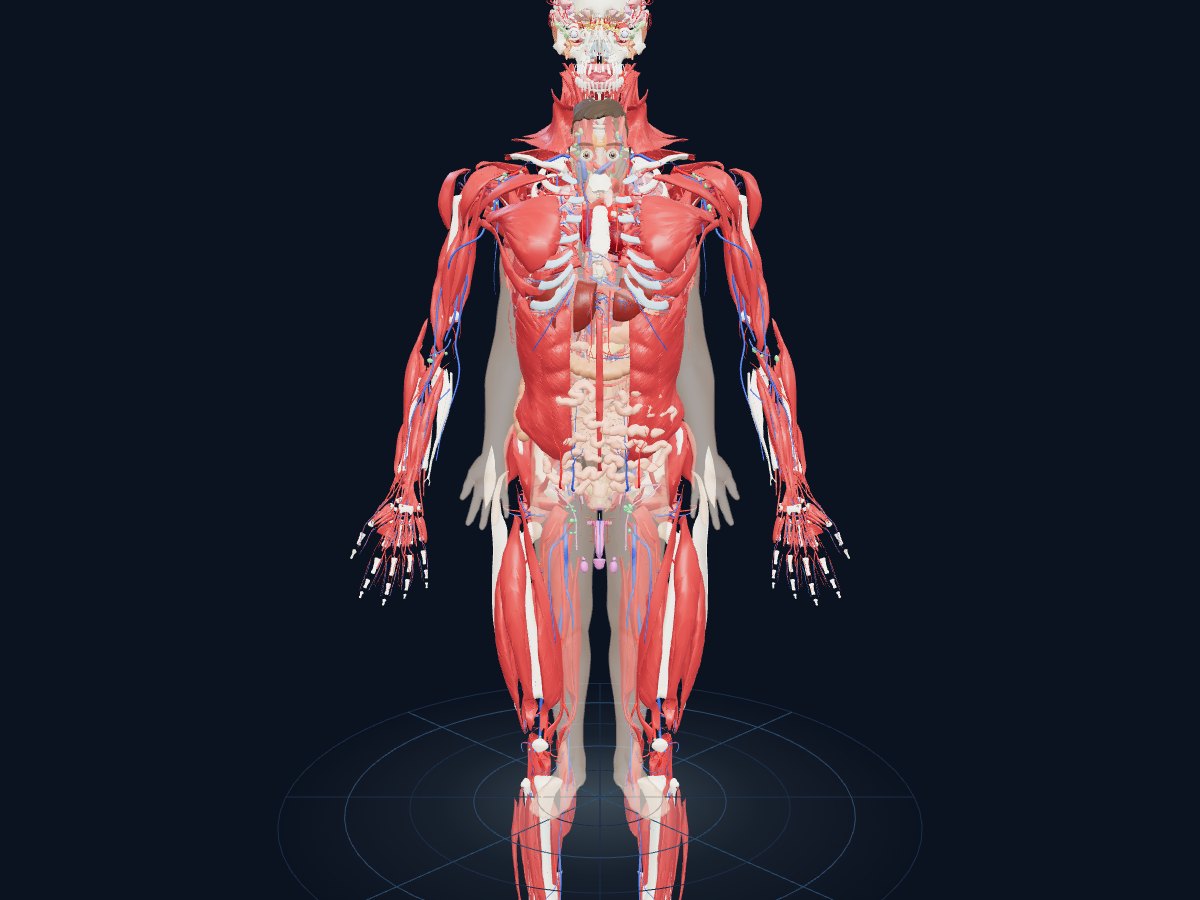
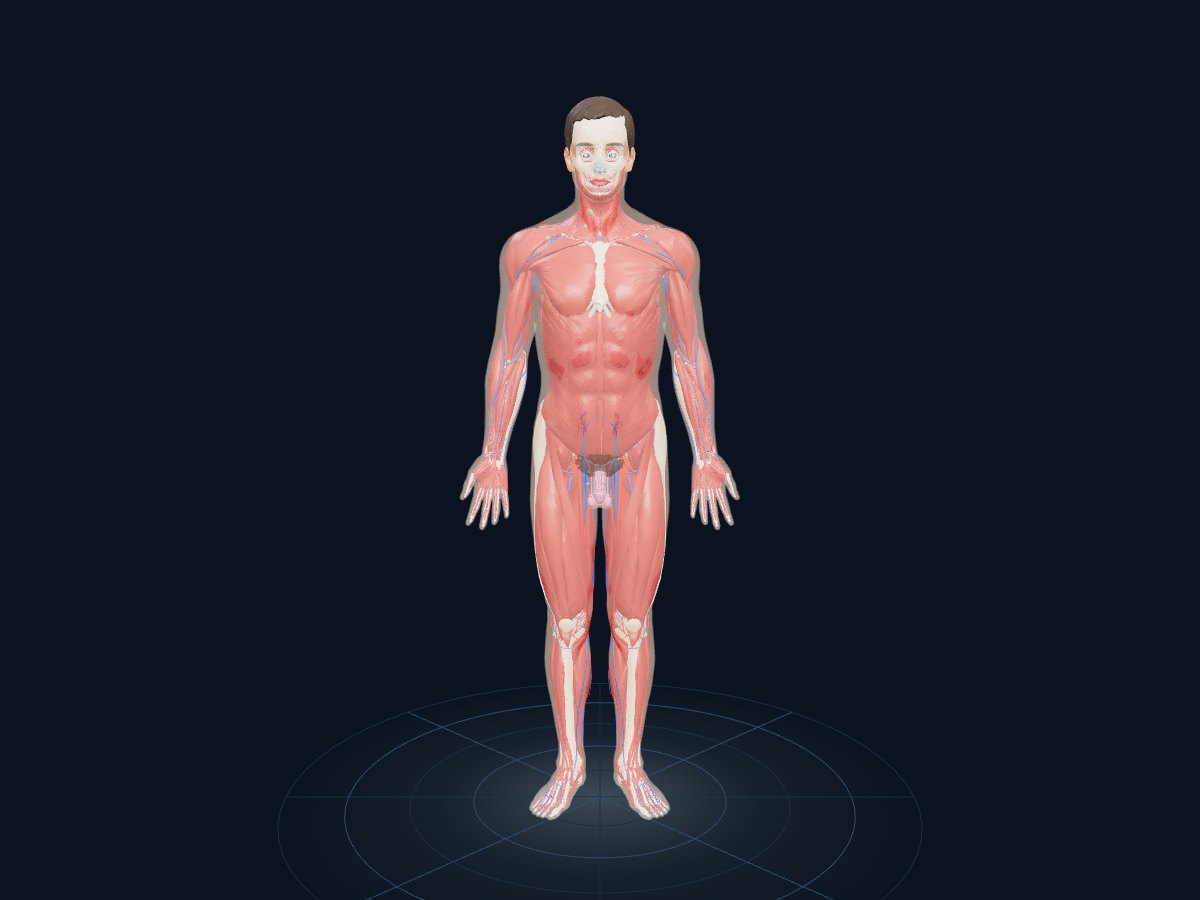
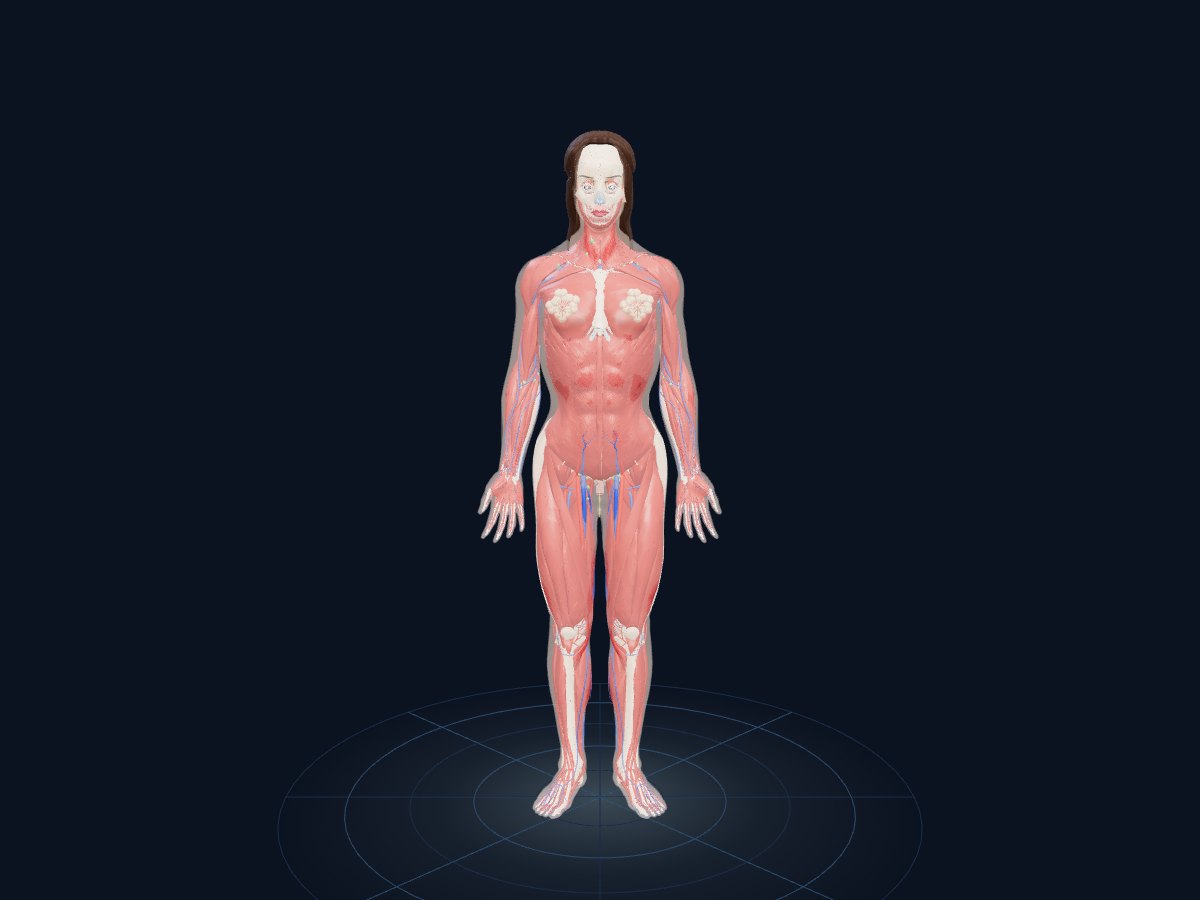
The complete body, male and female
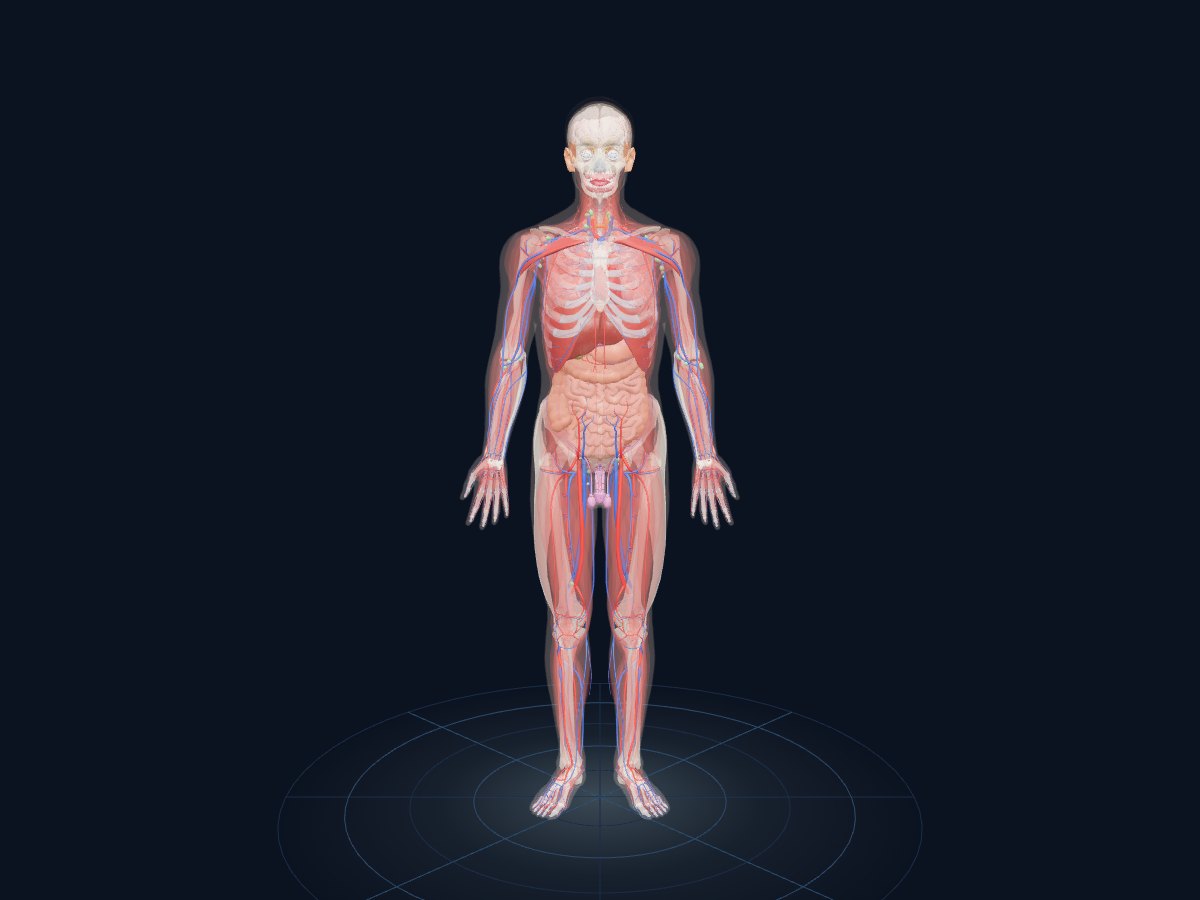
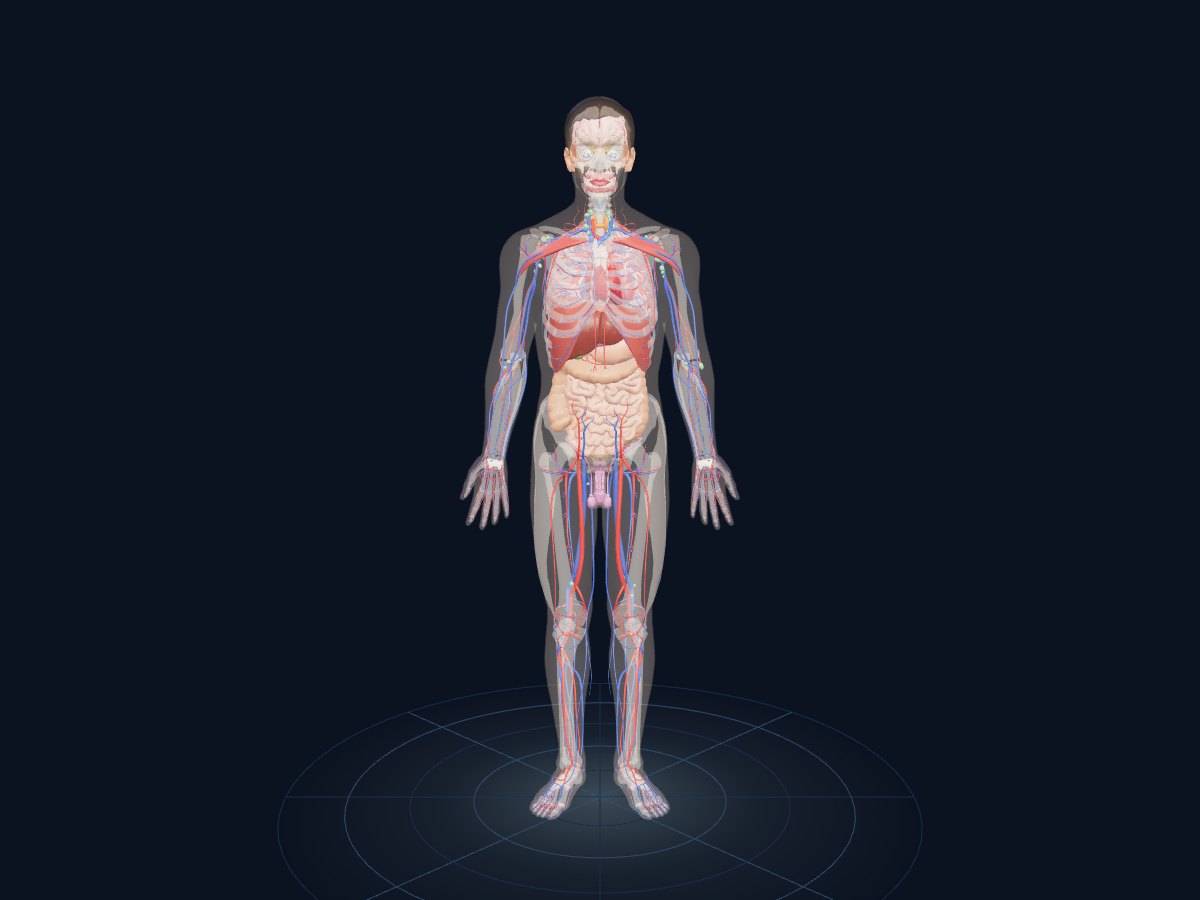
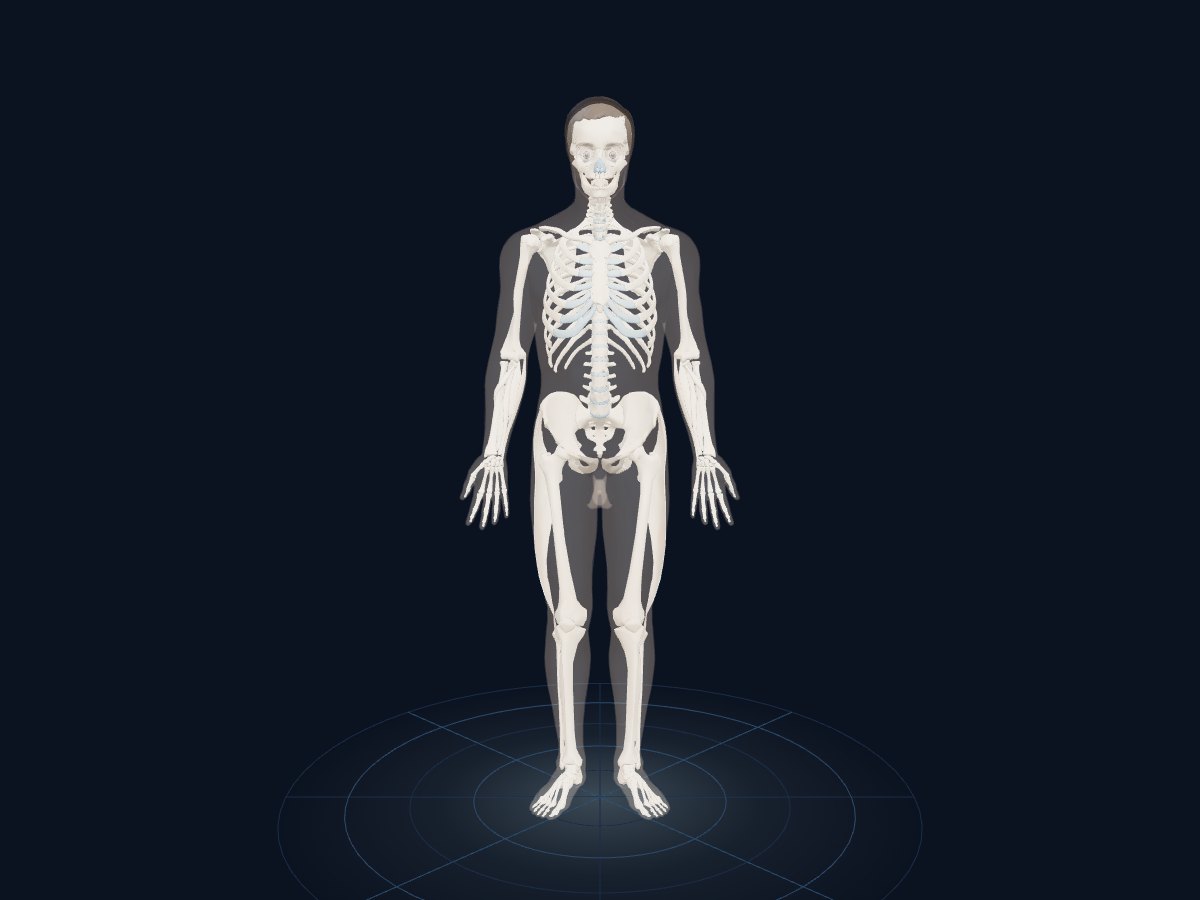
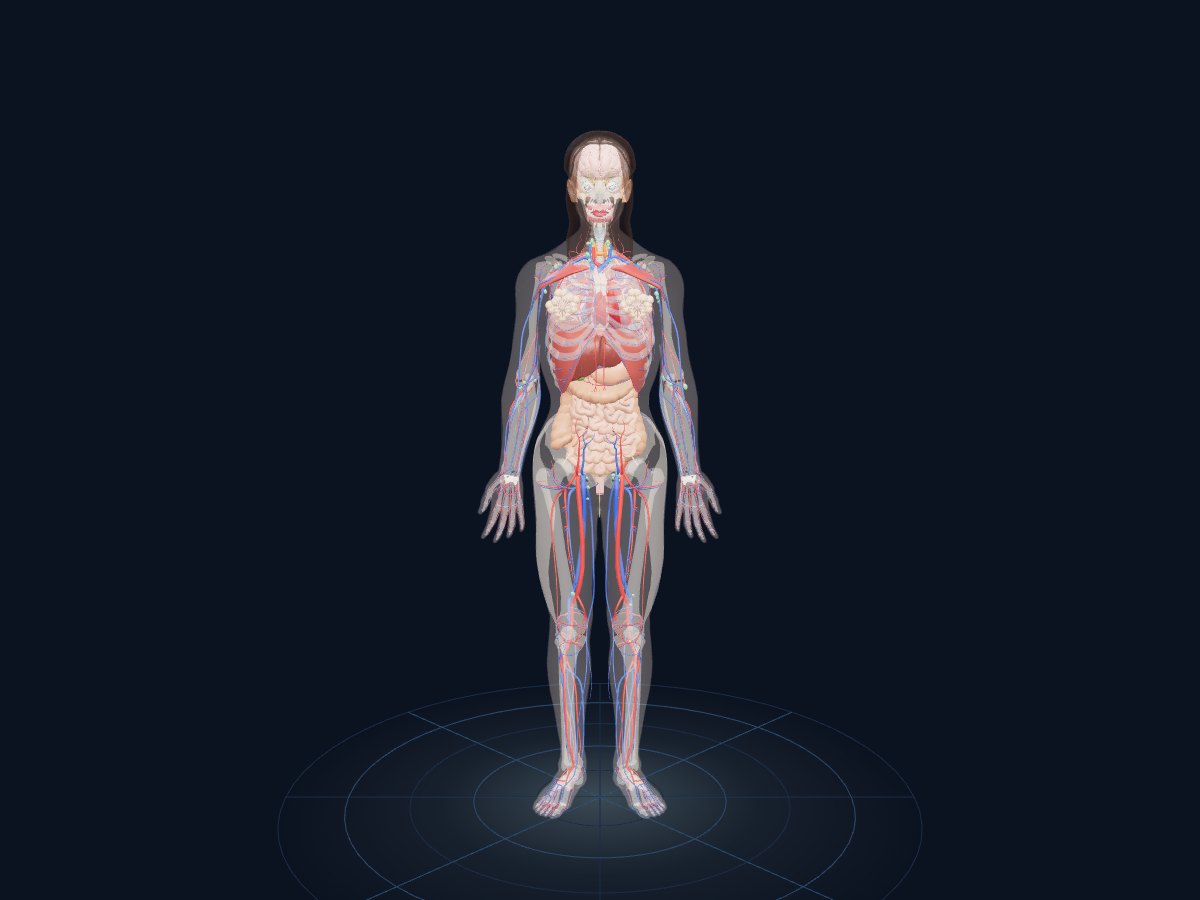
More than 2,200 structures in 12 systems. Show or hide each system, change its opacity with a slider, or jump to ready-made views: all, organs or skeleton.
Find and focus on any structure
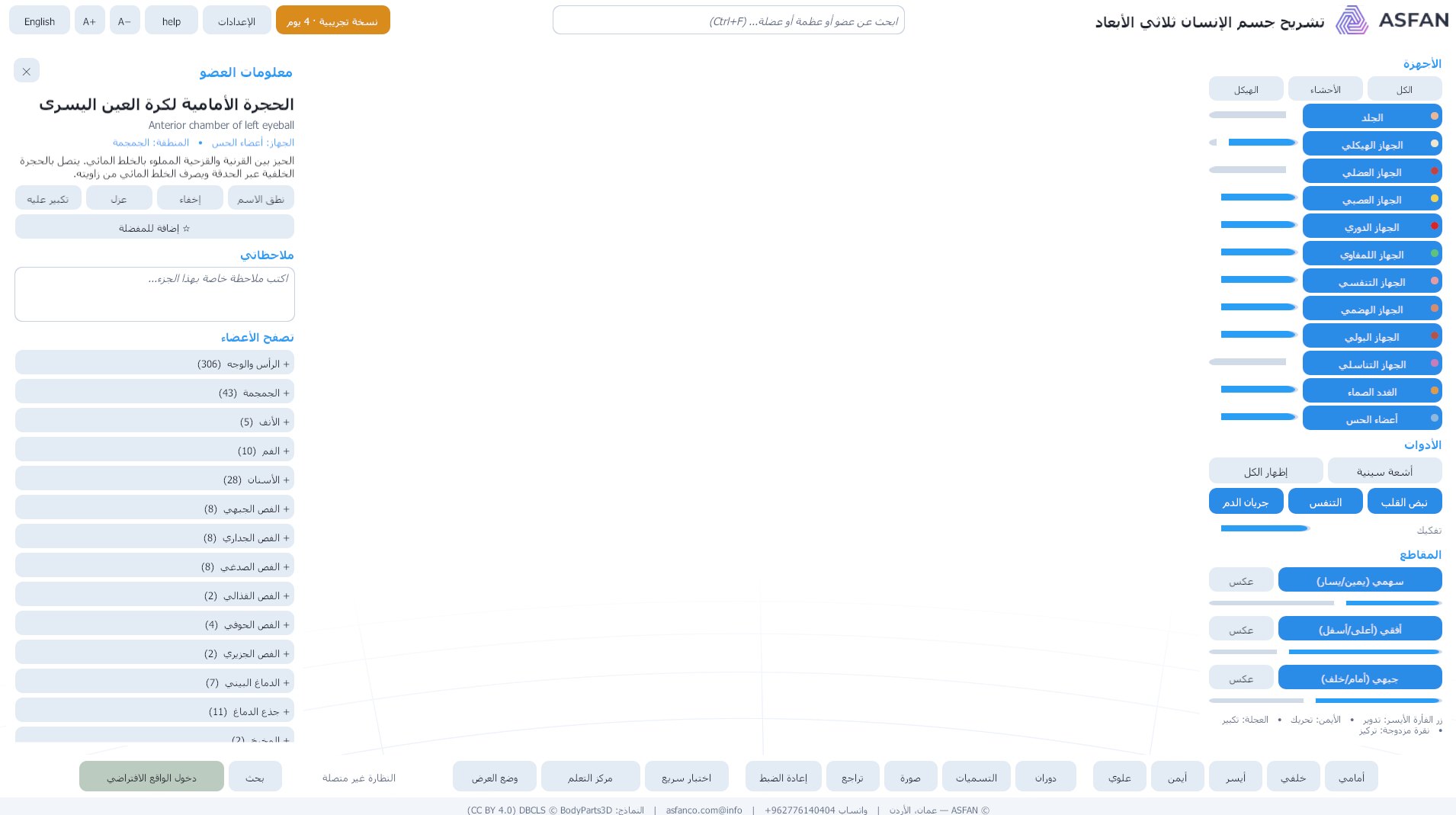
Search or browse by region. The selected structure shows its Arabic and English name, system, region and description, while the rest of the body fades to a soft shadow.
Arabic pronunciation
Every structure's name is spoken in Arabic, and the interface switches between Arabic and English at any time, with adjustable text size.
X-ray, sections and exploded view
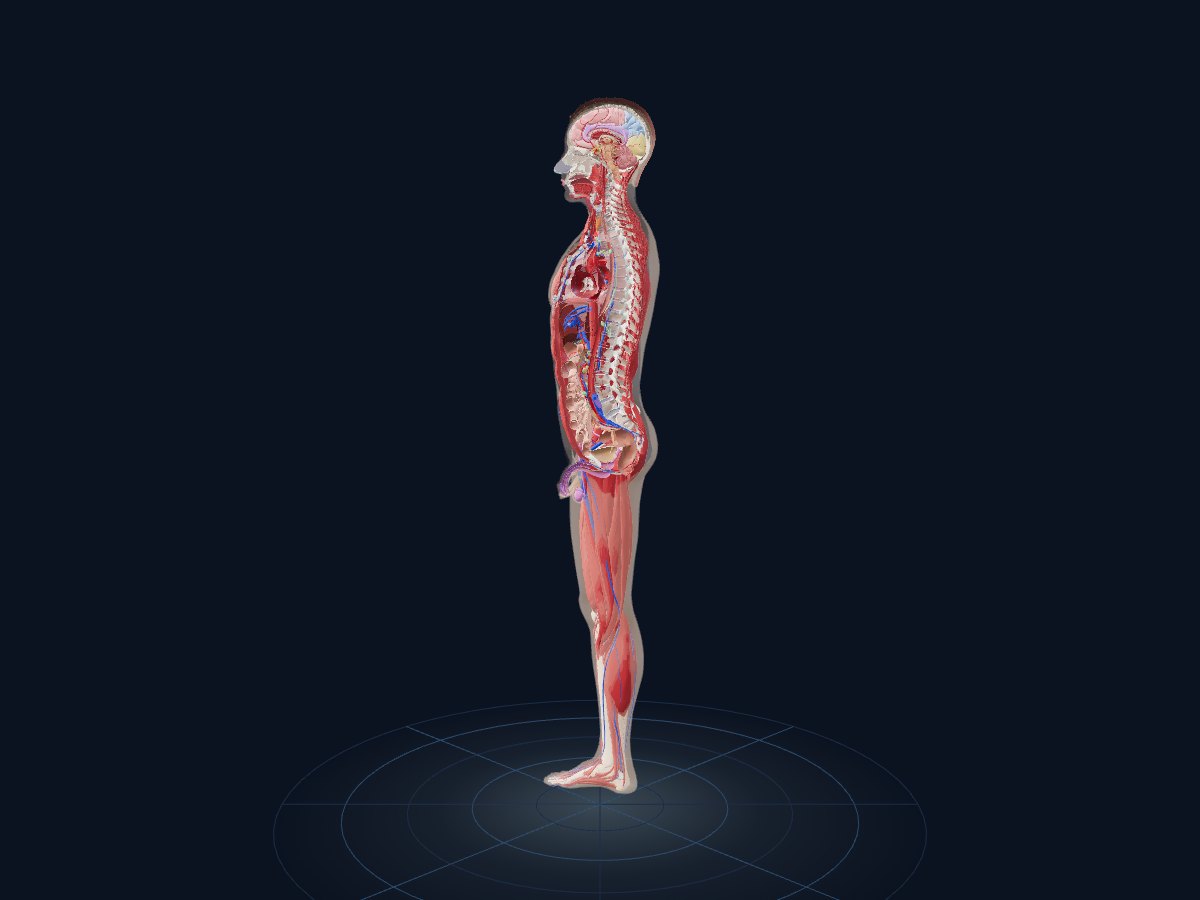
X-ray makes skin and muscle transparent; sagittal, transverse and coronal sections cut the body in three planes; the exploded view moves the structures apart.
Physiology simulations
The heart beats at 72 beats a minute, the lungs and diaphragm breathe, and red and blue waves show blood flowing out in the arteries and back in the veins.
Learning centre
Guided lessons at school and university level, quick quizzes, timed exams with a PDF certificate for students who pass, and a record of each learner's progress.
Teacher and presentation mode
Teachers build their own lessons from the current view, save them to a file for students, and present them in class with large text and simple navigation.
Touch screens and keyboard
Interactive displays are fully supported: one finger rotates, two fingers zoom and pan. Keyboard shortcuts cover views, X-ray, labels, quiz and screenshots.
Virtual reality
Step into the body in a Meta Quest headset: select structures with a laser, grab and scale the body with both hands, and use the hand menu for every tool.
See what lies beneath
Viewing tools and simulations from the program, exactly as they appear on screen.
Lessons, quizzes and certificates in one place
Open the learning centre from the bottom toolbar. Every lesson step highlights and explains the structures, with optional narration, and teachers can write their own.
- Lessons: heart, brain, breathing, digestion, skeleton, lymphatic, urinary, eye, glands, the female reproductive system, limbs, coronary circulation and more.
- Quick quiz: “Name it” lights a structure for you to name, and “Find it” asks you to click the structure named.
- Comprehensive exam: choose the level, systems, number of questions and time; results show the accuracy per system, and a pass (70% or more) gives a PDF certificate in the student's name.
- My progress & favourites: how much of the body you have explored, completed lessons, exam results, favourite structures, notes and saved views.
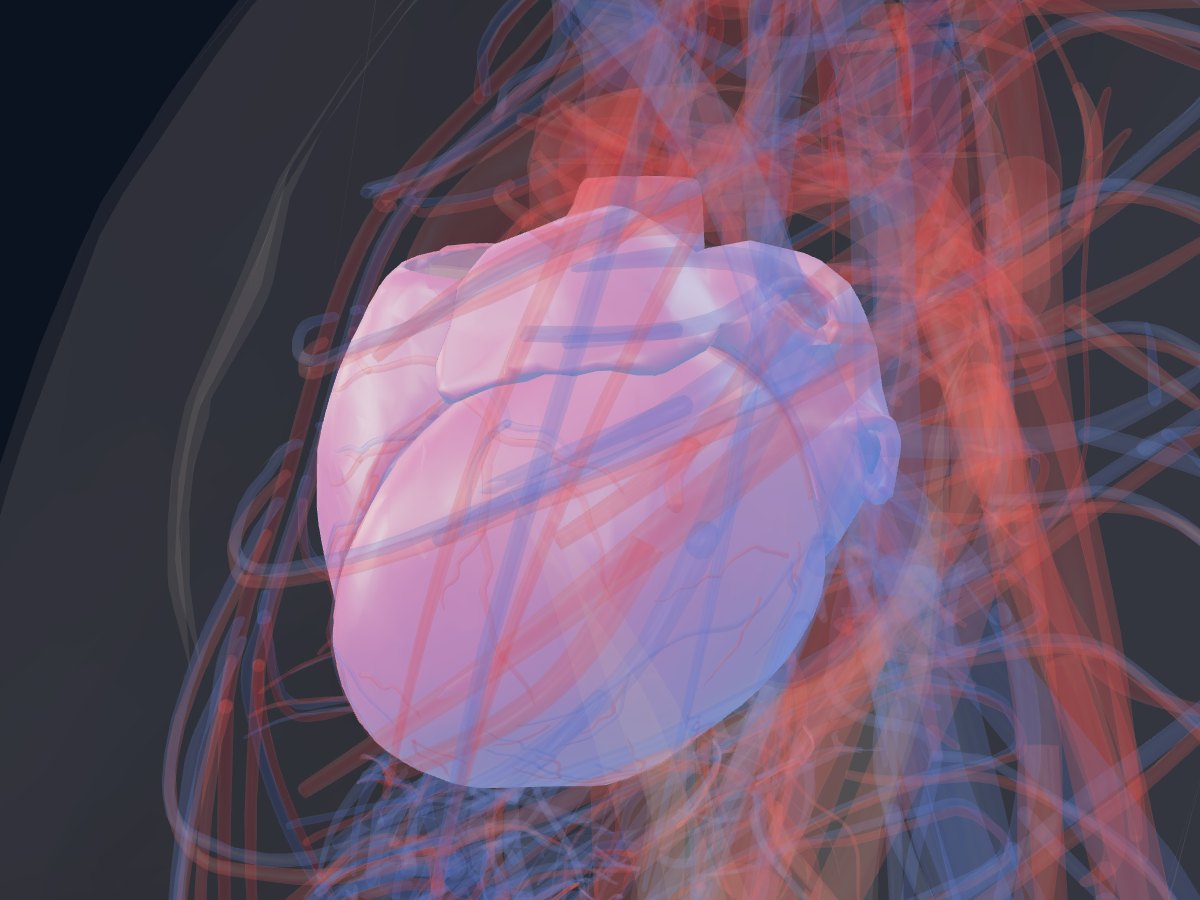
Stand next to the body in VR
Connect a Meta Quest to the computer with a Link cable or over Air Link, press “Enter VR” and put the headset on. The same program, the same body, at room scale.
- Select with a laser: the right trigger picks a structure; its name appears beside the body with an arrow pointing to it.
- Grab, turn and scale: one grip moves and turns the body, both grips scale and rotate it; the sticks walk and turn.
- The hand menu: systems, male or female, X-ray, heartbeat, breathing, blood flow, explode, lessons, hand section, scale and language.
- Buttons in the headset: A says the name, B hides the structure, Y resets the body's position.
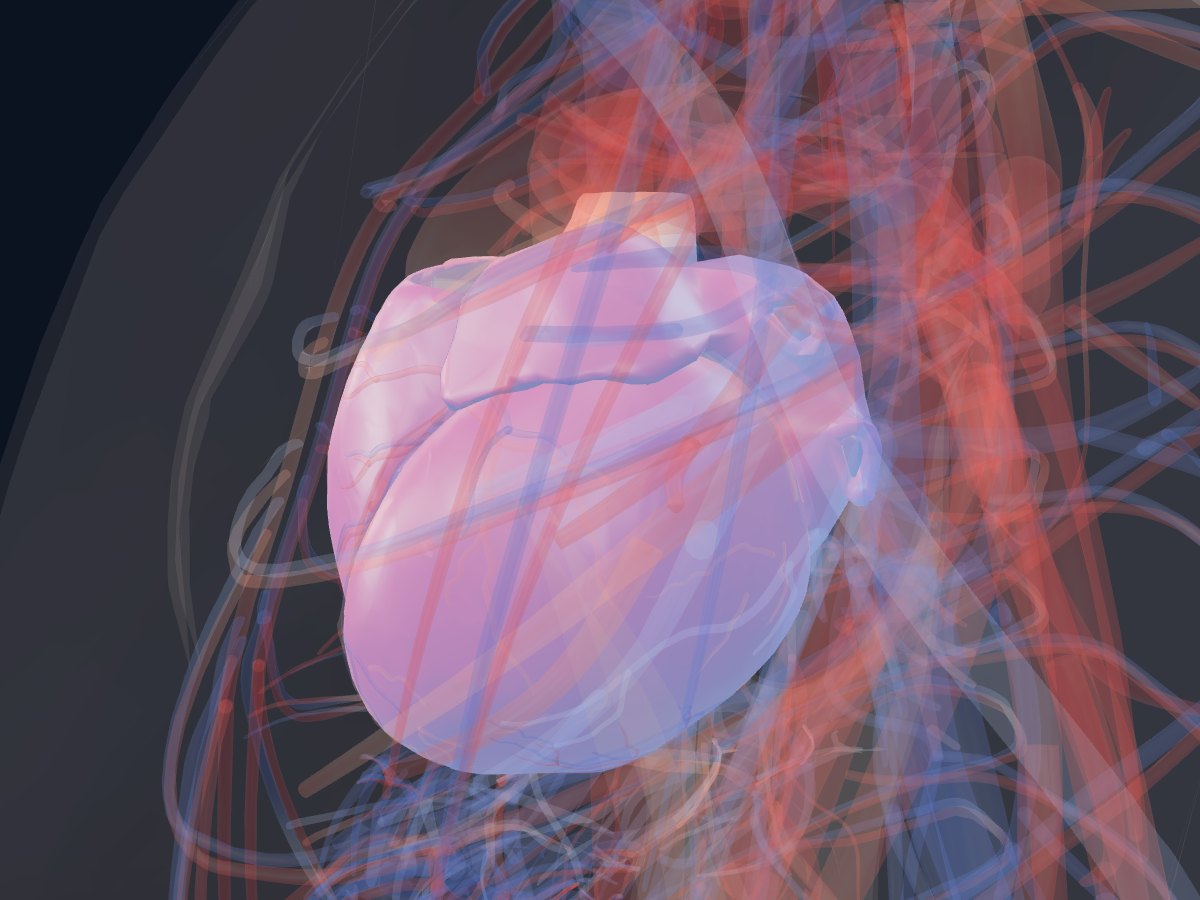
More from the program
Captured from Human Anatomy 3D version 6.0.
Up and running in three steps
1. Install
Run the Windows installer; a Human Anatomy 3D shortcut appears on the desktop and in the Start menu.
2. Try it for 5 days
The first start begins a free 5-day trial with every feature, so teachers and students can try everything first.
3. Activate your licence
Send ASFAN the machine ID shown in the licence window; you receive a key (HA3D1-…) or a .lic file and the program is activated offline.
A licence that fits your classroom
Every plan includes all the features, both body models, the learning centre and VR.
Try it first. Every installation starts with a free 5-day trial with every feature — ask us for the program.
Get Price OfferMonthly
For a single computer
Price on request
Contact us for a price offer
- All features and both bodies
- Learning centre, exams and certificates
- Virtual reality (Meta Quest)
- Automatic signed updates
Yearly
For a single computer
Price on request
Contact us for a price offer
- Everything in Monthly
- A full school or university year
- Priority support by WhatsApp and e-mail
- Automatic signed updates
Institution
For several computers
Price on request
Contact us for a price offer
- One licence per computer, managed together
- For schools, colleges and training centres
- Interactive displays in classrooms
- Setup help for VR labs
Questions about licences for several computers or a full lab? Contact ASFAN.
System requirements
- Operating system
- Windows 10 (64-bit) minimum, Windows 11 (64-bit) recommended
- Memory
- 8 GB minimum, 16 GB recommended
- Graphics
- DirectX 11; NVIDIA GTX 1070 / RTX 2060 or better for VR
- Disk space
- 2 GB minimum, 4 GB recommended
- Virtual reality (optional)
- Meta Quest 2 / 3 / Pro with a Link cable or Air Link
- Touch
- Interactive displays fully supported
User manual
Installation, licensing, the interface, navigation, the learning centre, teacher mode and VR — 13 pages.
Frequently asked questions
Is the program in Arabic?
Does it need the internet?
Can I try it before buying?
Which VR headsets are supported?
Is there a licence for a whole school or lab?
Can teachers make their own lessons?
Other ASFAN programs
Bring anatomy to life in your classroom
Tell us how many computers and whether you use VR or interactive displays, and we will send you a price offer.