VR Edition · Pre-release
Electrical Training Twin VR – A Virtual Workshop for Electrical Training
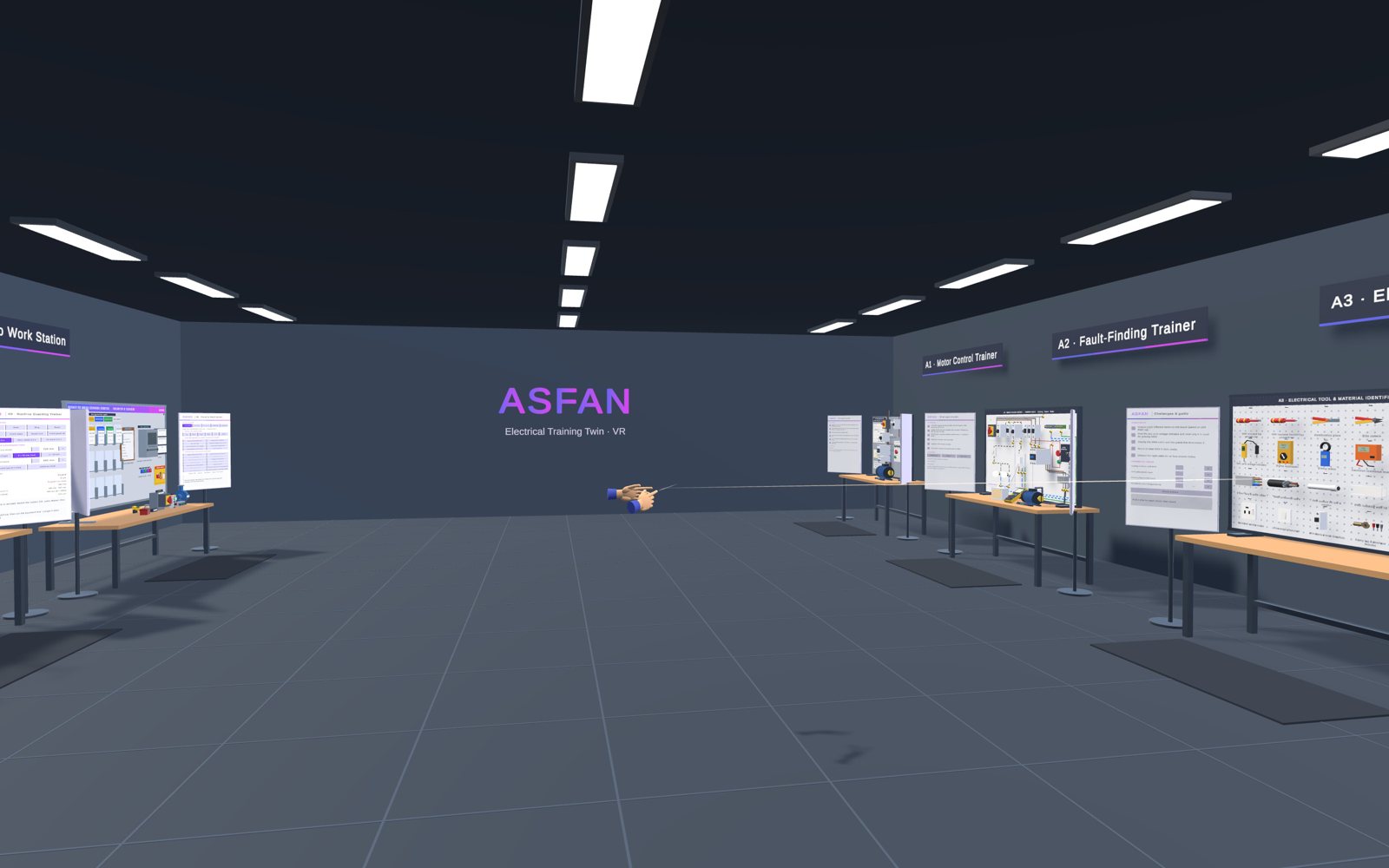
Step into a full training lab. Nine trainer rigs stand on their own tables at real size, ready to be switched, tested and fault-found with your own hands, with no live voltage in the room.
- 9 trainer rigs, all live at once
- 1:1 real-size equipment
- 51 tools and materials to pick up
Pre-release: images may change. Electrical Training Twin is a training aid and does not replace supervised practical work or your workshop’s safety procedures.
Hands on the equipment, without the risk
The VR edition puts the trainee in front of the same rigs they will meet in the workshop. They reach out, operate a breaker and see the result, as many times as it takes.
Your hands, not controllers
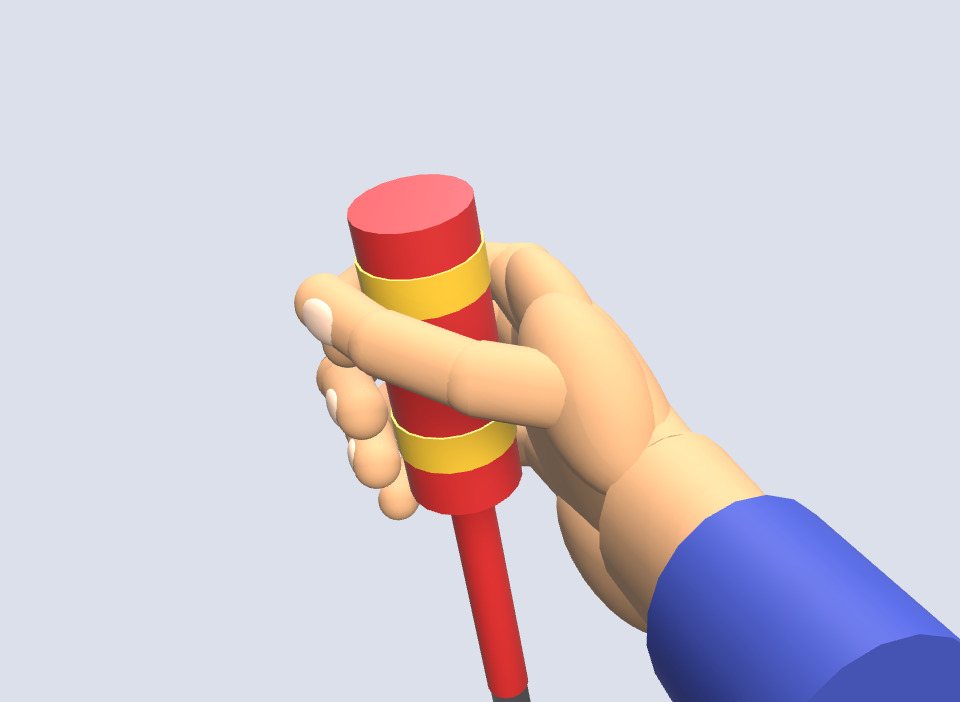
The trainee sees hands. Point a finger to operate a device; close the hand on a tool and it settles into the palm with the fingers around it.
Real size, real layout
Boards, isolators, push-buttons and motors are at their true size and height on the bench, so reach and posture match the workshop.
Live simulation behind every rig
The trainers run the same simulations as the PC edition: contactors pull in, overloads trip and meters read what the circuit is doing.
Guidance beside the bench
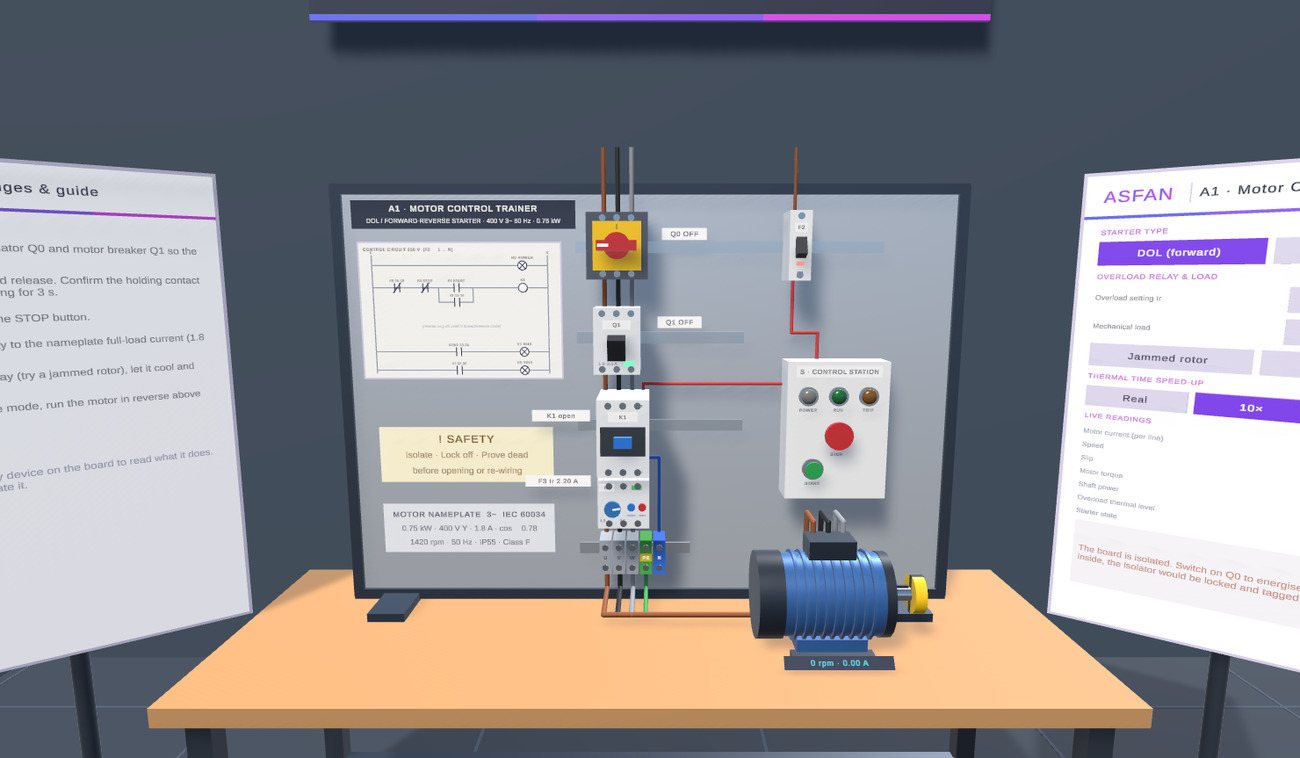
Each table has a panel of controls and readings, and a list of challenges that are ticked off as they are achieved.
It sounds like a workshop
Recorded push-buttons, breakers and running water play from the device that made them.
Mistakes cost nothing
A trip or a wrong answer costs nothing. The rig resets and the trainee tries again.
A workshop that is always free
1. Walk in
The trainee starts in the aisle between two rows of tables and moves to any trainer.
2. Operate
They switch, test and fault-find with their hands, following the challenges beside each rig.
3. Repeat
A trip or a wrong answer costs nothing. The rig resets and the trainee tries again.
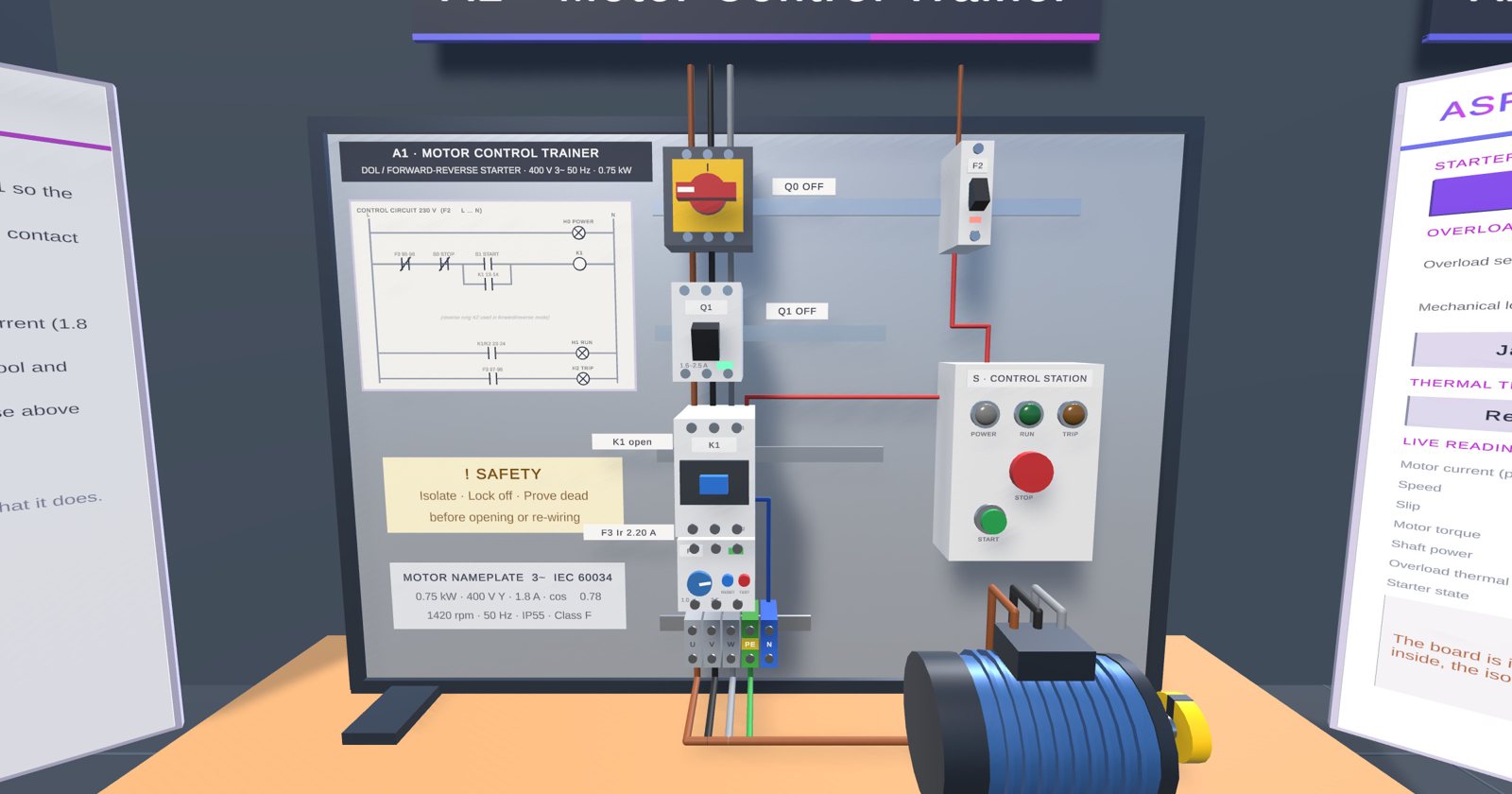
The board stands at bench height
Direct-on-line and forward/reverse starters with overload protection and a live ladder diagram — every device on the board can be operated.
- Start, stop and reverse a real-size motor
- Overload relay trips and resets
- Live ladder diagram follows the circuit
- Readings and challenges on the side panels
Tools that sit in the hand
A tool taken from the A3 board sits in the hand with the fingers around it, and returns to its hook when released.
- 22 electrical tools, instruments and cables on A3
- 29 plumbing tools, pipes, fittings and valves on A4
- Identification quizzes for tools and materials
- Point and squeeze to operate, thumbstick to move
Nine trainers, one room
Each trainer stands on its own table at real size, with a control panel on the right and its challenges on the left. All nine run at the same time, so a trainee can walk from one to the next.
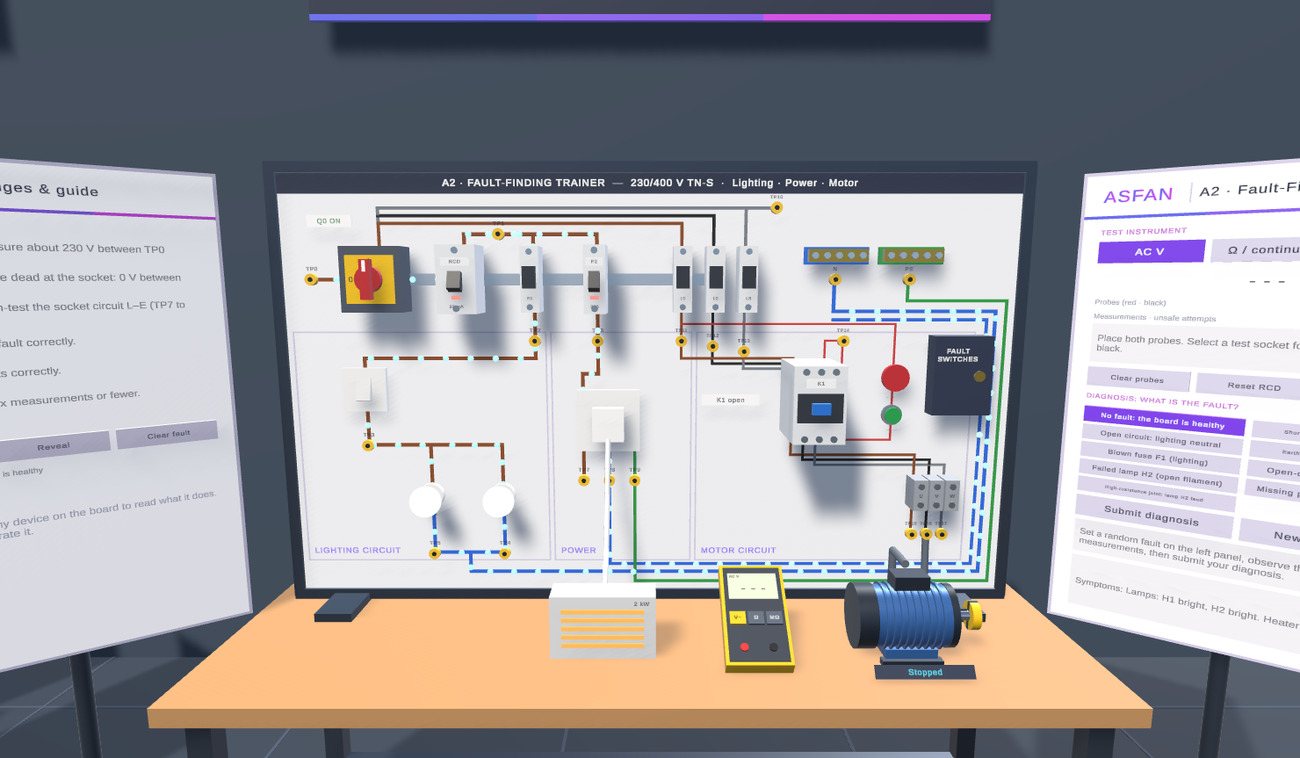
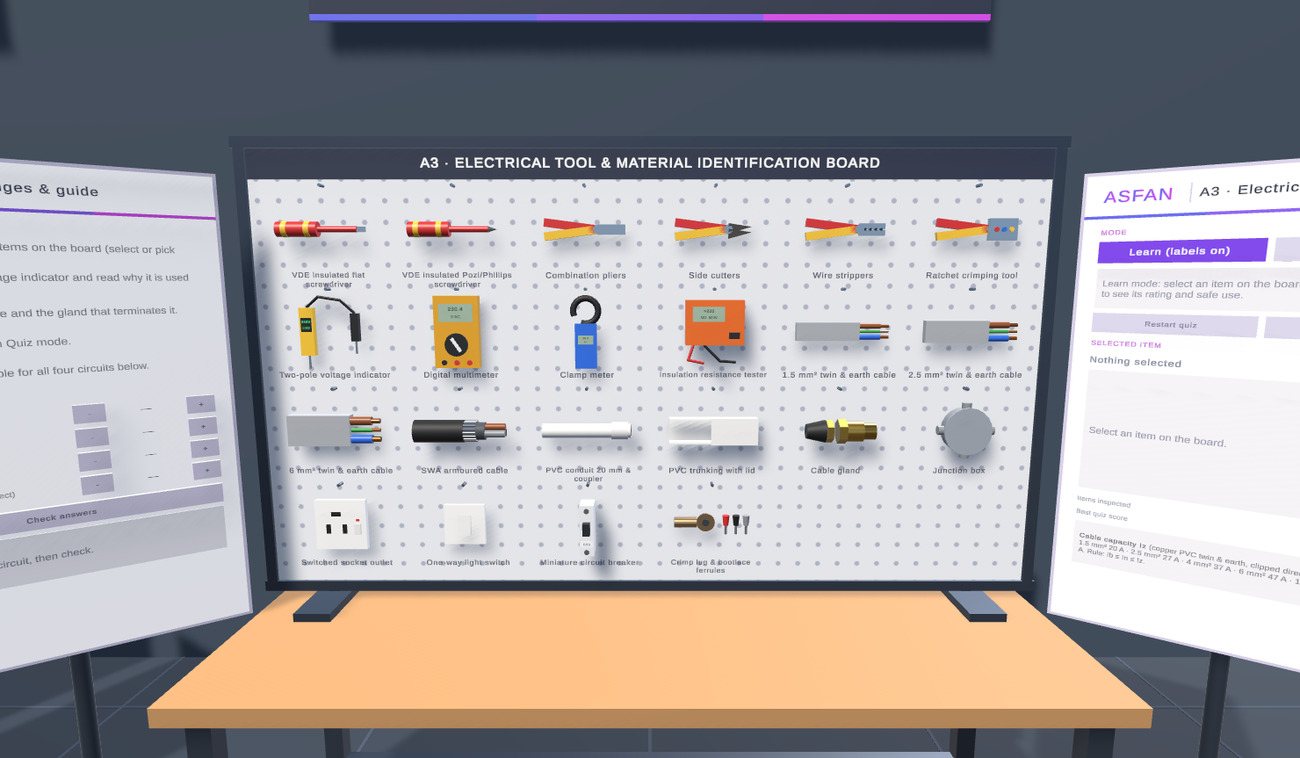
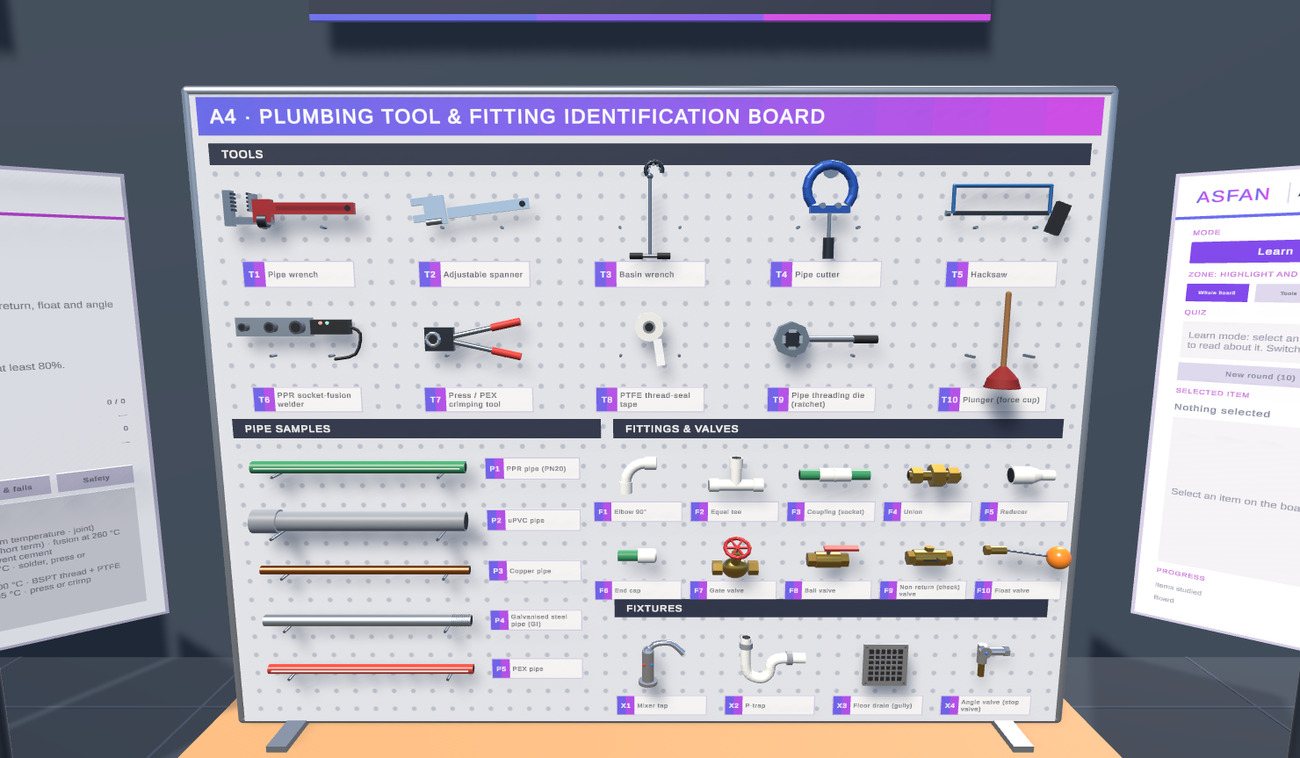
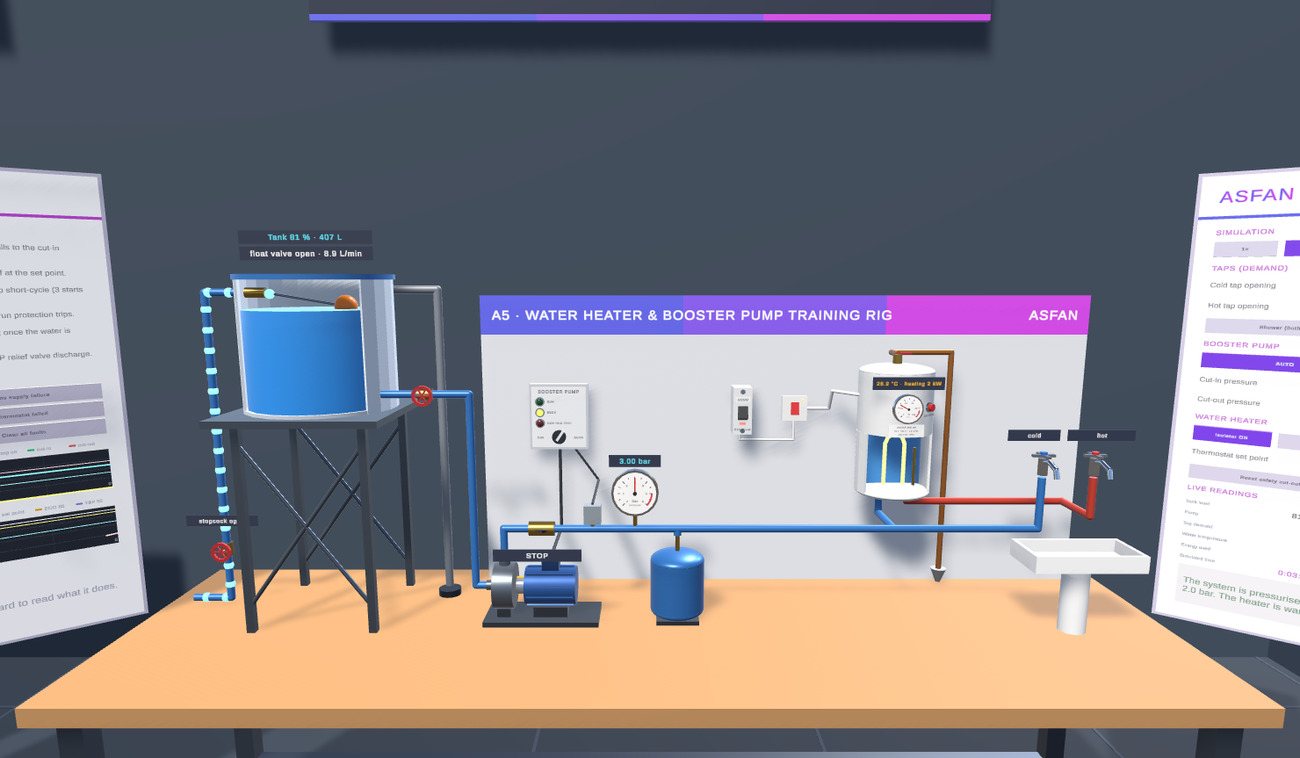
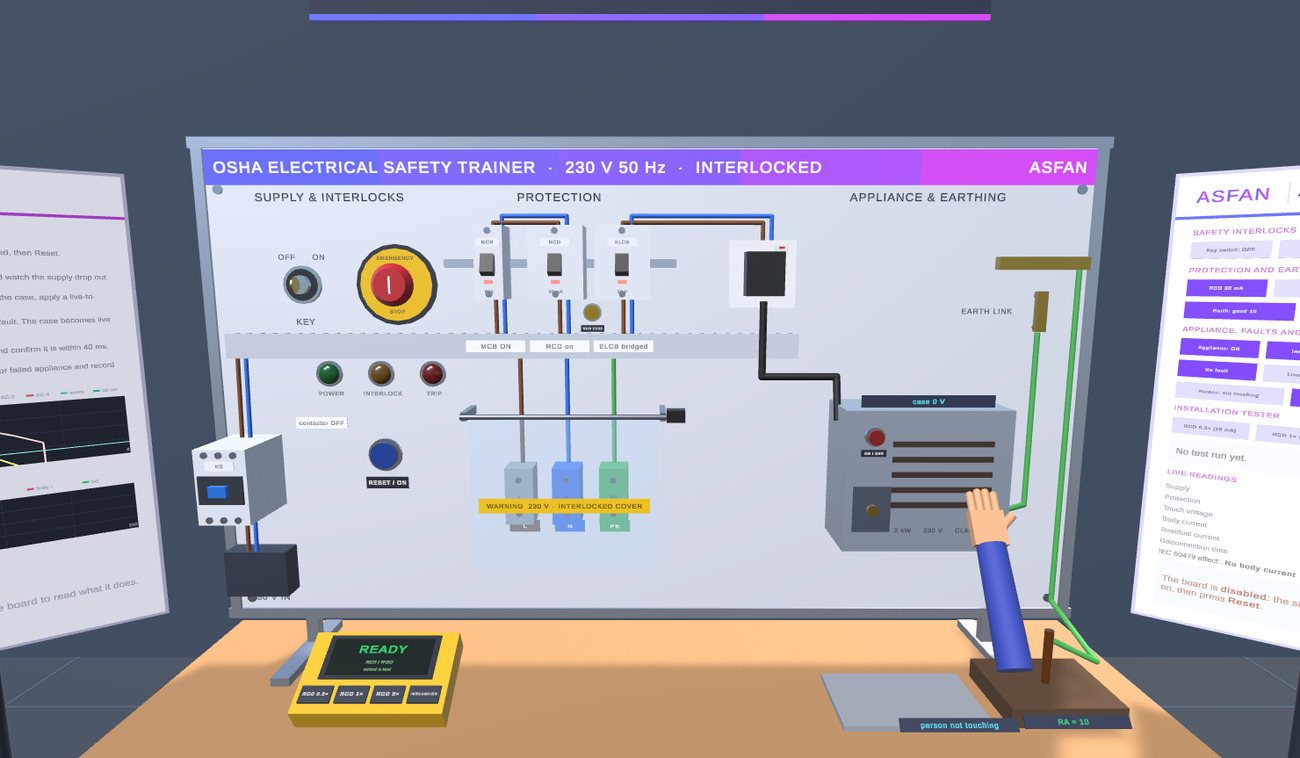
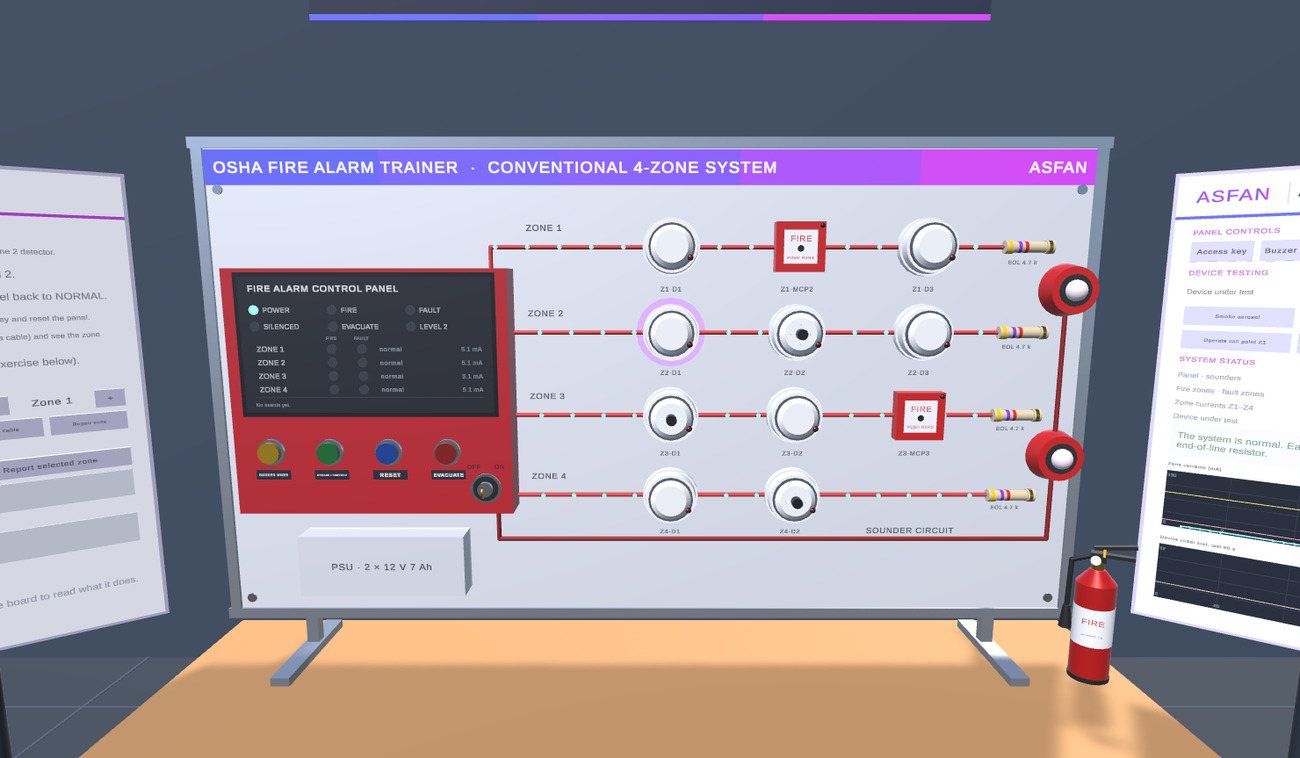
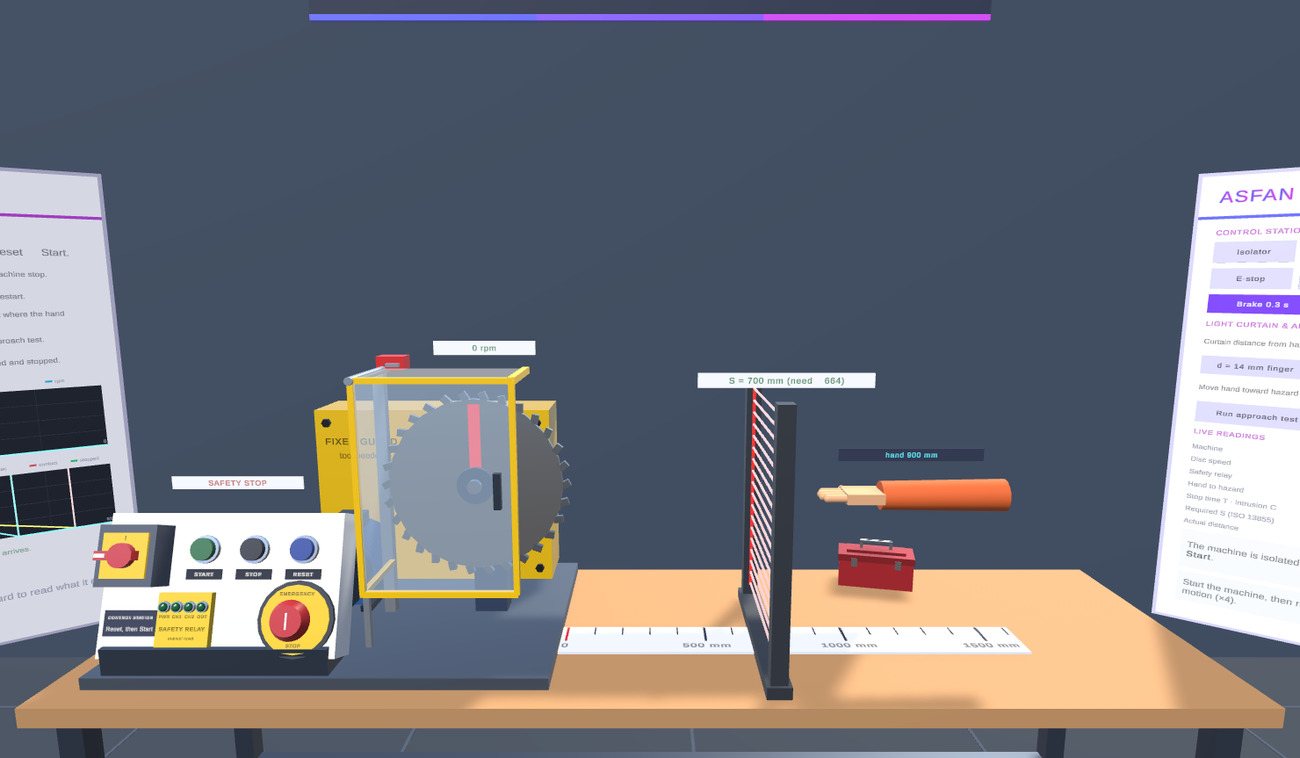
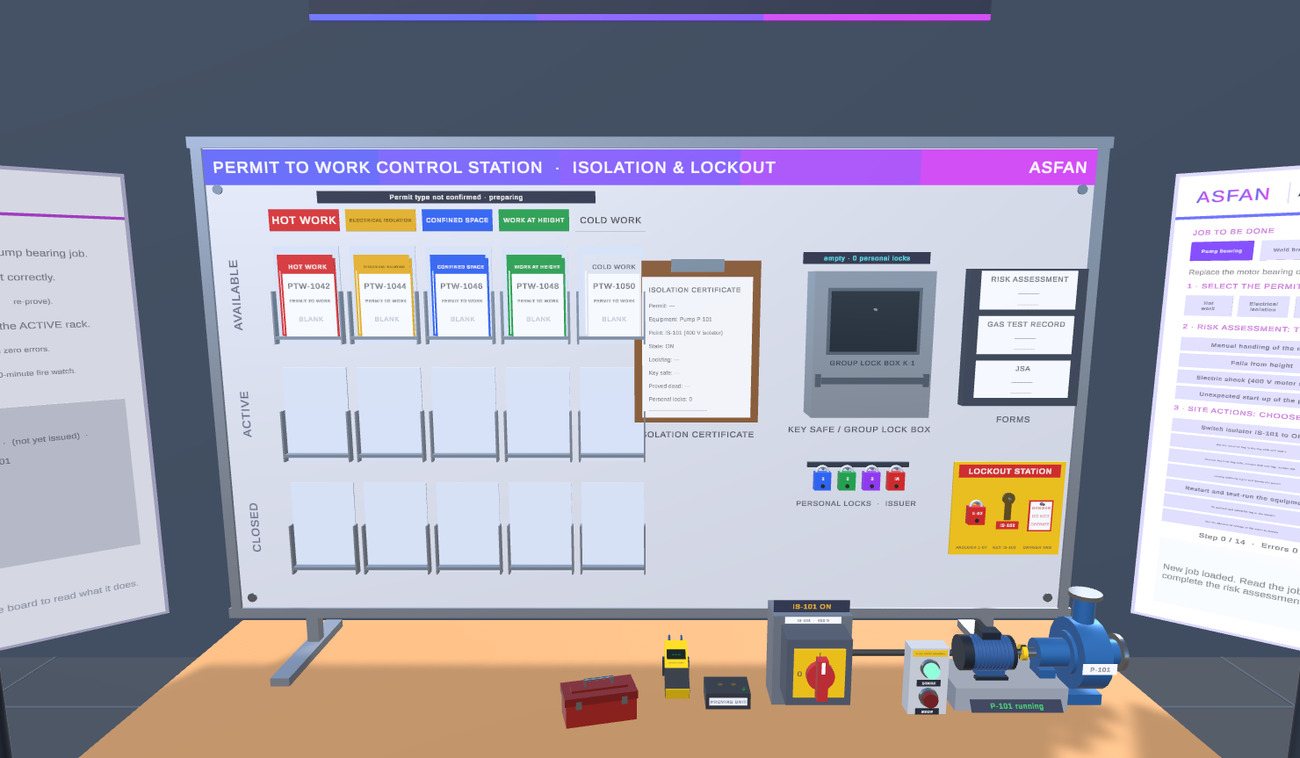
The same electrical trainers — on a PC or in VR
Both editions run the same live circuit simulations of the nine workshop trainer rigs. Pick the PC edition for the full theory course and assessment, the VR edition to stand in front of the rigs at real size — or use both together.
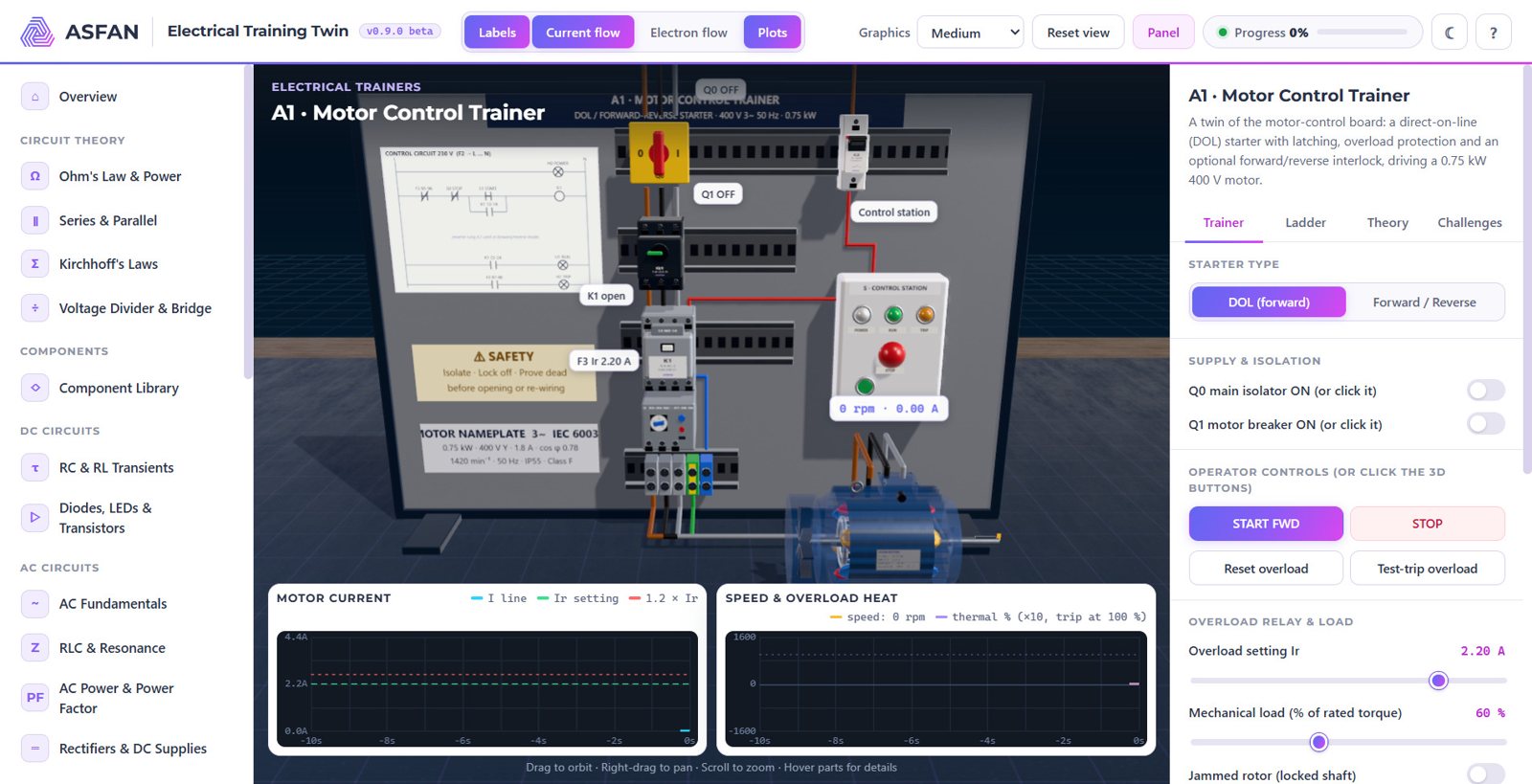
Electrical Training Twin – PC Edition
24 live 3D labs from Ohm’s law to protection, 9 twinned workshop trainers and a 92-question assessment, on any Windows PC.
Open this editionElectrical Training Twin – VR Edition
A virtual workshop with the nine trainer rigs on their own tables at 1:1 scale, operated with your own hands and no live voltage.
| PC Edition | VR Edition | |
|---|---|---|
| Content | 15 theory labs + 9 trainer twins | 9 trainer rigs in one lab |
| How trainees work | Mouse, keyboard or projector | Their own hands, at real size |
| Assessment | 92 explained questions, 80% to pass | Challenges ticked off at each rig |
| Hardware | Any Windows PC | VR-ready PC + OpenXR headset |
| Best for | Theory, demonstration, homework | Hands-on practice before the bench |
Technical details
- Headset
- Built on OpenXR for PC-connected headsets, such as Meta Quest over Link and SteamVR headsets.
- Computer
- A VR-ready Windows PC with a dedicated graphics card.
- Controls
- Both hand controllers: point and squeeze to operate, thumbstick to move.
- Space
- Seated or standing. Movement is by teleport, so a small clear area is enough.
- Without a headset
- The lab also opens on a normal screen for demonstration, with mouse and keyboard.
- Version
- Pre-release
Frequently asked questions
Which headsets does the VR edition support?
Is there any real electricity involved?
Can it be shown without a headset?
How is it different from the PC edition?
Bring the workshop to every trainee
Book a demo of the VR edition, or both editions together, for your vocational college or training centre.